How to Make AI Generated Social Media Reels (Step-by-Step)
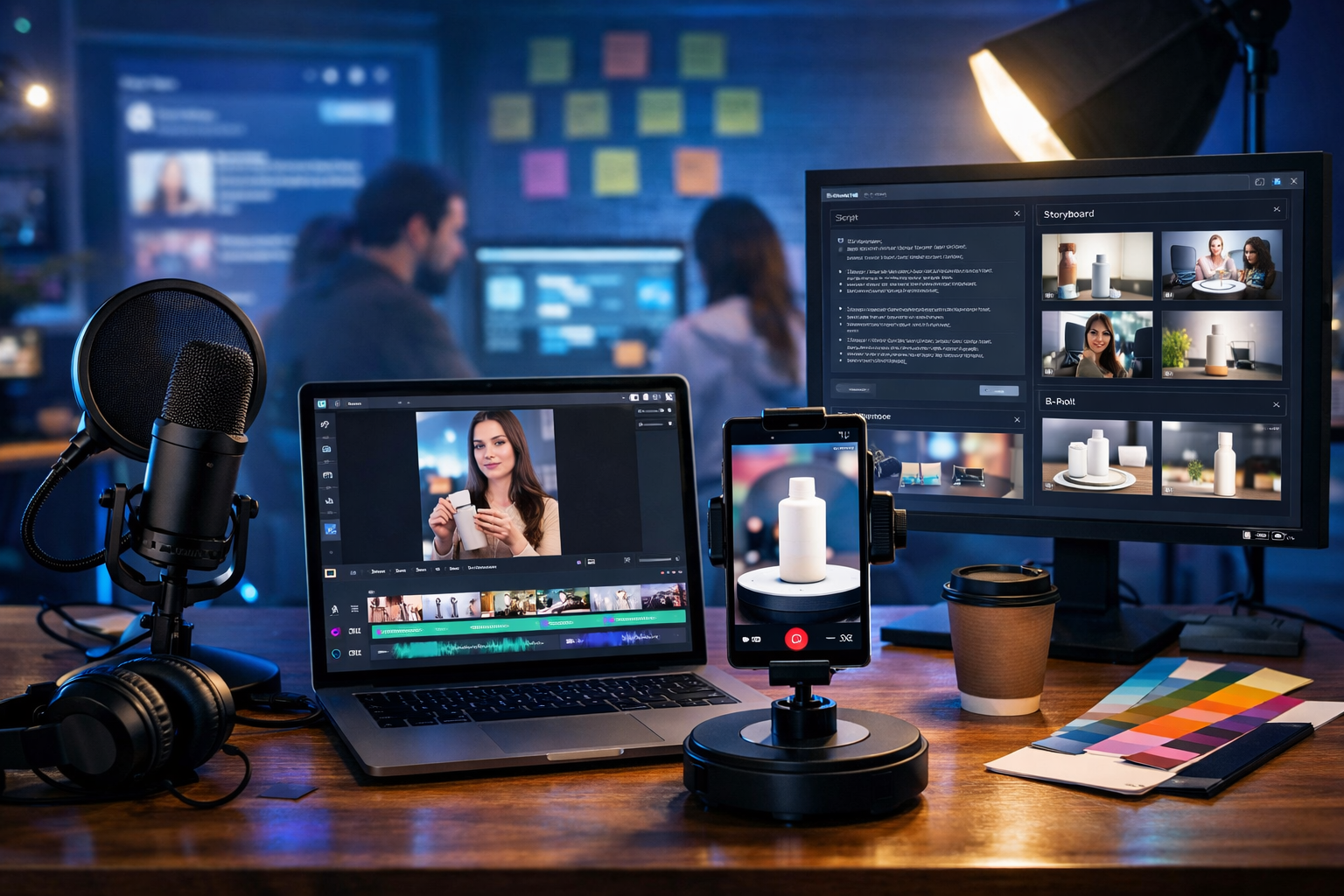
If you’re wondering how to make AI generated social media reels that don’t look “AI-made”, the secret is a simple system: a strong hook, a tight script, consistent brand visuals, natural-sounding audio, and fast iteration. In this guide, you’ll learn a repeatable workflow to create scroll-stopping reels for Instagram, TikTok and YouTube Shorts using Gen AI Last—covering planning, prompts, video generation, voice-overs, captions, and publishing.
What counts as an “AI generated reel” (and what performs best)
An AI generated reel typically combines two or more of the following: AI-written script (text), AI-generated visuals (images), AI-generated video scenes, and AI audio (voice-over or music). The highest-performing reels rarely rely on a single fully synthetic output; they blend AI efficiency with clear human intent: a specific message, a defined audience, and an on-brand finish.
Think of AI as your production team: it can draft scripts, generate cutaway visuals, create scenes, and produce voice-over—while you direct the creative and make final choices. With our AI content tools, you can generate text, images, audio and video in one place, which makes the workflow faster and easier to standardise.
Best-performing AI reel formats in 2026
- Problem → solution (e.g., “Stop doing X. Do this instead.”)
- Myth vs reality (quick contrast with a punchy payoff)
- 3 quick tips (one tip per beat; perfect for 20–35 seconds)
- Mini tutorial (screen recordings + AI voice-over)
- Product demo (benefits-led, short captions, clear CTA)
Before you generate anything: define the reel “brief”
The biggest reason AI reels flop is vague prompting. A 60-second brief saves hours of regeneration and editing. Use this checklist before you open a generator:
- Audience: who is this for (role, industry, awareness level)?
- Goal: views, saves, profile visits, clicks, leads, sales?
- Single message: one idea only (no “everything about…” reels).
- Length: 15–25s for punchy tips; 30–45s for tutorials; 45–60s for demos.
- Structure: Hook (0–2s), value (3–20s), proof (optional), CTA (final 2–4s).
- Brand constraints: colours, fonts, tone, banned words, required CTA.
Once you have this, AI generation becomes predictable instead of random.
Step-by-step: how to make AI generated social media reels
Below is a practical end-to-end process. You can run it in under 60 minutes once you’ve done it a few times.
Step 1: Generate a hook-driven script (AI text)
Start with the script, because everything else (visuals, voice, captions) depends on it. In Gen AI Last, use AI Text Generation to create a short, spoken script with a strong first line.
Prompt template (copy/paste):
“Write a 25–35 second reel script for [platform] targeting [audience]. Topic: [topic]. Goal: [goal]. Tone: [tone]. Structure: Hook (1 sentence), 3 value beats (1–2 short sentences each), CTA (1 sentence). Keep sentences short, punchy, and spoken-word natural. Include on-screen caption suggestions in brackets.”
Example (for a small business): “Write a 30-second Instagram Reel script targeting café owners. Topic: boosting weekday footfall. Goal: saves and DMs. Tone: friendly, confident. Structure: Hook, 3 tactics, CTA. Include caption suggestions.”
Step 2: Turn the script into a storyboard and shot list
AI reels look “cheap” when scenes don’t match the words. A storyboard fixes that. Ask the text generator to create a shot list: what viewers see for each line, plus B-roll ideas and on-screen text.
- A-roll: you talking to camera (optional, but highly effective).
- B-roll: visuals that illustrate each point (screens, product shots, lifestyle clips).
- Text overlays: the minimum words needed to reinforce the hook and each beat.
Prompt: “Convert the script into an 8-shot storyboard. For each shot: visual description, camera style (close-up, medium, top-down), movement (static, slow push-in), on-screen text (max 6 words), and estimated duration.”
Step 3: Generate supporting visuals (AI images) for B-roll and covers
Even if you plan to generate video scenes, AI images are extremely useful for: intro frames, cutaways, background plates, product mockups, and cover thumbnails.
In Gen AI Last’s AI Image Generation, create a consistent visual “pack”:
- Cover image: clear subject + uncluttered background (leave space for captions added later).
- 3–6 B-roll images: one per value beat (e.g., “menu board”, “loyalty card”, “coffee pour”).
- Brand consistency: keep lighting, lens style, and colour palette similar.
Image prompt tips: specify camera angle, lighting, environment, and avoid text/logos. If you need “platform UI” visuals, ask for generic interface elements without branding.
Step 4: Generate the reel video scenes (AI video)
Now create the motion. In AI Video Generation, you can produce short clips that match your storyboard. Aim for 4–10 clips of 2–6 seconds each; short clips are easier to stitch together and feel more dynamic.
Video prompt formula: Subject + setting + action + camera + mood + duration + aspect ratio.
Example video prompts:
- “Vertical video, 4 seconds. Close-up of barista stamping a loyalty card on a café counter, shallow depth of field, warm morning light, natural motion, cinematic handheld.”
- “Vertical video, 5 seconds. Overhead shot of a menu board being updated with a weekday special, marker moving, clean modern café, soft natural light.”
- “Vertical video, 4 seconds. Medium shot of a phone screen showing a generic social post being scheduled (no logos), cool blue tech vibe, slight parallax movement.”
If you’re mixing AI video with real footage, keep your real clips simple: talking head by a window, product close-ups on a desk, or a screen recording. AI then fills the gaps with consistent B-roll.
Step 5: Create a natural voice-over (AI audio)
Voice-over is the difference between “pretty visuals” and a reel that actually communicates. In Gen AI Last’s AI Audio Generation, create voice-over in a tone that fits the brand: calm, upbeat, authoritative, or playful.
- Read speed: aim for 130–160 words per minute for most reels.
- Pronunciation: spell out acronyms the first time if needed.
- Breathing room: add micro-pauses between beats to help captions land.
Prompt: “Generate an energetic but natural UK English voice-over for this reel script. Add short pauses after the hook and each point. Avoid sounding robotic.”
Optional: generate light background music at a low volume. Keep it subtle so the voice remains clear.
Step 6: Edit for retention (the “watch-time” checklist)
Whether you edit in a dedicated editor or your platform’s built-in tools, your goal is retention. Use this checklist to tighten the reel:
- Cut the intro. Start on movement or a strong visual with the hook caption immediately.
- Change visuals every 1–2 seconds (or add subtle zoom/pan to still images).
- Keep captions big and minimal. One idea per line, avoid paragraphs.
- Use “pattern interrupts”. Quick cutaways, a question on screen, or a zoom on key words.
- End with clarity. A single CTA: “Save this”, “Follow for more”, “Comment ‘PLAN’”, or “DM us”.
If your reel feels slow, it usually needs fewer words, faster scene changes, and stronger on-screen text—not more effects.
Step 7: Generate captions and hashtags (AI text)
Captions should support the reel, not repeat it. Ask Gen AI Last to write a caption with a clear first line, a short value recap, and a CTA. For hashtags, prioritise relevance over volume.
Prompt: “Write an Instagram Reel caption (max 1,000 characters). First line must hook. Include 1–2 short paragraphs, then a CTA. Provide 12–18 relevant hashtags split into: niche, broader, and branded.”
Step 8: Publish with a testing plan (so you improve fast)
AI makes creation faster, but growth comes from iteration. Publish with a simple testing plan:
- Test one variable at a time: hook line, cover image, first 2 seconds, or CTA.
- Post in batches: 3–5 reels per week for 2–3 weeks to see patterns.
- Track: 3-second views, average watch time, rewatches, saves, shares, profile actions.
When a reel works, rebuild it: same structure, new topic. That’s how you turn one idea into a series.
Ready-to-use AI reel prompt packs (copy/paste)
Use these prompt packs in Gen AI Last to speed up production while staying consistent.
Prompt pack 1: 30-second “3 tips” reel
Text prompt: “Create a 30-second reel script: ‘3 ways to [outcome]’. Audience: [audience]. Make the hook a bold claim. 3 tips must be practical and specific. Add short on-screen captions (max 6 words each). End with: ‘Save this for later’.”
Video prompt: “Create 6 vertical video clips (3–5 seconds each) matching these captions: [paste captions]. Style: realistic, modern, natural movement, consistent lighting. No logos or readable text.”
Audio prompt: “Generate an upbeat UK English voice-over reading this script clearly with short pauses between tips.”
Prompt pack 2: “Myth vs reality” reel
Text prompt: “Write a 20–25 second myth vs reality reel about [topic]. Structure: Hook question, Myth (1 sentence), Reality (2 sentences), 1 quick example, CTA to comment ‘MYTH’ if they’ve heard it before.”
Image prompt: “Create two contrasting photorealistic images representing ‘myth’ vs ‘reality’ for [topic]. Keep consistent style, neutral background, soft studio lighting, 16:9, no text.”
Prompt pack 3: Product demo reel (conversion-focused)
Text prompt: “Write a 35–45 second product demo reel script for [product]. Include: problem, why current solutions fail, product introduction, 3 benefits, quick how-it-works, social proof placeholder, CTA to visit link in bio. Add on-screen caption cues.”
Video prompt: “Generate 5 vertical clips showing [product] in use in a clean modern setting, natural hands interacting, close-ups of key features, soft natural light, realistic motion, no logos.”
Common mistakes when making AI generated reels (and fixes)
- Mistake: The hook is generic. Fix: lead with a clear outcome, time frame, or “stop doing this” statement.
- Mistake: Too many ideas. Fix: one reel = one promise. Turn the rest into a series.
- Mistake: Visuals don’t match the words. Fix: storyboard first; generate one clip per beat.
- Mistake: AI voice sounds flat. Fix: shorten sentences, add pauses, choose a more natural style, and reduce background music.
- Mistake: Captions are walls of text. Fix: 3–7 words per line, high contrast, and highlight only keywords.
A simple weekly workflow for startups and small teams
Gen AI Last is designed to be affordable and all-in-one, which is ideal if you’re a small team trying to post consistently without hiring a full production crew. Here’s a realistic weekly cadence:
- Monday: generate 10 hooks + pick 3 winners.
- Tuesday: write 3 scripts + storyboards.
- Wednesday: generate video scenes + supporting images.
- Thursday: generate voice-overs + edit + captions.
- Friday: schedule/post + review performance from last week.
Because all plans include full access to text, image, audio and video generation, you can keep everything in one workflow. If you want to keep costs predictable, view pricing from $10/month.
FAQ: AI generated social media reels
How long should an AI reel be?
Most educational reels perform well at 20–35 seconds. If you’re demonstrating a process, 35–60 seconds can work—provided the first 2 seconds are strong and visuals change frequently.
Do AI reels get penalised by platforms?
Platforms prioritise viewer satisfaction metrics (watch time, rewatches, shares, saves). Low-quality, repetitive content underperforms—regardless of whether it’s AI-made. Focus on clarity, value, and retention.
Should I show my face or use fully AI visuals?
Faces often improve trust and conversion, especially for services and creators. Fully AI reels can work for product-led brands and visual concepts, but you’ll usually need stronger proof points and tighter scripting.
What’s the fastest way to make reels consistently?
Batching. Generate scripts and storyboards in one sitting, then generate visuals and audio in another. An all-in-one platform reduces the friction of swapping tools and formats.
Create your first AI reel today
Now you know exactly how to make AI generated social media reels: start with a clear brief, generate a hook-led script, build a storyboard, create scenes, add natural voice-over, and edit for retention. If you want a single place to generate the script, visuals, video and audio without juggling subscriptions, try Gen AI Last. You can start creating for free and build your first reel in under an hour.
Ready to Create with Generative AI?
Join thousands of creators using Gen AI Last to generate text, images, audio, and video — all from one platform. Start your 7-day free trial today.
Start Free — Try 7 DaysQuick Links
Create AI content from $10/month
View Plans