How to Make AI Generated Social Media Reels (Step-by-Step)
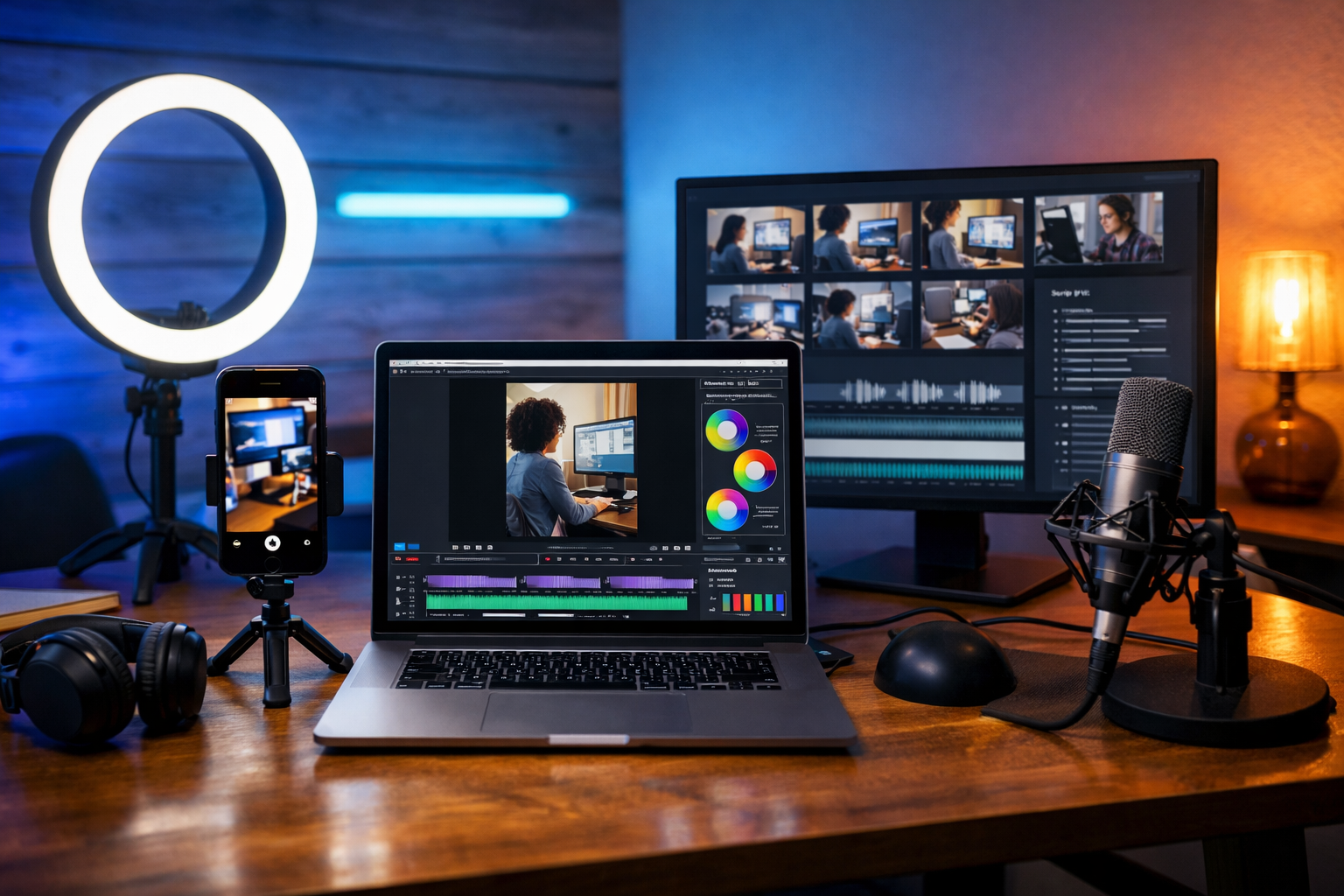
If you’re wondering how to make AI generated social media reels that don’t feel robotic, the key is a repeatable workflow: a strong hook, a tight script, purposeful visuals, clean audio, and fast editing built for 9:16 viewing. In this guide you’ll learn an end-to-end method to create reels for Instagram, TikTok, and YouTube Shorts using Gen AI Last for text, images, audio, and video—so you can produce more content with a small team (or just you) without sacrificing quality.
What counts as an AI generated social media reel?
An AI generated reel is a short-form vertical video (typically 7–45 seconds) where AI helps create one or more of the core assets: the script, on-screen captions, visuals (images or clips), voiceover, background music, or even the final assembled video. Most high-performing “AI reels” are not fully automated; they’re AI-assisted productions with human decisions guiding the message, pacing, and brand style.
Gen AI Last is built for this kind of workflow because it combines AI text generation, image creation, audio generation, and video generation in one platform. You can move from idea → script → assets → final reel without bouncing between five tools. Explore our AI content tools to see what’s included.
Before you start: choose a reel “template” that matches your goal
Reels work because they’re familiar patterns with a fresh idea inside. Pick one format and repeat it weekly so your production gets faster and your audience learns what to expect.
- Hook + 3 tips (education): “3 mistakes…” / “3 ways to…”
- Problem → agitation → solution (service/business): “If you’re struggling with…, do this…”
- Myth vs truth (thought leadership): “Stop doing X. Do Y instead.”
- Before/after (product/results): “From this → to this in 30 seconds.”
- Mini case study (proof): “We changed one thing and got…”
- Behind-the-scenes (trust): “Here’s how we make…”
Pick one primary CTA for each reel (follow, comment, save, visit link). Clear intent makes scripting and editing much easier.
Step-by-step: how to make AI generated social media reels
Step 1: Research the angle (without overthinking it)
You don’t need hours of research to create effective reels, but you do need a focused angle. Start by collecting:
- A common audience pain point (what they complain about).
- A contrarian insight (what most creators miss).
- A practical “next step” (what they can do today).
Example angle for a small business: “Most reels fail because the hook is vague. Here are 5 hooks you can steal for your niche.”
Step 2: Generate a reel script with a strong hook
Your script should be written for listening, not reading. Aim for 90–130 words for a 20–30 second reel (depending on pace). Use Gen AI Last’s AI Text Generation to draft multiple hook options and a tight structure, then pick the most specific version.
Prompt you can use (copy/paste):
“Write 5 reel scripts (20–25 seconds) for [audience] about [topic]. Each script must include: a 1-sentence hook, 3 punchy points with examples, and a CTA asking viewers to save or comment. Tone: confident, friendly, no fluff. Add suggested on-screen captions per line.”
What a good hook looks like: it’s specific, time-bound, or outcome-driven. “Stop posting reels like this…” beats “Here are some tips…” every time.
Step 3: Storyboard the visuals (match every line to a shot)
Even if you’re using AI-generated visuals, you still need a shot plan. Create a simple two-column storyboard:
- Column A: voiceover line or on-camera line.
- Column B: visual (b-roll, screen recording, AI image, product close-up, chart, etc.).
This prevents the most common “AI reel” problem: random visuals that don’t reinforce the message. If a line says “show the result”, the visual must show the result.
Step 4: Create visuals (AI images, b-roll, or a hybrid)
There are three reliable visual styles for AI-generated reels:
- Hybrid: your real b-roll + AI images for metaphors/illustrations (best for trust and speed).
- Full AI visuals: stylised images/clips throughout (good for faceless channels and concepts).
- Screen-first: screen recordings, UI mock-ups, tutorials (great for SaaS and education).
With Gen AI Last’s AI Image Generation, create 3–8 visuals that match your storyboard beats. Keep continuity consistent (same character, wardrobe, colour palette, setting) so the reel feels intentional rather than stitched together.
Example image prompt for a marketing reel:
“Photorealistic vertical shot of a small business owner in a home office filming a smartphone reel with a ring light, laptop showing a video timeline, sticky notes with content ideas, warm natural light, shallow depth of field, modern minimal decor, no text, no logos.”
Step 5: Generate a natural voiceover (or record your own)
Voice is often the difference between “AI content” and content people actually finish. If you’re not recording yourself, use Gen AI Last’s AI Audio Generation for voiceover and (optionally) background music.
- Keep it conversational: shorten sentences, avoid jargon, use contractions.
- Add performance cues: “(pause)”, “(smile)”, “(emphasise)”—even if the tool doesn’t explicitly support them, it helps you rewrite for rhythm.
- Choose clarity over drama: crisp voice + clean mix beats overly cinematic audio.
If you do record your own voice, you can still use AI to tighten the script, generate caption lines, and create background music beds.
Step 6: Assemble the reel with fast pacing (the “2-second rule”)
Whether you’re using Gen AI Last’s AI Video Generation to create clips or assembling assets yourself, pacing matters more than fancy effects. A practical rule: change the visual or camera angle every 1–2 seconds unless you’re demonstrating something on screen.
Editing checklist:
- Start with the hook within the first second (no intros).
- Cut dead air between phrases; keep breaths natural but minimal.
- Use simple motion (subtle zooms, pan, swipe cuts) to keep energy.
- Layer in b-roll to cover transitions and reinforce points.
- Finish with a single CTA that matches the reel’s promise.
Step 7: Add captions that are readable on mobile
Most viewers watch reels without sound at least some of the time, so captions are non-negotiable. Use your AI-generated script lines to create short, punchy captions rather than long paragraphs.
- Keep lines short: 3–7 words per line where possible.
- Highlight keywords: emphasise the “result” words (e.g., “more saves”, “higher retention”).
- Respect safe areas: keep text away from bottom UI overlays.
If you want a clean workflow, generate a captioned script version in Gen AI Last (each sentence on a new line). That becomes both your caption template and your edit guide.
Step 8: Export in the right settings for Reels/TikTok/Shorts
Use these baseline export settings to avoid quality loss:
- Aspect ratio: 9:16 (1080×1920)
- Frame rate: 30fps (60fps if you filmed high-motion content)
- Codec: H.264
- Bitrate: high quality (platforms compress anyway)
- Audio: AAC, 44.1kHz or 48kHz
Before posting, watch the reel on your phone. If captions are too small or the hook feels slow, fix it. Mobile is the real test.
A complete workflow you can repeat weekly (30–60 minutes per reel)
Here’s a repeatable schedule that works for creators, freelancers, and small teams:
- Batch ideas (15 minutes): generate 10 hooks in Gen AI Last; choose 3.
- Batch scripts (20 minutes): expand the 3 hooks into 3 scripts; tighten to 90–130 words.
- Batch assets (20 minutes): create 3–8 AI images per reel (or plan b-roll shots).
- Batch audio (10 minutes): generate voiceovers and one background track style.
- Assemble & caption (30–45 minutes): edit and export.
Because Gen AI Last includes text, images, audio, and video in one place, the hand-offs are simpler and you can keep a consistent brand voice without paying for multiple subscriptions. If you’re building this process on a budget, view pricing from $10/month.
Practical examples: 3 AI reel concepts (with prompts)
Example 1: Service business (digital marketing agency)
Hook: “If your reels aren’t getting saves, your tips are too vague.”
AI text prompt: “Write a 25-second reel script for small business owners explaining why ‘generic tips’ don’t get saves. Give 3 specific rewrites (before/after). End with: ‘Comment SAVE and I’ll send the template.’”
Visual plan: AI image of a content calendar → on-screen before/after examples (as stylised cards) → quick b-roll of editing timeline.
Example 2: E-commerce product (skincare)
Hook: “One ingredient mistake is ruining your morning routine.”
AI image prompt idea: “Photorealistic close-up of skincare bottles on a bathroom counter with soft morning light, minimal labels, clean aesthetic, water droplets, shallow depth of field, vertical framing.”
Audio: warm, calm voiceover; subtle ambient music.
Example 3: SaaS tutorial (productivity tool)
Hook: “This 10-second setup will save you an hour a week.”
Visual plan: screen recording (real) + AI-generated UI mock-up for the intro frame + animated callouts.
Tip: prioritise clarity. One feature, one outcome, one CTA.
How to make AI reels feel human (and not like template content)
AI can speed up production, but audiences follow people and perspectives. Use these tactics to keep your reels authentic:
- Add a real detail: a number, a mistake you made, a lesson from a client call.
- Use your own examples: replace generic advice with niche-specific “before/after” versions.
- Keep imperfections: a natural pause in voiceover or a quick handheld b-roll clip can increase trust.
- Build a series: “Part 1/2/3” beats random one-offs for retention and follows.
- Match tone to audience: founders want directness; lifestyle audiences may prefer softer delivery.
Common mistakes when making AI generated social media reels
- Weak hook: if the first line could apply to anyone, it won’t stop the scroll.
- Too much info: one idea per reel; point to a longer post or lead magnet for depth.
- Random visuals: every shot must support a line of narration or a caption.
- Overly synthetic voice: rewrite for speech, reduce long sentences, and choose a natural tone.
- No CTA: tell viewers what to do next—save, comment, follow, or click.
Posting and optimisation: how to get more reach from each reel
Creation is only half the game. Use a simple optimisation loop:
- Caption: one sentence that repeats the hook + a clear CTA.
- Hashtags: 3–8 targeted tags (niche + problem + outcome). Avoid stuffing.
- Cover frame: a readable title (short) and a clear visual.
- Timing: post consistently; “best time” matters less than consistency.
- Analyse retention: if people drop at second 2–3, rewrite the hook and tighten the intro.
Then reuse what works: turn a winning reel into a 5-part series, a carousel, an email, and a blog snippet using AI text generation.
Why Gen AI Last is a practical all-in-one for reels
To make AI generated social media reels efficiently, you need one place to handle the full pipeline: scripting, visuals, voice, and video. Gen AI Last is designed for exactly that—so startups and small teams can ship high-quality content without a complicated stack.
- AI Text Generation: hooks, scripts, captions, descriptions, comment replies.
- AI Image Generation: story frames, b-roll alternatives, product-style visuals.
- AI Audio Generation: voiceovers, narration, background music beds.
- AI Video Generation: create and iterate marketing videos and social reels.
If you want to test the workflow before committing, start creating for free, then scale when you’re ready.
Quick checklist: your first AI reel in under an hour
- Pick one format (Hook + 3 tips is easiest).
- Generate 5 hook options; choose the most specific.
- Draft a 90–130 word script and split into caption lines.
- Storyboard 6–10 shots (one per line/beat).
- Create 3–8 AI visuals (plus any real b-roll).
- Generate a clean voiceover and light background music.
- Edit with fast cuts; add captions; export 1080×1920.
- Post with a hook-based caption + one CTA; review retention.
FAQs
How long should AI generated social media reels be?
For most niches, 15–30 seconds is the sweet spot: long enough to deliver value, short enough to maintain retention. If you’re teaching a process, 30–45 seconds can work if pacing is tight.
Do platforms penalise AI-generated reels?
Platforms tend to reward viewer satisfaction signals (watch time, rewatches, saves, shares). AI isn’t the issue; low-effort, repetitive content is. Focus on originality, specificity, and useful outcomes.
What’s the easiest type of AI reel for beginners?
A faceless “Hook + 3 tips” reel with captions and simple supporting visuals. You can generate the script, images, and voiceover quickly, then assemble with consistent pacing.
How can I keep my brand consistent across AI reels?
Create a small brand kit: preferred colour palette, caption style, a few reusable hook formulas, and a consistent voice tone. Then reuse the same prompt structure in Gen AI Last and iterate based on performance.
Next steps
Now you know how to make AI generated social media reels with a workflow that balances speed and quality. The best way to improve is to publish consistently and refine one variable at a time—hook, pacing, captions, or visual style. When you’re ready to build a repeatable system using one platform for scripts, visuals, audio, and video, explore our AI content tools and view pricing from $10/month.
Ready to Create with Generative AI?
Join thousands of creators using Gen AI Last to generate text, images, audio, and video — all from one platform. Start your 7-day free trial today.
Start Free — Try 7 DaysQuick Links
Create AI content from $10/month
View Plans