How to Make AI Generated Social Media Reels (Step-by-Step)
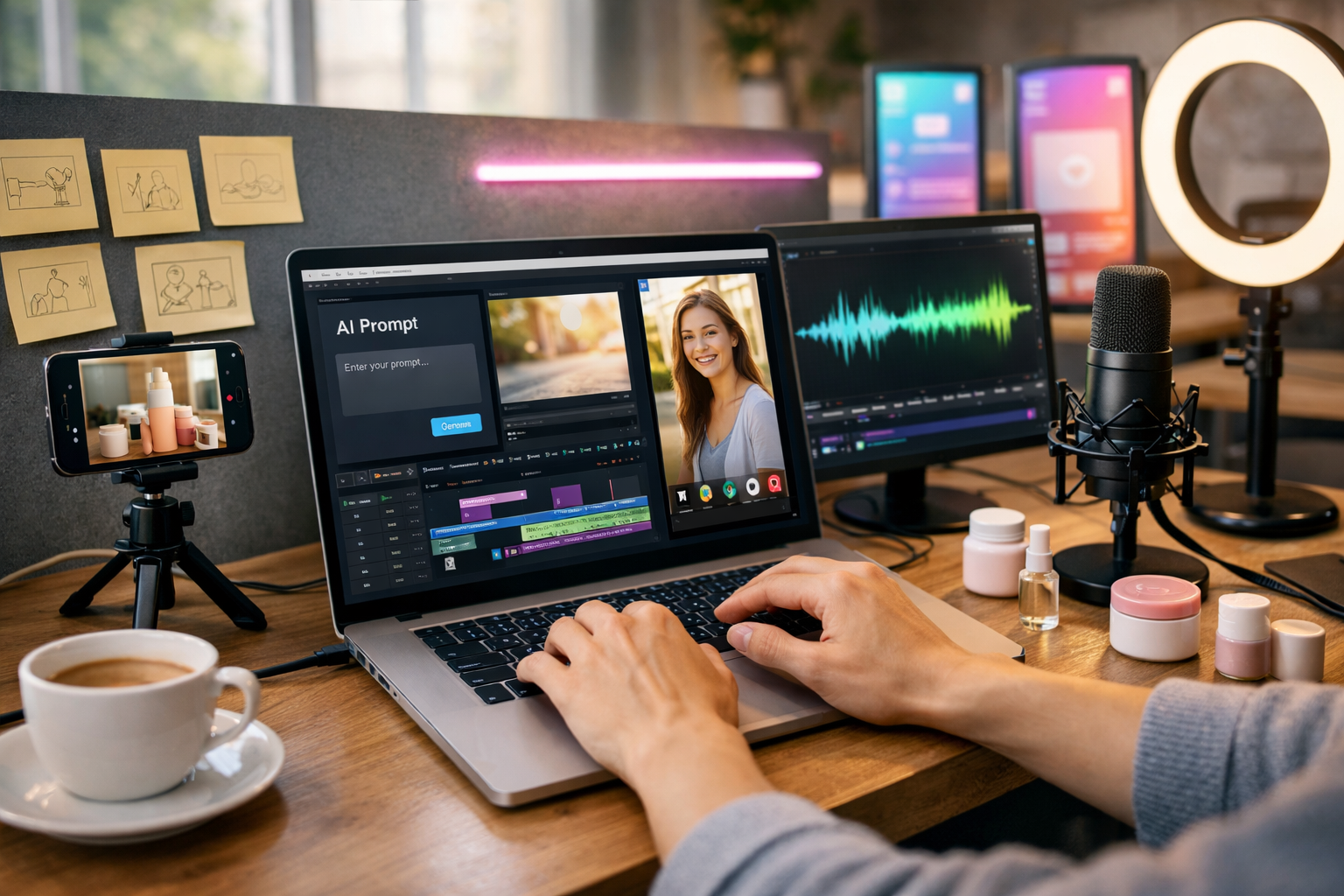
Knowing how to make AI generated social media reels gives you a repeatable way to publish more short-form video without burning out. The best results come from a clear workflow: plan a single idea, script for retention, generate visuals and voice, then edit for pace, captions, and platform specs. This guide shows an end-to-end process you can use for Instagram Reels, TikTok, and YouTube Shorts—using Gen AI Last to generate text, images, audio, and video from simple prompts.
What counts as an “AI generated reel”?
An AI generated reel is a short vertical video (usually 6–45 seconds) where AI helps create one or more parts of the production: the script, voice-over, visuals, b-roll, music, captions, or the final video assembly. In practice, most creators use a hybrid approach: AI generates the core assets, and you apply human judgement to pacing, brand tone, and compliance.
With our AI content tools, you can build the entire reel workflow in one place: write hooks and scripts (AI Text), generate supporting visuals (AI Image), produce voice-overs and music (AI Audio), and generate the final reel (AI Video). This is especially helpful for small teams who need speed and consistency.
Before you generate anything: pick one goal and one viewer
Short-form video performs when it is ruthlessly specific. Choose one goal per reel (e.g., drive profile visits, get saves, generate enquiries, sell a product) and one viewer type (e.g., “UK-based salon owners”, “first-time homebuyers”, “busy founders who hate writing”). This clarity makes your prompts stronger and reduces “AI waffle”.
- Goal examples: awareness (reach), consideration (comments/saves), conversion (clicks/DMs).
- Viewer examples: new customers, existing customers, competitors’ followers, local audience.
- Single message rule: if you can’t summarise the reel in one sentence, it’s too broad.
The proven AI reels workflow (script → visuals → voice → edit)
If you want consistent results, follow the same structure every time. Here’s the workflow used by agencies and creators who post daily:
- Research a hook and angle (what you’ll say and why it matters now).
- Generate a tight script designed for retention.
- Generate or collect visuals (AI images/video + optional b-roll).
- Generate audio (voice-over + music) and match timing.
- Edit for pace, captions, and platform formatting.
- Publish with a strong caption, CTA, and hashtags—then iterate from analytics.
Step 1: Create a scroll-stopping hook with AI Text
Your first 1–2 seconds decide whether the reel lives or dies. Use AI to generate multiple hook options, then pick the one that feels most direct and believable. A good hook is either: a bold promise, a surprising truth, a clear problem, or a “how-to” that sounds immediately useful.
Prompt you can paste into Gen AI Last (AI Text):
“You are a short-form video copywriter. Write 12 hook options for a 20–30 second reel about: [topic]. Audience: [audience]. Tone: [friendly/authoritative/cheeky]. Constraints: 6–10 words, no jargon, UK English. Include 3 ‘myth vs truth’ hooks, 3 ‘mistake’ hooks, 3 ‘step-by-step’ hooks, 3 curiosity hooks.”
- Example hook (service business): “Stop doing this on Instagram—do this instead.”
- Example hook (e-commerce): “One photo mistake killing your product sales.”
- Example hook (creator): “3 edits that make reels look expensive.”
Step 2: Generate a reel script that’s built for retention
A reel script is not a blog post. It needs short sentences, clear transitions, and visual cues. Aim for 120–170 spoken words for ~30 seconds (depending on pace). Structure it like this:
- 0–2s: Hook + who it’s for.
- 3–10s: The problem / context (fast).
- 10–25s: 2–4 actionable steps.
- Last 3–5s: CTA (save, follow, comment, DM, click).
Script prompt (AI Text):
“Write a 30-second vertical reel script on: [topic]. Audience: [audience]. Goal: [goal]. Tone: [tone]. Requirements: punchy lines (max 12 words each), include on-screen text suggestions in brackets, include 3 step-by-step tips, finish with a clear CTA. Avoid hype and generic advice.”
Mini example script (fitness coach):
Hook: “If your weight won’t shift, check this.”
[On-screen: “Plateau? Do THIS”]
1) “Track protein for 3 days—no guessing.” [On-screen: “Protein first”]
2) “Add 2,000 steps daily before cutting calories.” [On-screen: “Walk more”]
3) “Sleep 7+ hours—your hunger hormones calm down.” [On-screen: “Sleep”]
CTA: “Save this and comment ‘PLAN’ for a checklist.”
Step 3: Turn the script into a storyboard (so AI visuals make sense)
AI video works best when you define scenes. Create a simple storyboard: 5–8 shots for a 20–30 second reel. Each shot should map to one line or beat in your script.
Storyboard prompt (AI Text):
“Convert this reel script into an 8-shot storyboard. For each shot include: scene description, camera angle, movement (static/pan/zoom), suggested b-roll, and any props. Keep it realistic for social media. Script: [paste script].”
- Tip: Mix talking-head style shots with b-roll and simple text overlays to keep attention.
- Tip: Use pattern interrupts every 2–3 seconds: change angle, zoom, cut to b-roll, or switch background.
Step 4: Generate reel visuals with AI Image (and optionally AI Video)
You can build reels from AI-generated images (fast, great for slideshows and animated b-roll) or generate short AI video clips per scene (more dynamic). The key is visual consistency: same style, lighting, and subject across scenes.
Option A: Image-led reels (quickest, great for carousels-as-reels)
Generate 6–10 images that match your storyboard, then animate them with subtle motion (zoom/pan) during editing. This works well for educational reels, listicles, and product explainers.
Image prompt template (AI Image):
“Photorealistic vertical shot (9:16) of [subject] in [setting]. Lighting: [soft natural / neon tech / warm golden hour]. Mood: clean, modern. Camera: [close-up/medium]. Include [props]. Style consistent across series. No text, no logos, no watermarks.”
Option B: Clip-led reels (more engaging, best for product and lifestyle)
Generate 3–6 short clips (2–4 seconds each) that match key moments. Keep actions simple: hands using a product, a quick reveal, a pan across a desk setup, etc. Then stitch them together with tight cuts.
- Keep motion simple: slow camera push-in, gentle pan, minimal subject movement.
- Maintain continuity: same outfit/setting/colour palette between clips.
- Plan for captions: leave negative space where subtitles will sit.
Step 5: Generate voice-over and music with AI Audio
Voice-over is often the difference between a reel that feels “AI-ish” and one that feels professional. A natural pace, varied intonation, and correct pronunciation matter. Generate a voice track from your final script, then choose background music that supports (not competes with) the voice.
Voice-over prompt (AI Audio):
“Create a clear UK English voice-over for this 30-second reel. Style: confident, friendly, not salesy. Pace: medium-fast. Add brief pauses after each step. Script: [paste final script].”
- Mixing tip: keep music 18–25 dB lower than the voice (or just “barely audible”).
- Retention tip: add subtle sound effects on scene changes (whoosh/click), but keep them restrained.
Step 6: Assemble the reel with AI Video (then polish manually)
Once you have your storyboard, visuals, and audio, generate the reel video. Even with AI assistance, do a quick human polish pass: tighten pauses, remove filler, and ensure the hook hits immediately.
In Gen AI Last, you can generate the video from your prompt and assets, then iterate quickly—ideal when you need multiple versions (e.g., different hooks for the same content). If you’re building a content pipeline for a small business, this “versioning” is a major advantage: you can test what performs without re-shooting anything.
Step 7: Add captions that people actually read
Most reels are watched on mute at least some of the time. Captions are not optional. Best practice: large, high-contrast captions, 3–7 words per line, and highlight keywords (by colour or weight) to guide the eye. Keep captions in the safe area so platform UI doesn’t cover them.
- Caption style: short phrases, not full paragraphs.
- Timing: captions should appear slightly before the spoken word.
- Accessibility: avoid tiny text, overly stylised fonts, and low contrast.
Step 8: Export settings for Instagram Reels, TikTok and Shorts
A common reason reels look blurry is incorrect export settings. Use these as a baseline:
- Aspect ratio: 9:16 (1080 × 1920).
- Frame rate: 30 fps (or 60 fps if your clips are 60).
- Codec: H.264 (widely supported).
- Bitrate: high quality (avoid aggressive compression).
- Audio: AAC, 48 kHz.
Always preview on your phone before posting. Small caption alignment issues are easier to spot on mobile than on desktop.
3 practical reel templates you can generate today (with prompts)
Template 1: “3 mistakes” reel (high saves)
Use for: services, coaching, SaaS, marketing.
Prompt (AI Text):
“Write a 25-second reel script: ‘3 mistakes people make with [topic]’. Include a 1-sentence fix for each mistake and a CTA to save the reel. Audience: [audience].”
Template 2: “Before/After” reel (high watch time)
Use for: design, fitness, skincare, editing, productivity, home improvement.
Prompt (AI Video + AI Image):
“Create a vertical reel showing before/after of [transformation]. 6 scenes: before, problem close-up, process steps (3), after reveal. Visual style: photorealistic, consistent setting and subject. No text.”
Template 3: “Mini tutorial” reel (high shares)
Use for: anything educational.
Prompt (AI Text):
“Write a 30-second ‘mini tutorial’ reel on how to [outcome]. Give 4 steps, each step under 10 words, with on-screen text cues. End with a question to drive comments.”
Common mistakes when making AI generated social media reels
- Too much information: one reel, one idea. Split topics into a series.
- Generic visuals: make prompts specific (setting, props, camera angle, lighting).
- Robotic voice: adjust pacing, add pauses, and use natural phrasing.
- No CTA: tell viewers exactly what to do (save, follow, comment, DM).
- Ignoring platform UI: captions and key visuals must sit in the safe area.
- Not testing variations: change only one variable (hook, CTA, opening shot) per test.
How to stay on-brand and build a repeatable reel system
AI helps you move fast, but consistency is what builds recognition. Create a simple brand checklist and reuse it in every prompt:
- Voice: friendly, direct, UK spelling, minimal jargon.
- Visuals: consistent colour palette, same lighting style, same framing.
- Structure: hook → steps → CTA, with pattern interrupts.
- Content pillars: pick 3–5 themes and rotate them weekly.
Because Gen AI Last includes text, image, audio, and video generation in one plan, it’s easier to keep everything aligned without juggling multiple tools. If you want to build a reliable publishing cadence without agency costs, view pricing from $10/month and choose a plan that fits your output.
A simple 60-minute production plan (make 3 reels in one session)
- 0–10 mins: pick 3 topics + generate 10 hooks each; choose winners.
- 10–25 mins: generate scripts + storyboards; tighten intros and CTAs.
- 25–45 mins: generate visuals (6–8 shots per reel) + voice-overs.
- 45–60 mins: assemble videos, add captions, export and schedule.
If you’re new, start with one reel and iterate. Once the workflow feels natural, batch production is where AI really pays off.
FAQ: how to make AI generated social media reels
Can AI make a reel from just a text prompt?
Yes. The strongest results come when you provide a clear script and scene descriptions. Even a short storyboard (5–8 shots) helps the AI generate visuals that match your message.
Are AI reels monetisable and safe to post?
In most cases, yes—but you should avoid misleading claims, respect copyright, and follow each platform’s guidelines. Use original prompts and assets where possible, and keep your content truthful and substantiated.
How long should an AI-generated reel be?
For most niches, 15–35 seconds is a strong range. Start there, then adjust based on retention: if viewers drop at 3–5 seconds, your hook needs work; if they drop mid-way, tighten pacing or reduce steps.
Next steps: create your first AI reel with Gen AI Last
If you want the fastest route from idea to published reel, build your workflow inside a single platform: generate the hook and script, create matching visuals, add voice-over and music, and export a vertical video ready for Instagram and TikTok. You can explore everything in one place with start creating for free, then scale your output when you’re ready using our AI content tools.
The real advantage of learning how to make AI generated social media reels isn’t just speed—it’s consistency. Use the templates and prompts above, track what gets saves and shares, and keep iterating until your reels become a predictable growth channel.
Ready to Create with Generative AI?
Join thousands of creators using Gen AI Last to generate text, images, audio, and video — all from one platform. Start your 7-day free trial today.
Start Free — Try 7 DaysQuick Links
Create AI content from $10/month
View Plans