How to Use AI for Jingle and Sound Effect Creation
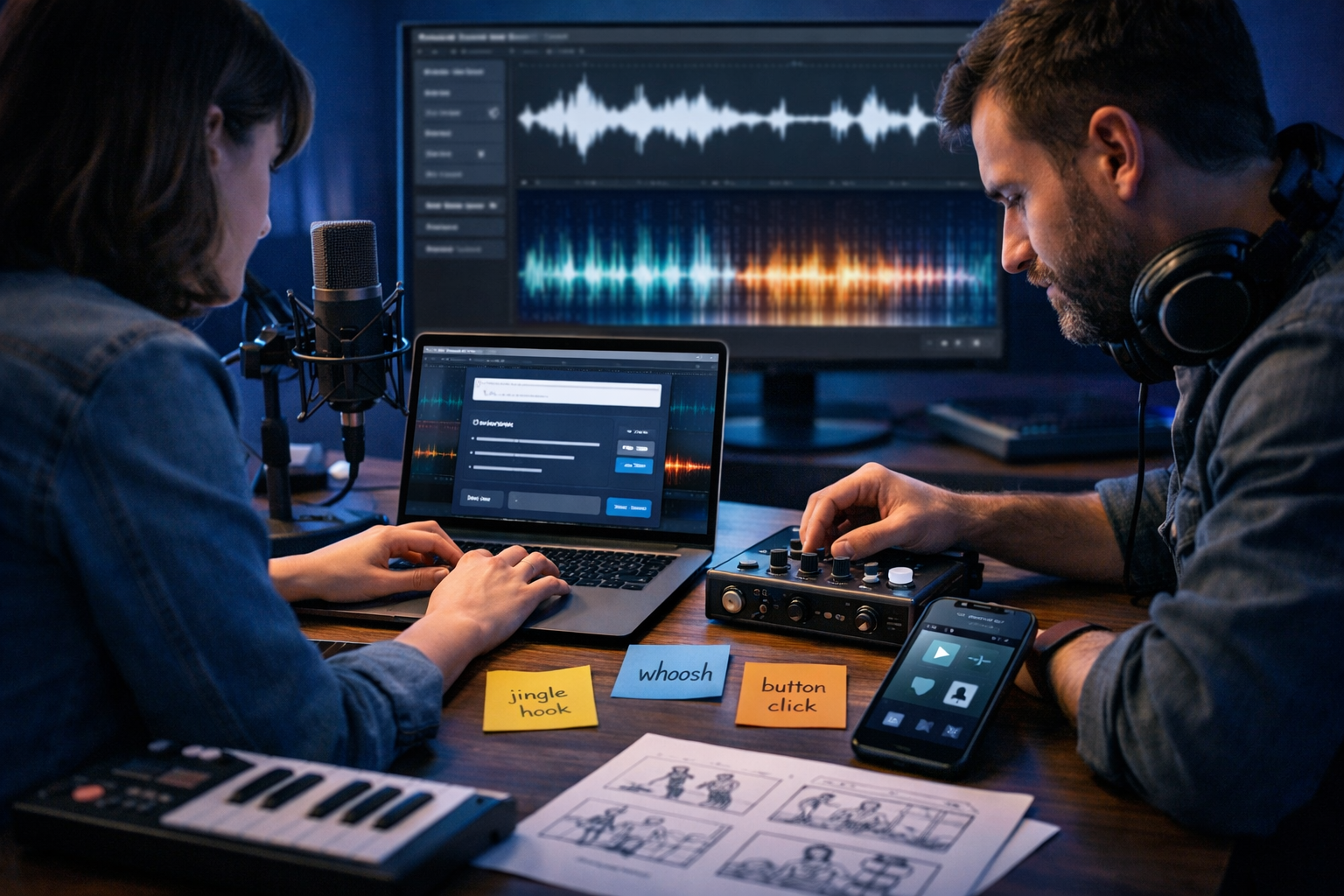
If you’ve ever needed a catchy jingle for an advert, a crisp “click” for an app, or a cinematic whoosh for a video transition, you’ll know the usual options: buy stock audio, hire a composer, or spend hours designing sounds. AI changes that. With the right workflow and prompts, you can create jingles and sound effects that match your brand, timing, and mood—fast—then refine them into production-ready assets.
What “AI jingle and sound effect creation” actually means
AI audio tools can generate short musical ideas (jingles, stings, bumpers) and non-musical sound effects (UI clicks, swooshes, risers, impacts, ambience) from text prompts. Instead of starting with a blank DAW project, you start with words: describing style, instruments, tempo, duration, and what the sound should achieve.
For small teams, the biggest win is iteration speed. You can produce multiple variations, select the best, and then polish the audio for consistent loudness and a professional finish. Gen AI Last includes AI Audio Generation alongside text, image, and video tools, so you can keep your entire creative workflow in one place—scripts, visuals, voice-over, music, and SFX. Explore our AI content tools to see how it fits together.
Common use-cases (and what to generate)
Before prompting, define where the sound will live and what job it must do. A jingle for an end card is very different from a subtle UI sound. Here are common use-cases and the types of audio to generate:
- Paid ads (Meta/YouTube/TikTok): 2–6 second brand sting, 10–15 second background loop, risers to accent scene changes.
- Podcast branding: 5–12 second intro theme, 2–4 second segment bumpers, subtle transition whooshes.
- App/website UI: click/tap sounds, success/failure tones, notification pings, subtle hover ticks.
- Product videos and explainers: whooshes, hits, interface beeps, ambience beds, logo sting.
- Games and interactive demos: pickups, menu sounds, impacts, environment ambience loops.
Step-by-step workflow: from brief to finished audio
The key to professional results is treating AI like a collaborator: you provide a clear brief, generate variations, then edit and mix with intention.
1) Write a micro-brief (60 seconds)
Answer these questions before you generate anything:
- Purpose: What action should the listener take or feel?
- Platform: Social ad, TV, podcast, mobile UI, in-store, web?
- Duration: 0.2–0.5s (UI), 1–2s (hit/whoosh), 3–6s (sting), 8–12s (short theme).
- Brand personality: Modern, playful, premium, bold, friendly, minimalist?
- Reference points: Not necessarily a specific copyrighted song—think “upbeat electro-pop with handclaps” or “warm acoustic with ukulele”.
2) Choose your audio type: jingle vs SFX
Jingles are short musical statements with a recognisable hook. Sound effects are typically non-melodic or micro-melodic signals (like a two-note “success” tone). You’ll get better results when your prompt matches the type.
Rule of thumb: If you can hum it, it’s a jingle. If it supports interaction or motion, it’s an SFX.
3) Use a prompt formula that reliably works
A good prompt is specific without being restrictive. Use this structure:
- Audio type + duration: “5-second brand jingle sting”
- Genre/mood: “upbeat, optimistic, modern”
- Instrumentation: “marimba, muted bass, finger snaps”
- Tempo/feel: “~120 BPM, tight rhythm, clean transients”
- Mix notes: “broadcast-ready, no vocals, minimal reverb, punchy”
- Ending: “resolve on a bright major chord, clean stop”
4) Generate multiple variations (don’t settle for the first)
Plan to generate at least 6–12 variations for a jingle and 10–20 for SFX. You’re searching for the “one” that matches your brand. It’s faster to compare options than to try to force a single generation to become perfect.
With Gen AI Last, your team can also generate supporting assets in the same session: social copy to introduce a new product line, an image concept for the ad, and a short video cut—then match the audio to the visuals. See view pricing from $10/month if you want full access to text, image, video, and audio creation under one plan.
5) Curate with a scorecard (simple but effective)
When you’re listening to many options, use a quick scorecard from 1–5:
- Brand fit: Does it feel like your brand?
- Memorability: Can you recall the hook after one listen?
- Clarity: Does it cut through on phone speakers?
- Timing: Does it land exactly when it needs to?
- Mix readiness: Does it already sound “finished”?
6) Polish the winning audio (basic mastering wins)
AI outputs can be excellent, but polishing is what makes it broadcast-ready. Even lightweight editing makes a noticeable difference:
- Trim and fade: Remove silence, add 10–50ms fades to avoid clicks.
- EQ cleanup: Roll off rumble below ~40–80Hz (depending on content). Reduce harshness around 2–5kHz if needed.
- Compression: Light compression to control peaks and improve perceived loudness.
- Loudness targets: For social/video, many teams aim roughly around -14 LUFS integrated; for UI sounds, focus on consistent perceived loudness rather than LUFS.
- Export formats: WAV for editing/mastering; MP3/AAC for delivery; keep 48kHz for video workflows where possible.
Prompt examples you can copy (jingles)
Use these as starting points and swap the brand personality, instruments, and timing to match your project.
Example 1: SaaS logo sting (clean and modern)
Prompt: “Create a 4-second brand jingle sting for a modern SaaS product. Minimalist, confident, uplifting. Instruments: soft synth pluck, warm pad, light percussion. Tempo ~120 BPM. No vocals. Crisp transient attack, subtle reverb, polished mix. End with a clean resolved major chord and a short tail.”
Example 2: Coffee shop promo jingle (warm and friendly)
Prompt: “Generate a 6-second cheerful jingle for a local coffee shop promotion. Warm, cosy, approachable. Instruments: ukulele, handclaps, light shaker, simple bass. Bouncy rhythm, major key, catchy two-bar hook. No vocals. End on a neat final chord with a gentle room ambience.”
Example 3: Premium skincare sting (luxury and calm)
Prompt: “Create a 5-second premium luxury brand sting for skincare. Calm, elegant, airy. Instruments: soft piano, subtle strings, high shimmer texture. Slow tempo feel (~90 BPM). No vocals, no heavy drums. Wide stereo image, smooth dynamics, refined mix. End with a delicate upward resolve and soft reverb tail.”
Prompt examples you can copy (sound effects)
SFX prompts should emphasise the action, texture, and length. Mention whether you want it “dry” (minimal reverb) or “designed” (more cinematic processing).
Example 1: UI click (mobile app)
Prompt: “Create a short UI tap/click sound effect, 0.2 seconds. Clean, modern, slightly soft attack, no harsh highs. Dry mix, no reverb. Suitable for mobile app button press.”
Example 2: Success chime (two-note)
Prompt: “Generate a 0.7-second ‘success’ chime for an app. Bright and positive, two-note ascending tone, subtle sparkle, not childish. Minimal reverb, crisp but not piercing. End clean with a short tail.”
Example 3: Whoosh transition (video edit)
Prompt: “Create a 1.2-second cinematic whoosh transition. Smooth fast movement left-to-right, airy texture with a soft low-end sweep, designed for a product video cut. No distortion, polished, with a controlled tail.”
Example 4: Impact hit (logo reveal)
Prompt: “Generate a 0.9-second impact hit for a logo reveal. Tight and punchy, layered low thump + mid smack, subtle boom but not muddy. Short decay, no long reverb. Mix-ready.”
How to match audio to brand (so it doesn’t feel generic)
The biggest criticism of AI audio is that it can sound “stock”. You avoid that by defining a small set of brand sound rules and sticking to them across all outputs.
Create a “sonic style guide” in 10 minutes
Write a one-page style guide your team can reuse:
- Core tempo range: e.g., 100–128 BPM for upbeat brands, 70–95 BPM for calm/premium.
- Instrument palette: e.g., “marimba + soft synth + light percussion” or “piano + strings + shimmer”.
- Harmonic mood: major (optimistic), minor (serious), suspended chords (modern/tech), pentatonic (playful).
- Mix aesthetic: dry/close (UI and tech), roomy (lifestyle), wide cinematic (product reveals).
- Do-not list: e.g., “no trap hi-hats”, “no cheesy ukulele”, “avoid heavy distortion”.
Once you have this, your prompts become consistent—and your jingle variants start to sound like a coherent family.
Practical production tips (the stuff that saves hours)
Design for mobile speakers first
Many jingles are auditioned on phones. If the hook relies on sub-bass, it may disappear. Add a midrange element (pluck, piano, marimba) that carries the melody clearly.
Keep endings deliberate
For brand stings, endings matter more than beginnings: you want a clean resolve that feels like a “logo lock-up”. Ask for “clean stop”, “resolved chord”, or “short tail”, depending on the context.
Make loopable versions for editors
If the audio is for videos, create two assets: (1) a short sting, and (2) a 10–20 second loopable bed. In prompts, specify “seamless loop, no obvious start/end, consistent rhythm”. Editors will thank you.
Name and organise your exports
Adopt a naming convention so your team can find sounds quickly:
- brand_sting_modern_pluck_4s_v03.wav
- ui_click_soft_dry_020ms_v07.wav
- whoosh_airy_lr_12s_v02.wav
Licensing, originality, and brand safety: what to check
Businesses usually need clarity on usage rights. Regardless of tool, always review the platform’s terms for commercial use and any restrictions. For safety, avoid prompting for “in the style of” a specific living artist or a recognisable copyrighted theme. Instead, describe musical attributes: instruments, tempo, mood, era, and production style.
Also consider trademark-like distinctiveness: if you’re building a long-term sonic identity, aim for a unique hook and consistent palette rather than something that sounds like generic library music. Generating multiple options and combining the best ideas into a final version (with your own editing choices) helps create something more distinctive.
End-to-end example: creating an ad pack with jingles + SFX using Gen AI Last
Here’s a simple workflow a small team can run in one afternoon for a product launch:
- Write the concept and script: Use AI Text Generation to draft a 15-second ad script, then tighten the CTA and pacing.
- Create the audio pack: Generate (a) a 4–6 second logo sting, (b) a 15-second music bed, (c) 3–5 whooshes, (d) 2 UI clicks, (e) 1 impact hit.
- Generate the visuals: Use AI Image Generation for storyboard frames or product visuals that match the brand vibe.
- Build the video: Use AI Video Generation to draft a reel/explainer, then add your chosen audio pack.
- Add voice-over: Use AI Audio Generation for narration/voice-over, then balance levels against the music and SFX.
If you want to try this workflow without stitching together multiple subscriptions, you can start creating for free and build your first audio pack alongside your scripts and visuals.
Troubleshooting: common problems and quick fixes
Problem: “The jingle feels messy or unfocused”
- Fix: Reduce instruments to 2–3 elements. Ask for “simple two-bar hook” and “minimal arrangement”.
- Prompt add-on: “clean melody, no busy percussion, simple harmony”.
Problem: “SFX sounds thin or cheap”
- Fix: Ask for layered textures: “low thump + mid click + airy top”.
- Prompt add-on: “high quality, detailed, no aliasing, polished”.
Problem: “Too much reverb / tail”
- Fix: Specify “dry mix, minimal reverb, short decay” and add fades manually.
Problem: “It doesn’t cut through the voice-over”
- Fix: Use less midrange competition. Ask for “scooped mids around 1–3kHz” or choose instruments that sit around the voice.
- Production tip: Duck music slightly under speech (sidechain compression) and keep SFX short and purposeful.
Checklist: your AI audio output is ready when…
- The hook or action is clear within the first second.
- It sounds good on both headphones and a phone speaker.
- The ending is intentional (clean stop or controlled tail).
- Loudness is consistent across your SFX set.
- File names, formats, and sample rates are consistent for your editors.
Next steps: build a reusable jingle + SFX library
Once you’ve created a few strong assets, treat them like a product: version them, document the prompts that worked, and reuse your sonic style guide. Over time you’ll build a consistent audio identity—without the bottlenecks that usually come with music and sound design.
Gen AI Last is designed for exactly this kind of repeatable, multi-format production: generate your copy, visuals, videos, and audio in one place, then iterate quickly until everything feels on-brand. When you’re ready to scale up output without scaling up cost, view pricing from $10/month.
Ready to Create with Generative AI?
Join thousands of creators using Gen AI Last to generate text, images, audio, and video — all from one platform. Start your 7-day free trial today.
Start Free — Try 7 DaysQuick Links
Create AI content from $10/month
View Plans