How to Use AI for Jingle and Sound Effect Creation
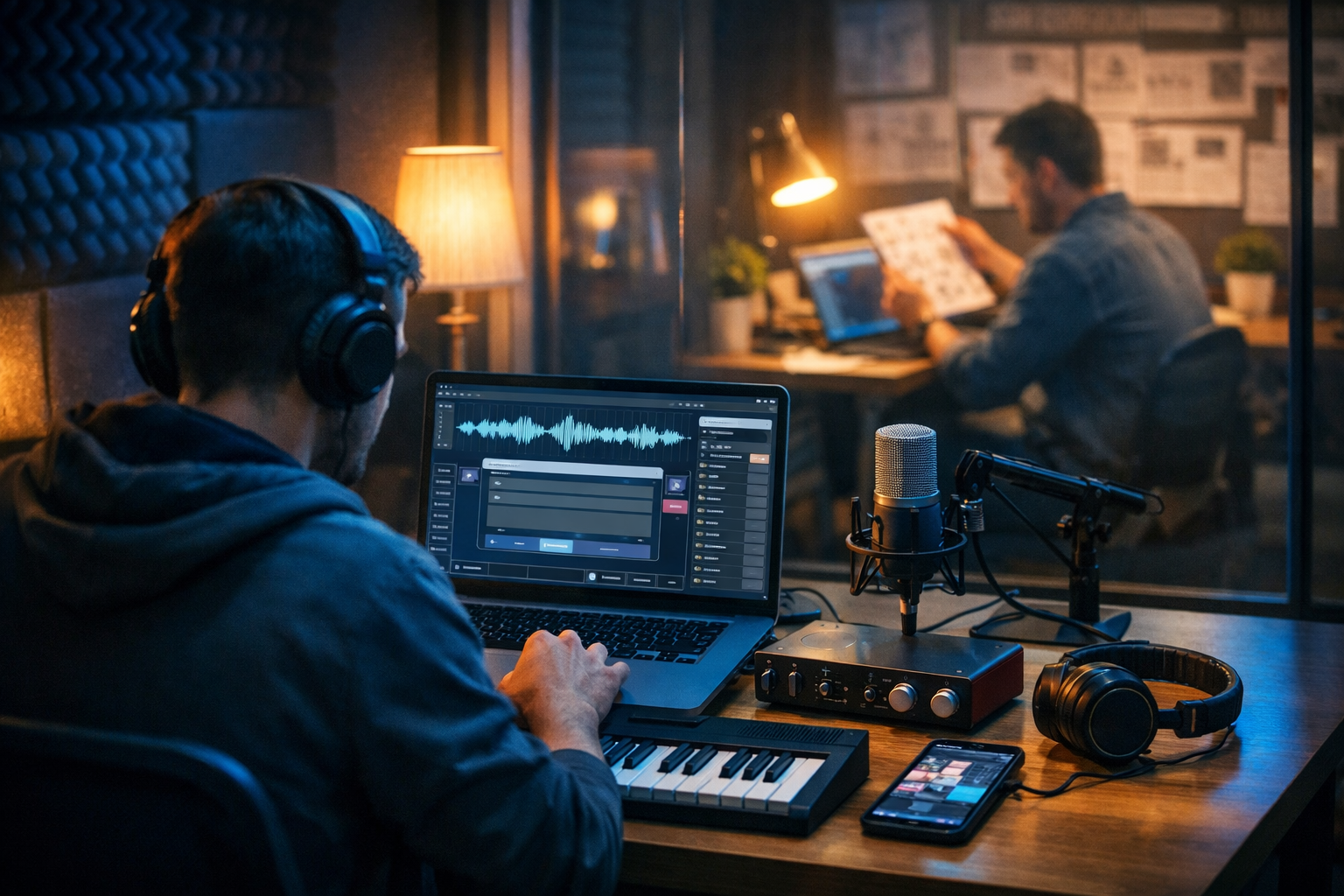
AI has made it possible to produce brand-ready jingles and clean sound effects without a full recording studio or a specialist sound designer on retainer. With the right workflow, you can go from a written brief to multiple polished audio options in minutes, then refine and version them for different platforms and campaign lengths. This guide shows exactly how to use AI for jingle and sound effect creation—covering prompts, structure, quality checks, and a practical production pipeline you can run inside Gen AI Last.
What counts as a jingle vs a sound effect (and why it matters)
A jingle is a short, memorable piece of music (often 3–15 seconds) designed to reinforce brand recall. It typically has a hook, a clear mood, and a consistent sonic identity you can reuse across campaigns.
A sound effect (SFX) is a functional audio element that supports action, transitions, UI feedback, or atmosphere—think whooshes, clicks, chimes, risers, notification tones, impacts, room tones, and ambient beds.
The distinction matters because you’ll prompt, evaluate, and edit them differently:
- Jingles need a clear melodic identity, stable rhythm, and brand consistency.
- SFX need precise timing, clean transients, minimal artefacts, and often multiple variations.
- Deliverables differ: jingles usually require cut-downs (6s/10s/15s), while SFX need multiple intensities and lengths.
Why use AI for jingle and sound effect creation?
Traditional audio production is powerful but time-heavy: briefing, composing, recording, editing, revisions, and licensing can drag on. AI helps you compress the early-stage work—ideation, prototyping, and variation—so you can spend time on the parts that truly need human judgement: brand fit, messaging, and final polish.
- Speed: generate multiple directions quickly (happy/modern/cinematic/minimal).
- Consistency: keep a sonic palette for repeated use and fast versioning.
- Cost control: avoid long back-and-forth for early drafts—especially useful for startups and small teams.
- Campaign-friendly: create platform-specific variants for YouTube, TikTok, podcasts, apps, and ads.
Gen AI Last makes this workflow easier because you can combine our AI content tools—text for briefs and scripts, audio for music/voice, and video for end-to-end ad creative—in one place.
Before you generate anything: define your audio brief
The highest-quality AI audio outputs come from a clear brief. A strong brief reduces randomness, speeds up iteration, and makes it easier to judge what “good” sounds like for your brand.
A simple jingle brief template
- Brand personality: playful, premium, trustworthy, rebellious, calm, etc.
- Use case: podcast intro, app launch video, TikTok ad, radio spot, in-store audio.
- Length: 3–5s logo sting, 6s bumper, 10s or 15s spot.
- Tempo/mood: upbeat (120–140 BPM), relaxed (80–100 BPM), tense, inspiring.
- Instrumentation: synth pop, acoustic guitar, marimba, piano, lo-fi, orchestral.
- Do-not-list: avoid trap hi-hats, avoid heavy distortion, avoid children’s choir, etc.
- Reference points: “modern tech start-up”, “clean UI click sounds”, “sparkly notification chime”.
A simple SFX brief template
- Action: swipe, click, open, success, error, transition, impact, whoosh.
- Material/texture: glassy, woody, metallic, soft, futuristic, organic.
- Duration: 150ms click, 300–600ms UI chime, 1–2s whoosh, 3–5s riser.
- Mix constraints: must cut through voiceover; must be subtle; must not be harsh at high volume.
- Variants needed: 3 intensities, 2 pitches, short/long versions.
How to use AI for jingle creation: a step-by-step workflow
A reliable workflow is more important than any single “perfect prompt”. Use AI to generate options, then narrow to one direction and produce consistent variants.
Step 1: Generate your creative direction (text first)
Start by writing a sonic direction in plain language. If your team struggles to describe sound, use Gen AI Last’s text generation to turn a basic marketing brief into an audio-ready creative direction.
- Input: brand description + target audience + campaign goal + 2–3 adjectives.
- Output: 3 distinct sonic routes (e.g., “clean tech”, “warm human”, “bold premium”).
This makes later evaluation much easier because you’ll be judging each jingle against a defined route, not personal taste.
Step 2: Prompt for 5–10 jingle candidates
When prompting an AI audio generator, clarity beats complexity. Specify duration, mood, instrumentation, structure, and ending (you usually want a clean resolve for a logo sting).
Prompt template (jingle):
- “Create a [duration] jingle for a [brand type] with a [mood] feel. Use [instruments]. Keep it catchy with a clear 2–3 note hook. Minimal drums. End with a clean resolved chord and short tail. No vocals.”
Example prompts you can reuse:
- SaaS brand logo sting (5s): “Create a 5-second modern tech logo sting. Bright synth plucks, soft sub bass, tight electronic click percussion, uplifting major tonality, memorable 3-note hook, clean ending with a short reverb tail. No vocals.”
- Café loyalty app jingle (8s): “Create an 8-second warm, friendly jingle with acoustic guitar, light shaker, and mellow piano accents. Simple melody, cosy vibe, ends on a satisfying final chord. No vocals.”
- Premium skincare bumper (10s): “Create a 10-second premium, minimalist jingle. Soft airy pads, gentle marimba, subtle high-end shimmer, slow tempo, elegant melody, ends clean and calm. No vocals.”
Step 3: Select a “master” and lock your sonic identity
Pick the best candidate and treat it as your master. Your goal isn’t to keep generating forever—it’s to lock a repeatable identity. Note what works:
- What is the hook (intervals/contour)?
- Which instruments define the brand?
- Is it bright/dark? Clean/gritty?
- How long is the tail?
Now you can prompt for variants more accurately: “Same vibe and instrumentation as the chosen jingle, but 6 seconds with a quicker hook,” etc.
Step 4: Create your deliverable set (cut-downs and platform variants)
Most teams need a set of lengths, not a single track. Produce the common variants below so you can ship faster across channels.
- 3–5 seconds: logo sting (end card, app open, brand ident).
- 6 seconds: short ad bumper (TikTok/Reels, pre-roll transitions).
- 10–15 seconds: podcast intro/outro, YouTube stinger, mini spot bed.
If you also produce video ads, you can create the full asset pipeline with Gen AI Last: write the ad script, generate the voice-over, create supporting visuals, and then finish with the jingle and SFX for a polished final export.
How to use AI for sound effect creation: practical methods
SFX creation is less about melody and more about precision. The trick is to generate multiple small options, then standardise them into a consistent “sound pack” for your product or content style.
Method 1: UI/UX sound effects (apps, SaaS, websites)
UI sounds should feel intentional, not distracting. Aim for short, clean, and consistent timbre across the set.
Prompt template (UI SFX):
- “Create a [duration] UI sound for [action]. Texture: [glassy/soft/organic/futuristic]. Pitch: [low/medium/high]. Minimal reverb. Clean transient. Provide [number] variations.”
Examples:
- Success chime: “Create a 400ms soft glassy success chime for a mobile app. Clean transient, warm tone, minimal reverb, not piercing. Provide 5 variations with slight pitch differences.”
- Error tone: “Create a 500ms subtle error tone: short descending two-note beep, slightly muted, not harsh, minimal tail. Provide 3 variations.”
- Toggle/click: “Create a 150ms tactile click sound, modern and soft, like a premium device button. No hiss, no long tail. Provide 10 variations.”
Method 2: Whooshes, risers, and transitions (video and ads)
Transitions need to match the edit. Create multiple lengths and intensities so your editor can pick the best fit per cut.
- Whoosh (short): 300–600ms for fast cuts.
- Whoosh (long): 1–2s for scene changes.
- Riser: 2–5s leading into a key message or product reveal.
Example prompt: “Create a 1.2-second clean futuristic whoosh with a smooth upward sweep, subtle stereo movement, no harsh highs, ends clean. Provide 6 variations from subtle to punchy.”
Method 3: Foley-style and environmental SFX (podcasts, games, storytelling)
For ambience and Foley-like sounds, specificity is everything: location, materials, distance, and reverb profile.
Example prompts:
- “Create a 6-second office room tone ambience: soft air conditioning, distant keyboard taps, very subtle, no sudden spikes.”
- “Create a 2-second soft fabric movement: jacket rustle, close mic, warm tone, minimal room reverb.”
- “Create a 3-second café ambience bed: quiet chatter, cups clinking lightly, mid-distance perspective, natural reverb.”
A repeatable production pipeline (brief → generate → polish → deliver)
Use this pipeline to stay consistent across campaigns and avoid endless regenerations.
- Write the brief (purpose, mood, duration, do-not-list).
- Generate 5–10 options (jingle or SFX) and save the best 2–3.
- Quality check with headphones and speakers (see checklist below).
- Standardise loudness and tails for consistent playback across platforms.
- Create variants (lengths, intensities, platform versions).
- Name and organise files so your team can reuse them (e.g., Brand_Jingle_6s_V1.wav, UI_Success_Soft_V3.wav).
You can keep the entire content workflow under one roof with Gen AI Last—generate campaign messaging with AI text tools, then produce audio assets and pair them with AI video outputs for ads and product demos. Explore our AI content tools to build a consistent creative pipeline.
Quality checklist: what to listen for (and how to fix it)
AI audio can be remarkably good, but you still need basic QC. Use this checklist before anything goes live.
For jingles
- Hook clarity: can you hum it after one listen?
- Ending: does it resolve cleanly (no awkward cut or unresolved tension unless intentional)?
- Brand fit: does it sound like your category and price point?
- Mix balance: if you add voice-over, does the jingle fight for the same frequencies?
For sound effects
- Clean transient: clicks and hits should be crisp, not smeared or glitchy.
- No harshness: watch for piercing highs around 3–8kHz.
- Consistent set: your UI sounds should feel like one family.
- Tail control: too much reverb makes SFX feel cheap and muddy.
Quick fixes: if a jingle is great but too busy, regenerate with “minimal drums” or “simpler arrangement”. If an SFX is harsh, prompt for “softer high end, warmer tone, minimal brightness”. If the end cuts awkwardly, ask for “clean ending with short tail” and a specific duration.
Prompt engineering tips that actually improve audio results
Treat prompts like production notes. The best results come from constraints and clear audio vocabulary.
- Always state duration: “5 seconds”, “400ms”, “1.5 seconds”.
- Define the ending: “ends clean”, “short tail”, “no fade”, or “quick fade out”.
- Specify brightness: “warm”, “dark”, “airy”, “not piercing”.
- Limit instruments: fewer elements often sound more professional in short jingles.
- Ask for variations: you’re building a set, not hunting a unicorn.
- Use “do-not” constraints: “no vocals”, “no heavy bass”, “no distortion”, “no glitch artefacts”.
Practical examples: campaigns you can ship with AI audio
Example 1: Podcast intro kit (jingle + voice-over + SFX)
Create a 10-second intro package: a short jingle, a voice-over line (“Welcome to…”) and a subtle whoosh into the first segment. In Gen AI Last, you can generate the script with AI text, record a clean AI voice-over using AI audio, then add transition SFX for a professional finish.
- Deliverables: Intro 10s, Outro 8s, Segment sting 3s, Whoosh 600ms.
- Tip: keep the jingle simple so it doesn’t clash with speech.
Example 2: App UI sound pack (10–20 sounds)
Build a cohesive set: click, toggle on/off, swipe, success, error, notification, loading loop, and modal open/close. Generate multiple variations for each, then choose the most consistent timbre across the pack.
- Deliverables: WAV/MP3 versions, short/long notification options, soft/loud variants.
- Tip: keep reverb minimal so sounds work across devices and rooms.
Example 3: Short-form video ads (jingle stings + transitions)
For TikTok/Reels, you often need punchy audio punctuation: whooshes, impacts, risers and a 3–5 second logo sting. Combine these with AI-generated visuals and edits for rapid A/B testing.
If you’re producing the whole creative stack, use Gen AI Last to generate the ad copy, visuals and video, then finish with audio. When you’re ready, view pricing from $10/month to unlock full access to text, image, audio and video generation on one plan.
Licensing, brand safety, and usage rights: what to confirm
Audio is often used in paid ads, apps, and monetised content—so you must confirm usage rights and keep records. While policies vary by provider and project, you should always do the following:
- Document creation details: keep the prompt, date, version name, and where it’s used.
- Avoid copying famous melodies: prompt for original work and do not reference identifiable tunes.
- Run a similarity sense-check: if something sounds uncomfortably familiar, don’t use it—regenerate.
- Build a unique sonic identity: consistency across your own assets helps differentiate you.
Common mistakes (and how to avoid them)
- Mistake: generating one long track and trying to cut it into everything. Fix: generate purpose-built lengths (5s/6s/10s/15s).
- Mistake: prompts that are just adjectives (“cool, modern”). Fix: add instrumentation, duration, ending behaviour, and constraints.
- Mistake: inconsistent UI sounds. Fix: define one “sound family” (texture + pitch range + reverb policy) and stick to it.
- Mistake: ignoring how audio sits under voice. Fix: test with a sample voice-over and keep jingles less busy.
A quick-start checklist you can copy into your next project
- Write a one-paragraph audio brief (use case, mood, duration, do-not-list).
- Generate 5–10 candidates and pick a master direction.
- Regenerate 3–5 variants based on the master (lengths + intensities).
- Quality check on headphones and phone speaker.
- Export and organise files with consistent naming.
Create your first jingle and SFX set with Gen AI Last
If you want a streamlined way to produce jingles, sound effects, voice-overs and the supporting campaign assets, Gen AI Last brings everything together in one platform. You can generate the brief and scripts with AI text, produce the audio elements, and even build full video creatives without juggling multiple tools.
To try it now, start creating for free, then scale when you’re ready with plans that include full access to text, image, audio and video generation.
Ready to Create with Generative AI?
Join thousands of creators using Gen AI Last to generate text, images, audio, and video — all from one platform. Start your 7-day free trial today.
Start Free — Try 7 DaysQuick Links
Create AI content from $10/month
View Plans