How to Use AI for Video Advertising (Step-by-Step Guide)
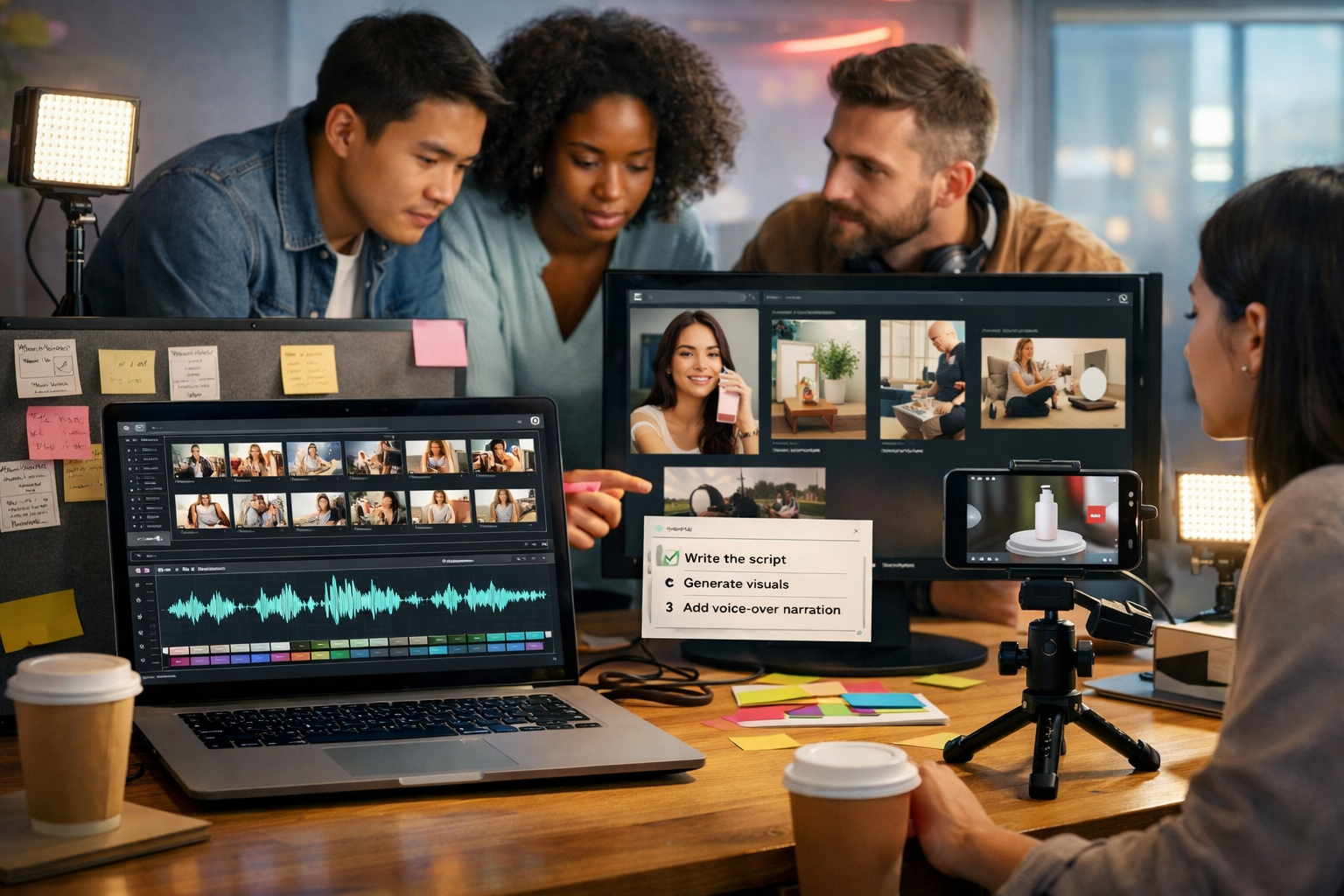
If you’re wondering how to use AI for video advertising without a huge budget or an in-house studio, the answer is to treat AI as your creative production line: it helps you generate scripts, storyboards, visuals, voice-overs, and multiple ad variants fast—so you can test, learn, and scale what works.
What “AI for video advertising” actually means (and what it doesn’t)
AI can support video advertising in four practical ways: (1) strategy and messaging, (2) production (visuals, voice, edits), (3) variation at scale (many versions of the same concept), and (4) optimisation (learning from performance and iterating). It doesn’t replace your product knowledge, audience insight, or compliance checks. You still need to decide what you’re promising, who you’re targeting, and what a “conversion” looks like.
The biggest benefit for startups and small teams is speed: you can go from idea → ad-ready creatives in hours, not weeks. With Gen AI Last, you can do it in one place via our AI content tools (text, images, audio, and video) with full access from $10/month.
Step 1: Start with an ad goal and a single measurable action
Before you generate anything, write down the campaign goal and the one action you want the viewer to take. AI output gets dramatically better when you anchor it to a single objective.
- Goal examples: increase demo bookings, drive first purchases, grow app installs, retarget cart abandoners.
- Primary action: “Start free trial”, “Book a call”, “Shop now”, “Install”, “Subscribe”.
- Offer and constraint: discount, free shipping, limited-time bonus, risk reversal, pricing transparency.
Practical tip: define one metric you’ll use for early creative decisions (e.g., thumbstop rate / 3-second view rate for awareness, CTR for consideration, CPA for conversion). That metric tells you what to iterate first.
Step 2: Use AI to research angles (without losing your brand voice)
Great ads are built on angles: the specific promise and framing that makes your product feel like the obvious choice. Use AI text generation to map angles quickly, then choose 2–3 that match your brand and audience reality.
Angle prompts you can reuse
In Gen AI Last’s AI Text Generation, paste one of these prompts and fill in the brackets:
- Problem–Agitate–Solve: “Write 10 video ad angles for [product] targeting [audience]. Focus on the pain of [problem], common frustrations, and a clear solution. Keep claims compliant and realistic.”
- Objection handling: “List top 12 objections for buying [product]. For each, propose a 10–15 second ad hook and a proof element (demo, testimonial, guarantee, comparison).”
- Competitor contrast: “Create 8 ad angles that differentiate [product] from [alternative/competitor] without naming them. Emphasise outcomes, time saved, simplicity, and support.”
Choose angles you can prove. If you can’t show it, demonstrate it, or back it up with a credible source, don’t build a conversion ad around it.
Step 3: Generate high-performing scripts with proven structures
When people ask how to use AI for video advertising, they usually start with “make me a video”. Start with the script instead. A strong script makes production easier and improves performance because it controls pacing, clarity, and the call-to-action.
Three AI-friendly video ad script templates
- 15-second paid social (Hook → Proof → CTA): 0–2s hook, 3–10s proof/demo, 11–15s CTA + offer.
- UGC-style testimonial: “I tried X because…”, “Here’s what surprised me…”, “Here’s the result…”, “If you’re like me, do this next…”.
- Explainer mini-story: show the “before”, reveal the turning point, show the “after”, end with next step.
Example prompt for Gen AI Last:
- “Write 5 variations of a 15-second video ad script for [product]. Audience: [audience]. Angle: [angle]. Include: on-screen text suggestions, shot list, and a clear CTA. Keep sentences short and conversational. British English. No exaggerated claims.”
Actionable rule: write for silent viewing. Your on-screen text and visuals must communicate the core message even if audio is off.
Step 4: Turn scripts into storyboards and shot lists
AI helps you translate words into a visual plan. This matters because most ad fatigue comes from repeating the same first 2–3 seconds and the same visual rhythm. A storyboard lets you build variety while keeping the offer consistent.
- Storyboard frame: timestamp, camera angle, action, on-screen text, supporting b-roll, audio/VO cue.
- Shot list: what you need to capture (product close-ups, screen recordings, customer reaction, unboxing, “before/after”).
- Asset checklist: brand colours, fonts (if used), product photos, logos (added later in your editor), testimonials, reviews.
Even if you’re using AI video generation, a shot list is still useful—it tells the model what to emphasise (hands, product, environment, movement) and keeps your ad consistent.
Step 5: Create ad visuals with AI image generation (fast, consistent, on-brand)
Many high-performing video ads rely on supporting visuals: opening hook cards, product beauty shots, background scenes, and simple “problem” illustrations. AI image generation is perfect for these—especially when you need multiple variations for testing.
What to generate for video ads
- Hook thumbnails: dramatic but truthful visuals aligned to the first line of your script.
- Scene fillers: home office, kitchen, gym, commute—where your audience actually uses the product.
- Product mockups: device screens, packaging scenes, “in-use” moments (hands interacting).
- Background plates: clean, brand-colour gradients and textured surfaces for overlays.
Tip: keep a “style recipe” document—lighting, lens feel, colour palette, environment, and recurring props. Reuse it in prompts so your ad variants feel like one brand, not random outputs.
Step 6: Generate the video: choose the simplest format that can win
AI video advertising doesn’t have to mean cinematic. In many niches, simple, direct ads outperform polished ones because they feel immediate and clear. Use Gen AI Last’s AI Video Generation to produce:
- Marketing videos for paid social and YouTube placements
- Product demos that show “how it works” in 10–30 seconds
- Social reels designed for 9:16 viewing
- Explainer videos for landing pages and retargeting
Production shortcut: create one “master” concept, then generate multiple edits: different hooks, different first scenes, different CTAs, and different pacing. That’s how you beat creative fatigue without reinventing the campaign weekly.
Step 7: Add voice-overs, narration, and background audio with AI
Audio is often the difference between a video that feels “cheap” and one that feels intentional. AI audio generation helps you create voice-overs for different audiences, tones, and lengths—quickly.
Best practices for AI voice-overs in ads
- Write for breath: keep lines short, avoid long clauses, and use natural pauses.
- Match placement: TikTok/Reels often favour informal delivery; YouTube explainers can handle a calmer pace.
- Use audio branding lightly: a consistent music bed or sonic cue can improve recognition, but don’t drown the message.
- Always include captions: accessibility and silent viewing both matter.
In Gen AI Last, you can generate narration and background music as part of your workflow, keeping production costs predictable. If you’re starting out, view pricing from $10/month to access text, image, video, and audio generation in one plan.
Step 8: Create variations that are worth testing (not random)
The most common mistake in AI-driven creative testing is producing dozens of minor variations that don’t change the outcome. You’ll get better results by testing specific variables intentionally.
A simple video ad testing matrix
- Hook: question vs bold claim vs surprising fact vs pain point
- Proof type: demo, social proof, comparison, “behind the scenes”, guarantee
- Format: UGC-style selfie, product-only, screen recording, kinetic text
- Offer: discount vs bundle vs free trial vs free shipping
- CTA: “Get started” vs “See how it works” vs “Shop the kit”
Start with 6–10 ads total: 2–3 hooks × 2 proof types × 1 offer. That’s enough to learn without spreading budget too thin.
Step 9: Optimise for each platform’s placements and specs
AI makes resizing and reformatting easier, but you should still design with placement in mind. A 9:16 Reels ad and a 16:9 YouTube in-stream ad behave differently: pacing, framing, and on-screen text all change.
- Vertical (9:16): bigger text, tighter framing, faster cuts, strong first second.
- Square (1:1): good for feeds, balanced composition, avoid small UI details.
- Landscape (16:9): ideal for YouTube, room for demonstrations and side-by-side comparisons.
Practical check: export a version with burned-in captions and one without (some platforms add captions; others don’t). Also ensure safe margins so key information isn’t covered by UI buttons.
Step 10: Build a repeatable AI workflow (the “creative engine”)
Once you have one winning concept, your goal is to build a system that reliably produces new ads. Here’s a simple repeatable workflow you can run weekly.
- Extract insights from last week’s results: best hook, best audience, strongest proof moment.
- Generate 10 new hooks with AI text generation, based on what worked.
- Pick 3 hooks and write 2 scripts each (6 scripts total).
- Generate supporting visuals and/or scenes with AI image generation.
- Create 6 videos using AI video generation (same offer, different openings).
- Generate 2 voice-over tones (e.g., upbeat vs calm) and match to placements.
- Launch and tag each creative with a naming system (hook_proof_offer_format).
This approach compounds. Instead of guessing, you’re building a library of proven messages, visuals, and editing patterns.
Practical examples: prompts you can copy into Gen AI Last
Below are ready-to-use prompts designed for small teams. Replace the bracketed sections.
1) 15-second conversion ad (e-commerce)
- Text prompt: “Write a 15-second video ad script for [product] for [audience]. Angle: [pain point]. Include on-screen text, shot list, and a direct CTA to [offer]. Make it sound like real spoken British English.”
- Image prompt: “Create 4 photorealistic shots of [product] in use in a [setting]. Include hands interacting, clean lighting, shallow depth of field, premium but realistic.”
- Audio prompt: “Generate a friendly voice-over reading this script with a confident, helpful tone, medium pace, clear articulation.”
2) 30-second SaaS demo ad
- Text prompt: “Create a 30-second demo script for [SaaS] targeting [role]. Start with the pain of [workflow]. Then show 3 steps of how it works, and end with ‘Start your free trial’.”
- Video prompt: “Generate a clean, modern explainer-style video showing a dashboard UI concept, cursor movements, and simple animated highlights. Use brand colours [palette]. Keep it minimal and professional.”
3) Retargeting “objection buster”
- Text prompt: “Write 5 retargeting ad scripts (12–20 seconds) addressing objections: price, complexity, trust, time to results, switching costs. Each must include one proof element and one CTA.”
To put these into action immediately, start creating for free and build your first batch of variants in a single workspace.
Common pitfalls when using AI for video advertising (and how to avoid them)
- Generic messaging: Fix by feeding AI real customer language (reviews, support tickets, call notes) and specifying audience, offer, and tone.
- Too many versions too soon: Fix by testing one variable at a time (hook or proof or offer) so you can learn what caused the change.
- Overpromising: Fix by adding a “compliance constraint” line in prompts: “Avoid absolute claims; be accurate and verifiable.”
- Poor first two seconds: Fix by generating 10 hooks and prioritising clarity over cleverness. The viewer must instantly understand “who it’s for” and “why it matters”.
- Inconsistent branding: Fix by reusing a style guide in prompts (colours, lighting, setting, recurring props) and keeping CTAs consistent.
A simple checklist before you publish
- Does the first 2 seconds clearly call out the audience or problem?
- Can the ad be understood with sound off (captions + on-screen text)?
- Is the proof believable and visible (demo, comparison, testimonial)?
- Is the CTA obvious and aligned with the landing page?
- Are you using the right aspect ratio for the placement?
- Have you checked policies (health, finance, before/after, personal attributes)?
Bringing it together: the fastest way to start
If you want a straightforward way to learn how to use AI for video advertising, build one campaign around one offer, then produce 6–10 high-quality variants with different hooks and proof moments. That’s enough to find winners, reduce creative fatigue, and scale sensibly.
With Gen AI Last, you can generate the script, visuals, voice-over, and video in one platform via our AI content tools, then expand your testing library while keeping costs predictable—view pricing from $10/month.
Ready to Create with Generative AI?
Join thousands of creators using Gen AI Last to generate text, images, audio, and video — all from one platform. Start your 7-day free trial today.
Start Free — Try 7 DaysQuick Links
Create AI content from $10/month
View Plans