How to Use AI for Video Advertising: A Practical Guide
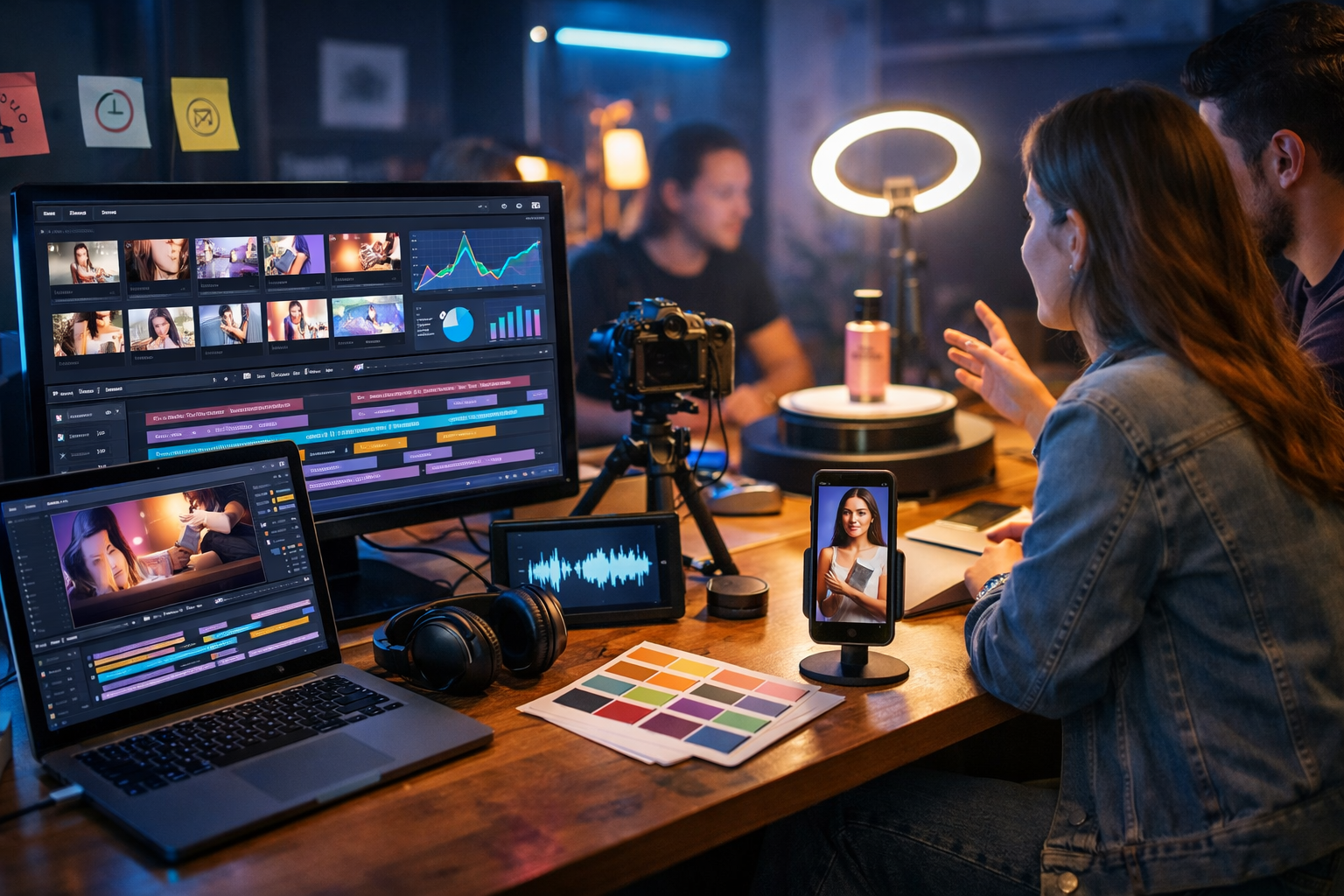
AI has changed video advertising from a slow, expensive production cycle into a rapid experimentation engine. When you use AI well, you can generate scripts, storyboards, visuals, voice-overs and multiple ad variations in hours—then refine based on real performance data. This guide shows exactly how to use AI for video advertising, step by step, with practical workflows you can run today using Gen AI Last.
Why use AI for video advertising?
Video ads work because they combine attention, emotion and clarity fast—but producing enough high-quality creative to keep up with platforms (Meta, TikTok, YouTube, LinkedIn) is hard. AI helps you scale output without sacrificing relevance.
- Speed: produce scripts, hooks and edits in minutes.
- Volume: generate many variations for A/B testing (hooks, CTAs, lengths, formats).
- Consistency: keep brand voice, structure and messaging coherent across campaigns.
- Lower cost: create polished ads without hiring a full production team for every iteration.
- Better learning: faster iteration means faster insight into what actually converts.
With our AI content tools, you can handle the full workflow in one place: write the script, generate supporting visuals, produce the video, and add audio/voice-overs—without juggling multiple subscriptions.
The AI video advertising workflow (plan → create → test → optimise)
The most reliable way to use AI for video advertising is to treat it as a production system, not a one-off “make me an ad” button. Use this four-stage loop:
- Plan: define audience, offer, angle, and success metric.
- Create: generate scripts, storyboards, visuals, voice and final edits.
- Test: launch structured variants (not random changes).
- Optimise: use results to iterate the next batch of creatives.
Step 1: Start with a clear ad brief (AI cannot fix a vague offer)
Before generating anything, write a one-page brief. This improves output quality and prevents AI from producing generic, “everyone” messaging.
- Audience: who exactly is this for? (role, pain, context, device)
- Problem: what frustration or desire triggers the click?
- Offer: what do they get, at what price, with what guarantee?
- Proof: testimonial, metric, demo, before/after, authority.
- CTA: trial, book a call, buy now, download, subscribe.
- Platform constraints: 9:16 vs 16:9, ad length, captions, safe zones.
Practical tip: decide your single most important metric upfront. For cold audiences, optimise for thumb-stopping (3-second views and hold rate). For retargeting, optimise for conversion rate and cost per purchase/lead.
Step 2: Use AI text generation to produce high-performing ad scripts
In most video ads, the script is the asset. AI is particularly strong at generating multiple structured options quickly: hooks, value props, objections, CTAs, and variations by audience segment.
Use Gen AI Last’s AI Text Generation to create scripts in proven frameworks:
- Problem → Agitate → Solve (ideal for pain-based offers)
- Hook → Demo → Proof → CTA (ideal for product-led growth)
- Myth → Truth → Steps (ideal for education and authority)
- Before/After (ideal for visible outcomes)
Ready-to-use prompt: 10 hooks + 3 scripts
Paste this into your AI writer and fill in the brackets:
Prompt: “You are a performance video ad copywriter. Create 10 scroll-stopping hooks (under 2 seconds) and 3 full scripts for a [platform: TikTok/Meta/YouTube] video ad. Target audience: [audience]. Product: [product]. Price: [price]. Main benefit: [benefit]. Proof: [proof]. Objections: [list 3]. Tone: [direct/friendly/authoritative]. Each script must include: on-screen text suggestions, B-roll ideas, and a clear CTA. Provide versions for 15s and 30s.”
Make the script “shootable” (even if you’re generating the video)
A common mistake is writing scripts that sound good but don’t translate visually. Ask AI to include:
- Scene-by-scene structure (1–2 seconds per beat for short-form).
- On-screen text (captions and emphasis lines).
- B-roll list (product close-ups, screen recordings, lifestyle shots).
- Audio notes (pace, pauses, emphasis).
Step 3: Generate supporting visuals (so your ad looks intentional)
Many ads fail because they look like stock footage stitched together. AI image generation helps you produce cohesive, campaign-specific visuals: product scenes, backgrounds, cutaways, and concept images.
Use Gen AI Last’s AI Image Generation for:
- Product hero shots (e-commerce style or SaaS mockups).
- Scene fillers for quick cuts (desk setup, lifestyle contexts).
- Storyboard frames to pre-visualise pacing and composition.
- Thumbnail concepts for YouTube ads and organic placements.
Practical tip: keep a “visual recipe” so each image feels like the same campaign: lighting (warm/cool), lens (35mm/50mm), depth of field, colour palette, and setting.
Example prompt: consistent product ad visuals
Prompt: “Photorealistic product advertising image set in a modern home office. Feature [product] on a desk next to a laptop, soft natural window light, shallow depth of field, neutral tones with one accent colour: [brand colour]. Create 5 variations: close-up, wide lifestyle shot, hands using the product, detail macro, and ‘before/after’ split scene (no text). 16:9 and 9:16 versions.”
Step 4: Create the video with AI (and design for attention)
AI video generation is most effective when you give it structure and constraints: duration, format, pacing, scene list, and what must appear on-screen. In Gen AI Last, you can generate marketing videos, product demos, social reels and explainer videos from a clear prompt and supporting assets.
Attention mechanics that AI should follow
- Hook in the first second: a surprising claim, bold outcome, or problem statement.
- Pattern breaks every 1–2 seconds: angle change, cutaway, zoom, overlay.
- Show the thing: demo beats talking-head for most cold traffic.
- One idea per ad: avoid cramming features; focus on a single promise.
- Caption-friendly: many viewers watch muted; ensure readable pacing.
Example prompt: 15-second UGC-style ad
Prompt: “Create a 15-second vertical (9:16) UGC-style video ad for [product]. Style: handheld smartphone, authentic creator tone, quick cuts. Scene list: (1) hook with problem in 1 second, (2) show product in use, (3) 2 key benefits with visual proof, (4) social proof moment, (5) clear CTA. Include on-screen caption suggestions (no brand logos). Lighting: soft natural indoor light. Pace: fast, energetic.”
Example prompt: 30-second explainer ad for SaaS
Prompt: “Create a 30-second 16:9 explainer video ad for a SaaS called [name]. Audience: [role]. Show: problem context, dashboard walkthrough, before/after results, and a final CTA. Visual style: clean, modern UI animations, smooth transitions, subtle motion graphics. Tone: confident and practical. Include a suggested voice-over script and timestamps for each section.”
If you’re building a full creative pipeline, it helps to keep everything in one platform—script, visuals, video and audio—so your output stays consistent. That’s the advantage of our AI content tools across text, image, video and audio.
Step 5: Add AI voice-overs and audio that matches the platform
Audio is often the difference between “skippable” and “watchable”. AI audio generation can produce clean voice-overs, narration and background music quickly—especially useful when you need multiple variants (different tones, different CTAs, different languages).
- Voice-over: match the audience (friendly creator, expert, calm guide).
- Music bed: keep it subtle so it doesn’t fight the message.
- Sound design: small whooshes/clicks can emphasise transitions (use sparingly).
Practical tip: create at least two voice-over styles per winning script: one energetic and one calm. Different niches convert differently (e.g., fitness vs B2B finance).
Step 6: Create variations for A/B testing (without random changes)
AI makes it easy to create 50 versions. The skill is creating useful versions—where you can learn what caused the improvement.
Test variables in a structured way:
- Hook: question vs bold claim vs “stop scrolling” problem.
- Opening visual: talking head vs product close-up vs result first.
- Proof: testimonial vs statistic vs demo outcome.
- CTA: “Start trial” vs “Get a demo” vs “See pricing”.
- Length: 6–10s vs 15s vs 30s.
- Format: 9:16 vs 1:1 vs 16:9 depending on placement.
A simple “creative matrix” to generate variants
Pick one offer and one audience. Then generate:
- 3 hook styles
- 2 proof types
- 2 CTAs
That’s 12 ads from one concept (3×2×2). AI lets you build those quickly, then you let the platform’s delivery and your metrics choose the winners.
Step 7: Measure what matters (and feed the learning back into AI)
To optimise AI-generated video ads, you need to analyse performance at the right level. Don’t only look at ROAS or CPA—those are late indicators and can be noisy early on.
- Thumb-stop / 3-second view rate: tells you whether the hook and first frame work.
- Hold rate / average watch time: tells you whether pacing and structure work.
- CTR: tells you whether the promise is compelling.
- Conversion rate: tells you whether the promise matches the landing page and offer.
- CPA/ROAS: tells you whether it’s profitable at scale.
Practical tip: when you find a winner, don’t just duplicate it—extract the principle. For example: “demo in first 2 seconds” or “proof screenshot at 0:06” or “problem statement aimed at one niche job title”. Then ask AI to produce 10 new scripts that keep that principle while changing the creative surface area.
Common mistakes when using AI for video advertising (and how to avoid them)
- Generic messaging: fix by providing a tight brief and real customer language (reviews, support tickets, call notes).
- Over-polished ads for UGC placements: match the platform aesthetic; “real” often outperforms “perfect”.
- No proof: add evidence: numbers, demo outcomes, testimonials, comparisons.
- Too many ideas: one promise per ad; save extra features for retargeting sequences.
- Ignoring compliance: avoid misleading claims; include qualifiers where needed (especially health, finance, earnings).
Two practical campaign examples (what to generate and why)
Example 1: E-commerce product (cold traffic on Meta and TikTok)
Goal: profitable first purchase. Creative focus: show product in use immediately.
- Generate 15 hooks: problem-based, outcome-based, and “unexpected use-case”.
- Create 6 short videos (9:16): 3 hook styles × 2 proof types (review vs demo result).
- Add two voice-over styles per video (energetic vs calm).
- Create 5 supporting images for cutaways: close-ups, lifestyle, details.
What you learn: which hook category drives hold rate and which proof type drives conversion. Then you generate a second wave that doubles down on the winner.
Example 2: B2B SaaS (LinkedIn and YouTube)
Goal: booked demos. Creative focus: clarity, credibility, and a tight promise.
- Generate 3 angles: “reduce manual work”, “improve reporting”, “avoid costly mistakes”.
- For each angle, produce a 30-second explainer and a 15-second cut-down.
- Create a voice-over variant with a more authoritative tone for LinkedIn.
- Generate clean supporting visuals: dashboards, charts, office context shots.
What you learn: which pain point creates the strongest intent (CTR and demo conversion rate), and which opening frame best filters for qualified prospects.
How Gen AI Last helps you produce video ads end-to-end
Most teams waste time moving between tools: one for scripts, another for images, another for voice, another for video. Gen AI Last brings the workflow together:
- AI Text Generation: hooks, scripts, CTAs, and multiple ad variations.
- AI Image Generation: campaign visuals, scene assets, thumbnails, storyboard frames.
- AI Video Generation: social reels, explainer ads, product demos.
- AI Audio Generation: voice-overs, narration, background music.
And it’s priced to be realistic for small teams: you can view pricing from $10/month with access to text, image, audio, and video generation included.
Quick-start checklist: your first AI video ad batch (today)
- Write a one-page brief: audience, offer, proof, CTA, platform.
- Generate 10 hooks + 3 scripts in two lengths (15s and 30s).
- Pick the best 2 scripts and create 6 variations (creative matrix).
- Generate 5–10 supporting images to avoid repetitive visuals.
- Add two voice-over styles per top concept.
- Launch with clean naming (Hook A/Proof 1/CTA X) so results are readable.
- After 48–96 hours, identify winners using hold rate, CTR, and conversions.
- Generate a second batch that preserves the winning principle and changes one variable at a time.
Final thoughts: AI is your creative multiplier, not your strategy
The best way to use AI for video advertising is to combine it with clear positioning, a specific offer, and disciplined testing. AI handles the heavy lifting—scripts, visuals, voice, video versions—so you can spend your time on the decisions that actually drive performance.
If you want to build your first batch of AI-driven video ads without stitching together multiple tools, start creating for free and run the workflow above end-to-end in Gen AI Last.
Ready to Create with Generative AI?
Join thousands of creators using Gen AI Last to generate text, images, audio, and video — all from one platform. Start your 7-day free trial today.
Start Free — Try 7 DaysQuick Links
Create AI content from $10/month
View Plans