How to use AI-generated images and art commercially without copyright issues
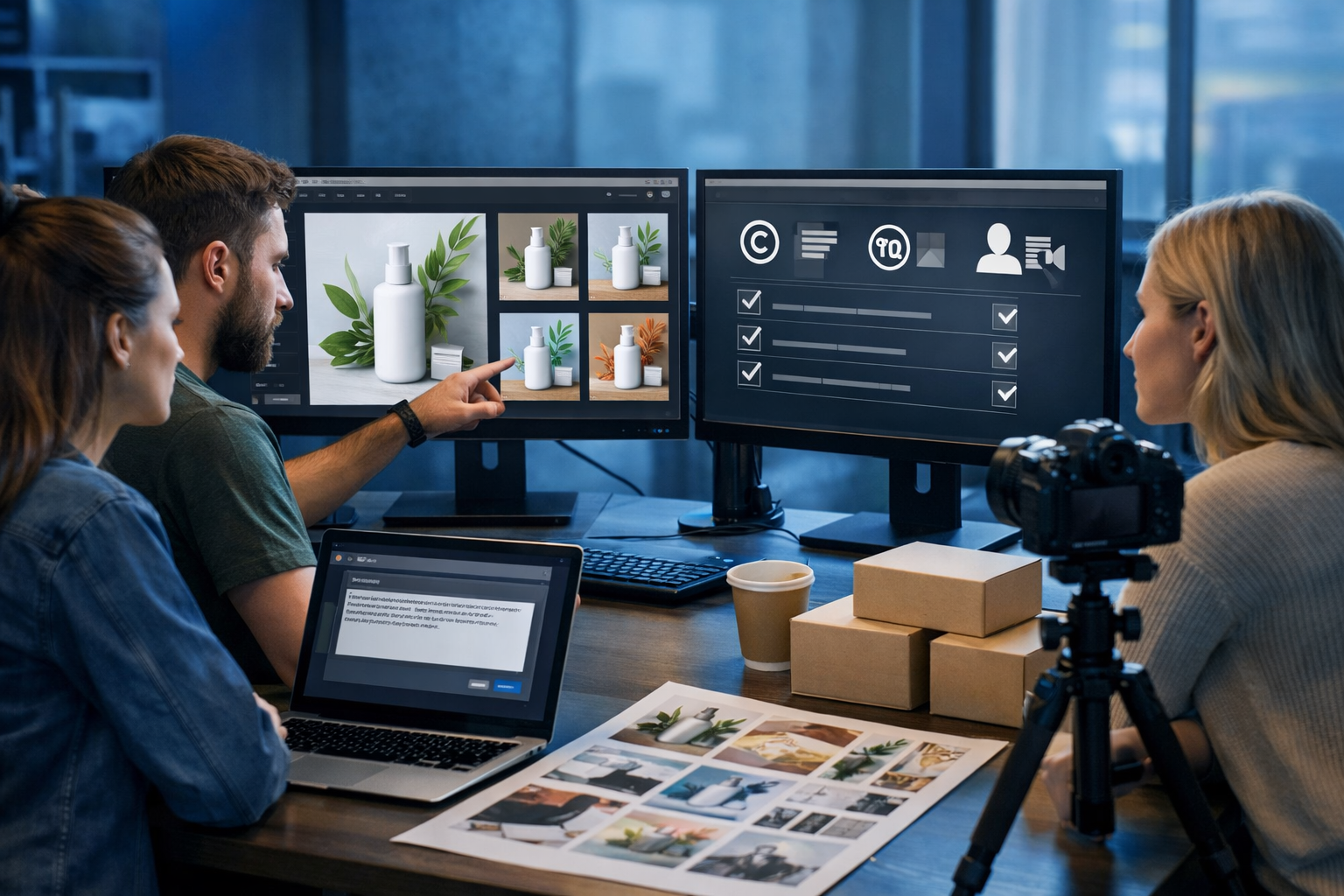
Using AI-generated images in adverts, product pages, and social campaigns can save time and money—but only if you handle copyright, trademarks, and likeness rights properly. This guide explains how to use AI-generated images and art commercially without copyright issues, with clear rules of thumb, a practical workflow, and examples you can apply immediately with Gen AI Last.
First: what “copyright issues” really mean for AI images
People often say “AI images are copyright-free”, but that’s not a safe assumption. Commercial safety depends on three overlapping areas:
- Copyright: whether your output copies protected elements from someone else’s work, and whether you actually have rights to use the output.
- Trade marks and branding: logos, product shapes, brand names, and distinctive brand assets can create legal risk even if no copyright is infringed.
- Personality / likeness rights: using a recognisable person (or a lookalike) can trigger privacy, publicity, defamation, or passing-off concerns.
When you’re creating marketing assets, you also need to consider platform rules (e.g., ad approvals) and client contracts (deliverables, warranties, indemnities). The aim is not perfection; it’s a repeatable process that keeps risk low and documentation high.
Understand your AI tool’s commercial licence (and keep proof)
Your first checkpoint is the terms of service of the platform you use to generate images. Even if the image itself looks “original”, your right to use it may depend on the platform’s licence grant.
With an all-in-one platform like Gen AI Last, you can generate text, images, video, and audio in one place—ideal for building campaigns quickly—while keeping your creation workflow consistent. Use our AI content tools to produce a complete set of brand assets (hero image, product visuals, social variations, and ad copy), but treat licensing as a standard step in your production pipeline.
Best practice: keep a “rights folder” for each campaign with:
- A dated screenshot/PDF of the tool’s commercial use policy (or a link plus a timestamped note).
- Your prompts, negative prompts, and generation settings.
- The final exported files and intermediate versions (useful to show iterative creation).
- Any post-processing notes (e.g., background removal, retouching, compositing).
This won’t magically eliminate legal risk, but it strengthens your position and makes client approvals and audits far easier.
Avoid “style-of” prompting that targets living artists
A common source of controversy (and potential risk) is prompting an AI to replicate the distinctive style of a living artist. Even if the output is not a direct copy, it can still raise complaints, reputational damage, or contractual issues with clients.
Safer alternatives: describe style using non-attributive creative language:
- Medium: “watercolour wash”, “linocut print texture”, “3D clay render”.
- Mood: “minimal, calm, Scandinavian palette”, “high-energy neon night”.
- Composition: “close-up product hero shot, shallow depth of field”.
- Influence era (carefully): “Art Deco geometry”, “1960s travel poster vibe” (avoid naming specific artists).
Example prompt shift (conceptual): Instead of “in the style of [Artist Name]”, use: “bold ink outlines, limited colour palette, dramatic negative space, editorial illustration feel”. This keeps the creative direction while reducing the chance of an output that looks like a deliberate imitation.
Don’t include brands, logos, or recognisable IP—unless you have permission
AI images can unintentionally generate lookalike logos, packaging, or brand marks. This is a frequent reason ads get rejected and a major reason companies receive takedown requests.
High-risk items to avoid in prompts and outputs:
- Brand names (Nike, Apple, etc.), product names, and slogans.
- Sports team badges, band logos, character names, and franchise elements.
- Distinctive packaging shapes or trade dress (e.g., a recognisable bottle silhouette).
- Famous fictional characters or “close enough” versions.
Actionable check: zoom in to inspect small details—AI often hides accidental marks on clothing, signage, labels, or backgrounds. If you find anything brand-like, regenerate, crop, or retouch it out.
Be careful with real people, celebrities, and “lookalikes”
Even if your AI image is entirely synthetic, using a recognisable face (or a close imitation) can create legal and ethical problems—especially in advertising. Rules vary by country, but the risk increases when the image implies endorsement.
Commercial-safe approach:
- Use clearly fictional, non-identifiable faces (avoid naming public figures in prompts).
- Avoid unique tattoos, distinctive scars, or signature hairstyles that resemble a known person.
- If you need a specific real person (e.g., a founder portrait), use real photography with a signed model release, not a generated lookalike.
If your use case is voice or video, apply the same thinking: synthetic voice-overs or AI presenters should not mimic identifiable individuals. Gen AI Last makes it straightforward to generate supporting assets (images, short videos, and voice-overs) from one campaign brief; just ensure your creative direction never asks the model to “sound like” or “look like” a real person without permission.
Know when AI images may not qualify for copyright protection
In some jurisdictions, purely machine-generated works may have limited or no copyright protection (the legal landscape is evolving). The practical impact for businesses is:
- You may find it harder to stop others from reusing a similar AI image if your contribution is minimal.
- Clients may demand stronger originality and documentation of human creative input.
Risk-reduction tactic: add meaningful human authorship. For instance: combine multiple generations, art-direct compositions, retouch, create custom layouts, add your own photography, and integrate the final into a unique brand design system. Keep a short “creation log” (prompts, edits, version history) to demonstrate creative control.
A commercial-safe workflow (step-by-step)
Use this repeatable workflow to minimise copyright, trade mark, and likeness risk while still moving quickly.
- Define the brief: where will the image be used (ads, packaging, app UI, print)? Higher stakes (packaging, national ads) require stricter review.
- Write “clean” prompts: avoid artist names, brand names, celebrity names, and franchise references. Describe attributes, not sources.
- Generate variations: create multiple options so you can reject anything that looks too similar to known IP.
- Inspect outputs: zoom in for accidental logos, text fragments, and recognisable elements.
- Run a similarity sanity check: do a reverse image search on finalists (and on cropped distinctive sections).
- Post-process responsibly: remove stray marks, adjust composition, and ensure the final is brand-unique.
- Document: save prompts, dates, versions, and the platform terms reference.
- Get approvals: if client work, share both the final and a short rights note about how it was created.
Practical examples: using AI art commercially (safely)
Example 1: E-commerce product hero image
You sell a reusable water bottle and want a premium hero image for your product page. A risky approach is prompting for a scene that includes famous outdoor brands, recognisable landmarks, or a celebrity hiker. A safer approach is to generate a clean studio-style hero shot with controlled props.
Safer prompt ingredients: “studio backdrop”, “softbox lighting”, “neutral props”, “no logos”, “generic hiking gear”. Then inspect the output for accidental brand-like marks on equipment and remove them.
To build the full listing, generate supporting assets using our AI content tools: product description text, social captions, and banner variations that match the same visual style.
Example 2: Social media illustrations for a fintech brand
Fintech brands often use abstract illustrations. The main risk is accidental similarity to well-known illustration sets (or copying a specific artist’s signature look). Instead, specify an original design system: geometric shapes, a defined palette, and consistent icon language.
- Create a palette: e.g., navy, mint, warm grey.
- Set constraints: rounded corners, 2px outline, subtle grain.
- Generate a pack of 20 images and remove any that feel derivative.
Example 3: Ad creatives with AI video and images
If you turn images into short ad videos, you add extra compliance considerations: on-screen text, claims, and platform ad rules. A solid method is to generate a clean set of stills first, then animate them into a short explainer video. Keep the visuals generic and avoid celebrity resemblance.
Gen AI Last can help you create the whole bundle (image + video + voice-over), and all plans include full access from a single subscription—view pricing from $10/month if you’re building assets for a startup or small team.
How to check for hidden copyright or trade mark risk
You don’t need a law degree to do an effective first-pass review. Use a simple “triage” checklist before publishing anything at scale.
1) Reverse image search (and crop search)
Run a reverse image search on the final image and also on distinctive cropped sections (faces, logos, unique patterns). You’re looking for close matches that suggest the output may be too similar to an existing artwork.
2) Zoom inspection for accidental marks
Check clothing, signs, packaging, UI screens, and background objects. AI models can generate “almost logos” or fake text that still looks like a real mark at a glance.
3) Trade mark common sense
Ask: does this image imply association with a known brand? Even without a direct logo, a distinctive product shape or colourway can cause trouble in advertising.
4) Likeness check
If the image contains a person, ask: would a reasonable viewer think this is a real celebrity or influencer? If yes, regenerate with less specific facial features and avoid any prompt elements referencing real individuals.
Using AI-generated art for client work: clauses and expectations
If you’re an agency, freelancer, or in-house marketer working with clients, the main practical challenge is aligning expectations. Many clients now ask: “Can you guarantee this is copyright-safe?” Absolute guarantees are risky because the legal environment and model training data are outside your control.
Instead, offer a process commitment:
- You used a reputable tool with commercial-use terms.
- You avoided brand/artist/celebrity prompts.
- You performed similarity and trade mark checks.
- You documented prompts and versions.
When clients want higher certainty (e.g., packaging for mass retail), recommend a hybrid approach: AI for concept exploration, followed by a final asset created or heavily reworked by a designer with additional legal review.
Prompt hygiene: a simple “commercial-safe” prompt template
Use a template that steers you away from problematic inputs while still producing strong results.
- Subject: what it is (e.g., “ceramic coffee mug on a desk”).
- Environment: generic setting (“home office”, “modern studio”, “coffee shop”).
- Lighting: “soft natural window light”, “cool blue tech lighting”.
- Style descriptors: medium and mood (avoid artist names).
- Restrictions: “no logos, no brand names, no readable text, no celebrity likeness”.
This structure makes it easier to scale production across a team while maintaining consistent compliance habits.
Frequently asked questions
Can I sell AI-generated art as prints or on products?
Often yes, provided your platform’s terms allow commercial use and your artwork doesn’t include protected IP (characters, logos) or imitate a living artist’s distinctive style. Add your own design input (layout, typography, colour grading) and keep documentation.
Do I need to credit the AI tool?
It depends on the tool’s terms and your client’s requirements. In marketing contexts, credit is not usually required, but transparency can be beneficial in certain industries. Always follow the platform’s current rules.
What if my AI image accidentally resembles an existing artwork?
Don’t publish it. Regenerate with different composition and descriptors, and avoid prompts that could lead to the same resemblance. If you already published, replace the asset quickly and keep a record of the change.
A quick compliance checklist before you publish
- Commercial-use terms reviewed for your AI platform; proof saved.
- No artist names, brand names, celebrity names, or franchise references in prompts.
- No visible logos, brand marks, or recognisable trade dress in the output.
- No recognisable real person or lookalike implying endorsement.
- Reverse image search completed on finalists (including cropped sections).
- Edits and version history saved (creation log).
Create commercial-ready visuals faster with Gen AI Last
Once you have a safe workflow, AI becomes a reliable production engine: generate multiple image directions, refine into a consistent campaign set, then pair them with matching copy, video, and audio assets. Gen AI Last is designed for exactly that all-in-one process—so your team can move from idea to published creative quickly, without juggling tools.
If you want to build your next campaign bundle (visuals, captions, product descriptions, reels, and voice-overs) in one place, start creating for free and scale when ready with view pricing from $10/month.
Reminder: this article provides practical guidance, not legal advice. For high-stakes usage (major ad spends, packaging, or celebrity-adjacent campaigns), consult a qualified IP solicitor for a tailored review.
Ready to Create with Generative AI?
Join thousands of creators using Gen AI Last to generate text, images, audio, and video — all from one platform. Start your 7-day free trial today.
Start Free — Try 7 DaysQuick Links
Create AI content from $10/month
View Plans