How to Use AI-Generated Images and Art Commercially Without Copyright Issues
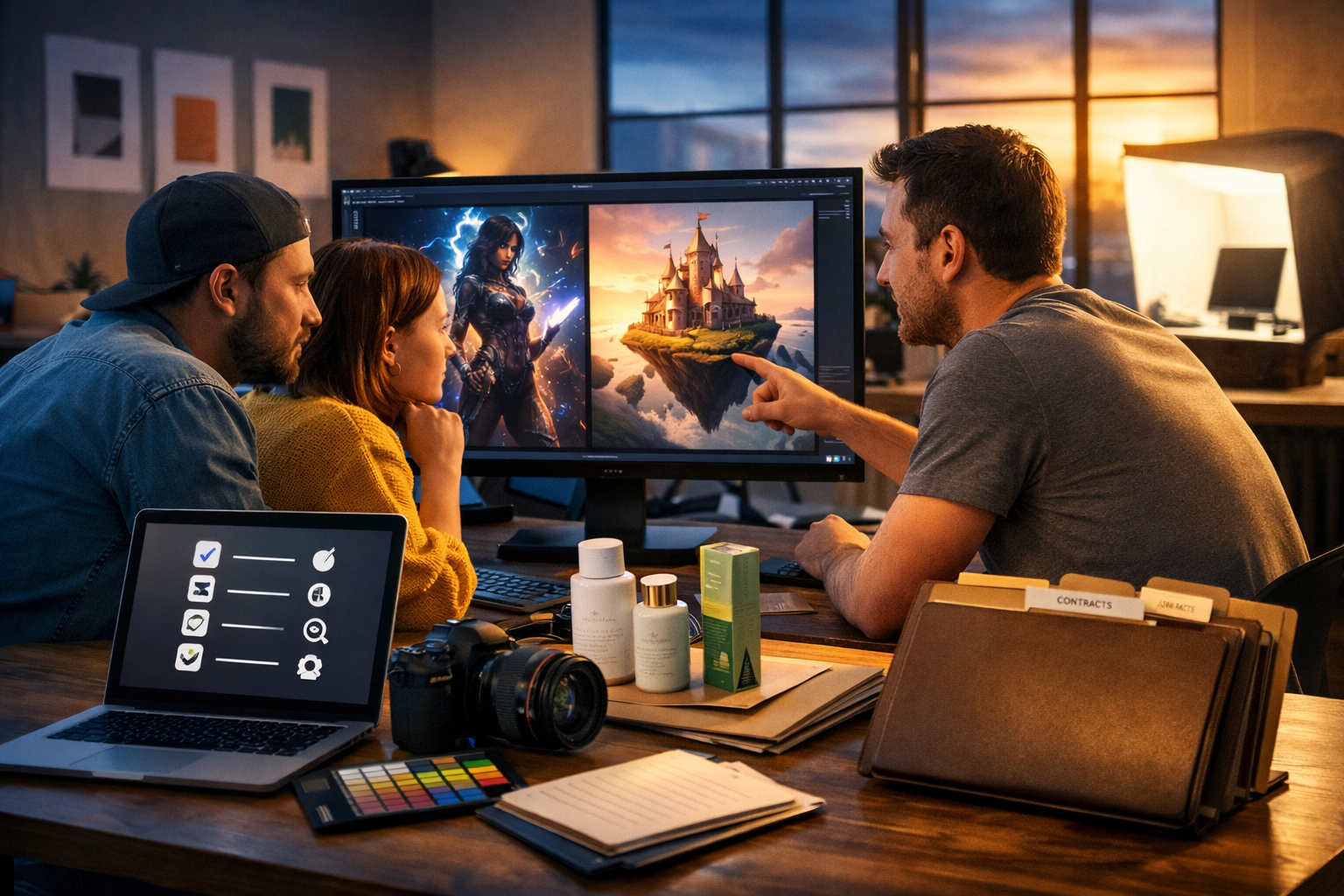
Using AI-generated images in ads, packaging, websites, and client work can be fast and cost-effective—but only if you avoid copyright, trademark, and publicity-right pitfalls. This guide shows you how to use ai-generated images and art commercially without copyright issues by checking tool terms, steering clear of lookalikes, documenting your process, and building a repeatable workflow that keeps your brand (and your clients) safe.
The legal reality: AI images aren’t “copyright-free” by default
A common misconception is that AI images are automatically free to use commercially. In practice, commercial safety depends on several factors: the generation tool’s licence, the content you prompted (and whether it imitates protected works), the presence of recognisable brands/people, and the rules of the platform where you publish. Some AI outputs may also have limited or uncertain copyright protection in certain jurisdictions—meaning it can be harder to stop others from copying your AI image, even if you can use it.
The goal for businesses is not just “can I use it?” but “can I use it with an acceptable level of risk?”. The steps below will help you create images you can confidently put into marketing, products, and client deliverables.
Step 1: Start with the generator’s commercial licence and terms
Before you publish or sell AI artwork, read (and save) the terms of the tool you used. Different services have different rules about commercial use, attribution, resale, and whether you must be on a paid plan.
- Confirm commercial rights: does the tool allow use in ads, merchandise, packaging, and client work?
- Check plan requirements: some tools restrict commercial use to paid tiers.
- Look for restrictions on sensitive categories (e.g., political ads, medical claims, adult content).
- Note ownership language: “you own outputs” vs “licence to use outputs”.
- Save evidence: keep a PDF/screenshot of the terms and your account status at the time of creation.
If you’re building an end-to-end pipeline, it helps to keep everything in one place. With our AI content tools, you can generate marketing images alongside supporting copy, product descriptions, and even voice-overs or short videos—making it easier to maintain consistent records for a campaign.
Step 2: Avoid “in the style of” living artists and recognisable franchises
Even when you have permission from your AI tool to use outputs commercially, you can still create legal risk if you intentionally imitate a protected style too closely, or produce images that are substantially similar to copyrighted characters, scenes, or brand assets. Copyright protects specific expression (not general ideas), but “close enough to confuse” can invite takedowns, account bans, or disputes.
Safer prompt patterns
- Describe subject matter, lighting, composition, era, medium, and mood—without naming artists, studios, or franchises.
- Use broad art-historical references (e.g., “Dutch Golden Age lighting”, “mid-century modern poster design”) rather than a specific living illustrator’s name.
- Create original mascots and characters with distinct features not derived from famous IP.
Risky prompt patterns (avoid)
- “In the style of [living artist]” for commercial brand work.
- “Make it look like [famous film/game/anime]” or “exactly like [brand’s ad]”.
- Requests for recognisable characters, costumes, or props strongly tied to a franchise.
Practical tip: if a customer could plausibly think your image was made by, endorsed by, or sourced from a known artist or franchise, you’re too close for comfort.
Step 3: Watch for trademarks, logos, and trade dress
Trademarks protect brand identifiers—names, logos, and sometimes distinctive packaging or product shapes (“trade dress”). AI images can accidentally generate logos on clothing, product shapes that mimic famous brands, or packaging that looks like a competitor’s.
- Inspect outputs at 100% zoom for accidental logos, brand-like symbols, and readable brand names.
- Avoid prompts that mention real brands unless you have a legitimate need and the usage is lawful (e.g., editorial commentary)—and even then, proceed cautiously.
- For product packaging visuals, use clearly original layout, colours, and shapes so you do not mimic a competitor’s shelf presence.
If you’re creating product listings, it’s often better to generate clean, brand-neutral images and then add your own branding in your design software, rather than asking the model to invent “a logo”.
Step 4: Get consent for recognisable people (publicity and privacy rights)
Even if an AI image is synthetic, you can still run into trouble if it depicts a recognisable real person (celebrity or private individual) or resembles someone strongly enough that they could claim misappropriation. Rules vary by country and US state, but the safe commercial approach is consistent: do not use recognisable likenesses without permission.
- Avoid naming real people in prompts for marketing assets.
- Generate faces that are clearly fictional and not “lookalikes”.
- If you use any real person’s photo as input, obtain a model release and confirm the tool allows that usage.
For teams producing ads at scale, a simple internal rule works well: “No real people, no celebrity references, no private individuals—unless legal has approved and releases are on file.”
Step 5: Keep a “creation trail” for every commercial asset
If your work is challenged, documentation is your best friend. Build a lightweight record-keeping system for AI images used commercially.
- Save the prompt and negative prompt (if used).
- Save key settings (model/version, seed, aspect ratio, upscaler settings).
- Store the original output and the final edited file.
- Record where it’s used (campaign name, SKU, landing page URL, client name).
- Attach the tool’s terms snapshot and your plan level.
This is also valuable for brand consistency: when an image performs well, you can reproduce the look responsibly without copying a third party’s style.
Step 6: Edit responsibly—don’t “launder” infringing content
Editing an image (cropping, colour grading, adding text) does not automatically remove copyright or trademark issues. If the underlying image is too similar to an existing work or contains protected elements, minor edits won’t fix that.
- If you spot a recognisable logo or character element, regenerate rather than retouching it away.
- If the composition strongly matches a known artwork or movie still, change the concept: new pose, new setting, new camera angle, new props.
- Use editing to enhance originality (custom typography, bespoke layout, unique product context).
Step 7: Know what “commercial use” covers (and where platforms differ)
Commercial use is more than selling prints. It includes any use that promotes a brand, product, or service. Different platforms also have their own rules (for example, ad platforms may restrict synthetic media in political contexts, and marketplaces may require proof of rights).
- Advertising: social ads, Google ads, display banners, app store screenshots.
- E-commerce: product images, lifestyle banners, infographics.
- Client work: deliverables to paying customers (agencies, freelancers).
- Merchandise: t-shirts, posters, book covers, packaging.
If you’re unsure, treat it as commercial. Then ensure your tool licence and your content choices are robust enough for that scenario.
A practical commercial-safe workflow (checklist you can reuse)
Use this workflow whenever you create AI images for business.
1) Define the use case and risk level
- High risk: packaging, billboards, major paid campaigns, licensing to clients.
- Medium: website hero images, blog illustrations, social posts.
- Lower: internal mock-ups, moodboards (still avoid IP issues).
2) Generate with “originality-first” prompts
Example prompt approach (safe direction): “Photorealistic product lifestyle shot of a matte-black reusable bottle on a wooden desk in a bright home office, soft natural light, shallow depth of field, minimal background objects, no logos, no text.”
3) Run an infringement scan
- Visual inspection: logos, characters, signatures, watermarks.
- Reverse image search for near-identical matches (especially for high-risk uses).
- Team review: a second pair of eyes catches brand-like details you miss.
4) Document and archive
Save prompts, settings, and the terms snapshot. For agencies, add a short note in the client folder: “AI-generated using licensed tool; no third-party brands or likenesses intentionally included.”
How Gen AI Last supports a safer commercial pipeline
Commercial-safe image use is easier when your assets and campaign content are created in a single, organised workflow. Gen AI Last is an all-in-one platform for text, images, audio, and video—useful because a “rights-aware” process often spans more than visuals.
- Create images for ads, product photos, social graphics, and banners, then generate matching compliant copy (headlines, product descriptions, landing-page sections) in the same workspace.
- Produce campaign variations quickly without prompting for risky brand references or stylistic imitation.
- Turn the same concept into short promos with AI video and add AI voice-over for explainers—handy when you need original media across multiple channels.
If you’re building campaigns on a lean budget, view pricing from $10/month for full access to text, image, audio, and video generation.
Common scenarios (and how to avoid copyright issues)
Scenario 1: Selling AI art prints
Risk: unintentional similarity to an existing artwork, or prompts that directly reference a famous artist/franchise.
- Create a unique series concept (theme + palette + composition rules).
- Avoid artist-name prompts; rely on descriptive visual language instead.
- Reverse-search your final images before listing.
Scenario 2: Using AI images in client marketing
Risk: client expects exclusive rights or assumes “copyright cleared”.
- Put AI usage and licensing terms in your contract/SoW.
- Clarify whether exclusivity is possible (often it isn’t with AI outputs).
- Deliver documentation: prompts, tool used, and the commercial-use basis.
Scenario 3: AI product photos for e-commerce
Risk: misleading imagery (consumer law) plus trade dress/trademark mimicry.
- Ensure the image accurately represents what’s sold (materials, features).
- Remove accidental brand marks and regenerate scenes with generic props.
- Use AI images for lifestyle context; keep true-to-product packshots where required.
FAQ: quick answers for commercial use
Can I copyright my AI-generated image?
It depends on your jurisdiction and the level of human creative contribution. Some places require meaningful human authorship for full copyright protection. Even if you can’t fully copyright it, you may still use it commercially if the tool licence allows.
Do I need to credit the AI tool?
Only if the tool’s terms or the publishing platform requires it. For brand work, attribution is often optional, but confirm in the licence and client contract.
Is it safe to generate “Disney-like” or “Marvel-like” art?
That’s a high-risk approach for commercial work because it encourages resemblance to protected characters and trade dress. Prefer original characters and unique visual direction.
What if the AI accidentally generated a logo in the background?
Treat it as a red flag. For commercial assets, regenerate or significantly alter the scene to remove trademark risk rather than relying on tiny retouches.
Final checklist: how to use AI-generated images commercially with confidence
- Use a tool that explicitly permits commercial use and keep a copy of the terms.
- Avoid prompts referencing living artists, franchises, or brand lookalikes.
- Inspect for trademarks, logos, watermarks, and recognisable people.
- Reverse-search high-stakes images and get internal review.
- Document prompts, settings, and where the asset is used.
- When in doubt, regenerate with a more original concept.
Ready to create compliant, campaign-ready visuals and the copy that goes with them? Explore our AI content tools or start creating for free and build a commercial-safe workflow from day one.
Ready to Create with Generative AI?
Join thousands of creators using Gen AI Last to generate text, images, audio, and video — all from one platform. Start your 7-day free trial today.
Start Free — Try 7 DaysQuick Links
Create AI content from $10/month
View Plans