How to Use AI-Generated Images and Art Commercially Without Copyright Issues
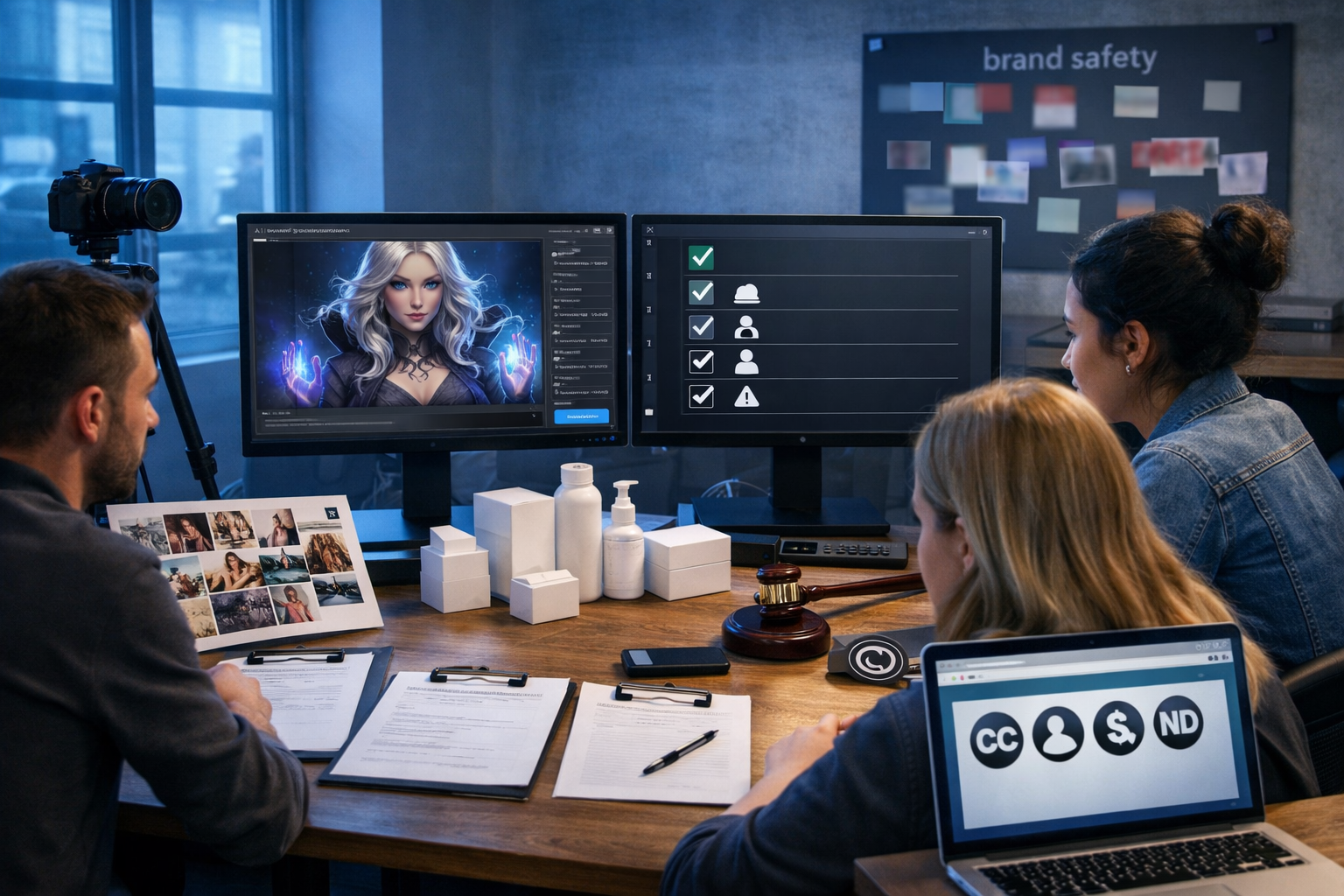
Using AI-generated images in adverts, websites, packaging, and social campaigns can be fast and cost-effective—but “AI-made” doesn’t automatically mean “risk-free”. If you want to use AI-generated images and art commercially without copyright issues, you need a practical workflow that covers licensing terms, originality, trademarks, privacy rights, and documentation. This guide explains what to check, what to avoid, and how to ship visuals confidently at startup-friendly speed.
What “copyright issues” really means for AI images
When people worry about copyright with AI art, they’re usually referring to three different risks:
- Using an AI tool whose terms don’t grant you commercial rights (a licensing problem).
- Creating an image that’s too similar to someone else’s protected work (a similarity/infringement problem).
- Including protected brand elements or identifiable people without appropriate permissions (trademark, passing off, privacy/publicity, or data protection issues).
Copyright law varies by country and AI law is evolving. This article is practical guidance, not legal advice. If you’re launching a major campaign or working in regulated sectors, get a solicitor to review your approach.
Step 1: Confirm your AI image tool allows commercial use
Before you generate a single image, verify the tool’s licence and whether it grants you the rights you need for your intended uses (web, print, paid ads, resale, packaging, client work, etc.). Even if you can download the image, the licence might restrict commercial exploitation or require attribution.
With Gen AI Last, all plans include full access to image generation alongside text, audio, and video—built for practical marketing outputs. If you’re building a consistent content pipeline, it helps to centralise production and keep a record of what you created and when. Explore our AI content tools to generate images plus the supporting copy and creative assets around them.
Licensing checklist (what to look for)
- Commercial rights: Does the licence explicitly allow business use, advertising, and monetisation?
- Ownership language: Do you “own” outputs, or do you have a broad licence to use them? Either can work—clarity matters.
- Attribution requirements: Some tools require credit; this may be awkward for packaging and paid social.
- Restricted content: Does the policy ban certain categories (celebrity likeness, political content, medical claims, etc.)?
- Client work: If you’re an agency/freelancer, can you transfer rights to clients or licence outputs to them?
- Indemnity/support: Is there any support if claims arise? (Often limited, but check.)
If you can’t quickly find clear commercial terms, treat that as a red flag and choose a tool with transparent usage rights.
Step 2: Avoid “style imitation” that’s too close to living artists
A common commercial pitfall is generating art “in the style of [living artist]”. Even if the output isn’t a direct copy, it can create reputational risk and may raise legal questions depending on jurisdiction and facts. More importantly, it’s easily avoidable: you can achieve the same creative intent without referencing a specific artist.
Safer alternatives to artist-name prompts
- Describe visual attributes: “high-contrast ink lines, limited palette, editorial illustration feel”.
- Use time periods and movements: “1920s art deco poster composition” (avoid copying specific posters).
- Reference your own brand kit: colours, shapes, icon style, photography direction.
- Use generic creative directions: “cinematic lighting”, “product hero shot”, “minimalist flat lay”.
If your team wants a distinctive brand look, generate a small “style system” (colour palette, lighting, camera angle rules, texture preferences) and apply it consistently rather than leaning on artist mimicry.
Step 3: Manage similarity risk (the “too close to an existing work” problem)
Even when you don’t reference an artist, an AI image could inadvertently resemble an existing copyrighted work—especially if you prompt for a very specific, well-known scene or character-like design. Commercially, your goal is not to prove a philosophical point about creativity; it’s to reduce the chance of disputes and takedowns.
Practical ways to reduce similarity
- Be specific about your unique subject: add product details, settings, props, and composition that are clearly yours.
- Avoid iconic elements: don’t ask for recognisable characters, distinctive costumes, or signature scenes.
- Create multiple drafts and iterate: generate 10–20 variations, then pick the one that looks most original.
- Edit and composite: combine your own photography, shapes, textures, and layouts with AI outputs.
- Reverse image check (where appropriate): for high-stakes uses, run a quick similarity search to spot near-matches.
Tip: originality often comes from art direction—camera angle, lighting, product placement, negative space, and a consistent brand palette—more than from complex prompts.
Step 4: Watch for trademarks, logos, and “trade dress”
Trademarks are separate from copyright. Even if an image is “new”, it can still infringe a trademark if it uses a protected brand sign (logo, brand name) or confuses consumers about the source of goods/services. Also consider trade dress: the distinctive look and feel of a product’s packaging or a brand’s visual identity.
Brand safety checklist for AI-generated visuals
- Remove or avoid logos on clothing, signage, product labels, user interfaces, and vehicles.
- Be cautious with distinctive product shapes (e.g., recognisable bottles, trainers, or device silhouettes).
- Avoid prompting for specific brand names unless you have permission and a clear use case (e.g., comparative advertising with legal review).
- Check backgrounds: posters, billboards, and packaging can contain accidental trademark-like marks.
If you’re producing product mock-ups, keep them intentionally generic unless you own the brand. When in doubt, redesign the shape, label layout, or colour combination so it doesn’t imply affiliation.
Step 5: Don’t overlook people, privacy, and model releases
Even if an image is AI-generated, you can still face issues if it depicts a real person’s likeness (especially a celebrity) or an identifiable private individual. Depending on jurisdiction and context, you may deal with privacy rights, personality/publicity rights, defamation, and data protection considerations.
Safer approaches when humans appear in your visuals
- Use clearly fictional people: avoid naming real individuals in prompts; avoid “look like” instructions.
- Avoid minors in commercial creative unless you have a robust compliance process.
- Steer clear of sensitive contexts: medical, financial distress, political extremism, criminality—unless you can justify it and manage reputational risk.
- Consider a release workflow anyway: if you later swap in real photography or use voice/video, you’ll already have a process.
If your campaign needs authenticity (e.g., a real customer testimonial), use real photography with proper releases. AI is excellent for concepting and scalable variations, but it’s not a substitute for consent when you need a real person’s identity.
Step 6: Build a simple “commercial-safe” creation workflow
A repeatable process is the easiest way to avoid copyright issues. Here’s a workflow small teams can run in under an hour per campaign.
The 10-point commercial safety workflow
- Define usage: Where will the image appear—ads, website hero, packaging, resale prints, client deliverables?
- Check tool terms: confirm commercial rights and any attribution or restricted-use rules.
- Write “clean” prompts: no artist names, no brand names, no copyrighted characters.
- Generate variations: produce multiple options to reduce the chance of near-duplicates.
- Quality control pass: zoom in for hidden logos, text, watermarks, and brand-like marks.
- Similarity scan (risk-based): do it for hero assets, packaging, and high-budget paid campaigns.
- Edit for originality: adjust composition, colours, and add your own brand elements.
- Document: save prompt versions, dates, source files, and the final exported asset.
- Rights checklist: confirm trademarks, people, and locations are safe.
- Archive: store the final file with notes on intended use and approvals.
Gen AI Last can support this workflow end-to-end: generate the images, then create the matching landing page copy, ad variations, product descriptions, and even voice-over or video assets from the same campaign brief. See view pricing from $10/month if you want a single subscription for the full content stack.
Prompt examples that are commercially safer (and why)
Below are examples of prompts that focus on original art direction rather than protected references. They’re written to reduce accidental trademarks and recognisable IP.
Example 1: E-commerce product hero image (generic, brand-ready)
Prompt: “Photorealistic studio product hero shot of a minimalist amber glass skincare bottle with a blank cream label, on a light stone surface, soft natural window light, subtle shadows, neutral palette, clean background, 16:9 composition, high detail, no text, no logos.”
Why it’s safer: No brand references, no recognisable packaging, no logo/text that could create trademark issues.
Example 2: Social media campaign visual (conceptual, not derivative)
Prompt: “High-quality editorial-style photo of a small startup team in a modern co-working space brainstorming around a laptop, colourful sticky notes (blank), warm golden hour lighting, candid energy, shallow depth of field, 16:9 wide, photorealistic, no brand logos.”
Why it’s safer: It’s a generic scenario and avoids identifiable brands or famous people.
Example 3: Illustration style without naming an artist
Prompt: “Clean vector-style illustration of a laptop showing abstract image thumbnails and a checklist of generic icons, modern flat design, limited palette (navy, teal, off-white), smooth gradients, simple geometric shapes, minimal background, 16:9 layout, no text.”
Why it’s safer: It describes design attributes rather than copying a particular artist’s style.
When AI images are risky: common commercial scenarios
Some use cases deserve extra caution because the cost of being wrong is higher (legal spend, takedowns, platform account issues, or reputational damage).
- Packaging and labels: trademark confusion, consumer protection issues, and long shelf-life exposure.
- Paid advertising at scale: greater visibility means higher chance of complaints and scrutiny.
- Merchandise and prints for sale: “art product” use is a magnet for disputes if your output resembles existing work.
- Celebrity or “lookalike” creative: personality rights and platform policy violations.
- Children and sensitive categories: compliance, safeguarding, and stricter ad policies.
In these scenarios, do a stricter review: originality edits, similarity checks, and (where relevant) legal sign-off.
How to document rights for clients and compliance
If you’re producing creative for clients (or you’re a startup that wants clean internal governance), documentation is your friend. You don’t need a complicated legal dossier—just consistent notes that demonstrate good faith and process.
A lightweight documentation template
- Asset name: “Spring campaign hero v3”.
- Date + creator: who generated and approved.
- Tool used: platform name and plan type.
- Prompts + settings: paste the final prompt and key settings.
- Edits made: cropping, colour grading, compositing, retouching.
- Checks done: logo/trademark pass, likeness pass, similarity scan (if applicable).
- Intended usage: “Meta ads, website hero, email header”.
This documentation also makes it easier to generate companion assets quickly. For example, once your hero image is final, you can use Gen AI Last to generate matching ad copy, email sequences, and short-form scripts from the same campaign notes via our AI content tools.
How Gen AI Last helps you ship compliant campaigns faster
Commercial safety isn’t only about the image. Your campaign often needs landing page copy, product descriptions, social captions, short-form video, and voice-over. Fragmented tools make it harder to keep messaging consistent and to store the “paper trail” of what was generated.
- Generate images and matching copy in one place: build a coherent concept, then produce blog posts, ad variations, and product pages quickly.
- Repurpose without re-briefing: turn a visual concept into an explainer video script and a voice-over, keeping the same claims and brand tone.
- Budget predictability: all features (text, image, audio, video) are included from $10/month, which suits startups and small teams.
If you want to test a workflow before committing, you can start creating for free and build a small “commercial-safe” asset pack: one hero image, five social variations, a landing page, and a short voice-over script.
FAQs: commercial use of AI-generated images (quick answers)
Can I copyright an AI-generated image?
It depends on your jurisdiction and the level of human creative input. In some places, purely AI-generated works may not qualify for copyright protection, while human-led edits and original composition choices may strengthen your position. Regardless, you can often still use the image commercially if your tool’s licence allows it.
Do I need to credit the AI tool?
Only if the tool’s terms require attribution or if a platform policy demands disclosure. For commercial brand assets, choose tooling and workflows that don’t force awkward attributions on packaging or ads.
Can I use AI art for logos?
Be cautious. Logos need strong distinctiveness and clear rights. AI can help ideate, but you should refine the final logo with a designer and run trademark checks before adoption.
Is it safe to generate “Disney-like” or “in the style of” images?
That’s high risk. It invites copyright and trademark concerns and may breach tool policies. For commercial use, focus on your own brand direction and avoid referencing specific studios, franchises, or living artists.
Conclusion: a simple way to use AI art commercially with confidence
To use AI-generated images and art commercially without copyright issues, prioritise three things: (1) clear commercial licensing, (2) prompts and art direction that avoid copying protected IP, and (3) a lightweight review process for trademarks, likeness, and similarity. When you combine that with consistent documentation, you get the real benefit of AI—speed—without gambling with your brand.
If you want to produce compliant, campaign-ready creative in one place—images plus the copy, video scripts, and audio—explore view pricing from $10/month and build your next asset pack with Gen AI Last.
Ready to Create with Generative AI?
Join thousands of creators using Gen AI Last to generate text, images, audio, and video — all from one platform. Start your 7-day free trial today.
Start Free — Try 7 DaysQuick Links
Create AI content from $10/month
View Plans