How to use AI-generated images and art commercially without copyright issues
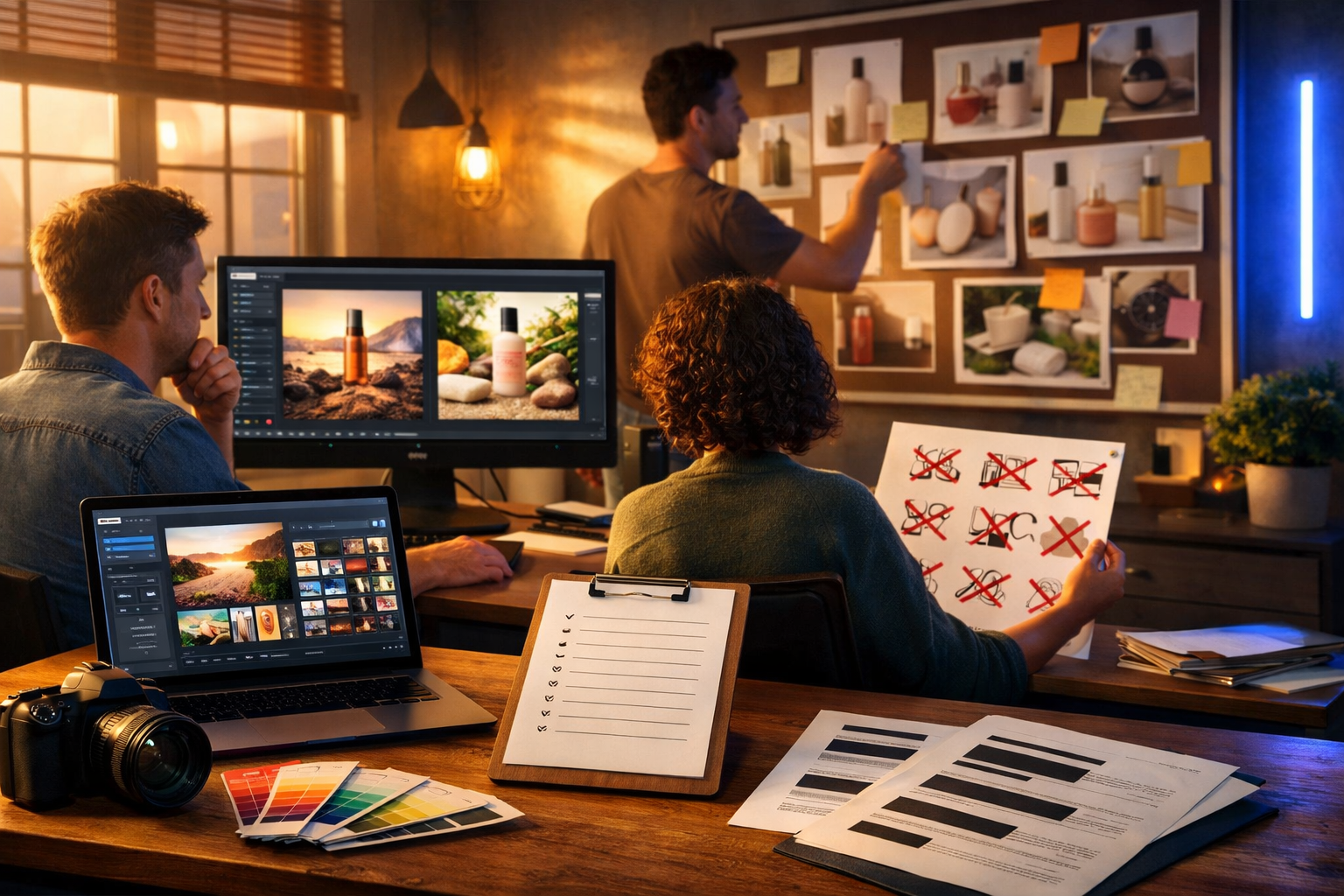
Using AI-generated images in marketing, products, and client work can save time and budget—but it also introduces legal grey areas that can trip up even careful teams. This guide explains how to use AI-generated images and art commercially without copyright issues by focusing on what actually causes disputes (training data, lookalikes, trademarks, and releases) and giving you a practical workflow you can apply to every project.
First: the real “copyright issue” with AI images
When people say “copyright issues”, they often mean several different risks bundled together. Treat them separately because the mitigations are different:
- Copyright infringement (your output is substantially similar to a protected work, or you used protected input without rights).
- Trademark and trade dress problems (logos, brand names, distinctive product shapes or packaging).
- Right of publicity / personality rights (a recognisable person’s face, voice, or likeness used commercially without permission).
- Contract/licence issues (the AI tool’s terms do not grant commercial rights, or you violated usage rules).
- Regulatory/advertising compliance (misleading claims, sensitive categories, political ads, financial services rules).
If you address these systematically, you can use AI-generated images commercially with far fewer surprises.
1) Confirm you have commercial rights in the tool’s licence
Your first checkpoint is not the image—it is the generator’s terms. Some tools limit commercial usage, restrict certain industries, or require attribution. Before you build a campaign around AI imagery, verify:
- Commercial use is explicitly allowed.
- You (or your client) can use outputs in paid ads, product packaging, and on marketplaces.
- You are allowed to edit and combine outputs with other assets.
- There is clarity on ownership (or at minimum, an irrevocable broad licence to use outputs).
- You can transfer rights to clients (important for agencies and freelancers).
With Gen AI Last, teams can generate images alongside text, video and audio in one place—useful because a single campaign often needs many asset types and consistent rules. You can explore our AI content tools and keep your workflow centralised rather than juggling multiple vendors.
2) Avoid “style of a living artist” prompts (and why it matters)
A common way creators stumble into legal and reputational problems is by prompting “in the style of [living artist]” or “make it look like a Disney/Pixar poster”. Even if you never copy a specific artwork, you increase the chance of outputs that are too close to a recognisable body of work or brand identity.
Commercially, the safer approach is to specify visual characteristics rather than names. For example:
- Risky: “In the style of [famous illustrator]”.
- Safer: “High-contrast ink illustration, clean contour lines, limited palette, editorial magazine feel, subtle halftone texture”.
This reduces similarity risk and helps you build a distinctive brand look you can own.
3) Watch for hidden trademarks and brand “trade dress”
Even if an AI image is original, it can accidentally include trademarked elements: swoosh-like marks, recognisable packaging shapes, famous character silhouettes, or text-like gibberish that resembles a brand name.
Before commercial release, do a visual “trademark sweep”:
- Zoom in and check clothing, signage, products, screens, and background objects.
- Look for distinctive shapes (e.g., iconic bottle silhouettes) even when labels are not readable.
- Check for recognisable fictional characters or mascots.
- If in doubt, remove/replace the element or regenerate.
Practical tip: for ad creatives and social posts, keep backgrounds simpler and product/subject-focused to reduce the number of “accidental brand” details.
4) Ensure people are not recognisable without a release
Copyright is not the only concern with people in images. Many jurisdictions recognise privacy and publicity rights, meaning a person can object to commercial use of their recognisable likeness—even if the image is AI-generated.
Your safest commercial options are:
- Non-identifiable people: faces turned away, cropped, silhouetted, or stylised enough to avoid recognition.
- Fictional, clearly synthetic subjects: avoid “photoreal celebrity” prompts or “make her look like [actor]”.
- Use real models with releases: especially for healthcare, finance, endorsements, or sensitive topics.
If your brand relies on lifestyle photography, consider using AI for backgrounds, compositions and concepting, then swap in released photography for hero assets.
5) Don’t use copyrighted input images unless you have the rights
Many commercial disputes start with the input, not the output. If you upload a copyrighted image (a competitor’s photo, a random Pinterest image, a film still) to “make something similar”, you may be creating a derivative work without permission.
A safer input policy:
- Use only your own photos, properly licensed stock, or client-provided assets with written permission.
- Keep proof: invoices, licence terms, email approvals, or release forms.
- If you reference an artwork for composition, use a public domain reference or create your own sketch.
6) Build a “substantial similarity” check into your workflow
Copyright infringement often hinges on whether an output is substantially similar to a protected work. You don’t need to be a lawyer to reduce this risk; you need a repeatable review process.
A simple internal review (10 minutes per asset)
- Reverse image search (where feasible): if you find a near-match, regenerate.
- Check for iconic composition: is it clearly “that famous poster” layout? If yes, redesign.
- Check for unique protected elements: distinctive characters, typography styles tied to a franchise, signature motifs.
- Ask a neutral colleague: “What does this remind you of?” If they name a brand/franchise/artist, revise.
This is particularly important when you are producing “concept art” for commercial packaging, book covers, album art, or merch—areas where visual similarity is noticed quickly.
7) Keep prompt and generation records (your paper trail)
If a complaint ever arises, being able to show how the image was created can help demonstrate good faith and a responsible process. Maintain a lightweight log:
- Prompt text and variations.
- Date/time and project name.
- Any input references used (and their licences).
- Final edits (what was changed and why).
If you are producing content at scale, centralising production helps. Gen AI Last can support end-to-end campaigns (images plus supporting blog copy, ad copy, voice-overs, and short video variations), making it easier to keep consistent project documentation across asset types.
8) Edit AI outputs to make them more distinctive (and safer)
A practical way to reduce similarity risk is to treat AI output as a draft. Commercial teams often do best when they apply brand-specific design layers:
- Change colour palette to your brand colours.
- Adjust composition (crop, reframe, change focal length feel).
- Replace background elements that could resemble real brands/places.
- Add original graphic elements (custom icons, textures, shapes) created in-house.
This also improves performance: distinctive creatives tend to stand out more in crowded feeds.
9) Understand where AI images are typically safe to use commercially
Not all commercial uses carry the same risk. Here is a realistic view of where AI-generated art tends to be lower-risk versus where you should be more careful.
Lower-risk use cases (with basic checks)
- Blog headers and editorial illustrations (generic concepts, no recognisable brands).
- Social media graphics and ad backgrounds.
- Website hero sections for abstract or product-led designs.
- Internal presentations, pitch decks, concept mock-ups.
Higher-risk use cases (apply stricter controls)
- Packaging and labels (trademark scrutiny is higher; you may need additional legal review).
- Merchandise (t-shirts, posters, prints) where “art ownership” is central to the purchase.
- Celebrity or influencer-adjacent creatives (publicity rights).
- Medical/financial/political ads (compliance and platform policies).
10) A practical prompt framework for safer commercial visuals
Use prompts that steer towards originality and away from protected references. Here is a repeatable template you can adapt:
- Subject: what is in the image (product, scene, person type).
- Purpose: banner, ad creative, landing page hero, app onboarding.
- Original visual language: palette, lighting, camera feel, materials, mood.
- Exclusions: “no logos, no brand names, no recognisable celebrities, no copyrighted characters”.
- Brand constraints: your colours, spacing, minimalism, negative space for copy.
Example prompt (e-commerce ad background): “Photoreal studio shot of a neutral skincare bottle silhouette on a clean stone surface, soft natural light, subtle shadows, beige and sage palette, minimal set dressing, shallow depth of field, lots of negative space on the right for text, no logos, no labels, no recognisable brands, no watermark, 16:9.”
11) Combine images with compliant copy, video, and audio (without new risks)
Commercial campaigns rarely stop at a single image. You’ll often need product descriptions, ad headlines, short reels, and voice-overs. Each format brings its own IP risks:
- Copy: avoid quoting copyrighted text (song lyrics, book excerpts) and avoid misleading comparisons.
- Video: ensure any music, sound effects, and footage are licensed or generated with commercial rights.
- Audio: avoid voice cloning of real people without consent; keep a clear consent trail for narration voices.
An advantage of an all-in-one platform is consistent production across formats. Gen AI Last lets you generate images, then quickly create matching campaign copy, explainer videos, and voice-over audio in the same workspace—useful when you need speed without losing process control. If you want to keep costs predictable, you can view pricing from $10/month.
12) Create a commercial-use checklist (copy/paste for your team)
Use this checklist before publishing or sending to a client. It is designed to reduce the most common causes of “copyright issues” with AI art.
- Tool licence checked: commercial use permitted; client transfer permitted if needed.
- Prompt hygiene: no living artist names; no franchise/brand references; no “make it look like [movie]”.
- No copyrighted input: any uploaded references are owned/licensed; proof saved.
- Trademark sweep: no accidental logos, brand-like symbols, recognisable packaging, or signage.
- People check: no recognisable person; no celebrity lookalikes; releases obtained when relevant.
- Similarity check: quick reverse search / “what does this remind you of?” test.
- Edits applied: brand-specific palette/composition; removed risky elements.
- Documentation saved: prompt versions, dates, exports, licences, approvals.
13) What to tell clients (or your boss) about AI images and rights
If you sell creative services, set expectations early. A simple, professional approach is to explain that you use AI as part of the creative process, you avoid artist/brand mimic prompts, and you run a pre-release review for trademarks, recognisable people, and similarity.
Also clarify ownership/usage in writing:
- Who can use the assets (client, subsidiaries, resellers).
- Where they can use them (web, print, ads, packaging, broadcast).
- Whether exclusivity is required (AI outputs are rarely “guaranteed unique” unless your process ensures distinctiveness).
14) FAQ: common questions about using AI art commercially
Can I sell AI-generated art as prints or merch?
Often yes, if your generator’s terms allow commercial use and you avoid similarity to existing artworks, protected characters, and brand elements. Merch is higher-risk, so do a stricter similarity and trademark check, and keep prompt records.
Is it copyright-free because a machine made it?
Not automatically. Even if the output’s copyright status is unclear in some jurisdictions, you can still infringe someone else’s copyright or trademark if your image is too close to their protected work or brand identifiers.
Can I use AI images in paid ads on Meta, Google, or TikTok?
Usually yes, but platforms also enforce policies around misleading content, sensitive categories, and impersonation. Avoid celebrity lookalikes, false endorsements, and trademark confusion. Keep your creatives simple and brand-safe.
A simple, safe way to start with Gen AI Last
If you want to put this into practice quickly, start with one campaign and build a repeatable system: generate a set of compliant image concepts, pick the strongest, apply brand edits, then generate matching ad copy, landing page text, short video variations, and voice-over narration—all from one toolset. You can explore start creating for free and scale up once your workflow is proven.
Key takeaways
- Commercial safety starts with the tool’s licence and your input assets—not just the final image.
- Avoid prompts that mimic living artists, franchises, or well-known brand aesthetics.
- Treat trademarks, recognisable people, and “lookalike” similarity as separate checks.
- Keep prompt records and apply brand-specific edits to make outputs more distinctive.
- Use a consistent checklist before publishing, especially for packaging, merch, and high-visibility ads.
With a disciplined process, you can use AI-generated images and art commercially without copyright issues derailing your launch—while still benefiting from the speed and affordability that modern AI content creation enables.
Ready to Create with Generative AI?
Join thousands of creators using Gen AI Last to generate text, images, audio, and video — all from one platform. Start your 7-day free trial today.
Start Free — Try 7 DaysQuick Links
Create AI content from $10/month
View Plans