How to use AI-generated images and art commercially without copyright issues
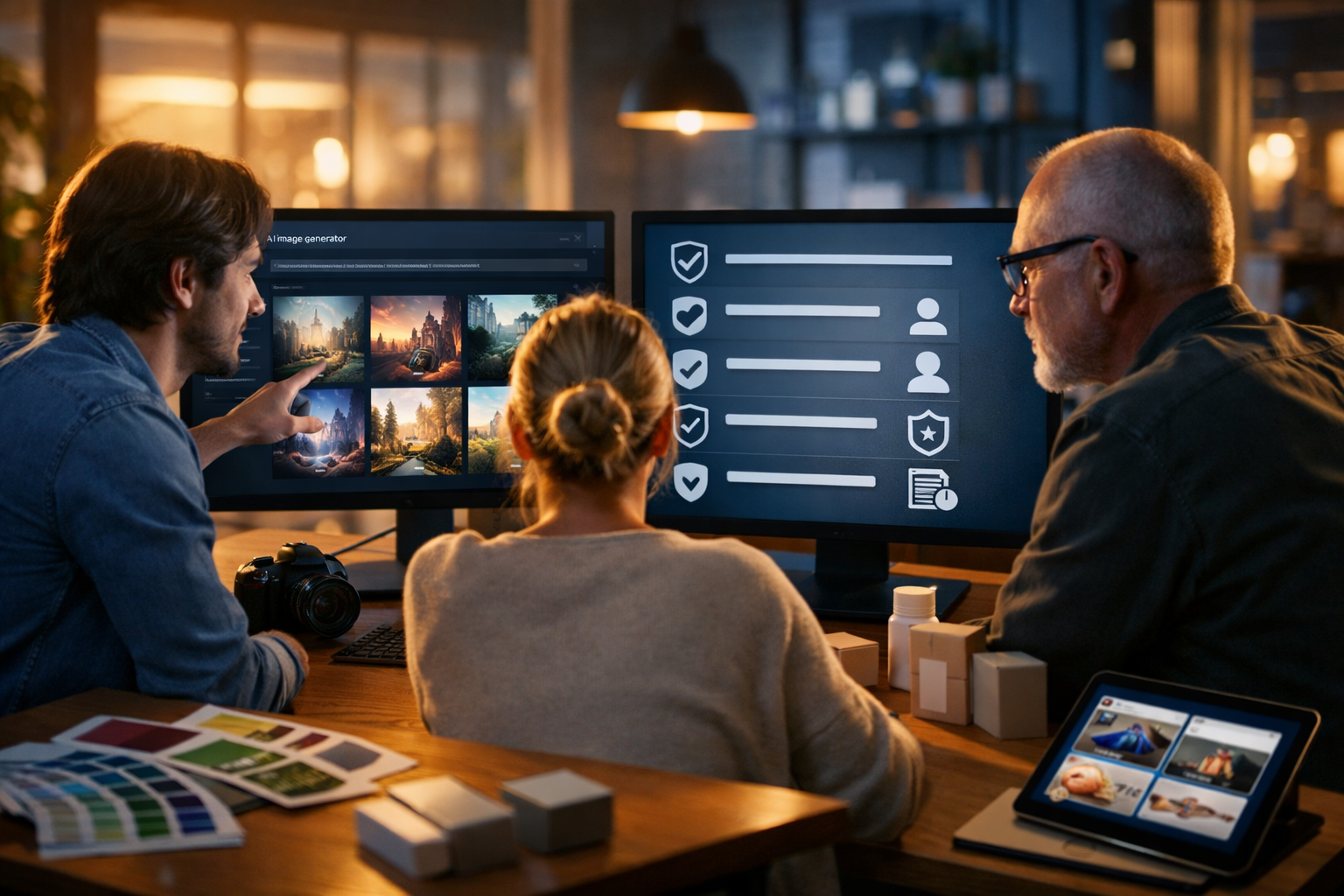
Using AI-generated images in adverts, product listings, websites, and social campaigns can save time and budget—until questions about copyright, trademarks, and likeness rights appear. This guide shows you how to use AI-generated images and art commercially without copyright issues, with a clear workflow you can repeat for every asset you publish.
What “copyright issues” really mean with AI images
When people say “copyright issues”, they often bundle several different legal risks together. For commercial use, you need to think beyond copyright alone and check four areas: (1) the tool’s licence/terms, (2) similarity to protected works, (3) trademarks and trade dress, and (4) rights of publicity and privacy (recognisable people, private property, and certain locations).
The good news: you can reduce risk dramatically with a practical process and conservative creative choices—especially for ads, packaging, and high-visibility brand work.
Step 1: Confirm the platform allows commercial use (licence and terms)
Before you use any AI-generated image in a client job, paid ad, app, or product, confirm the platform’s terms grant commercial usage rights for outputs. This is your first and most important check, because even a “copyright-safe” looking image can be contractually restricted if the tool’s terms say so.
With Gen AI Last, all plans include full access to text, image, audio, and video generation from $10/month—useful for startups that need consistent brand output across channels. You can create your asset in one place, then move into compliance checks as part of your publishing workflow. Explore our AI content tools or view pricing from $10/month.
Commercial use checklist for tool terms
- Does the tool explicitly allow commercial use of generated images?
- Are there restrictions for sensitive categories (political ads, adult content, medical claims)?
- Do you retain rights to the output, or is it licensed to you?
- Is attribution required?
- Can the provider use your prompts/outputs to improve models (opt-out options)?
- Are there indemnity limits (who bears the risk if there’s a dispute)?
Keep a dated PDF or screenshot of the relevant terms for your records, especially if you create assets for clients. Terms can change; your record shows what applied when you generated the work.
Step 2: Avoid “style-of” prompts that mimic living artists or iconic studios
A frequent source of disputes is using prompts like “in the style of [living artist]” or “make it look exactly like [famous animation studio]”. Even when the final image is technically new, it can raise allegations of copying or unfair competition, and it can breach some platform policies.
For commercial work, use “style descriptors” that describe visual features rather than names. This also helps you build a distinctive brand identity rather than a borrowed aesthetic.
Safer prompt transformations (practical examples)
- Risky: “In the style of [living illustrator]”. Safer: “clean vector lines, limited pastel palette, subtle grain, soft shadows, editorial illustration”.
- Risky: “Make it like [major film studio]”. Safer: “cinematic lighting, wide-angle framing, high dynamic range, dramatic volumetric fog”.
- Risky: “Copy this logo/character”. Safer: “create a new mascot concept: [describe features], ensure it is original and not similar to existing characters”.
If you need a consistent look across campaigns, build a brand style guide (colours, textures, lighting, composition rules) and reuse those descriptors—rather than referencing third-party artists.
Step 3: Screen for copyright similarity and “substantial resemblance”
Even if you didn’t intentionally copy anything, an output can still resemble a protected work. Commercial risk is higher when the image contains distinctive, recognisable composition elements (unique character design, a famous photograph recreation, or a very specific scene layout).
A practical similarity check you can actually do
- Reverse image search: Run the output through at least one reverse image search tool. If you see near-matches to a specific artwork or photo, regenerate.
- Zoom and inspect: Look for accidental inclusion of signatures, watermark-like marks, or identifiable characters.
- Recreate with constraints: If you’re making a “known concept” (e.g., “cyberpunk city”), add constraints that steer away from iconic imagery: new architecture motifs, distinct colour palette, different camera angle.
- Keep iterations: Save the prompt and seed/variation history where possible. Documentation supports good-faith creation if questioned.
For high-stakes use (billboards, national ads, packaging), consider a human review step: have a designer compare against common references in your niche and adjust to avoid close resemblance.
Step 4: Watch out for trademarks, trade dress, and brand identifiers
Trademarks protect brand identifiers such as logos, brand names, and sometimes distinctive packaging or product shapes (“trade dress”). AI images can accidentally reproduce these—even in the background of a scene (trainers with recognisable swooshes, soda cans with colourways, phones with distinctive camera layouts).
How to reduce trademark risk in AI-generated images
- Avoid prompting brand names, celebrity names, or product models you do not own.
- Specify “no logos, no brand marks, generic packaging” in your prompt for commercial visuals.
- Inspect small details: labels, UI icons, car badges, shirt emblems, storefront signage.
- If you need a “realistic product photo” style, generate the environment and lighting, then composite your own product photography or approved packaging artwork.
If your goal is brand-safe marketing assets at speed, Gen AI Last’s AI Image Generation is ideal for producing backgrounds, compositions, and concept art that your team can refine into final creative.
Step 5: Handle likeness rights (models, celebrities, and private individuals)
Copyright is not the only issue. If an image depicts a recognisable person, you may need permission to use their likeness commercially—especially in advertising. This includes celebrity lookalikes and realistic portraits that could be mistaken for a real individual.
Commercial-safe approach to people in AI images
- For ads: Prefer non-identifiable characters (back-of-head, silhouettes) or clearly fictional, stylised faces.
- Avoid “make it look like [celebrity]” prompts: This is high risk for publicity rights and platform policy violations.
- If you need a human face: Use a consistent fictional character design and keep it distinct from real people.
- For client work: Use model releases when you use real photography or when your workflow mixes real references with AI.
If the image will be used in healthcare, finance, or sensitive categories, be extra cautious: avoid implying endorsements or real-person testimonials via realistic portraits.
Step 6: Property rights, locations, and “recognisable places”
Commercial images can also raise issues when they depict private property or distinctive interior spaces (hotels, museums), or recognisable landmarks where photography restrictions apply. While many landmarks are fine, some have controlled commercial image rights in certain jurisdictions.
The safest route for marketing graphics is to generate “inspired-by” environments rather than exact replicas of famous interiors or restricted venues. If a location is central to the campaign (e.g., travel marketing), consult local rules or use licensed photography.
Step 7: Build a repeatable “copyright-safe” workflow for your team
The simplest way to avoid mistakes is to make compliance part of production, not an afterthought. Here is a lightweight workflow you can adopt immediately.
A 10-minute workflow per asset
- Brief: Define usage (social post, paid ad, packaging, app UI) and risk level.
- Generate: Create 10–20 variations with “no logos/no brand names/no signatures” constraints.
- Select: Choose the most distinctive, least referential option (avoid “looks exactly like…”).
- Inspect: Zoom in to check for accidental marks, brand-like shapes, UI elements.
- Reverse search: Check for near-matches; if found, regenerate.
- Document: Save prompt, date, intended usage, and final export filename.
- Release decision: If recognisable person/property appears, decide: get permission, edit, or discard.
- Publish: Store the final image plus documentation in a shared folder.
If you’re producing multi-format campaigns, you can generate your images, then use the same core concept to produce supporting assets: write ad variations with AI Text Generation, turn the concept into a short reel with AI Video Generation, and add a voice-over with AI Audio Generation—all within one platform. If you haven’t tried it yet, start creating for free.
Common commercial scenarios (and how to stay safe)
1) AI images for product listings and e-commerce
Use AI for backgrounds, lifestyle scenes, and concept shots—then keep the product itself accurate. Misrepresentation can create consumer-law problems even if copyright is fine.
- Generate clean lifestyle settings (kitchen counter, desk setup, gym bag) with generic props.
- Avoid showing competitor products, branded props, or “lookalike” packaging.
- If the product is regulated (supplements, cosmetics), don’t generate “before/after” images.
2) AI art for brand identity (logos, mascots, illustrations)
AI can help explore directions quickly, but don’t ship a logo straight from a generator without checks. Logos require uniqueness and trademark clearance.
- Use AI to explore concepts, then redraw/refine in vector format.
- Run a basic trademark search in your target markets before committing.
- Keep the mascot or icon visually distinct from existing famous characters.
3) AI visuals for paid ads and social campaigns
Ads are where disputes escalate fastest because there is clear commercial intent. Keep claims truthful, avoid recognisable people, and remove any brand-like marks from props.
- Use fictional, stylised people or non-identifiable models.
- Specify “generic smartphone UI” rather than recreating a real app interface.
- If you show products, ensure the depiction matches the real item.
Prompt templates for commercial-safe AI images
These templates are designed to reduce copyright and trademark risk while still producing high-quality marketing visuals. Replace the bracketed text with your specifics.
Template A: Brand-safe lifestyle background
“Photorealistic lifestyle scene of a [setting: modern kitchen/desk/fitness studio] with clean minimal props, neutral colour palette, soft natural light, shallow depth of field. Leave empty space in the centre for a product. No logos, no brand names, no readable text, no watermarks, no signatures. Generic packaging only. High detail, 16:9.”
Template B: Original editorial illustration (no artist references)
“Original editorial illustration of [concept], clean linework, flat shapes, limited palette of [3–5 colours], subtle grain texture, soft shadows, balanced composition, modern minimal style. Do not imitate any known artist or studio. No text, no logos. 16:9.”
Template C: Product hero image concept (safe for ads)
“Studio product hero shot concept featuring a generic [product category] silhouette on a seamless backdrop, dramatic rim lighting, premium aesthetic, reflective surface, light haze. No brand marks, no trademarks, no readable text, no labels. Photorealistic, 16:9.”
Documentation: what to keep if you sell or licence AI images
If you plan to sell designs to clients, upload images to stock marketplaces, or licence artwork, keep a simple “asset record” per final image. It helps you answer questions quickly and shows a responsible process.
- Tool used and plan level (and a link/snapshot of the terms at the time).
- Prompts and key settings (and dates).
- Editing steps (what was changed in post-production).
- Any third-party elements added (fonts, textures, stock photos) and their licences.
- Results of reverse image search and brand/mark inspection.
FAQs: using AI-generated art commercially
Can I copyright AI-generated images?
Copyright rules vary by country. In many places, protection depends on human authorship. Even if an AI image isn’t fully copyrightable by you, you can still often use it commercially under the platform’s terms—so the licence matters. For brand assets, adding meaningful human creative input (editing, compositing, layout, and original elements) also strengthens your position.
Is it safe to use AI images in client work?
Yes, if your process includes: confirming commercial-use terms, avoiding “style-of” mimicry, checking for trademarks and recognisable people, and keeping documentation. For higher-budget campaigns, add a legal review step.
What if an AI image accidentally includes a logo or brand?
Don’t publish it. Regenerate or edit to remove the mark. For ads and packaging, assume background logos are not acceptable unless you have explicit permission.
Putting it all together: a low-risk path to commercial AI visuals
To use AI-generated images and art commercially without copyright issues, focus on what you can control: choose a platform that grants commercial rights, prompt for originality rather than imitation, and run fast checks for similarity, trademarks, and likeness risks. Combine that with consistent documentation and you’ll have a repeatable workflow suitable for startups, agencies, and in-house teams.
When you’re ready to scale content across channels, Gen AI Last lets you generate the supporting copy, visuals, videos, and voice-overs in one place—without enterprise pricing. Explore our AI content tools or view pricing from $10/month to build a compliant, efficient content pipeline.
Ready to Create with Generative AI?
Join thousands of creators using Gen AI Last to generate text, images, audio, and video — all from one platform. Start your 7-day free trial today.
Start Free — Try 7 DaysQuick Links
Create AI content from $10/month
View Plans