Is it how to generate commerically safe ai art?
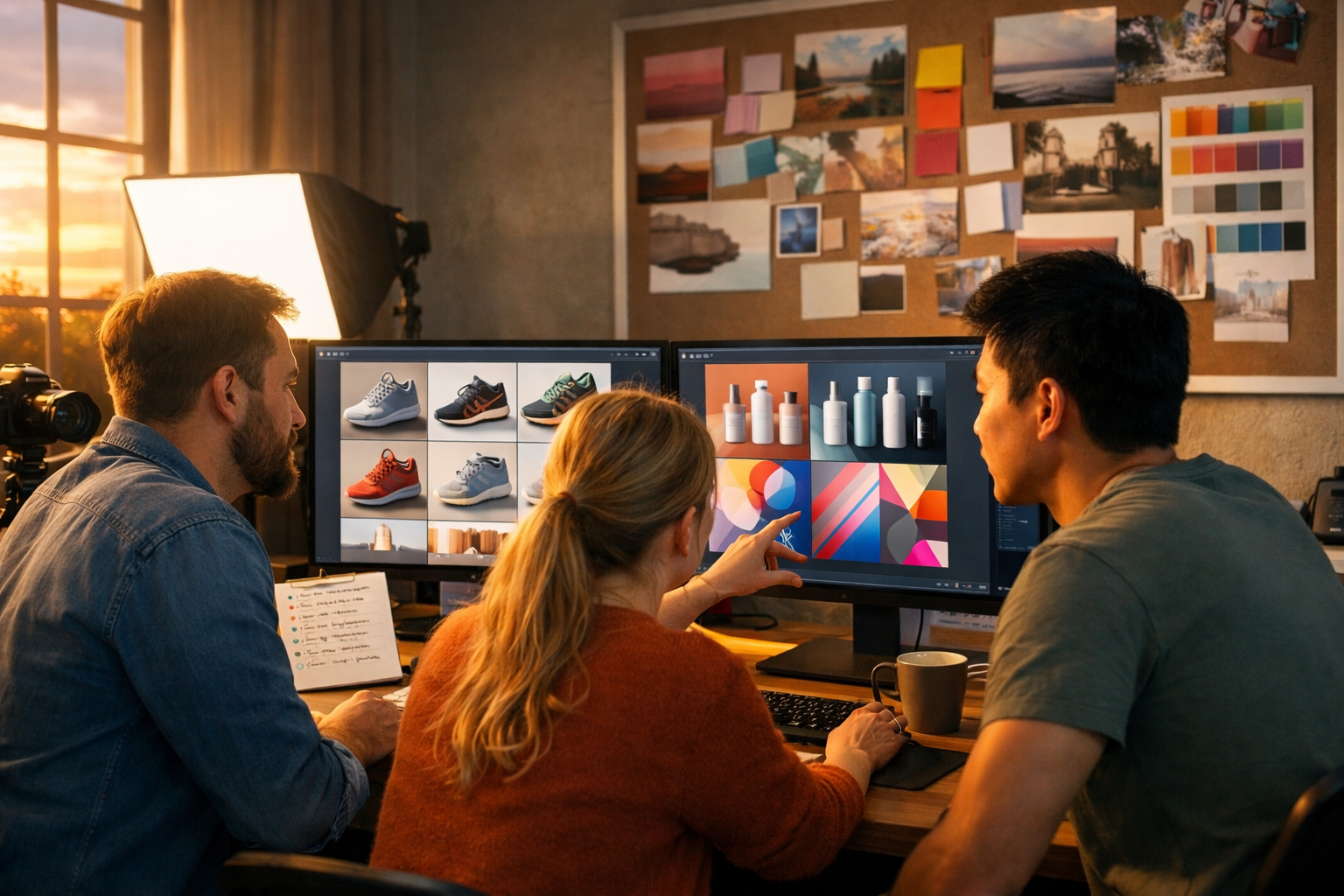
If you’re asking “is it how to generate commerically safe ai art?”, you’re really asking how to create AI visuals you can use in adverts, products, websites, and client work without stepping into copyright, trademark, or likeness problems. This guide gives you a practical, repeatable workflow—plus prompt patterns and checks—to reduce risk and create original-looking assets you can confidently use for business.
What “commercially safe AI art” actually means
“Commercially safe” doesn’t mean “guaranteed risk-free”. It means you’ve taken sensible steps to ensure the image is suitable for commercial use and unlikely to infringe someone else’s rights. In practice, that usually includes:
- You have the right to use the generated image commercially under your platform’s terms.
- The image does not copy a recognisable copyrighted character, artwork, or composition.
- It does not contain trademarks (logos, brand names, distinctive product trade dress).
- It does not depict a real person (or recognisable likeness) without the right permissions.
- You can document your process (prompts, iterations, edits) to show good-faith creation.
The good news: you can build a workflow that makes this much easier, especially if you’re producing marketing graphics, product visuals, thumbnails, social creatives, and ad assets at speed.
Start with the right foundations: usage rights and platform terms
Before you generate anything, confirm the tool you’re using grants commercial usage for the output you create. Gen AI Last is built for practical business content creation, letting you generate text, images, audio, and video from one place—useful when you want a consistent, documented production pipeline across channels. Explore our AI content tools to create campaign-ready assets (images plus copy, voice-overs, and even short videos) from a single brief.
Commercial safety is not only about the model. It’s also about how you use the output. For example, an image might be fine for a blog header but risky for a product label if it resembles a competitor’s packaging or includes a near-identical logo shape.
The biggest legal and brand risks (and how to avoid them)
1) Copyright: “too close” to existing artworks
The most common mistake is prompting for a specific artist’s signature look or directly referencing a franchise. Even if the output is “new”, it can still be considered a derivative work or cause a dispute if it is substantially similar.
- Avoid: “in the style of [living artist]”, “exactly like [movie poster]”, “Disney-like character”.
- Prefer: style descriptors (e.g., “minimalist editorial illustration, flat shading, soft grain, muted palette”) that don’t point to a single identifiable creator.
Actionable check: if a normal person could point to a single source and say “that’s basically X”, regenerate and move further away stylistically and compositionally.
2) Trademarks: logos, brand names, and trade dress
Trademarks protect brand identifiers: names, logos, slogans, and sometimes distinctive product packaging (trade dress). AI images often “accidentally” produce brand-like symbols on shirts, packaging, shop fronts, or devices.
- Exclude text and logos in prompts: “no text, no logos, no brand marks”.
- Avoid prompting branded items: “iPhone”, “Nike”, “Starbucks cup”. Use generic terms instead.
- Zoom in and inspect: tiny marks on clothing and background signage are common.
Actionable check: if you can mistake it for a real brand at a glance, treat it as a red flag and remove/replace it during editing or regenerate.
3) Likeness and publicity rights: real people and celebrities
Using a recognisable person’s face for an advert, product, or brand asset can trigger privacy or publicity-rights issues (varies by country). This includes “celebrity lookalikes” and sometimes even distinctive tattoos.
- Don’t prompt celebrities or public figures for commercial campaigns.
- If you need people in images, use clearly fictional faces and avoid unique identifiable traits.
- For client work, consider model releases if you are using real photos as inputs or references.
4) Third-party inputs: reference images and “image-to-image” risk
If you use a client’s competitor screenshot, a copyrighted illustration, or a stock photo as a direct input, you can accidentally generate an output that is too similar. The safer route is to use mood boards and general references, then generate with broad style and composition instructions—plus iterate until it looks truly original.
A repeatable workflow to generate commercially safe AI art
Use this workflow for each image you plan to monetise (ads, product pages, Etsy/print-on-demand, client deliverables, brand identity exploration).
Step 1: Write a “commercial brief” (not just a prompt)
Start by defining what the image will do. This reduces the temptation to lean on existing famous styles.
- Use case: ad creative, website hero, packaging mock-up, social post, thumbnail.
- Audience: who is it for and what should it communicate?
- Constraints: “no logos, no text, no celebrities, no existing characters”.
- Brand cues: colour palette, mood, materials, composition rules.
Tip: Generate the brief and prompt variants using Gen AI Last’s text generation, then move straight into image creation. That keeps your messaging and visuals aligned (especially for multi-channel campaigns).
Step 2: Use “style descriptors”, not artist names
Instead of “in the style of…”, define the style with technique, era, and material. Here are safer style blocks you can reuse:
- Editorial illustration: “clean vector shapes, limited palette, subtle grain, high contrast, negative space”.
- Product lifestyle photo: “soft natural window light, shallow depth of field, realistic reflections, studio-quality, neutral background”.
- 3D render: “smooth polymer materials, global illumination, soft shadows, realistic subsurface scattering”.
- Abstract brand art: “fluid gradients, organic shapes, modern minimalism, balanced composition”.
Step 3: Add a “negative prompt” safety line
Even when you are not using a dedicated negative prompt field, adding an explicit exclusion line helps guide outputs away from risky elements. Include exclusions such as:
- “no logos, no brand names, no watermarks, no visible text”
- “no celebrities, no recognisable people, no famous characters”
- “avoid trademarked designs, avoid real-world packaging lookalikes”
Step 4: Generate multiple candidates and pick the most original
Commercial safety improves when you don’t ship the first image. Generate several options and choose the one that looks least like a “known thing”. For businesses, this also reduces campaign fatigue: you’ll have variations for ads, thumbnails, and A/B tests.
Step 5: Do a fast infringement “sanity check”
Before publishing or selling, scan for:
- Accidental logos: on clothes, devices, cups, signage, packaging.
- Recognisable characters: silhouettes, costumes, iconic colour blocking.
- Signature artworks: distinctive compositions, famous paintings reinterpreted too closely.
- Faces: any likeness that looks like a real person.
If something looks questionable, regenerate with clearer constraints or adjust composition (different angle, different props, different lighting, different materials).
Step 6: Edit and add value (don’t just export raw generations)
Commercially, you want images that feel designed. Add value through cropping, colour correction, background cleanup, or combining elements into a unique layout. This also helps distance your final asset from any accidental similarity.
Then use Gen AI Last to generate the supporting assets around the image: product descriptions, landing-page hero copy, ad headlines, and even short explainer clips using AI video and audio tools. One brief can become a complete creative set. If cost matters, view pricing from $10/month—all plans include text, image, audio, and video generation.
Prompt examples: safer commercial prompts you can copy
Below are templates designed to reduce trademark and copyright risk. Replace the bracketed parts with your details.
Example 1: Product lifestyle image (generic, brand-safe)
Prompt: “Photorealistic product lifestyle photo of a generic [skincare bottle / coffee bag / reusable water bottle] on a clean kitchen counter, soft natural window light, shallow depth of field, realistic reflections, neutral tones, modern minimalist styling, high-end commercial photography. No logos, no brand names, no visible text, no watermarks, no trademarks.”
Example 2: Social media banner background (abstract and unique)
Prompt: “Abstract modern background for a marketing banner, fluid gradient shapes in [brand colours], subtle grain texture, balanced composition with empty space for headline placement, soft shadows, contemporary minimal design, 16:9 wide. No text, no logos, no brand marks.”
Example 3: Fictional character for brand storytelling (avoid likeness)
Prompt: “Original fictional character portrait for a brand story: [age range] person with [non-distinctive features], friendly expression, studio lighting, clean background, contemporary clothing, photorealistic detail. Ensure the face is not based on any real person or celebrity. No logos, no text.”
Example 4: E-commerce hero image (packaging without trade dress)
Prompt: “Photorealistic e-commerce hero image showing a set of three generic [supplement jars / candles / tea tins] with simple unbranded labels (blank, no text), arranged on a seamless background, soft studio lighting, premium look, realistic shadows, 16:9 wide. No logos, no readable text, avoid any trademarked packaging styles.”
Commercial use checklist (print this and use it)
Run through this checklist before you publish, sell, or deliver to a client:
- Terms: Do I have commercial usage rights for this output under my tool’s terms?
- Source: Did I avoid using copyrighted images or competitor visuals as direct inputs?
- Brands: Are there any logos, brand names, or “brand-like” marks anywhere in the image?
- Characters: Does it resemble a known character, mascot, or franchise?
- People: Is the face clearly fictional and not a recognisable person?
- Packaging: Does it look like a real brand’s distinctive bottle/jar/label shape?
- Edits: Have I added meaningful creative input (layout, retouching, compositing)?
- Records: Have I saved prompts, dates, and iterations in case questions arise?
How to build a business-ready pipeline with Gen AI Last
Commercially safe AI art is most valuable when it plugs into a broader content engine. With Gen AI Last, you can move from a single campaign idea to finished assets across channels:
- Text: Generate your creative brief, ad variants, product descriptions, and landing-page copy.
- Images: Generate original social graphics, banners, product visuals, and hero images that match the copy.
- Video: Turn the concept into short reels or explainers for social and product pages.
- Audio: Add voice-overs, narration, or background music for video ads and promos.
This matters because consistency reduces risk: you’re less likely to “borrow” a famous look when you already have a clear brand system (colours, composition rules, tone of voice) that you can apply repeatedly.
If you want to test the workflow quickly, start creating for free and generate a small pack: one hero image, three social variations, a 15-second video, and the copy to publish it.
Common pitfalls that make AI art commercially risky
Over-specific pop culture prompts
“Make it look like [film], [game], [comic universe]” is a fast route to trouble. If your goal is “vibrant sci-fi”, describe the aesthetics (lighting, materials, palette) rather than naming the IP.
Leaving accidental text in the image
AI-generated pseudo-text can resemble real brand names or slogans. If you need a label, keep it blank in the generation, then add your real brand text later in a design tool.
Using AI art as a logo
Logos need strong uniqueness and clear rights. AI can help explore directions, but final logos are usually better created as custom vector marks with thorough clearance checks. Use AI outputs as mood boards and concept starting points, not final trademarks.
FAQ: “Is it how to generate commerically safe ai art?”
Can I sell AI-generated art on products?
Often yes, if your tool’s terms allow commercial use and your art doesn’t infringe copyright/trademark or misuse someone’s likeness. Use the checklist above, avoid artist-name prompts, and keep records of your creation process.
Is using “in the style of” safe?
It increases risk, especially when referencing living artists or highly identifiable styles. A safer approach is describing the style with neutral technique terms (palette, brushwork, lighting, composition) without naming an artist.
What if the image accidentally includes a logo-like symbol?
Regenerate or edit it out before use. For client work, it’s usually faster (and safer) to regenerate with stricter constraints than to rely on heavy retouching.
Do I need to register copyright for AI images?
This depends on your jurisdiction and the level of human creative contribution. Even when registration is unclear, you can still use images commercially if your rights and compliance checks are in order. For high-stakes campaigns, get legal advice.
Final takeaways
To answer “is it how to generate commerically safe ai art?”: focus on originality, avoid trademarks and recognisable IP, keep faces fictional, and build a documented workflow. Generate multiple options, choose the most distinctive, and add human value through editing and design decisions. With Gen AI Last, you can turn that safe, original visual direction into a complete campaign—images, copy, voice, and video—without jumping between tools.
Ready to build your first commercially safe asset pack? Explore our AI content tools and scale your creative production with confidence.
Ready to Create with Generative AI?
Join thousands of creators using Gen AI Last to generate text, images, audio, and video — all from one platform. Start your 7-day free trial today.
Start Free — Try 7 DaysQuick Links
Create AI content from $10/month
View Plans