Is It How to Generate Commerically Safe AI Art?
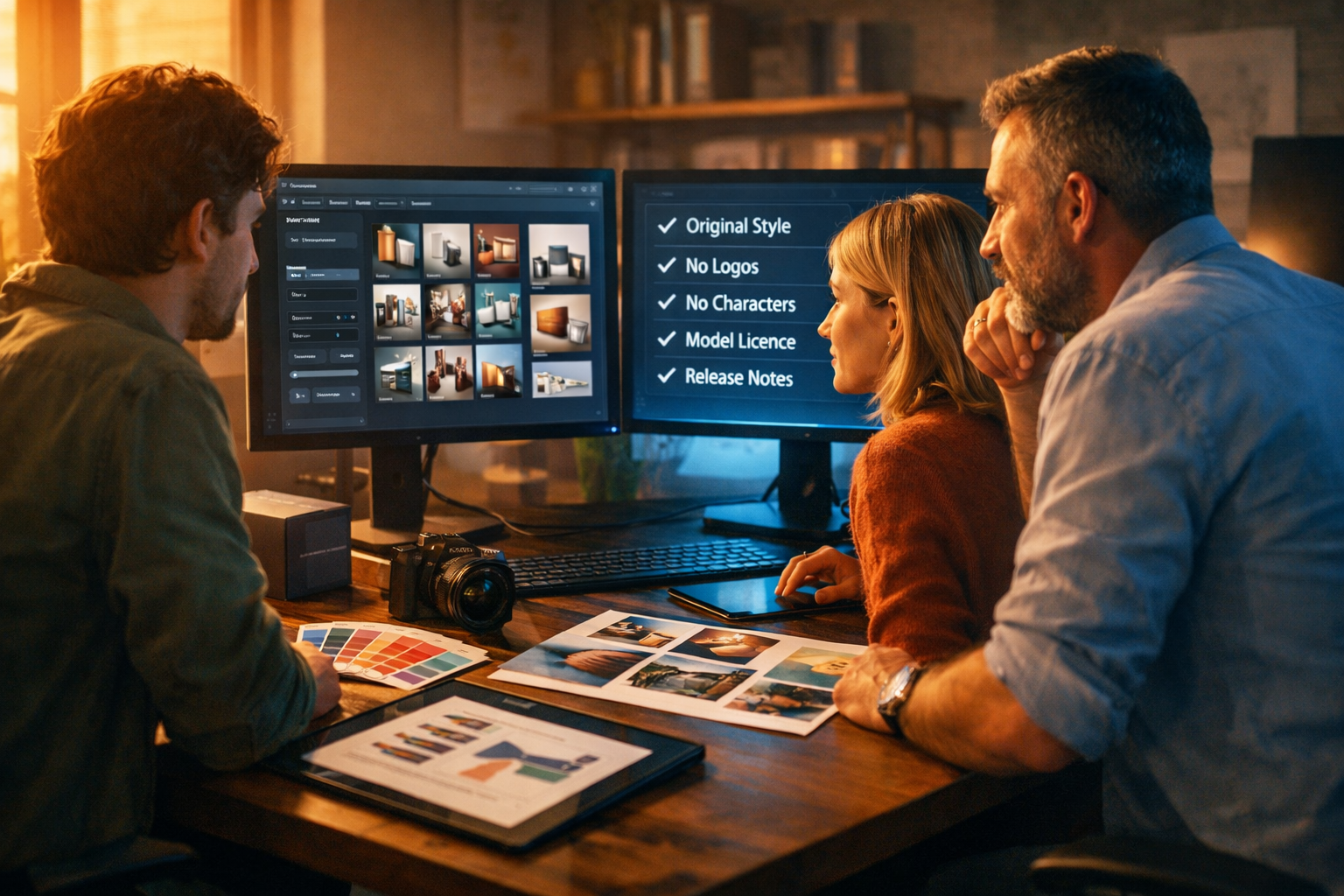
If you’re searching “is it how to generate commerically safe ai art?”, you’re likely trying to answer one practical question: how do I create AI images I can actually use for marketing, products, and paid campaigns without stepping into copyright or trademark trouble? This guide breaks down what “commercially safe” really means, the most common risks, and a step-by-step process for generating safer AI art you can use confidently.
What “commercially safe AI art” really means (and what it doesn’t)
“Commercially safe” doesn’t mean “guaranteed risk-free”. It means you’ve taken reasonable steps to reduce legal and brand risk before using AI-generated images in a commercial context (ads, packaging, website hero images, social media promotions, product listings, and client deliverables).
In practice, commercially safer AI art usually meets most of these conditions:
- It doesn’t replicate a recognisable copyrighted character, artwork, or composition.
- It avoids trademarks (logos, brand names, distinctive product shapes or patterns).
- It doesn’t depict a real identifiable person without permission (publicity/privacy rights vary by country).
- It aligns with the AI tool’s licence/terms for commercial use.
- You can document what you did (prompts, edits, source materials, licences, review notes).
It also doesn’t mean you must never use AI art. It means you treat AI like any other creative supply chain: validate rights, avoid infringement patterns, and keep a paper trail.
Why the keyword is awkward — and why the problem is real
The phrase “is it how to generate commerically safe ai art?” reads like a scrambled query, but the intent is clear: people want a reliable method. The uncertainty comes from three moving parts:
- Copyright law differs between jurisdictions and is evolving around AI.
- Tool licences differ: what one platform allows, another may restrict.
- Practical risk is about how your output looks, not only how it was generated.
If you’re running a startup, agency, or e-commerce shop, you need a repeatable workflow that balances speed with sensible safeguards.
Key risks when using AI art commercially
1) Copyright: copying a protected work or a “substantial part”
Even if an image is generated, it can still be infringing if it effectively reproduces protected elements: a unique character design, a distinctive illustration, a famous poster layout, or a specific artwork’s composition.
High-risk behaviour includes prompting for a living artist’s exact style or naming a specific franchise/character.
2) Trademarks: logos and brand identifiers
Trademark issues are common in AI images because models may output “logo-like” marks, brand-shaped products, or recognisable trade dress. Using such imagery in ads or packaging can trigger takedowns or disputes, even if you didn’t intend it.
3) Rights of publicity and privacy (faces, likeness, identity)
If your AI art depicts a recognisable real person (even accidentally), you can face complaints around misuse of likeness. This is especially relevant in ads, endorsements, and influencer-style creatives.
4) Training-data uncertainty and provenance
Some tools offer stronger commercial terms and clearer rights; others may be vague. Your “commercial safety” improves when you understand the tool’s licence and can show you complied with it.
5) Brand safety and trust
Even if something is legal, it might not be wise. Audiences can react negatively to images that look like knock-offs, mimic real artists too closely, or feel deceptive.
A step-by-step workflow to generate commercially safer AI art
Use this process as a repeatable checklist for each project (campaign, product launch, client deliverable, or content batch).
Step 1: Define the intended use (risk level changes by context)
Start by stating where the image will appear:
- Low-to-medium risk: blog post header, internal presentation, concept moodboard.
- Higher risk: paid ads, product packaging, app store screenshots, book covers, merchandise.
- Highest risk: brand identity elements (logos/mascots), celebrity endorsements, regulated industries.
The higher the risk, the more you should prioritise original concepts, human review, and documentation.
Step 2: Build prompts around “original design constraints”
To make AI art more commercially safe, prompt for originality and avoid references that pull the model toward protected material.
Safer prompt principles:
- Describe subject matter, lighting, composition, and mood instead of naming brands, films, games, or artists.
- Avoid “in the style of [living artist]” or “like [famous franchise]”.
- Explicitly request no logos, no brand names, no recognisable characters.
- Add constraints: “generic product”, “unbranded packaging”, “invented patterns”.
Example prompt (e-commerce hero image):
“Photorealistic studio product scene of an unbranded matte-black insulated bottle on a neutral stone surface, softbox lighting, subtle condensation, shallow depth of field, minimalist premium aesthetic, no logos, no text, no recognisable brand shapes, 16:9 composition, high detail.”
Example prompt (social graphic background):
“Abstract geometric background with layered gradients in teal and deep navy, subtle grain, modern tech vibe, no symbols resembling known logos, clean negative space for overlay, 16:9 wide.”
Gen AI Last makes this workflow easier because you can generate multiple variations quickly, then choose the cleanest option for commercial use. You can create the image and then generate supporting copy (ad text, captions, product descriptions) in the same place via our AI content tools.
Step 3: Use a “negative prompt” style rule-set (even if your tool doesn’t label it)
Many image generators support negative prompts; if not, you can still include exclusions in plain English. Include exclusions such as:
- no logos, no brand names, no watermark
- no celebrity likeness, no identifiable person
- no famous characters, no film/game references
- no signature, no artist mark
- avoid copyrighted patterns, avoid trademarked shapes
Step 4: Prefer “generic but distinctive” design choices
This sounds contradictory, but it’s the sweet spot: avoid recognisable IP while still creating a unique visual identity. You can do this by combining:
- An original colour palette aligned to your brand guidelines
- Uncommon compositions (camera angle, staging, props)
- Custom-made shapes, patterns, and textures
- Your own product photography as reference (when permitted)
If you want consistency across campaigns, generate a set of backgrounds, scenes, and props that are “yours” rather than leaning on pop-culture cues.
Step 5: Review the output like a rights checker (10-minute audit)
Before you publish, run a simple audit:
- Zoom in: check for hidden text, pseudo-logos, signatures, watermarks, recognisable marks on clothing and packaging.
- Look for “too familiar” elements: characters, mascots, distinctive outfits, iconic props.
- Check faces: does the person resemble a celebrity or a known public figure?
- Reverse image search (optional but smart): especially for high-stakes assets.
- Ask a second person: a quick internal review catches “that looks like…” issues.
Step 6: Add human transformation where it matters
For paid campaigns, packaging, and hero visuals, it’s often worth editing the AI image (cropping, re-colouring, compositing, retouching) to make it more distinct and aligned with your brand. This also reduces the chance that your final asset is close to a known work.
A practical approach: treat AI as a starting render, then refine it into a final design.
Step 7: Document what you did (a lightweight compliance record)
If a platform review or client asks questions, having a record helps. Keep:
- Prompt(s) and generation date
- Tool used and plan/terms at the time
- Notes from your audit (no logos, no likeness, etc.)
- Edit history (what you changed)
Commercially safe prompt templates you can copy
Use these as starting points and adapt them to your industry.
Template A: Unbranded lifestyle marketing photo
“Photorealistic lifestyle scene in a modern kitchen: an unbranded reusable container next to fresh ingredients, soft natural window light, clean neutral styling, realistic shadows, no logos, no text, no brand marks, no recognisable product designs, 16:9 wide.”
Template B: SaaS website hero illustration (original style)
“Original vector-style illustration of a small team collaborating around a dashboard interface, modern flat shapes, custom colour palette (navy, mint, off-white), minimal linework, no copied UI from known brands, no logos, no text, 16:9 composition.”
Template C: Product mock-up background (safe for ads)
“Studio backdrop with soft gradient (sand to warm grey), subtle paper texture, gentle vignette, premium minimal aesthetic, no patterns resembling known trademarks, no text, 16:9, high resolution.”
How Gen AI Last supports a safer commercial workflow
Generating “commercially safer” assets is easier when your workflow is centralised and repeatable. With Gen AI Last, you can:
- Generate image variations quickly so you can pick outputs that are clean of logos, recognisable characters, or problematic details.
- Create supporting text (ad copy, product descriptions, landing page sections) alongside your visuals via our AI content tools.
- Produce video and audio assets from the same campaign concept (for example: turn a safe hero image into a short promo video, then add a voice-over and background music).
And because all plans include text, image, audio, and video generation from $10/month, it’s realistic for startups and small teams to run a “test, review, iterate” approach without separate subscriptions. You can view pricing from $10/month to see which billing option fits your cadence.
What about AI video and audio — do the same rules apply?
Yes, with extra considerations:
- Video: avoid brand lookalikes, copyrighted characters in frames, and recognisable celebrity likeness. Check every scene for accidental logos and background posters.
- Audio/voice: don’t imitate a recognisable celebrity voice or a specific narrator’s signature delivery for ads. Use original voice-overs and ensure the tool’s terms allow commercial usage.
A safe pattern is to generate campaign components from a single original concept: your own product, your own messaging, and generic-but-distinctive visuals. Then use Gen AI Last’s video and audio generation to scale the same idea across formats without borrowing someone else’s identity or IP.
Frequently asked questions
Can I sell AI-generated art?
Often yes, but it depends on the tool’s licence/terms and on what the image contains. Selling “AI art” that resembles a famous character, brand, or living artist’s distinctive style increases risk. For marketplaces, read platform policies as well.
Is “no logos” enough to be commercially safe?
No. Logos are only one risk. You also need to consider copyrighted characters, trade dress, celebrity likeness, and whether the composition feels like a copy of a specific artwork.
Should I use AI art for my logo?
It’s typically higher risk because logos must be unique and protectable, and you may want a clear ownership trail. Many businesses use AI for ideation, then have a designer create a bespoke final mark.
Quick checklist: “commercially safer AI art” before you publish
- No brand names, logos, or watermark-like marks
- No recognisable characters or franchise references
- No celebrity or identifiable real-person likeness
- Prompt avoids “in the style of” living artists
- Output reviewed at 100% zoom for hidden details
- High-stakes assets edited/refined for distinctiveness
- Tool licence checked; workflow documented
Next steps: generate, review, and scale your creative safely
Commercially safe AI art is less about finding a magic prompt and more about applying a consistent process: prompt for originality, avoid protected references, audit outputs, and document your work. When you do that, AI becomes a fast, practical creative engine for real business outcomes.
If you want to put this into practice today, you can start creating for free and generate a set of image variations, then build the matching campaign copy, voice-over, and short promo video in one place.
Ready to Create with Generative AI?
Join thousands of creators using Gen AI Last to generate text, images, audio, and video — all from one platform. Start your 7-day free trial today.
Start Free — Try 7 DaysQuick Links
Create AI content from $10/month
View Plans