Is it how to generate commerically safe ai art? Guide
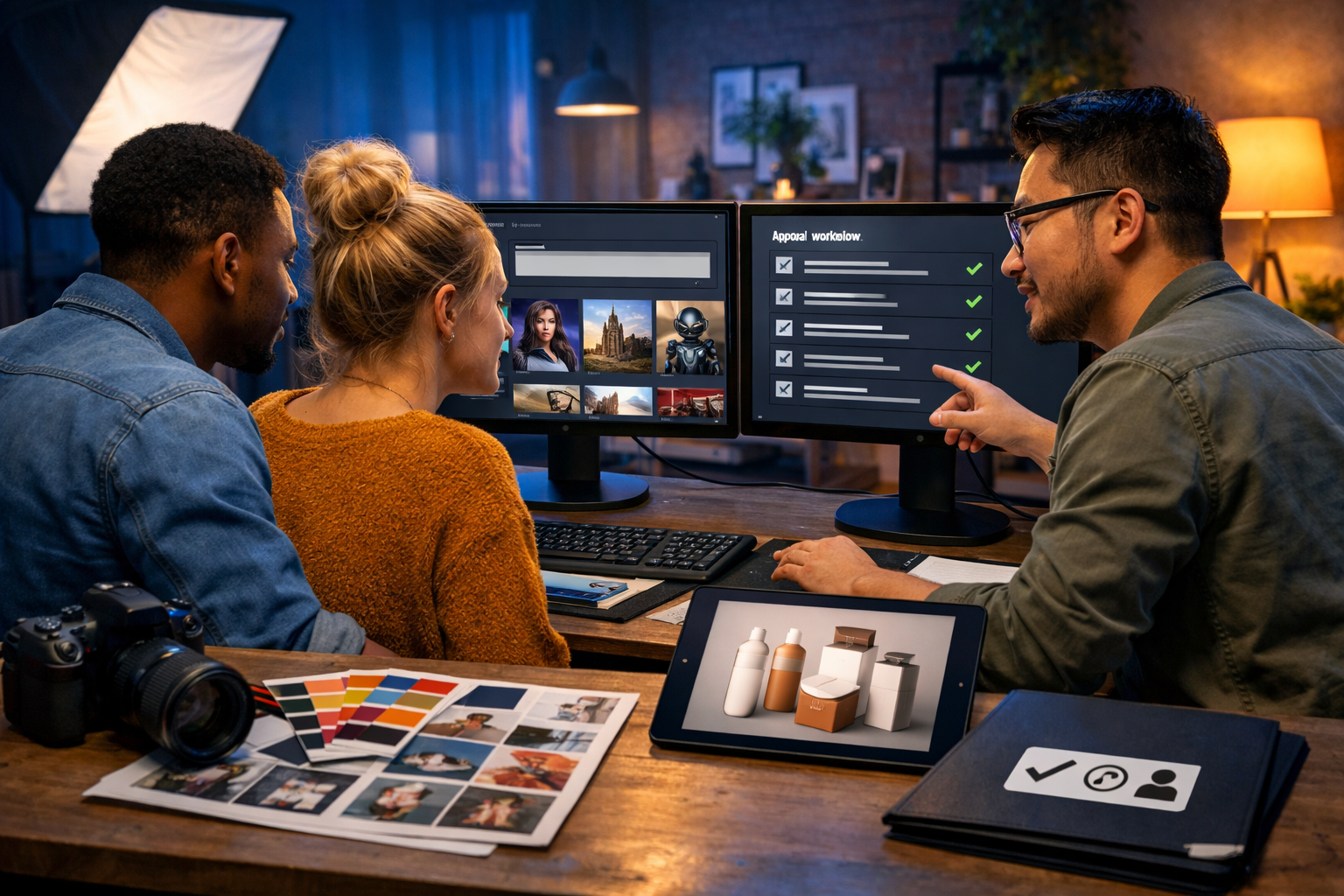
The question “is it how to generate commerically safe ai art?” usually means you want AI-made visuals you can actually use for business: ads, websites, packaging, thumbnails, print, or products—without inviting copyright disputes, trademark complaints, or brand damage. The good news is you can create commercially safer AI art by combining the right model choices, prompt discipline, and a repeatable rights-check workflow.
What “commercially safe” AI art really means
Commercially safe does not mean “risk-free”. It means you’ve taken reasonable, documented steps to reduce legal and reputational risk before using or selling AI-generated images.
- You have permission under the tool’s terms to use outputs commercially.
- The image does not copy a living artist’s recognisable style in a way that could trigger complaints or platform takedowns.
- It avoids trademarks, brand identifiers, and trade dress (recognisable packaging shapes, distinctive patterns, famous character silhouettes).
- It does not use copyrighted characters, film stills, sports team logos, or celebrity likeness without permission.
- You can prove your process: prompt history, iterations, edits, and asset sources.
If you’re a startup or small team, “commercially safe” also means your visuals are consistent, on-brand, and suitable for paid campaigns—where scrutiny is higher and moderation rules can be stricter.
Start with the foundation: terms, licences, and ownership
Before you generate a single image, confirm three things: (1) the platform’s output rights, (2) restrictions on certain content types, and (3) whether you can use results in paid advertising and on products for resale.
With Gen AI Last, you get access to AI image generation alongside text, video, and audio in one place—handy because commercial usage often requires more than a single image (you’ll need product copy, ad variants, voice-overs, and short video edits too). Explore our AI content tools to plan end-to-end campaigns rather than one-off assets.
Practical tip: keep a simple “rights & approvals” folder for each campaign containing the generation date, prompts, image versions, and where you used the asset. If a platform questions the image later, you can respond quickly with a paper trail.
The biggest risks (and how to avoid them)
1) Accidentally generating trademarks and brand identifiers
AI image models sometimes “hallucinate” logos and brand-like marks, especially on clothing, signage, devices, or packaging. Even if the logo is garbled, it can still resemble a real brand enough to cause trouble.
- Avoid prompts that include brand names (e.g., “Nike-style”, “iPhone”, “Starbucks cup”).
- Add negative instructions such as “no logos, no brand names, no trademarks, no text”.
- Zoom in and inspect: shoes, labels, badges, storefronts, UI screens, and background billboards.
If you spot anything suspicious, regenerate or retouch it out (and keep the edited file and notes in your documentation).
2) Copyrighted characters and recognisable IP
Generating “a wizard boy with round glasses and a lightning scar” may produce imagery too close to an existing franchise. The same applies to superheroes, anime icons, film monsters, and game characters—even if you do not name them.
- Create original character descriptions: unique clothing, colours, silhouettes, and props.
- Avoid “in the style of” prompts tied to major studios or known illustrators for commercial work.
- If you need something familiar, license it properly or commission it.
3) Mimicking a living artist’s style
Even if not always illegal, it can be commercially risky (reputation, client trust, platform rules). For business visuals, build style descriptions around neutral attributes: lighting, lens, composition, palette, medium, and era—rather than a specific artist name.
Example safer style language: “mid-century editorial illustration, flat colour blocks, limited palette, soft halftone texture” instead of “in the style of [Artist]”.
4) Likeness and privacy (especially for ads)
Avoid using a real person’s name or generating a celebrity lookalike. For lifestyle marketing images, specify “fictional person” descriptors and keep faces generic. If you need a specific spokesperson, use a model release and real photography, or an authorised synthetic spokesperson solution.
A practical workflow to generate commercially safer AI art
Here is a repeatable process you can use for social ads, landing pages, e-commerce imagery, and thumbnails.
Step 1: Define the commercial use case and risk level
Different uses have different tolerance for risk.
- Low risk: internal mood boards, early-stage concepts.
- Medium risk: blog headers, organic social posts.
- Higher risk: paid ads, product packaging, app store graphics, print materials, merchandise for sale.
For higher-risk outputs, apply stricter checks and consider combining AI with human design review.
Step 2: Build a “clean prompt” template
A clean prompt makes it less likely the model will inject trademarks or derivative elements. Use a consistent structure:
- Subject: what is shown (product, person, scene).
- Context: environment and purpose (e.g., e-commerce hero image, banner, editorial).
- Style: neutral visual descriptors (lighting, camera, material).
- Composition: framing, background simplicity, negative space for copy.
- Safety negatives: “no logos, no trademarks, no text, no watermarks, no brand names”.
Example prompt (product marketing): “Photorealistic studio product shot of a minimalist stainless-steel insulated bottle, centred on a matte neutral backdrop, softbox lighting, subtle shadow, crisp details, 85mm lens look, lots of negative space for ad copy, no logos, no text, no brand marks, no watermark.”
Step 3: Generate multiple variations and pick the safest
Don’t settle for the first output. Generate 6–12 variations, then choose the one that is:
- Most original (not reminiscent of a known campaign or character).
- Free from accidental logos/text.
- On-brand (colour, mood, composition).
Gen AI Last is built for fast iteration, which is exactly what you want for safer selection and A/B testing creatives across channels.
Step 4: Run a simple “commercial safety checklist”
Before publishing, check at 200–400% zoom:
- Text: any readable words, slogans, signage, UI labels?
- Logos: on clothing, devices, buildings, packaging?
- Characters: anything that looks like a famous IP silhouette?
- Faces: does the person resemble a celebrity or public figure?
- Distinctive design cues: iconic product shapes (trade dress), car grills, luxury patterns?
If you’re unsure, regenerate. When in doubt, choose a safer, more generic concept.
Step 5: Add human originality with light editing and brand elements
Commercial safety isn’t only legal—it’s also about differentiation. Consider small, deliberate edits:
- Replace backgrounds with your own photography or licensed textures.
- Overlay your brand typography in design software (use fonts you’re licensed to use).
- Apply your brand colour grade consistently across the set.
This reduces the chance your visual looks like generic “AI stock” and helps demonstrate transformative effort if questions arise.
Prompt examples for commercially safer AI art (copy and adapt)
Example 1: SaaS landing page hero image
“Photorealistic modern home office scene, laptop on desk with abstract, non-readable UI shapes on screen, soft natural window light, minimal decor, calm blue and grey palette, shallow depth of field, space on the right for headline, no logos, no text, no trademarks, no watermarks.”
Example 2: E-commerce banner for skincare
“Studio product photography of a generic frosted glass dropper bottle with blank label area, placed on pale stone surface with water droplets, soft diffused lighting, premium aesthetic, macro detail, neutral background, no logos, no text, no brand marks, no watermark.”
Example 3: Social ad creative (fitness app)
“Candid lifestyle photo of a fictional person jogging in a city park at golden hour, motion blur background, realistic athletic clothing with no brands, upbeat mood, wide composition with negative space for ad copy, no logos, no text, no trademarks.”
How to pair AI images with compliant marketing content
Commercial safety improves when the entire campaign is consistent and properly sourced: the image, the copy, the music, and the voice-over.
- Ad copy: avoid competitor references, unverified claims, or “before/after” promises in restricted niches.
- Video: ensure transitions, b-roll, and overlays are original or properly licensed.
- Audio: use licensed or AI-generated music/voice that you are allowed to monetise.
This is where an all-in-one platform helps. With Gen AI Last, you can generate the campaign image, then create supporting assets—blog copy, social captions, short promo video, and voice-over—without juggling multiple subscriptions. See view pricing from $10/month for full access across text, image, video, and audio tools.
Quality control: a lightweight compliance process for small teams
You don’t need a legal department to be responsible. You need consistency and documentation.
Create a “two-person rule” for paid campaigns
For anything you put money behind (Meta, Google, TikTok, LinkedIn), have one person generate and another review with the checklist. A fresh set of eyes catches tiny logo-like artefacts and lookalike issues.
Use a version naming convention
Example: campaign_product_platform_size_v03_safechecked. Keep prompts in a simple document alongside.
Keep sources for any non-AI elements
If you composite an AI image with icons, fonts, or stock textures, store the licences/receipts. Commercial disputes often come from the “small” add-ons, not the main image.
FAQ: is it how to generate commerically safe ai art?
Can I sell AI-generated images as products?
Often yes, depending on the platform’s terms and what the image contains. The bigger practical issue is avoiding copyrighted characters, trademarks, and artist-style imitation. Use original concepts, document your process, and avoid anything recognisably tied to an existing brand or franchise.
Is “no logos” in the prompt enough?
It helps, but it’s not sufficient. You still need a visual inspection pass and, for high-value commercial work, basic human review and editing where necessary.
What about using “in the style of…”?
For commercial projects, it’s safer to describe style through neutral attributes (lighting, palette, medium, period) rather than referencing a living artist or a famous studio style. This reduces ethical and reputational risk and helps you create a distinct brand look.
How do I make AI art look unique rather than generic?
Use specific art direction: define the brand palette, camera angle, prop styling, and a consistent “visual system”. Generate in sets, then lightly edit and apply brand design elements. You can also generate supporting campaign assets—copy, video, and voice—using our AI content tools to keep everything cohesive.
A quick “commercially safe” checklist you can copy into your workflow
- Confirmed platform terms allow commercial use of outputs for your plan.
- Prompt avoids brand names, franchise names, celebrity names, and living artist names.
- Prompt includes negatives: no logos, no trademarks, no text, no watermark.
- Generated multiple variations and selected the least derivative option.
- Zoom inspection completed (logos, text, faces, distinctive product shapes).
- Edits applied where needed (remove artefacts, add your brand elements).
- Saved documentation: prompts, versions, dates, usage locations.
Putting it into practice with Gen AI Last
If you want a practical way to implement this without expensive tooling, use Gen AI Last to iterate quickly and build full campaigns around safer visuals. Start by generating a set of brand-safe images, then produce the supporting blog post, product description, and ad variations in the same workspace. When you’re ready to launch, create a short promo video and a clean voice-over to match the visual direction—without paying for separate tools.
If you’d like to test the workflow now, start creating for free, then upgrade when you’re ready—view pricing from $10/month for full access to text, image, audio, and video generation.
Final thoughts
So, “is it how to generate commerically safe ai art?” Yes—by treating AI generation like a professional creative process, not a one-click shortcut. Choose commercially permitted tools, avoid IP landmines in your prompts, inspect outputs carefully, keep documentation, and add brand-led edits that make the work genuinely yours. Done well, AI art becomes a reliable, scalable way for startups and small teams to produce high-quality marketing visuals—faster and more affordably.
Ready to Create with Generative AI?
Join thousands of creators using Gen AI Last to generate text, images, audio, and video — all from one platform. Start your 7-day free trial today.
Start Free — Try 7 DaysQuick Links
Create AI content from $10/month
View Plans