Is It How to Generate Commerically Safe AI Art?
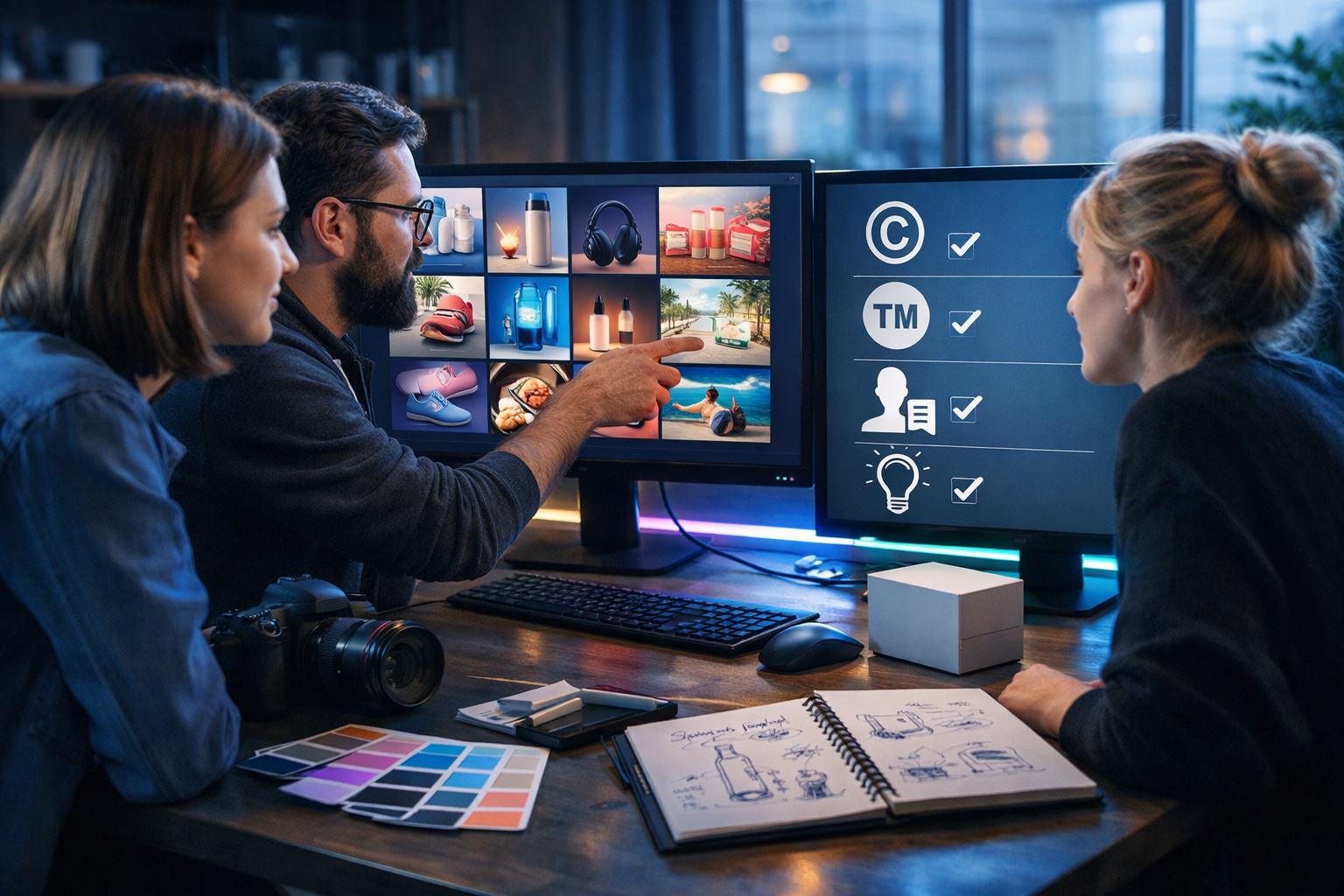
If you’re asking “is it how to generate commerically safe AI art?”, you’re really asking how to use AI images in marketing, products, and client work without stepping into copyright, trademark, or likeness problems. The good news: with the right workflow, you can generate AI art that’s far safer to sell and publish—while staying efficient and consistent for your brand.
What “commercially safe” AI art actually means
“Commercially safe” doesn’t mean “risk-free”. It means you’ve taken reasonable steps to avoid the most common legal and brand risks so you can use the image for business purposes (ads, websites, packaging, social campaigns, client deliverables) with confidence.
In practice, commercially safer AI art usually means:
- You have the rights you need under the tool’s terms (commercial use is permitted under your plan).
- The image does not copy a recognisable copyrighted character, scene, or artwork.
- No visible trademarks or brand identifiers appear (logos, distinctive packaging, brand names).
- No real person’s likeness is used without permission (especially for ads).
- You can document your process: prompt, iterations, edits, and intended use.
Start with the licensing basics (before you generate anything)
Commercial safety begins with tool permissions. Before you ship creative for a brand or sell assets, confirm the platform you’re using allows commercial use on your plan and understand any constraints (attribution requirements, restricted categories, or content rules).
Gen AI Last is designed as an all-in-one platform for creating text, images, audio, and video from prompts—useful when you want a full campaign without juggling multiple subscriptions. You can generate marketing visuals, social graphics, product imagery, and more, then pair them with matching copy, voice-over, or explainer video outputs via our AI content tools.
Practical tip: keep a “licensing snapshot” note for each project—date, platform, plan tier, and a link to the relevant terms. If a client asks later, you can answer quickly.
The biggest risks when selling or using AI art commercially
Most commercial problems with AI images fall into a few predictable buckets. If you design your workflow around avoiding them, you eliminate the majority of headaches.
1) Copyright lookalikes and “in the style of” traps
Even if an AI image is “new”, it can still be risky if it’s clearly derived from a recognisable copyrighted artwork, franchise, or a living artist’s distinctive style. Prompts like “in the style of [famous illustrator]” are a red flag for client work.
- Avoid: named living artists, copyrighted franchises, and signature compositions.
- Prefer: descriptive art direction (lighting, lens, mood, materials, era, palette).
Safer prompt framing example: instead of “in the style of Studio Ghibli”, use “whimsical hand-painted animation feel, soft watercolour textures, warm pastel palette, gentle ambient light, expressive but original character design”.
2) Trademarks and trade dress (logos, brand shapes, packaging)
Trademarks aren’t only logos. They can include distinctive product shapes, patterns, or packaging that consumers associate with a brand. AI images sometimes “invent” convincing-looking logos, or it might recreate familiar brand cues unintentionally.
- Check: clothing swooshes, bottle silhouettes, sneaker patterns, phone shapes, recognisable label layouts.
- Fix: edit out marks, regenerate with “no logos, no brand names”, or swap to generic product designs.
3) Likeness and personality rights (especially in advertising)
Using a real person’s face (or a celebrity lookalike) can create legal exposure, particularly when the image implies endorsement. Even if the AI generated the face, the risk remains if it resembles a recognisable individual.
- Avoid: “make her look like [celebrity]”, or “same as the actor from…”.
- Prefer: fully fictional characters, or your own model photography with releases.
4) Private or sensitive content
If you’re generating images for health, finance, or child-related contexts, take extra care with compliance, claims, and representation. “Commercially safe” also includes reputational safety—misleading visuals can be just as damaging as legal issues.
A practical workflow: how to generate commercially safe AI art
Use the following workflow each time you create AI images for business. It’s designed for speed, repeatability, and documentation—ideal for startups, agencies, and in-house marketers.
Step 1: Define the use-case and risk level
Start by deciding where the image will be used. Risk tolerance changes depending on context:
- Low risk: internal slides, concept boards, mood explorations.
- Medium risk: blog headers, organic social posts, email banners.
- High risk: paid ads, packaging, product listings, billboards, TV/OOH, client brand campaigns.
For high-risk uses, be stricter: avoid real faces, avoid close brand similarities, and keep clear documentation.
Step 2: Build a “safe prompt” framework
A commercially safer prompt is descriptive, not referential. It specifies what you want (composition, lighting, style descriptors) without borrowing protected identifiers.
Safe prompt ingredients you can reuse:
- Subject: what is clearly in the scene (product, person, environment).
- Context: location and purpose (e-commerce studio, home office desk, café scene).
- Camera and lighting: lens, depth of field, softbox, golden hour, cool tech lighting.
- Material cues: paper grain, matte plastic, brushed metal, fabric texture.
- Brand safety constraints: “no logos, no brand names, no watermark, no signature”.
Example (product hero image): “Photorealistic studio product shot of a generic vitamin bottle with a blank label, softbox lighting, neutral background, shallow depth of field, realistic reflections, no logos, no brand marks, no readable text, high-end e-commerce style.”
Step 3: Generate variations and choose the least risky option
Don’t fall in love with the first output. Generate multiple variants and pick the one that looks most original and least likely to be confused with a known brand or artist. This is where an all-in-one tool helps: you can iterate quickly, then move straight into copy and video assets using the same concept.
If you’re building a campaign, you can generate:
- Key visual (hero image) for the landing page
- Supporting social graphics and banners
- Short video creatives and reels from the same message
- Voice-over or narration for explainer content
All of that can be produced inside Gen AI Last without paying separate fees per media type—handy for small teams. If you’re budgeting, view pricing from $10/month.
Step 4: Run a commercial safety checklist (fast but disciplined)
Before you publish or sell, check the image like a reviewer, not a creator. Zoom in and inspect typical “gotchas”.
- Logos/marks: are there any symbols that resemble known brands?
- Text: any readable words? AI text can accidentally mimic brand names.
- Faces: does anyone resemble a real person or celebrity?
- Distinctive characters: could this be confused with a franchise character?
- Context: are there copyrighted artworks in the background (posters, album covers)?
- Claims: does the image imply results (medical/financial) you can’t substantiate?
If anything triggers doubt, regenerate or edit. For commercial work, “probably fine” is not a great standard.
Step 5: Add human originality (simple edits go a long way)
From a practical business standpoint, adding your own design input reduces the “generic AI look” and can help differentiate the work. Consider:
- Compositing: combine multiple generated elements into a new layout.
- Brand system alignment: apply your palette, spacing, and art direction.
- Retouching: remove artefacts, fix hands, clean edges, correct reflections.
- Background replacement: swap anything that might contain trademarks.
Then use AI text tools to keep the message consistent: generate headlines, product descriptions, and ad copy that match the visual concept via our AI content tools.
Step 6: Keep a “proof pack” for clients (or your future self)
For client work and paid campaigns, keep a lightweight record:
- Final prompt and key variations
- Date/time and platform used
- Notes on checks performed (logos removed, faces fictional, no brand references)
- Edit history (what you changed manually)
This isn’t legal advice—it’s good operational hygiene that reduces disputes.
Commercially safe prompt examples you can copy
Below are examples designed to avoid common pitfalls (no artists, no franchises, no brand names). Adapt them to your product and audience.
Example 1: SaaS landing page hero image (generic but premium)
“Photorealistic modern office desk scene, laptop displaying abstract charts and UI shapes (no readable text), coffee mug, notebook, soft natural window light, clean minimal aesthetic, shallow depth of field, cool neutral colour palette, no logos, no brand marks, no watermark.”
Example 2: E-commerce product shot (blank label, ad-ready)
“High-end studio product photo of a generic skincare pump bottle with blank label, white seamless background, softbox lighting, realistic shadows and reflections, slight vignette, ultra sharp, no text, no logos, no brand identifiers, no watermark.”
Example 3: Social media campaign image (people without likeness risk)
“Diverse team in a co-working space collaborating around a tablet, candid natural expressions, not resembling any real person, soft golden hour light, documentary photography style, modern clothing without logos, background blurred, no readable text, no watermark.”
How Gen AI Last helps you ship a full campaign safely
Commercial use rarely stops at a single image. You usually need copy, variations for different placements, and sometimes video and voice. Gen AI Last helps by keeping your workflow centralised:
- AI Image Generation: create marketing visuals, banners, social graphics, and product-style shots from clear prompts.
- AI Text Generation: generate landing page sections, ad copy variants, product descriptions, and email campaigns aligned to the visual.
- AI Video Generation: produce short marketing videos, demos, and reels using the same campaign theme.
- AI Audio Generation: add voice-overs, narration, or background audio for video and podcast-style content.
Because all plans include full access to text, image, audio, and video generation, it’s easier to keep consistent art direction while controlling costs—particularly for startups and small teams. If you want to test the workflow, start creating for free.
FAQ: quick answers to common commercial-safety questions
Can I sell AI art on products (prints, t-shirts, packaging)?
Often yes, but your safety depends on: (1) the platform’s commercial terms, (2) whether the work is original and not a derivative of protected characters/artists, and (3) whether it includes trademarks or real likenesses. Do a strict inspection and keep your prompts and versions.
Is it safe to generate “Disney-like” or “Nike-like” visuals?
That’s where risk increases sharply. Referencing a protected franchise or brand style can lead to takedowns, disputes, or platform rejections. For business use, build original aesthetics from neutral descriptors (lighting, materials, composition, era), not brand names.
What if the AI accidentally adds a logo or readable text?
Treat that as a fail and fix it: regenerate with stricter constraints (“no logos, no readable text”) or edit it out. Then re-check the final export at full resolution.
Do I need model releases for AI-generated people?
If the person is truly fictional, a model release isn’t typically applicable in the same way as photography. The bigger issue is whether the face resembles a real person. For high-stakes advertising, many brands choose either fully stylised characters or licensed photography with releases to reduce uncertainty.
A simple “commercially safe AI art” checklist you can reuse
Use this as a final gate before publishing, delivering to a client, or uploading to a marketplace:
- Commercial use permitted under your tool’s terms and your plan.
- Prompt avoids artist names, franchises, and brand references.
- No logos, brand shapes, or recognisable packaging.
- No real-person or celebrity likeness (or any “lookalike”).
- No copyrighted artwork in the background.
- Edits applied to remove artefacts and differentiate the final output.
- Proof pack saved: prompts, dates, versions, and final files.
Final thoughts: focus on process, not luck
If “is it how to generate commerically safe AI art?” is your goal, the answer is a repeatable process: use descriptive prompts, avoid protected references, inspect outputs ruthlessly, and document what you did. When you combine that discipline with a toolset that can generate images plus the supporting copy, audio, and video, you move from one-off AI experiments to a reliable commercial content pipeline.
When you’re ready to build that pipeline end-to-end, explore our AI content tools and view pricing from $10/month to scale content creation without scaling complexity.
Ready to Create with Generative AI?
Join thousands of creators using Gen AI Last to generate text, images, audio, and video — all from one platform. Start your 7-day free trial today.
Start Free — Try 7 DaysQuick Links
Create AI content from $10/month
View Plans