Multimodal AI Explained: Text, Image, Audio & Video
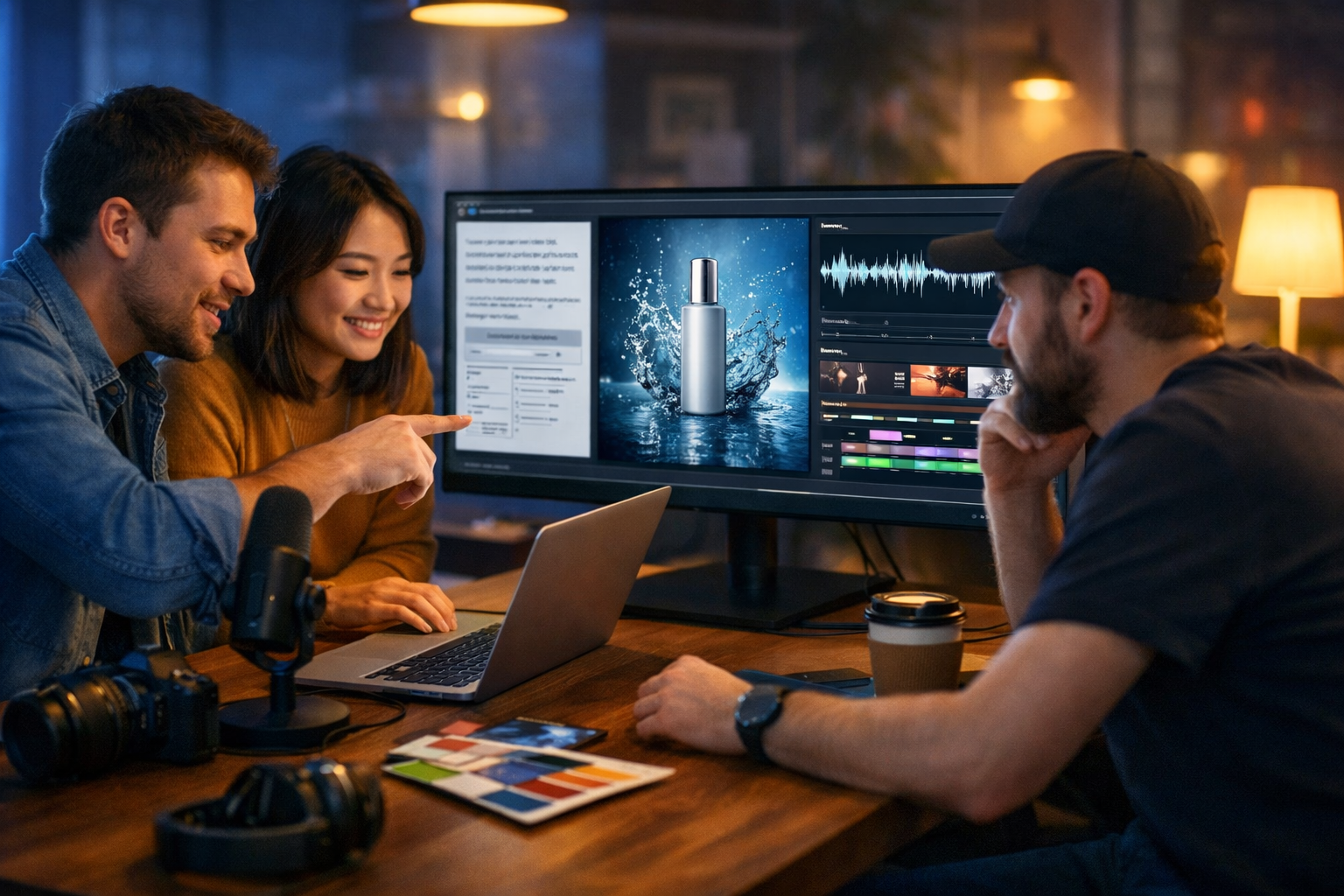
Multimodal AI is the shift from AI that understands only one type of input (like text) to AI that can work across text, image, audio and video—often in the same workflow. If you have ever wished you could write a campaign, generate the visuals, create a voice-over and assemble a short video from one brief, multimodal AI is the technology making that possible.
Multimodal AI explained: what it actually means
“Multimodal” simply means “multiple modes” of information. Humans are naturally multimodal: we read words, look at images, listen to speech and interpret motion. Traditional AI tools tended to specialise in one mode—text-only chatbots, image-only generators, or speech-to-text tools. Multimodal AI brings these together so a model (or a connected set of models) can:
- Take different inputs (e.g., a product photo + a short brief) and produce useful outputs (e.g., ad copy, titles, and suggested video scenes).
- Maintain consistency across formats (the same product benefits and brand voice in the blog, social graphics, voice-over and video).
- Understand context between modes (e.g., generating captions that match what is happening in a video clip).
In practice, many “multimodal” systems are a workflow of specialised models working together behind the scenes: one generates text, another generates images, another synthesises audio, and another assembles video. The key is that you can drive them with one coherent brief and reuse assets across channels.
Why multimodal AI matters for marketing and content teams
Content is no longer “just a blog post”. A single idea typically needs multiple deliverables: a landing page, a set of product images, a short explainer video, a voice-over, and a handful of social variants. Multimodal AI compresses that production cycle by turning one prompt into a suite of coordinated outputs. This is especially valuable for startups and small teams that do not have dedicated designers, editors and voice talent on demand.
With an all-in-one platform like our AI content tools, you can move from concept to multi-format campaign without juggling separate subscriptions, logins and asset pipelines.
How multimodal AI works (without the maths)
At a high level, multimodal AI relies on two ideas: (1) turning different media types into representations a model can work with, and (2) aligning those representations so the system can connect meaning across modes.
1) Encoding: turning media into machine-friendly signals
Text is already structured as sequences (tokens). Images are turned into patch-based representations; audio becomes time-based features; video can be treated as image frames plus motion information. Modern generative systems learn these representations from huge datasets, enabling them to recognise patterns such as “this kind of lighting” or “a confident, upbeat voice”.
2) Alignment: connecting meaning across text, image, audio and video
Alignment is what makes multimodal AI feel “coherent”. It is the learned relationship between words and what they refer to in images, sound and moving scenes. This is why the prompt “a minimal product shot with soft natural light” can translate into a specific photographic look, and why a script can be turned into a voice-over that matches the intended tone.
3) Generation: producing new content in each modality
Once the system understands the relationships, it can generate outputs. Often, one modality becomes the controller for another:
- Text → Image: prompts create marketing visuals, product photos, banners.
- Text → Audio: scripts become narration or voice-overs; prompts can produce background music.
- Text → Video: a written brief becomes an explainer video, a product demo, or short social reel scenes.
- Image/Video → Text (in some systems): describing scenes, extracting highlights, generating captions.
What “multimodal” is not (common misconceptions)
Because the term is everywhere, it helps to clarify what does and does not qualify as multimodal AI in real workflows.
- Not just multiple tools in a folder: If you have a text tool, an image tool and an audio tool that never share a brief, style or assets, the result is fragmented content.
- Not “one click, perfect output”: Multimodal AI is fast, but you still need direction (brand voice, audience, offer, constraints) and review.
- Not only for big enterprises: With simple prompting and an all-in-one platform, small teams can ship multi-format content reliably.
Multimodal AI in practice: a simple end-to-end workflow
To make “multimodal ai explained text image audio video” tangible, here is a practical workflow you can run for a product launch, webinar promotion or new landing page.
Step 1: Start with a master brief (text)
The brief is your single source of truth. Include:
- Offer: what you are promoting and the core benefit.
- Audience: who it is for, their pain points and objections.
- Brand voice: “friendly and direct”, “premium and minimalist”, etc.
- Constraints: required phrases, banned claims, compliance notes.
- Call to action: what you want people to do next.
Example master brief: “Launch a lightweight project management template for freelancers. Tone: calm, practical, no hype. Key benefits: clarity, time saved, fewer missed deadlines. CTA: ‘Try the template today’.”
Step 2: Generate text assets (blog, ads, emails, social)
From the brief, create the written components first because they define messaging and structure. Typical outputs:
- Landing page sections (hero, benefits, FAQs).
- A blog post that educates and pre-sells.
- Email campaign sequence (launch + follow-up).
- Social captions in multiple lengths (LinkedIn, Instagram, X).
Gen AI Last supports AI text generation for blog posts, product descriptions, email campaigns and social media copy—use the blog output as the “script” for everything else.
Step 3: Generate images that match the copy
Now translate the key messages into visuals: a hero banner, a product mock-up, feature tiles, and social graphics. The best results come from prompts that specify:
- Setting (home office, studio tabletop, co-working space).
- Lighting (soft natural light, cool tech, warm golden hour).
- Composition (wide 16:9 hero, square social tile, close-up detail shot).
- Style (photorealistic vs. illustrated, minimalist vs. vibrant).
With Gen AI Last’s AI image generation, you can create marketing visuals, social graphics and banners that stay consistent with the messaging you established in step 2.
Step 4: Create audio (voice-over, narration, background music)
Turn your best-performing copy into spoken content. Start with a short script (60–120 seconds), then produce:
- Voice-over for an explainer or product demo.
- Narration for a slideshow-style video.
- Optional background music that fits the brand mood (keep it subtle for clarity).
A practical tip: write for the ear. Shorter sentences, fewer clauses, and explicit transitions (“First… Next… Finally…”).
Step 5: Assemble video (reels, demos, explainers)
Video is where multimodal AI shines because it combines the other modes. You already have the ingredients: a script (text), visuals (images), and narration/music (audio). Now produce:
- A 15–30s reel (hook → 3 benefits → CTA).
- A 60–90s explainer (problem → solution → proof → CTA).
- A short product demo (screens, steps, key result).
Gen AI Last supports AI video generation for marketing videos, product demos, social reels and explainer videos, helping you go from script to shareable assets without a full editing stack.
Use cases: where multimodal AI delivers the biggest ROI
Multimodal AI is most valuable when you need coordinated output across channels, not isolated assets. Here are high-ROI scenarios.
1) Product launches and feature releases
- Text: release notes, landing page update, email announcement.
- Images: feature cards, UI mock-ups, hero banners.
- Video: “what’s new” reel, 60s walkthrough.
- Audio: voice-over for the walkthrough.
2) E-commerce product pages and ads
- Text: product descriptions, benefit-led bullets, FAQs.
- Images: lifestyle product shots, promotional banners.
- Video: short UGC-style demo, before/after explainer.
- Audio: narration for accessibility and sound-on platforms.
3) Thought leadership for founders and consultants
- Text: LinkedIn posts, long-form blog articles, newsletter issues.
- Images: quote cards, simple diagrams, presentation visuals.
- Audio: podcast-style summary of the article.
- Video: talking-head script + b-roll prompts for short clips.
Prompting tips for better multimodal outputs
The fastest way to improve results is to standardise how you prompt across text, image, audio and video. Use these guidelines.
Write one “style block” and reuse it everywhere
A style block is 3–6 lines you paste into every request to keep consistency.
- Brand voice: “clear, practical, British English, no hype”.
- Audience: “busy founders and small marketing teams”.
- Visual style: “photorealistic, clean, modern, soft natural light”.
- Audio tone: “confident, warm, mid-tempo, crisp articulation”.
Be specific about constraints (this reduces rework)
- Text: word count, reading level, required keywords, prohibited claims.
- Images: camera angle, lens feel, background, colour palette, aspect ratio.
- Audio: accent preference, pacing, emotional tone, pronunciation notes.
- Video: duration, scene count, transitions, framing (9:16 or 16:9).
Use “asset chaining”: let each output feed the next
Multimodal workflows improve when you reuse outputs rather than restarting from scratch. Example chain:
- Generate a blog outline and key messages.
- Turn key messages into a 90-second script.
- Turn the script into a shot list (6–10 scenes).
- Generate images for each scene.
- Generate voice-over and background music.
- Generate the final video.
Quality control: keeping outputs accurate, on-brand and safe
Multimodal AI accelerates production, but you still need a review process. A simple checklist helps you avoid the most common issues.
Accuracy and claims
- Verify product facts (pricing, features, availability).
- Avoid medical/financial promises unless you can substantiate them.
- Ensure comparisons are fair and defensible.
Brand consistency
- Does the text match your house style (spelling, tone, terminology)?
- Do images share a consistent look (lighting, palette, composition)?
- Does the voice-over sound like your brand (pace, warmth, confidence)?
Accessibility and formats
- Add captions for video (even if you have a voice-over).
- Use high-contrast visuals for readability on mobile.
- Provide alt text and transcript where relevant.
Getting started: a 30-minute multimodal sprint
If you want to try multimodal AI without overthinking it, run this short sprint and publish one complete “content bundle”.
- 5 minutes: Write a master brief (offer, audience, voice, CTA).
- 10 minutes: Generate a blog outline + one social post + an email.
- 5 minutes: Generate one hero image and two social graphics.
- 5 minutes: Generate a 60–90s script and voice-over.
- 5 minutes: Generate a short explainer video from the script.
All of this can be done inside one platform. If cost is a concern, view pricing from $10/month—every plan includes text, image, audio and video generation, which is ideal for lean teams.
Why an all-in-one multimodal platform beats piecing tools together
You can absolutely stitch together multiple subscriptions, but it usually creates friction:
- More time lost to exporting, converting formats and re-briefing each tool.
- Inconsistent tone and visuals because each tool starts from a slightly different prompt.
- Higher overall cost (especially when you add video and audio capabilities).
Gen AI Last is designed for the “one brief → many assets” reality of modern content. You can create professional text, images, audio and video from simple prompts—without needing separate platforms for each modality.
FAQ: multimodal AI explained in quick answers
Is multimodal AI the same as generative AI?
Not exactly. Generative AI focuses on creating new content (text, images, audio, video). Multimodal AI refers to working across multiple media types. Many modern tools are both: they generate content and do it across several modalities.
Do I need design or editing skills to use multimodal AI?
You need less specialised skill, but you still need judgement: clear briefs, brand standards and a review process. Good prompting and a consistent style block often matter more than advanced editing knowledge for everyday marketing assets.
What is the best first project to try?
A simple content bundle: one blog post, two social graphics, one short video and a voice-over. It is small enough to finish quickly and large enough to prove whether the workflow fits your team.
Create your first multimodal campaign with Gen AI Last
Multimodal AI is not a buzzword when you use it to ship complete campaigns: text that sells, images that stop the scroll, audio that adds clarity, and video that drives action. If you want an affordable way to put this into practice, use our AI content tools to generate professional text, images, audio and video from one brief, and start creating for free to build your first bundle today.
Ready to Create with Generative AI?
Join thousands of creators using Gen AI Last to generate text, images, audio, and video — all from one platform. Start your 7-day free trial today.
Start Free — Try 7 DaysQuick Links
Create AI content from $10/month
View Plans