Text to Speech AI for Professional Narration (2026 Guide)
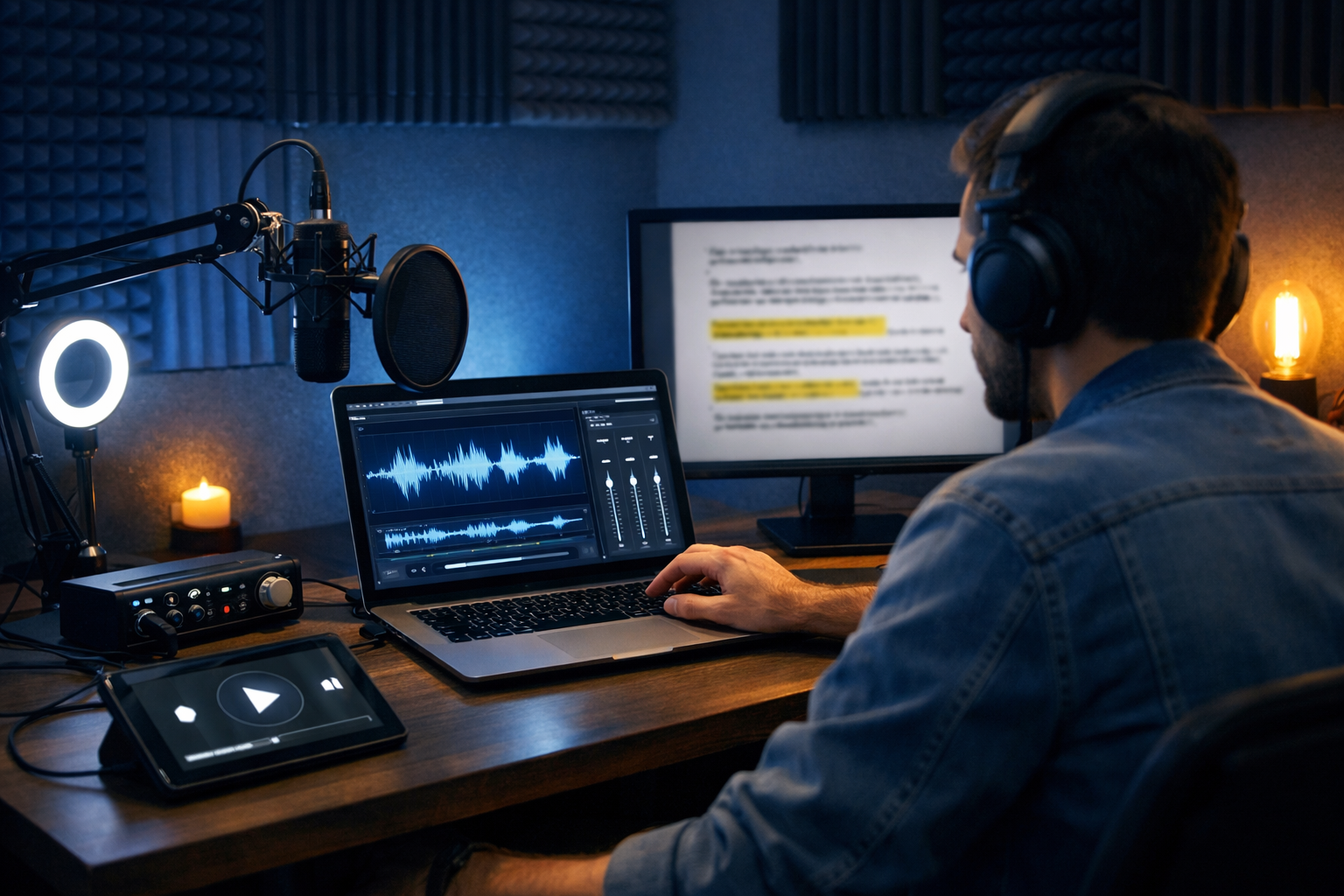
Text to speech AI for professional narration has moved from “robot voice” novelty to a dependable production tool. If you need consistent, broadcast-ready voice-overs for explainers, product demos, onboarding videos, podcasts, e-learning, or social ads—without booking talent or hiring a studio—modern AI narration can deliver speed, clarity, and scalable output when you approach it like a director, not a button-press.
What “professional narration” really means (and why it matters)
Professional narration is less about having a “nice voice” and more about communicating with intention. A professional voice-over is:
- Clear and intelligible (no mumbling, no harsh sibilance, correct pronunciation)
- Consistent in tone and pacing across multiple assets (a full course, a campaign, a series)
- Matched to brand and audience (authoritative, friendly, energetic, calm, etc.)
- Technically clean (balanced loudness, minimal artefacts, no clipping)
- Legally safe to publish (licensing and usage rights are clear)
Using text to speech AI for professional narration can help you hit these standards—provided you combine the right voice selection, scriptwriting, and post-production habits.
Why teams are switching to text to speech AI for narration
Traditional narration often involves sourcing voice talent, scheduling sessions, multiple takes, and revising scripts after the recording. AI flips that workflow: you perfect the script first, generate audio in minutes, then iterate quickly when your product or messaging changes.
- Faster turnaround: same-day voice-overs for launches, updates, and A/B tests
- Cost control: scale output without per-minute talent fees
- Consistency: keep one “brand voice” across regions and formats
- Versioning: update a single sentence without re-recording an entire track
- Multi-format production: go from script to audio, then to video and social assets
With Gen AI Last, you can move through the whole pipeline—scriptwriting, narration, supporting visuals, and even video outputs—from one platform. Explore our AI content tools to see how text, audio, image, and video generation connect in one workflow.
The 7-step workflow to get broadcast-ready AI narration
If you want AI voice-overs to sound professional, treat the process like a production: plan, direct, and polish.
1) Start with a narration-first script (not a blog post)
Great narration is written to be heard. Before generating audio, rewrite your text so it sounds natural when spoken:
- Use shorter sentences (aim for one idea per sentence)
- Avoid dense parentheses and overly complex clauses
- Write numbers how you want them spoken (e.g., “ten per cent”, “one thousand”, “twenty twenty-six”)
- Prefer active voice (“We’ll show you…” rather than “It will be shown…”)
- Build breath points with commas and line breaks
Practical target: conversational narration typically lands around 130–160 words per minute. For a 60-second video, write ~140–155 words, then adjust pacing.
Gen AI Last’s AI Text Generation can draft a narration script from a simple prompt (topic, audience, tone, length), then you can refine it for clarity and timing before generating the audio.
2) Choose the right voice like you’re casting talent
Voice choice has a direct impact on perceived trust. When selecting a text to speech AI voice for professional narration, assess:
- Audience fit: a calm, measured tone for finance or healthcare; brighter energy for consumer apps
- Accent and locale: choose what feels natural for your viewers (e.g., UK English for a British audience)
- Age and character: “too young” can reduce authority; “too formal” can feel cold
- Articulation: listen for crisp consonants without harshness
- Consistency across reads: some voices drift in tone between generations—test multiple paragraphs
Tip: build a small “voice bench” (one primary voice and one backup) so you can switch if a specific script needs a different vibe or if you later expand to multilingual production.
3) Direct the performance with punctuation, phrasing, and emphasis
Most “AI-sounding” narration comes from scripts that don’t tell the voice how to behave. You can often improve results dramatically with small edits:
- Use punctuation for timing: commas for micro-pauses, full stops for resets, em dashes for emphasis
- Break long lines: add line breaks where a narrator would breathe
- Spell tricky terms phonetically: especially product names, surnames, or acronyms
- Control emphasis by wording: move the key term to the end of the sentence for a natural “landing”
Example (before): “Our platform enables end-to-end multi-modal generation including text, image, audio, and video.”
Example (after): “With one platform, you can generate text, images, audio, and video. End to end.”
That second version almost always reads more naturally—even before you touch voice settings.
4) Generate short test reads before committing
Don’t generate the entire script first. Start with a 10–20 second excerpt that includes:
- a brand name or product name
- a number (price, date, statistic)
- a transition sentence (“Next, we’ll…”)
- a call to action
This mini “audition” reveals pronunciation issues and pacing problems early, saving time later.
5) Edit for audio timing (especially for video)
Professional narration must align with visuals. If you’re narrating a product demo, each sentence should map to a screen state. For timing:
- Outline visuals first (screen 1, screen 2, feature highlight, pricing, CTA).
- Write one sentence per visual beat.
- Read the script aloud with a timer before generating audio.
- Trim words rather than speeding up the voice; rushed reads sound less premium.
If you’re producing reels or short ads, cut filler phrases (“In today’s video…”) and start with the benefit in the first two seconds.
6) Polish the output: loudness, EQ, and silence control
Even with strong AI voices, post-production is what makes narration feel “finished”. Your checklist:
- Remove awkward silences: tighten long gaps between sentences
- Normalise loudness: keep a consistent level across a series
- Light EQ: gently reduce muddiness, add presence if needed
- De-ess if necessary: tame sharp “s” sounds
- Noise floor: AI is usually clean, but ensure exports don’t introduce artefacts
Loudness guidance: many spoken-word deliverables land around -16 LUFS (stereo) or -19 LUFS (mono) for podcasts, while web video often targets around -14 LUFS. If you deliver to an ad platform, check their latest specs.
7) Add music and mix for clarity (not hype)
Background music can elevate narration, but it can also bury it. Use music sparingly:
- Keep music lower than the voice; dip (duck) under key phrases
- Choose simple arrangements; busy percussion fights speech intelligibility
- Fade in and out cleanly—avoid abrupt stops unless stylistic
Gen AI Last includes AI Audio Generation for narration and can also help you create supporting audio elements, letting small teams produce a complete sound package without bouncing between multiple subscriptions.
Professional use cases (with practical prompts you can copy)
Below are common scenarios where text to speech AI for professional narration excels—plus prompt patterns you can adapt in Gen AI Last.
Explainer videos for SaaS and startups
Explainers need clarity, tight pacing, and a friendly authority.
Script prompt idea (Text Generation): “Write a 75-second explainer video script for [product], aimed at [audience]. Tone: confident, warm, plain English. Include a 2-sentence hook, 3 benefits, and a CTA. Avoid jargon.”
Narration tip: Keep feature lists to three items maximum per segment—listeners stop tracking after that.
E-learning and internal training
Training narration must be steady and fatigue-free for long sessions.
- Use consistent terminology across modules
- Add recap lines (“To summarise…”) every 60–90 seconds
- Insert pauses after key definitions
Script prompt idea: “Create a 10-minute training narration script about [topic]. Include section headings, short sentences, and periodic comprehension checks. UK English.”
Product demos and app walkthroughs
Demos benefit from “screen-synchronised” writing: one instruction per visual action.
Practical structure: action → result → why it matters.
Example line: “Select ‘Export’. In seconds, you’ll get a shareable link your team can open on any device.”
Podcasts and narrated articles
For podcast-style narration, the key is reducing “written language” and adding signposting.
- Use natural transitions: “Now, here’s the important part…”
- Define acronyms the first time
- Keep paragraphs short for listening
If you publish blog content, you can repurpose it into audio using Gen AI Last: generate a spoken-friendly script from your article, then create narration and distribute as an audio companion.
Quality checklist: how to tell if your AI narration is “good enough”
Before publishing, run this quick QA pass. Professional narration should score well on all of these:
- Pronunciation: brand names, surnames, and acronyms are correct
- Pacing: no rushed sections; pauses feel intentional
- Emotion: tone matches message (not overly cheerful for serious topics)
- Consistency: volume and tone stay stable from start to finish
- Technical: no clipping, glitches, or distracting artefacts
- Mix: music never competes with voice; voice remains clear on phone speakers
One reliable test: play the narration quietly from another room. If you can still understand every word, intelligibility is strong.
Common mistakes that make AI narration sound amateur
Avoid these patterns if you want your output to compete with professional voice talent:
- Overlong sentences: they force awkward rhythm and breathlessness
- Too much speed: speeding up to “fit time” reduces credibility—trim the script instead
- Monotone structure: repeated sentence lengths create a flat cadence; vary rhythm deliberately
- No audition pass: generating the full track before testing pronunciation
- Ignoring mastering: a great voice can still sound unfinished without loudness control
Licensing and ethical considerations (what professionals check)
For professional narration, “Can we publish this?” matters as much as “Does it sound good?”. You should:
- Confirm you have the right to use the generated audio commercially for your intended channels
- Avoid implying a real person endorsed your content unless that’s explicitly true
- Be cautious with sensitive categories (health, finance, politics) and ensure claims are accurate
- Maintain internal records: script version, generation date, voice used, and where it was published
If you work with clients, bake these checks into your delivery process so your AI narration workflow remains compliant as you scale.
How Gen AI Last supports an end-to-end narration workflow
Professional narration rarely lives alone—it usually sits inside a wider content system. With Gen AI Last, small teams can:
- Draft narration scripts fast using AI Text Generation (then refine for spoken delivery)
- Create voice-overs with AI Audio Generation for product demos, explainers, e-learning, and ads
- Generate supporting visuals with AI Image Generation (thumbnails, banners, social graphics)
- Build marketing videos with AI Video Generation (reels, explainers, product highlights)
Instead of paying separate subscriptions for each content step, you get full access across text, image, audio, and video from $10/month. You can view pricing from $10/month and choose the plan that fits your output volume.
A simple production template you can reuse
If you want consistent results, reuse a template. Here’s a straightforward structure for a 60–90 second narrated marketing video:
- Hook (0–10s): pain point + promise
- What it is (10–20s): one-sentence definition
- Three benefits (20–60s): each with a concrete outcome
- How it works (60–80s): three-step overview
- CTA (last 10s): clear next action
Generate the script, test-read with a chosen voice, tighten pacing, then create the final narration. From there, you can produce visuals and assemble the full video asset.
Frequently asked questions
Can AI narration sound truly human?
It can sound convincingly natural for many business use cases, especially with a narration-first script and light post-production. The goal is not “perfect imitation” but clear, trustworthy delivery that suits your brand.
How do I keep narration consistent across a whole series?
Use the same voice for every episode/module, keep a shared pronunciation list for brand terms, and reuse a script template. Maintain consistent loudness targets so episodes feel uniform.
What’s the fastest way to get started?
Pick one asset type (e.g., a 60-second explainer), write a spoken-friendly script, generate a 15-second test read, and iterate. When you’re ready, start creating for free and build your first narration workflow end to end.
Next steps: make your AI narration sound premium
Text to speech AI for professional narration works best when you treat it like production: write for the ear, cast the right voice, direct the read with smart phrasing, and polish the audio. Once you have a repeatable process, you can scale voice-overs across videos, product updates, training, and campaigns—without the delays and overhead of traditional recording.
To streamline everything from script to voice-over to finished creative, explore our AI content tools and choose a plan that matches your output: view pricing from $10/month.
Ready to Create with Generative AI?
Join thousands of creators using Gen AI Last to generate text, images, audio, and video — all from one platform. Start your 7-day free trial today.
Start Free — Try 7 DaysQuick Links
Create AI content from $10/month
View Plans