Text to Speech AI for Professional Narration (2026 Guide)
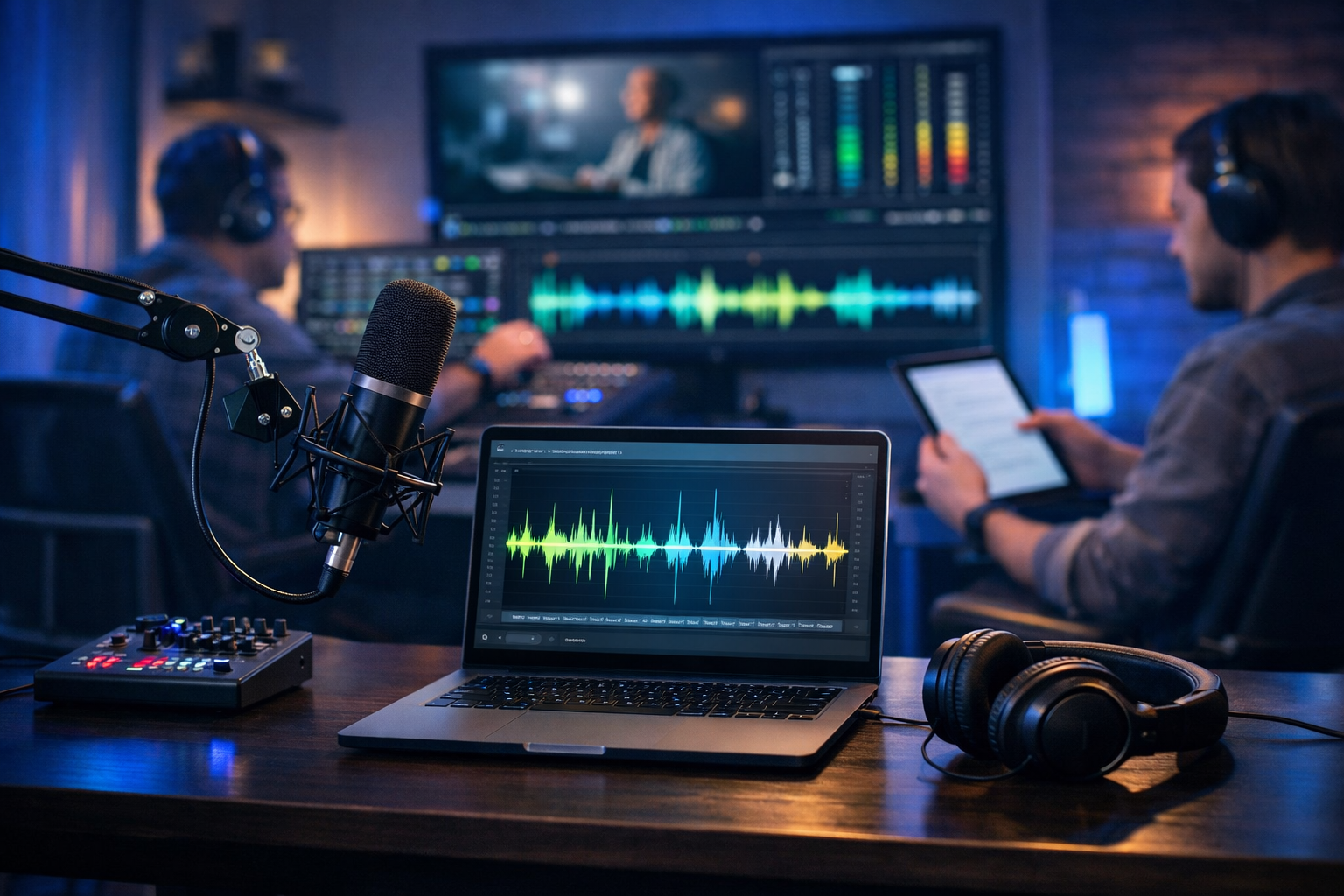
Text to speech AI for professional narration has moved far beyond robotic, one-note voices. Today’s best AI narration can sound polished enough for explainer videos, product demos, eLearning modules, internal training, podcasts and social ads—often with faster turnaround and lower cost than booking studio time. This guide explains how to choose and direct AI voices, how to write scripts that sound natural, and how to build a reliable narration workflow using Gen AI Last.
What “professional narration” actually means in 2026
Professional narration is less about having a “perfect” voice and more about meeting audience expectations for clarity, pacing and tone—consistently, across content types. When clients say they want professional narration, they usually mean:
- Clear diction and intelligibility (even on mobile speakers)
- Appropriate tone (warm, authoritative, upbeat, calm, etc.)
- Natural pacing and phrasing (no awkward emphasis)
- Consistency across episodes/modules and revisions
- Clean audio (controlled levels, minimal artefacts)
Text to speech AI can meet these standards when you treat it like a production tool—not a “press a button and hope” feature. The biggest difference between amateur and professional AI narration is direction: script structure, punctuation, pronunciation notes, and post-processing choices.
Why teams are switching to text to speech AI for professional narration
Traditional voice-over is still valuable, but it introduces constraints: scheduling talent, studio availability, retakes, and rising costs for ongoing content. AI narration removes many of those bottlenecks, which is why startups, agencies and small marketing teams are adopting it for day-to-day production.
- Speed: iterate in minutes, not days—ideal for ad testing and weekly content.
- Consistency: keep the same voice across multiple product videos or training modules.
- Scalability: produce narration for dozens of SKUs, lessons or campaigns.
- Cost control: avoid per-minute voice fees for frequent updates.
- Multi-format workflows: reuse the same script for audio, video, and social cuts.
Gen AI Last supports this kind of end-to-end production because it combines text, image, audio and video generation in one place. Instead of stitching tools together, you can move from script to narration to visuals and final video within a single workflow. Explore our AI content tools to see how these features connect.
Use cases where AI narration sounds genuinely professional
Not every project needs an award-winning voice actor. Many business and marketing scenarios reward speed, clarity and consistency—areas where text to speech AI performs extremely well.
1) Explainer videos and product demos
For SaaS walkthroughs, onboarding videos and feature announcements, the goal is comprehension. A clean, friendly AI voice-over paired with on-screen steps often performs as well as human VO—especially when you frequently update the product UI.
2) eLearning and internal training
Training content changes constantly: policy updates, new processes, revised compliance modules. AI narration lets you update a single paragraph without re-recording an entire lesson. If your learning platform needs consistent pacing and tone across dozens of modules, AI is a strong fit.
3) Marketing ads and social reels
Performance marketing is iterative by nature. AI voice makes it easier to test multiple hooks, offers and call-to-actions quickly. You can generate several variations of a 15–30 second script, voice them, and choose the best-performing cut.
4) Podcasts (intros, segments, recap clips)
Many podcasts use AI for intros/outros, episode summaries, sponsor reads (where appropriate), and short highlight clips. The trick is to keep it transparent and brand-appropriate, and to ensure audio quality is consistent with the main recording.
How to evaluate a text to speech AI voice for professional narration
A “good” voice sample can still fail once you feed it real scripts: brand names, numbers, acronyms, and technical terms. Use this checklist when choosing voices and settings.
Natural prosody and emphasis
- Does it stress the right words in longer sentences?
- Can it handle questions, lists and contrasts (“not X—Y”)?
- Does it sound human during transitions, not just single lines?
Pronunciation control
Professional narration often depends on correct pronunciation of product names and industry terms. Test for:
- Acronyms (API, CRM, KPI) and whether you can enforce letter-by-letter reading.
- Names and locations (especially for global brands).
- Numbers, currencies and dates ("£19.99", "12/06/2026").
Audio cleanliness
Even when a voice sounds natural, listen for artefacts: warbling, metallic overtones, abrupt breaths, clipped consonants, or unnatural silence. These issues are easier to catch with headphones and a quick loudness check.
Brand fit
A professional voice is also the right voice for your audience. A fintech app might require calm confidence; a kids’ learning product needs warmth and clarity; a cybersecurity brand often benefits from a measured, authoritative tone.
Scriptwriting tips that make AI narration sound human
Most “robotic” AI narration is actually a script problem. Copy written for reading (blog posts) doesn’t always translate to listening (narration). Use these techniques to get a more natural delivery.
Write for the ear, not the page
- Keep sentences shorter than you would in a blog article.
- Prefer simple structures: subject → verb → object.
- Use contractions where appropriate ("you’ll", "we’re") for conversational tone.
Use punctuation as direction
Commas and full stops aren’t just grammar—they’re timing. Use:
- Commas to create breath and clarity in lists.
- Dashes to signal a deliberate pause or contrast.
- Line breaks to separate beats in ads and short-form videos.
Spell out what the voice should say
If a term is commonly misread, write it the way you want it spoken. For example:
- Write “twenty twenty-six” instead of “2026” if you want a natural year read.
- Write “S-Q-L” if “SQL” is mispronounced for your audience.
- Write “ten to fifteen” instead of “10–15” for smoother pacing.
Build in emphasis with structure
Rather than hoping the AI finds the right emphasis, design the sentence so the meaning is unavoidable. Compare:
- Less direct: “Our platform helps teams create content faster with AI.”
- More direct: “Create content faster—without adding headcount.”
A practical workflow: professional narration with Gen AI Last
The easiest way to get professional results is to treat narration as a pipeline: script → voice → polish → publish. Gen AI Last is designed for this because you can generate the script, then produce audio (and optionally images/video) from the same project.
- Generate the first script draft with AI Text Generation. Start with a clear brief: audience, duration, tone, and key points. For a 60-second narration, aim for roughly 130–160 words depending on pace.
- Edit for narration. Tighten sentences, add pauses with punctuation, and ensure brand/product names are written for correct pronunciation.
- Create the voice-over with AI Audio Generation. Choose a voice that matches your brand (e.g., reassuring for healthcare, energetic for consumer apps). Generate a short test paragraph first, then the full script.
- Fix the “problem lines”. If one phrase sounds unnatural, rewrite just that line. Small script changes often produce big improvements.
- Match visuals to the narration. Use AI Image Generation for thumbnail/social creatives, or AI Video Generation for explainers, demos and reels. Narration-first production keeps your story tight.
- Final QA. Listen on headphones and phone speakers. Check pronunciation, spacing, and overall loudness consistency before publishing.
Because Gen AI Last bundles text, audio, image and video creation, this workflow can stay lightweight even for small teams. If you’re building content regularly, it’s often cheaper and simpler to use one platform—view pricing from $10/month.
Example scripts you can adapt (and why they work)
Use these as templates, then customise for your product and audience. Each example is written for the ear, with clear beats and natural pauses.
Example 1: 20-second social ad voice-over
Script:
“Still spending hours rewriting the same marketing copy? Try Gen AI Last. Type a prompt, get publish-ready text, images, and voice-overs in minutes. Perfect for small teams that need to move fast. Start today—and ship your next campaign before lunch.”
Why it works: short sentences, direct benefits, a natural rhetorical question, and clear pacing cues.
Example 2: 60–75 second explainer narration
Script:
“Meet Gen AI Last—your all-in-one platform for creating content with AI. Start with text: blog posts, product descriptions, emails, or social captions. Then generate visuals for your campaign—banners, product shots, or social graphics. Need video? Turn your idea into a marketing reel, product demo, or explainer. And when it’s time to bring it to life, generate a professional voice-over in just a few clicks. One workspace. One subscription. Content that’s ready to publish.”
Why it works: clear structure, parallel phrasing, and a strong closing cadence that typically sounds confident in AI voices.
Example 3: eLearning module opener (calm, instructional)
Script:
“In this lesson, you’ll learn how to create a clear, consistent narration using text to speech AI. We’ll cover script formatting, pronunciation checks, and a simple quality checklist you can repeat for every module. By the end, you’ll be able to produce professional voice-over—without booking a studio.”
Why it works: sets expectations, uses signposting language, and keeps the pace steady.
Quality control: a repeatable checklist for professional AI narration
When narration is part of a business workflow, you need consistency. Use this checklist before publishing any AI voice-over.
- Pronunciation: brand names, acronyms, locations, people’s names, and technical terms are correct.
- Pacing: no rushed segments; pauses are intentional (especially before key points and CTAs).
- Energy: tone matches the content (supportive for training, punchy for ads, measured for B2B).
- Consistency: voice, style and loudness match your previous videos/episodes.
- Listening test: headphones + phone speaker check (you’ll catch different problems).
- Compliance: ensure you have rights to use the audio for your intended purpose, and disclose AI use where required by policy or regulation.
Common mistakes that make AI narration sound “cheap”
If you want text to speech AI for professional narration, avoid these frequent issues:
- Using blog-style paragraphs as scripts: they’re too long and complex for natural speech.
- No pronunciation strategy: leaving acronyms, product names and numbers to chance.
- Overstuffed sentences: too many clauses cause odd emphasis and breath patterns.
- Ignoring the mix: voice volume fighting music or SFX, leading to muddy audio.
- Zero iteration: professional results often come from two or three script tweaks, not the first generation.
How to build a narration “voice bible” for your brand
As soon as you publish multiple videos or lessons, you’ll benefit from a simple internal standard. A voice bible helps everyone on the team generate consistent narration, even if different people create content week to week.
- Voice selection: which voice to use for ads vs training vs product demos.
- Pronunciation list: approved spelling for brand and product terms (including any phonetic hints).
- Pacing guidance: target words per minute by format (e.g., slower for training, faster for ads).
- Script formatting rules: line breaks for beats, how to read numbers, how to handle URLs.
Gen AI Last makes this easy to operationalise: keep your preferred script templates, prompts and assets in one workflow, then generate narration on demand as campaigns and modules update.
When you should still choose a human narrator
AI narration is excellent for many professional scenarios, but there are times a human voice is worth it:
- High-stakes brand storytelling where subtle emotional performance is central.
- Complex character work or multi-speaker dramatic reads.
- Ultra-sensitive topics where authenticity and empathy are paramount.
A practical hybrid approach is common: use AI for most day-to-day content and rapid iterations, then bring in a human narrator for flagship campaigns. Gen AI Last still supports this workflow, because your scripts, visuals and video structure can be generated and refined quickly before you record.
Getting started: create your first professional AI voice-over
To produce professional narration quickly, start with one short project—like a 30–60 second product intro. Generate your script, refine it for the ear, then create a voice-over and iterate on any awkward lines. Once you have one successful template, scaling becomes straightforward.
If you want to try the full workflow—script, voice, and supporting visuals—explore our AI content tools and then start creating for free. When you’re ready to publish more consistently, view pricing from $10/month to unlock an affordable all-in-one setup for startups and small teams.
Frequently asked questions
How long should a narration script be?
A common guide is 130–160 words per minute for clear, professional narration. Ads may be faster; training content is often slower. Always test with your chosen voice, because pacing varies.
How do I stop AI narration from sounding monotone?
Start with the script: shorter sentences, clear punctuation, and deliberate structure. Then iterate on problem lines rather than regenerating everything. Many “monotone” issues are caused by dense, written-style phrasing.
Can I use AI narration for commercial projects?
Commercial use depends on the platform’s terms and your intended application. Always review usage rights and any disclosure requirements for your region or distribution channel.
Ready to Create with Generative AI?
Join thousands of creators using Gen AI Last to generate text, images, audio, and video — all from one platform. Start your 7-day free trial today.
Start Free — Try 7 DaysQuick Links
Create AI content from $10/month
View Plans