Text to Video AI: Create Videos From Scripts Fast
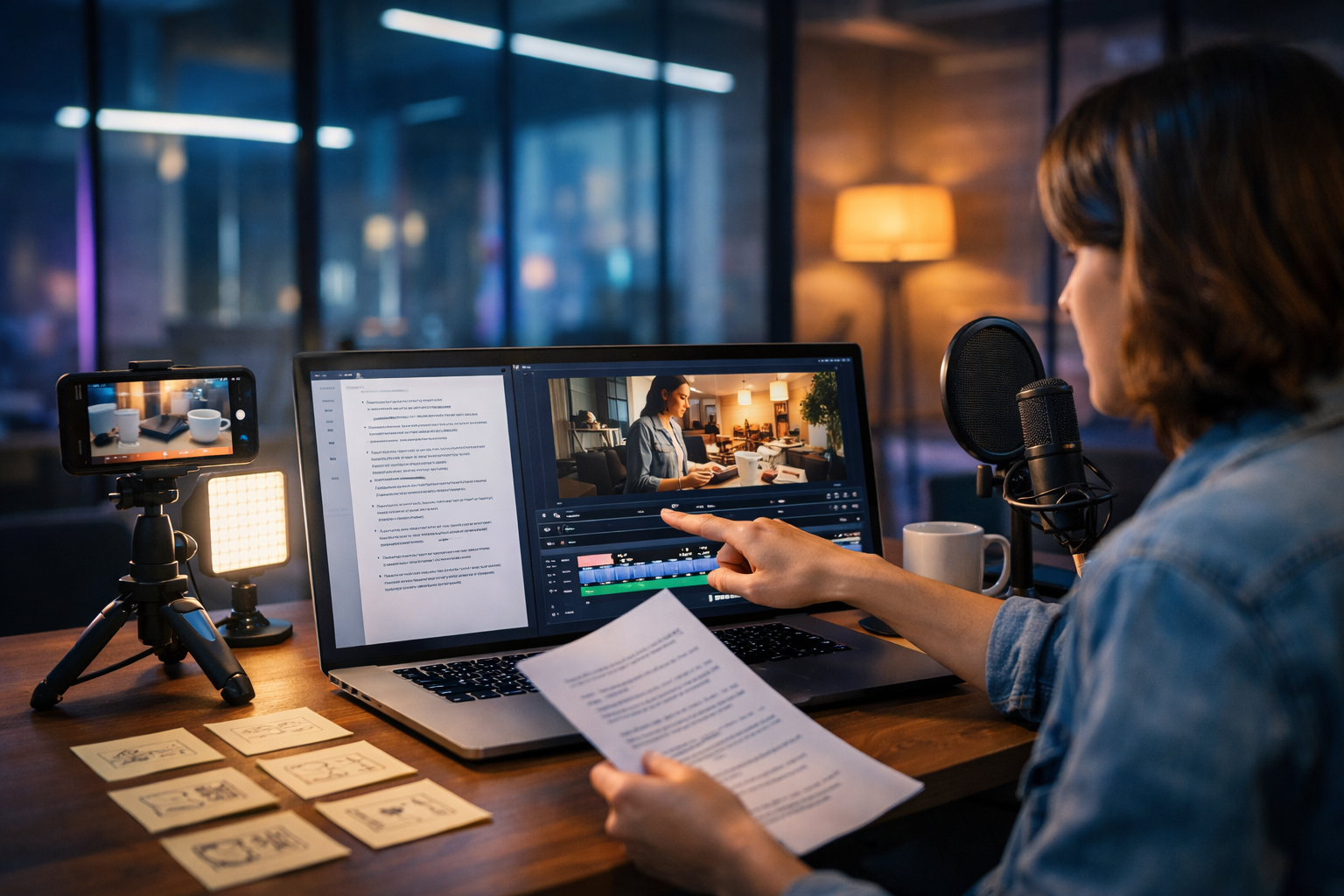
Text to video AI lets you create videos from scripts without a full production crew: you write (or generate) a script, select a style, and the AI turns it into scenes with visuals, voice-over, and timing. For startups and small teams, this is one of the fastest ways to produce product demos, explainers, ads, and social reels at scale—while keeping messaging consistent across channels.
What “text to video AI create videos from scripts” really means
When people search for “text to video AI create videos from scripts”, they’re usually trying to solve a practical problem: they already know what they want to say (a script), but they need a video format that looks professional, fits a platform (TikTok, Instagram Reels, YouTube, LinkedIn), and doesn’t take days to produce.
At its core, text-to-video AI converts your written input into a sequence of shots. Depending on the tool and your settings, it may:
- Break your script into scenes and generate a storyboard-like structure.
- Create video clips or animated sequences matching each scene.
- Generate a voice-over (or align to your uploaded narration).
- Add background music, sound effects, and transitions.
- Output platform-ready aspect ratios and durations.
The best results come from treating AI like a production partner: you provide a clear script, visual direction, and constraints. The AI handles the heavy lifting of assembling video assets and synchronising everything.
Why script-to-video is a competitive advantage for small teams
Traditional video production is expensive because it bundles multiple skill sets: copywriting, storyboarding, filming, editing, motion graphics, voice talent, and audio mixing. Text-to-video AI unbundles that work so you can produce more content with fewer bottlenecks.
- Speed: turn a concept into a video draft in minutes, then iterate.
- Consistency: reuse the same brand tone, vocabulary, and structure across many videos.
- Scale: create variations for different audiences, languages, or offers without re-shooting.
- Cost control: avoid frequent outsourcing for basic marketing videos.
This is especially useful for SaaS, e-commerce, agencies, coaches, and local businesses that need frequent updates: new features, seasonal promos, weekly tips, and event announcements.
How Gen AI Last supports a complete text-to-video workflow
A common reason script-to-video projects fail is that teams treat video as a standalone task. In reality, good video starts with good messaging, strong visuals, and clear audio. Gen AI Last is designed as an all-in-one platform, so you can move from idea → script → visuals → narration → video in one place.
With our AI content tools, you can:
- Generate a script (hook, body, CTA) using AI Text Generation.
- Create supporting visuals or product-style imagery using AI Image Generation.
- Produce the actual video using AI Video Generation (marketing videos, demos, reels, explainers).
- Add voice-over, narration, or background music using AI Audio Generation.
And because every plan includes all features, it’s accessible for startups and small teams: view pricing from $10/month.
Step-by-step: create videos from scripts with text-to-video AI
Use this workflow to turn a script into a polished, platform-ready video while keeping quality high.
1) Define one goal and one viewer action
Before writing anything, decide what the video is for. “Awareness” is not specific enough. Choose a single objective and a single call-to-action (CTA).
- Objective examples: explain a feature, announce a sale, reduce support tickets, drive webinar sign-ups.
- CTA examples: start a free trial, book a demo, download a checklist, visit a product page.
This clarity affects everything: pacing, scenes, the first line, and the final frame.
2) Write (or generate) a script that’s built for scenes
Text-to-video AI works best when your script is structured in short, visual beats. Aim for one idea per scene and avoid long paragraphs.
A reliable structure for marketing videos:
- Hook (0–3s): the problem or bold outcome.
- Credibility (3–7s): why you/your product is worth attention.
- Three key points (7–25s): benefits, steps, or features.
- Proof (optional): metric, testimonial theme, quick comparison.
- CTA (final 3–5s): clear action and who it’s for.
In Gen AI Last, you can draft multiple script variants using AI Text Generation (for example: “energetic TikTok style”, “calm B2B LinkedIn tone”, or “short YouTube pre-roll”). Then select the best one and refine it.
3) Add visual direction (this is where quality jumps)
Most “average” AI videos fail because the script provides no visual constraints. Add a simple visual brief for each scene: setting, subject, camera style, and mood.
- Setting: home office, warehouse, café, studio, phone screen close-up.
- Subject: product, person using the product, UI close-ups, abstract concept.
- Camera: slow push-in, handheld phone feel, top-down desk shot.
- Lighting/mood: warm and friendly, cool and technical, neon accent.
If you need consistent visuals (e.g., the same “brand world” across scenes), generate a small set of style-matched images using Gen AI Last’s AI Image Generation and use them as references or cutaways.
4) Choose voice and pacing (audio is half the video)
A strong voice-over can make simple visuals feel premium. With AI Audio Generation you can create narration that fits your brand: friendly, authoritative, fast-paced, or calm.
- Social reels: quicker delivery, shorter sentences, more emphasis.
- B2B explainers: slightly slower pace, clearer transitions, fewer slang terms.
- Product demos: add micro-pauses where the viewer needs to “look”.
Also plan for captions. Many viewers watch on mute, so keep sentences simple and avoid overly dense phrasing.
5) Generate the video, then edit for rhythm
When you generate the first draft, treat it as a rough cut. Your goal is to tighten the rhythm:
- Remove filler lines (anything the viewer can infer visually).
- Swap weak scenes for clearer product shots or UI close-ups.
- Ensure the hook visually matches the promise (don’t start with generic stock-like scenes).
- Increase contrast between scenes (alternate close-ups and wider context shots).
- End on a crisp CTA frame (benefit + action).
Because Gen AI Last is an all-in-one platform, you can iterate quickly: adjust the script with AI Text Generation, regenerate visuals with AI Image Creation, and re-render the video until it lands.
Practical script examples you can reuse
Below are three copy-and-paste templates designed for script-to-video generation. Replace bracketed text with your details and add one visual note per line.
Example 1: 30-second product demo (SaaS)
- Hook: “If you’re still [manual task], you’re losing hours every week.” (Visual: stressed person switching tabs)
- Introduce: “Meet [Product], the fastest way to [outcome].” (Visual: clean UI overview)
- Point 1: “Connect your [tool] in minutes.” (Visual: integration screen)
- Point 2: “Automatically [automation], so nothing gets missed.” (Visual: checklist completing)
- Point 3: “Track results with real-time reporting.” (Visual: dashboard close-up)
- CTA: “Try [Product] today—start with a free account.” (Visual: simple CTA end card)
Example 2: 20-second e-commerce promo (seasonal offer)
- Hook: “Your [problem] ends today.” (Visual: product hero shot)
- Benefit: “Our [product] is made to [primary benefit]—without [common drawback].” (Visual: use-case)
- Proof: “Loved by [social proof], rated [rating] for [reason].” (Visual: lifestyle montage)
- Offer: “This week only: [discount/free shipping/bundle].” (Visual: product lineup)
- CTA: “Shop now before it’s gone.” (Visual: checkout animation feel)
Example 3: 45-second explainer (service business)
- Hook: “Most people think [myth]. Here’s what actually works.” (Visual: myth vs reality split)
- Step 1: “First, we [step], so you get [result].” (Visual: process shot)
- Step 2: “Next, we [step], which removes [pain point].” (Visual: before/after)
- Step 3: “Finally, we [step], so you can [outcome].” (Visual: confident client scene)
- CTA: “Want a plan for your situation? Book a quick call.” (Visual: calendar/phone shot)
Prompting tips: get better script-to-video results
If you want your AI videos to look deliberate (not random), give the model constraints. Use this checklist when turning a script into a video prompt.
- Define the format: “9:16 social reel” or “16:9 explainer”.
- Specify the style: “photorealistic”, “clean motion graphics”, or “cinematic b-roll”.
- Lock the setting: “modern agency office”, “home kitchen”, “warehouse packing station”.
- Control the camera: “slow pan”, “static tripod”, “close-up macro”.
- Keep characters consistent: same age range, outfit palette, and mood across scenes.
- Use timecodes: tie each line to a duration (e.g., 0–3s, 3–8s).
In practice, you’ll often get the biggest improvement by shortening the script and adding more visual direction—rather than adding more words.
Common mistakes (and how to fix them)
If your output looks “AI-ish”, the cause is usually one of the issues below.
Mistake 1: One long paragraph instead of scene beats
Fix: break the script into 5–8 short lines. Each line should be filmable as a single shot.
Mistake 2: Vague visuals (e.g., “show success”)
Fix: describe tangible symbols: “a dashboard showing upward trend”, “a customer unboxing”, “a support inbox at zero”.
Mistake 3: No brand constraints
Fix: define a palette/mood (“neutral tones, soft natural light, minimal desk setup”) and reuse it across scenes. Generate a few reference images in Gen AI Last to anchor the look.
Mistake 4: Overloading the video with claims
Fix: choose one promise and support it with two to three points. Save extra features for follow-up videos (a series performs better anyway).
Mistake 5: Neglecting audio and captions
Fix: generate a clear voice-over with Gen AI Last’s AI Audio tools, and ensure the on-screen pacing leaves space for captions to be read.
Use cases that work particularly well for text-to-video AI
Not every video type is equally suited to script-to-video generation. These formats typically deliver strong ROI:
- Explainers: simplify a concept with clear, sequential scenes.
- Feature launches: turn release notes into a short “what’s new” reel.
- Paid ads: produce 5–10 variations to test hooks and angles.
- Onboarding: quick how-tos that reduce support load.
- Thought leadership: turn a LinkedIn post into a voice-over video with b-roll.
A practical strategy is to build a “content ladder”: write one strong article, then repurpose it into 3–5 scripts for short videos, each focused on a single point. Gen AI Last supports this end-to-end with text, image, audio, and video generation in one platform.
Quality checklist before you publish
Run through this list to make sure your AI-generated video feels intentional and on-brand.
- Hook clarity: can someone understand the benefit in the first 2–3 seconds?
- Visual match: does each line have a scene that clearly illustrates it?
- Rhythm: are there any slow, repetitive, or confusing moments?
- Audio mix: voice is crisp; music is subtle and doesn’t compete.
- Captions: readable size, good contrast, no covering key visuals.
- CTA strength: specific action + who it’s for + urgency (where appropriate).
Getting started with Gen AI Last
If you want to produce script-based videos consistently, start by building a small library of reusable assets: a few script templates, a defined visual style, and one or two voice options. Then generate in batches (for example, five reels at once) and iterate based on performance.
You can create the script, visuals, narration, and the final video in one workflow using our AI content tools. When you’re ready, start creating for free and test a simple project: one 20–30 second video with a single promise, three supporting points, and a clear CTA.
For teams that need affordable scale, all features are included on every plan—so you can move from idea to finished video without stitching together multiple subscriptions. To see the options, view pricing from $10/month.
FAQs: text-to-video AI from scripts
How long should my script be?
For most social videos, aim for 60–120 words for 20–30 seconds. For explainers, 180–300 words usually fits 60–90 seconds. Keep sentences short and scene-friendly.
Do I need a storyboard?
You don’t need a formal storyboard, but you do need scene notes. One line of visual direction per script beat is often enough to make the output feel planned.
What’s the best way to keep videos on-brand?
Define a consistent look (setting, lighting, colour mood) and reuse it. Generate a small set of reference visuals with AI Image Generation, and keep voice tone consistent with AI Audio Generation.
Can I repurpose one script into multiple videos?
Yes—and you should. Create variations by changing the hook, audience (beginner vs advanced), and format (9:16 reel vs 16:9 explainer). This is where script-to-video AI delivers the biggest efficiency gains.
Ready to Create with Generative AI?
Join thousands of creators using Gen AI Last to generate text, images, audio, and video — all from one platform. Start your 7-day free trial today.
Start Free — Try 7 DaysQuick Links
Create AI content from $10/month
View Plans