Top Generative AI Tools (2026): Best Picks for Small Teams
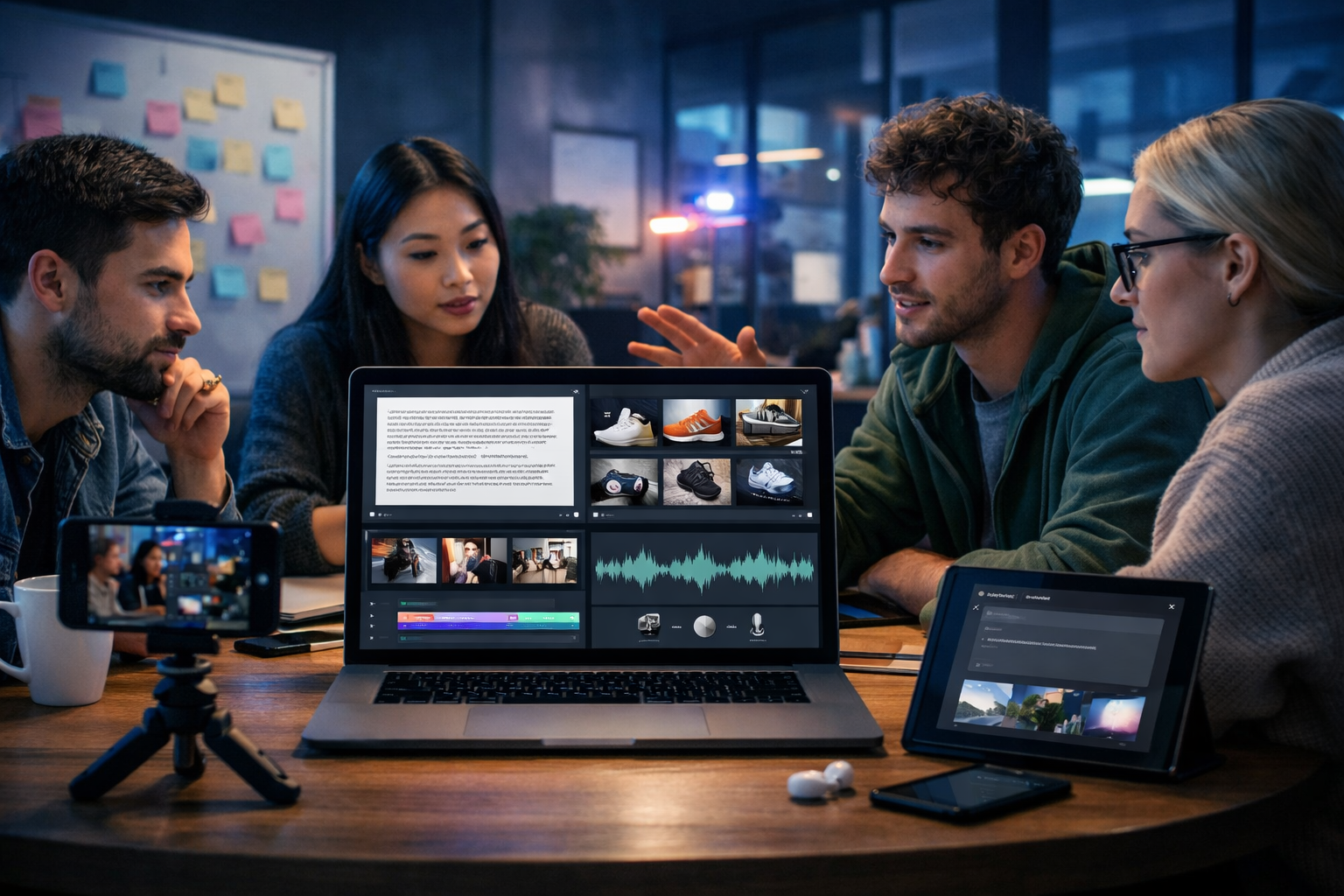
Searching for the top generative AI tools can feel overwhelming because the market moves fast and most lists ignore what small teams actually need: speed, consistent output, simple workflows and predictable costs. This guide breaks down the best tools by category (text, image, video and audio), shows where each fits in a real content pipeline, and explains how to pick a stack that helps you publish more—without hiring a full production team.
What “top generative AI tools” should mean (not just hype)
“Top” shouldn’t mean “most talked about on social media”. For practical business use, the top generative AI tools are the ones that reliably turn prompts into usable assets while keeping quality, brand consistency and compliance under control.
Use these criteria when comparing tools:
- Output quality: Are results good enough for customer-facing marketing without heavy rework?
- Speed and iteration: How quickly can you generate options, revise, and export?
- Workflow coverage: Can the tool handle multiple asset types (copy + visuals + video + voice) or will you juggle subscriptions?
- Brand control: Can you maintain tone of voice and visual style across campaigns?
- Rights and compliance: Are you clear on usage rights, data handling and content policies?
- Total cost: Subscription fees plus add-ons, credits, and the hidden cost of time spent stitching tools together.
The top generative AI tools by category (text, image, video, audio)
Below is a category-by-category view of widely used generative AI tools. The goal isn’t to crown a single winner; it’s to match tools to outcomes—blog traffic, product conversions, social reach, or internal enablement.
1) Top generative AI tools for text generation
Text generation tools are the backbone of most AI workflows: blogs, landing pages, product descriptions, ads, outreach and customer support knowledge bases.
- Gen AI Last (Text Generation): Built for everyday business writing—blog posts, product descriptions, email campaigns and social media copy—from simple prompts. The advantage for small teams is that it sits alongside image, video and audio generation in one platform, making it easier to keep a single workflow and budget. Explore our AI content tools.
- ChatGPT: Strong general-purpose writing and brainstorming, useful for outlining, rewriting, and rapid ideation. Best when you provide clear context (audience, tone, offer, constraints) and treat it as a collaborator rather than an autopilot.
- Claude: Often chosen for long-form drafting, summarisation and handling complex instructions. Helpful for consolidating research notes into structured sections and for editing clarity.
- Gemini: Useful when your workflow is tied to Google products and you need assistance with drafts, variations and productivity tasks.
- Jasper / Copy.ai: Popular among marketing teams for templates and campaign-focused copy flows. These can be helpful if you prefer guided formats for ads and emails.
Practical tip: the best results come from “brief-first prompting”. Instead of “write a blog about X”, include: target persona, stage of awareness, primary CTA, competitive angle, proof points, and constraints (e.g., “no hype, British English, include examples”).
2) Top generative AI tools for image generation
Image generators help you produce marketing visuals, product mock-ups, banners, social graphics and concept art—especially useful when you don’t have a designer on standby.
- Gen AI Last (Image Generation): Generate marketing visuals, product photos, banners and social graphics directly from prompts. For small teams, the main benefit is speed-to-asset: you can create an image and immediately pair it with copy, a voice-over or a short video without leaving the platform.
- Midjourney: Known for strong aesthetics and stylised outputs. Great for brand moodboards, hero concepts and creative exploration, though it may require more iteration to match exact brand requirements.
- DALL·E: Good for quick concept visuals and prompt-driven scenes; often used when you want fast, accessible generation and variations.
- Adobe Firefly: Frequently used by teams already in Adobe workflows, especially where brand and asset management matter.
Practical tip: write image prompts like a production brief: subject + environment + camera angle + lens + lighting + materials + mood + “no text/no watermark”. If you need consistent product visuals, keep the camera, lighting and background constant across prompts.
3) Top generative AI tools for video generation
Video generation is the fastest-growing category because every platform prioritises video—product demos, social reels, explainers and ads.
- Gen AI Last (Video Generation): Create marketing videos, product demos, social reels and explainer videos from text prompts. When video sits in the same system as your copy and images, it’s easier to keep the messaging consistent across formats.
- Runway: A well-known option for AI video generation and editing workflows, used for creative transformations and short-form content experiments.
- Pika: Popular for prompt-based video creation and stylised outputs, especially for quick social content.
- Kaiber: Often used for music-driven visuals and animated sequences, useful when you want a consistent vibe across clips.
Practical tip: for marketing videos, start by generating the script and hook first (first 1–2 seconds for reels; first 10 seconds for explainers), then build visuals around the script. This prevents attractive videos that fail to convert.
4) Top generative AI tools for audio generation (voice and music)
AI audio tools can produce voice-overs, narration, podcast segments and background music—useful when you don’t have studio time or voice talent.
- Gen AI Last (Audio Generation): Generate voice-overs, podcast audio, narration and background music. This is especially helpful for turning blog content into audio content or adding narration to product demos quickly.
- ElevenLabs: Widely used for realistic voice synthesis and narration. Useful when you need multiple voices or consistent voice style across a series.
- Descript: Strong for editing spoken audio and video through text-based editing—good for podcasts and talking-head content workflows.
- Suno / Udio: Often used for generating music and jingles; great for background tracks or concept music (always check licensing and usage terms for commercial projects).
Practical tip: if you’re creating voice-overs for ads or product videos, write the script for speech (short sentences, clear cadence, fewer commas) and include pronunciation guidance for brand names.
A simple framework to choose the best generative AI tools for your needs
Instead of picking tools based on what’s trending, choose based on your production bottleneck. Use this three-step framework:
- Identify the asset that blocks revenue: Is it product pages, ad creatives, onboarding emails, or consistent social video?
- Decide your “core” modality: If you win with SEO, text is core. If you win on social, video is core. If you win with catalogues, images are core.
- Minimise handoffs: The best stack reduces exporting/importing between tools and keeps brand consistency intact.
For many startups, the highest-leverage approach is a single platform that covers text, image, video and audio—so one campaign brief can become a blog post, product visuals, a reel and a voice-over without paying four separate subscriptions.
Example workflows using top generative AI tools (realistic use cases)
Here are practical “prompt-to-published” workflows you can copy.
Workflow A: SEO blog post → social graphics → narrated video
- Text: Generate an outline, then draft the blog post with FAQs and examples.
- Images: Create a featured image plus 2–3 supporting visuals (process diagram style, product mock-up, or conceptual scene).
- Audio: Turn the key sections into a 60–90 second voice-over summary.
- Video: Generate a short explainer video using the voice-over + captions (where appropriate) and matching visuals.
You can do this end-to-end with Gen AI Last, using our AI content tools to keep style consistent and reduce tool switching.
Workflow B: Product launch kit for an e-commerce brand
- Text: Product description (benefit-led), FAQ, and 3 email variants (announce, urgency, last call).
- Images: Lifestyle product visual concepts (different backgrounds for A/B testing).
- Video: 15-second reel (hook → problem → product → CTA) and a 30–45 second demo explainer.
- Audio: Clean voice-over for the demo plus a subtle background music bed.
This is where an all-in-one plan matters: Gen AI Last includes text, image, video and audio generation from view pricing from $10/month, which is designed to be accessible for startups and small teams.
Workflow C: Weekly LinkedIn content engine for a B2B founder
- Text: Turn one insight into 5 post angles (story, contrarian take, how-to, checklist, mini case study).
- Images: Generate a consistent visual style for post banners (same lighting, layout feel, brand colours implied through palette).
- Video/audio: Create a 30-second talking-points script plus voice-over for an animated reel version.
Prompt templates to get better output from generative AI tools
If you want higher quality from any of the top generative AI tools, use structured prompts. Here are templates you can paste and adapt.
Text prompt template (blog section)
Prompt: “Write a section for a blog targeting [audience] in British English. Topic: [topic]. Goal: [conversion goal]. Tone: [tone]. Include: 1 practical example, 1 short checklist, and 1 common mistake to avoid. Constraints: no fluff, no exaggerated claims, keep sentences under 20 words where possible.”
Image prompt template (marketing visual)
Prompt: “Photorealistic 16:9 image of [subject] in [setting]. Show [key objects] that communicate [message]. Lighting: [lighting style]. Camera: [angle/lens]. Colours: [palette]. Mood: [mood]. No text, no logos, no watermarks.”
Video prompt template (reel/explainer)
Prompt: “Create a 20-second video for [platform] about [topic]. Structure: 2-second hook, 3 key points, clear CTA. Visual style: [style]. Include scene list with durations and simple on-screen actions. Avoid: fast flashing cuts, unreadable details.”
Audio prompt template (voice-over)
Prompt: “Generate a voice-over in a [accent/style] voice. Pace: [slow/medium/fast]. Script: [paste]. Pronounce: [brand names]. Intended use: [ad/demo/podcast]. Keep it confident and natural.”
Common pitfalls when using the top generative AI tools
Even the best tools produce weak results if the process is wrong. Avoid these issues:
- Publishing without editing: Always fact-check, especially statistics, dates, and claims about competitors.
- Inconsistent brand voice: Keep a simple brand brief: tone words, banned phrases, and 2–3 sample paragraphs to emulate.
- One asset, one channel: The ROI comes from repurposing. A blog should become email, social, and short video.
- Tool sprawl: Multiple subscriptions can create friction, inconsistent style, and higher costs than expected.
- Ignoring rights and privacy: Review licensing and avoid pasting sensitive data into tools without appropriate safeguards.
Why an all-in-one platform is often the “top” choice for small teams
For enterprises, specialised tools per modality can make sense. For startups and small teams, the bigger challenge is throughput: producing enough high-quality content across formats to compete. That’s where all-in-one generative AI platforms can outperform a “best-of-breed” stack in practice.
Gen AI Last is built to cover the entire content lifecycle—text, images, video and audio—from simple prompts. Instead of paying separately for writing, design, editing, voice, and video generation, you get full access starting at $10/month. If you want to test the workflow quickly, you can start creating for free and then scale as needed.
Quick checklist: choosing your top generative AI tools this week
If you’re making a decision now, use this shortlist:
- Pick one primary platform for your highest-value output (SEO, ads, social, product pages).
- Ensure you can produce at least two modalities (e.g., text + images) without extra procurement.
- Create a repeatable brief template (audience, offer, proof points, CTA).
- Set a quality bar: define what “publishable” means for your brand.
- Track one metric per asset type (CTR, conversions, watch time, reply rate).
Final thoughts
The top generative AI tools are the ones that fit your workflow, not the ones with the loudest marketing. If you need to move fast with a lean team, prioritise tools that reduce handoffs, maintain brand consistency, and let you create across text, images, video and audio in one place. Gen AI Last is designed for exactly that—professional output from simple prompts, with all features available from $10/month.
Ready to Create with Generative AI?
Join thousands of creators using Gen AI Last to generate text, images, audio, and video — all from one platform. Start your 7-day free trial today.
Start Free — Try 7 DaysQuick Links
Create AI content from $10/month
View Plans