What Is Generative AI and How Does It Work 2026?
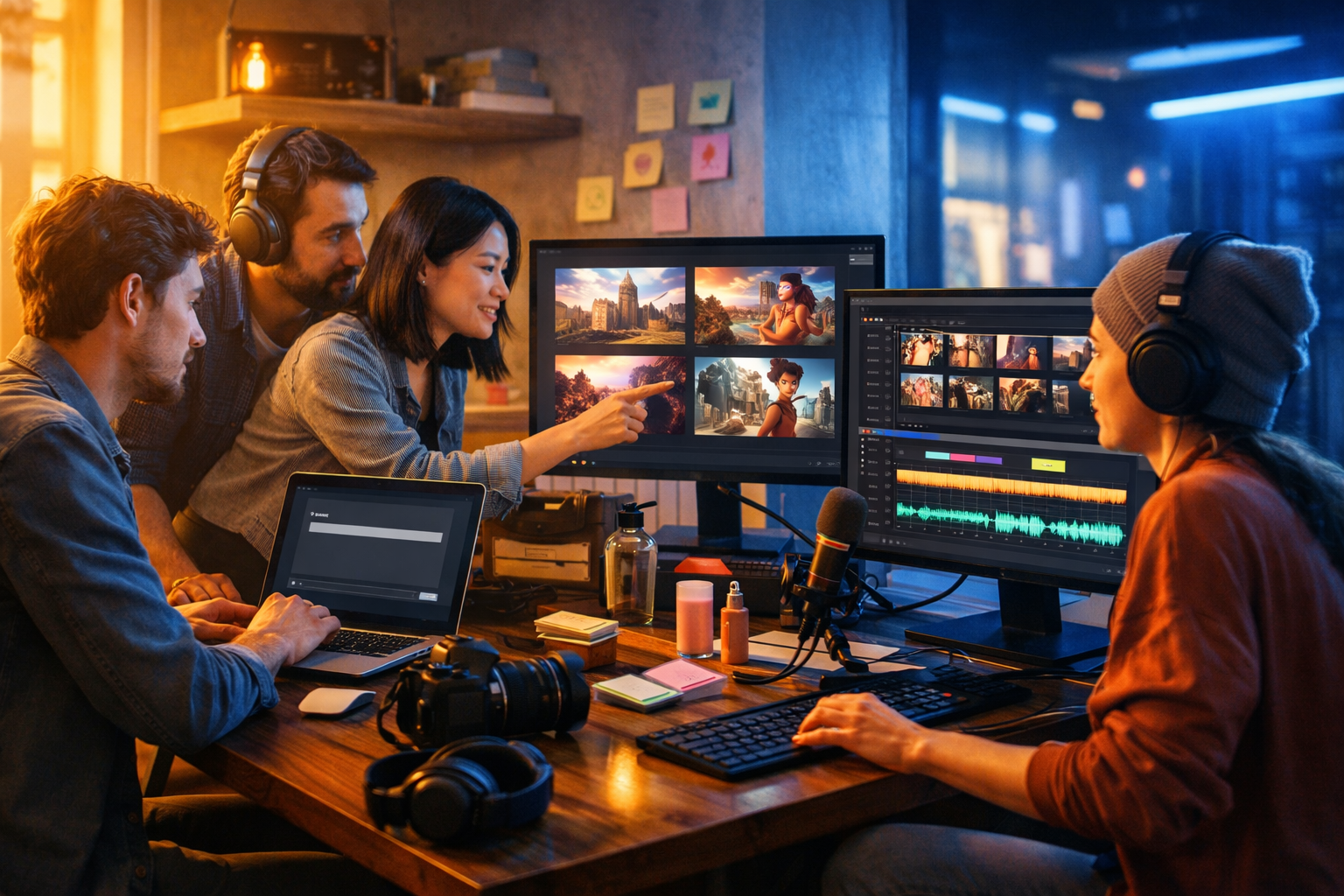
Generative AI is the technology behind tools that can write copy, design visuals, compose music, and create videos from a simple prompt. In 2026, it is no longer “magic”—it is a predictable set of model architectures, training methods, and safety controls that turn patterns in data into new, usable content. This guide explains what generative AI is, how it works today, and how businesses can use it responsibly for real outcomes.
What is generative AI?
Generative AI is a branch of artificial intelligence that creates new content—such as text, images, audio, or video—based on patterns learned from large datasets. Unlike traditional AI systems that mainly classify (for example, “is this email spam?”) or predict (for example, “how many units will we sell?”), generative AI produces original outputs that resemble the data it learned from.
In practical terms, generative AI powers tools that can draft blog posts, generate product imagery, create voice-overs, or turn scripts into short marketing videos. Platforms like our AI content tools bring these capabilities together in one place, so you can create multiple content types without managing separate subscriptions.
How does generative AI work in 2026? The simple explanation
At a high level, generative AI works by learning statistical patterns from enormous amounts of example data, then using those patterns to generate new sequences (words, pixels, audio samples, video frames) that are likely to “fit” your prompt and context.
Most modern generative systems in 2026 fall into a few core families:
- Large Language Models (LLMs) for text and reasoning-based tasks
- Diffusion models for images (and increasingly video)
- Transformer-based audio/music models and neural vocoders for natural voice
- Multimodal models that combine text, image, audio and video understanding/generation
Although the mathematics is complex, the workflow is consistent: train a model on data, fine-tune or align it to behave helpfully, then generate outputs by sampling from probabilities while following your instructions.
The building blocks: data, tokens, parameters, and “learning”
1) Training data (what the model learns from)
Generative AI models learn from large datasets: web pages, books, code, images, audio, and labelled examples. The model does not store a “copy” of the dataset like a database. Instead, it compresses patterns into a huge set of internal weights (parameters). That is why models can generalise: they learn structure and relationships rather than memorising a single document.
2) Tokens (how inputs are represented)
Text models convert words into smaller pieces called tokens. A token might be a whole word (“marketing”), a sub-word (“market”), or even punctuation. The model predicts the next token based on the previous tokens and the prompt instructions.
Image and video models have similar concepts, but instead of tokens as words, they represent content in latent spaces—compressed numerical representations of visual patterns.
3) Parameters (the “knowledge” inside the model)
A model’s parameters are the numerical weights adjusted during training. More parameters often (not always) means more capability, but performance also depends on data quality, architecture, and alignment methods. In 2026, smaller models can outperform older large ones when they are trained on higher-quality data and optimised for specific tasks.
How LLMs generate text: next-token prediction (and why it feels intelligent)
Most text generation in 2026 is still rooted in next-token prediction. The model estimates probabilities for what token should come next. It then chooses one option using a sampling strategy that balances accuracy and creativity.
If you prompt an LLM with: “Write a product description for a reusable water bottle,” it doesn’t “understand” the bottle like a human. It recognises patterns from many examples of product descriptions and water-bottle-related text, then generates a plausible continuation that matches your instruction.
Three generation controls matter in practice:
- Temperature: higher values increase creativity/variation; lower values increase determinism.
- Top-p / nucleus sampling: constrains choices to the most likely options until a probability threshold is reached.
- System and style instructions: rules about tone, format, and constraints (e.g., “use British English”).
In a platform workflow, you typically don’t need to manage these knobs manually. You choose a template (blog post, email sequence, ad copy) and refine the prompt and constraints. Gen AI Last’s text generation is designed for practical business formats—blog posts, product descriptions, email campaigns and social media copy—so you can move from idea to publishable draft quickly.
How image generation works: diffusion in plain English
Many leading image generators in 2026 are based on diffusion models. Diffusion starts with noise and gradually removes it to form an image that matches your prompt. Think of it as sculpting: the model repeatedly “nudges” random pixels toward a coherent image.
Key ideas that make diffusion usable:
- Text embeddings: your prompt is converted into a numerical representation that guides the image.
- Latent space: the model generates in a compressed representation then decodes it to a full image.
- Guidance: techniques that push results closer to your prompt (useful for brand consistency).
For marketing teams, the benefit is speed: you can generate multiple variations of product lifestyle images, social graphics, or banner concepts in minutes. With Gen AI Last, you can create marketing visuals and social assets alongside your copy in the same platform, keeping campaigns consistent across formats.
How AI video generation works in 2026
Video generation has progressed rapidly. In 2026, common approaches include diffusion-like methods extended over time (frames) and transformer-based models that model motion and scene consistency. The core challenge is temporal coherence—keeping characters, products, lighting, and camera perspective consistent across frames.
Most practical video workflows are now “hybrid”:
- Generate short clips from a script or prompt (often 3–10 seconds each).
- Use guided generation to keep a stable style and subject.
- Assemble clips into a marketing video with captions, transitions, and audio.
Gen AI Last supports AI video generation for marketing videos, product demos, social reels, and explainer videos—useful when you need more than a static visual but do not have a full production team.
How AI audio generation works: voice, music, and narration
AI audio generation typically covers two needs: voice (text-to-speech, narration, voice-overs) and music (background tracks, stings, sound beds). Modern systems use neural vocoders and sequence models trained on speech patterns to produce natural prosody—intonation, pacing, and emphasis.
In 2026, the best results come from treating AI audio like a production workflow rather than a single click:
- Write a script with clear phrasing and stage directions.
- Generate multiple takes with different pacing and tone.
- Add background music that matches the brand mood.
Gen AI Last includes AI audio generation for voice-overs, podcast-style audio, background music and narration—handy for turning a blog post into an audio asset or adding polished sound to short-form video.
Why generative AI sometimes gets things wrong (hallucinations)
Generative AI can produce incorrect statements confidently—often called hallucinations. This happens because the model is optimised to generate plausible text, not to guarantee truth. Unless it is connected to verified sources, it may fill gaps with patterns that sound right.
Reduce risk with a straightforward process:
- Constrain the task: specify audience, country, and what to avoid.
- Ask for sources: request citations or “unknown” when uncertain (then verify independently).
- Use checklists: facts, pricing, dates, claims, compliance statements.
- Human review: treat AI as a draft assistant, not an authority.
Generative AI in 2026: what’s changed compared to earlier years
If you last evaluated generative AI in 2023–2024, the 2026 landscape feels more “productised”. The biggest shifts are:
- Multimodal by default: models can work across text, image, audio and video with better cross-format consistency.
- Higher signal, less noise: better prompt adherence and fewer random artefacts in images/video.
- Workflow integration: teams generate assets as part of repeatable pipelines (brief → draft → variations → publish).
- More emphasis on safety and provenance: organisations care about rights, consent, disclosure, and policy compliance.
Practical business use cases (with examples you can copy)
1) Content marketing: blog + social + newsletter from one brief
Start with a single content brief and produce a full campaign:
- Blog draft: outline + sections + FAQs.
- Social posts: 5–10 variations per platform.
- Email: a short newsletter version with a clear CTA.
Example prompt (text): “Write a 1,600-word blog post for UK startups explaining generative AI in 2026. Use British English, include risks and a checklist for safe use. End with a CTA to try the tool.”
2) Paid ads: rapid iteration without sacrificing consistency
Generative AI is ideal for producing ad variations to test. The key is to control brand voice and avoid unverified claims.
Example prompt (ads): “Create 12 Google Ads headlines (max 30 chars) and 8 descriptions (max 90 chars) for an AI content platform priced from $10/month. Avoid words: ‘guaranteed’, ‘#1’. Tone: practical, clear.”
3) Product visuals: lifestyle images and banners for launches
Use image generation to explore creative directions quickly: colour palettes, backgrounds, seasonal themes, and layout concepts. For best results, specify lighting, camera angle, and context (where the product is used).
Example prompt (images): “Photorealistic hero banner of a reusable bottle on a desk in a bright home office, soft natural light, shallow depth of field, minimal background, 16:9.”
4) Video for social: reels, demos, explainers
Turn a script into short clips for product demos, feature highlights, or explainers. Keep scenes short and focused; request multiple variants and pick the best.
Example prompt (video): “Create a 20-second vertical-style reel storyboard: hook (0–3s), problem (3–8s), solution demo (8–16s), CTA (16–20s). Topic: generating marketing assets from one prompt.”
5) Audio: voice-overs and podcast snippets
Repurpose your blog content into audio narration for accessibility and reach. Create short “audio trailers” for social and longer narration for your site.
Example prompt (audio): “Narrate this script in a calm, confident tone, UK English, medium pace, with slight emphasis on headings.”
Prompting in 2026: a practical framework that improves results
Good prompting is less about clever wording and more about providing constraints and context. Use this simple structure:
- Role: “You are a B2B SaaS copywriter…”
- Audience: “For UK startup founders…”
- Objective: “Drive sign-ups to a free trial…”
- Inputs: product details, features, differentiators, pricing
- Constraints: word count, tone, compliance, banned claims
- Output format: headings, bullets, table, JSON, etc.
This framework also reduces hallucinations because it narrows the “space” the model is allowed to generate within.
Safety, copyright, and compliance: what to do as a business
Generative AI is a powerful accelerator, but organisations still need policies. Focus on the areas that most often cause real-world problems:
- Accuracy: verify claims, statistics, and legal/medical advice (or avoid those topics).
- Brand voice: keep a style guide and examples the AI should follow.
- IP and rights: avoid imitating specific living artists/brands; use original prompts and keep records.
- Disclosure: decide when you will label AI-generated content (especially for audio/voice).
- Data privacy: do not paste sensitive customer data into prompts unless you have explicit approval and safeguards.
A practical approach is to treat AI outputs as “first drafts” and run them through the same review process you use for human-created assets.
How to choose a generative AI platform (and why all-in-one matters)
Many teams start with separate tools for writing, design, video, and audio—then lose time switching platforms, copying prompts, and keeping branding consistent. An all-in-one platform simplifies workflows and makes it easier to repurpose a single idea across formats.
Gen AI Last brings text, image, video, and audio generation together with straightforward pricing—view pricing from $10/month. That matters for startups and small teams who want predictable costs while still having “full-stack” creative capabilities.
A quick 2026 workflow: from one prompt to a full campaign
Here is a repeatable workflow you can run weekly:
- Brief: define audience, offer, proof points, CTA.
- Text: generate a blog post + 10 social variations + 1 email.
- Images: generate 3–5 on-brand creatives (hero, square social, banner).
- Video: generate short clips or an explainer sequence from the blog outline.
- Audio: generate a voice-over for the video and a 60-second audio summary.
- Review: fact-check and brand-check; ensure claims are substantiated.
- Publish: schedule posts and track performance (CTR, conversions, watch time).
If you want to try this approach without stitching multiple tools together, you can start creating for free and build your first campaign assets in one place.
FAQs: what is generative AI and how does it work 2026?
Is generative AI the same as AI automation?
Not exactly. Generative AI creates content (text, images, audio, video). Automation uses rules or workflows to move tasks along. In practice, businesses combine them: generative AI produces drafts, and automation routes them for review and publishing.
Does generative AI “understand” what it writes?
It generates outputs based on learned patterns and probabilities. It can appear to understand because the patterns are strong and it can follow instructions, but it can still be wrong or inconsistent—so human review remains essential.
What skills matter most for using generative AI in 2026?
Clear briefing, prompt constraints, editing, fact-checking, and brand consistency. The best teams treat AI as a collaborator that accelerates ideation and drafting rather than replacing strategy and judgement.
Takeaway
Generative AI in 2026 works by learning patterns from large datasets and generating new content that matches your instructions—via LLMs for text, diffusion-style methods for images and video, and neural systems for speech and music. When you use it with strong constraints, review processes, and a clear brand voice, it becomes a reliable engine for producing high-quality marketing assets at speed. If your goal is to create text, images, video, and audio without juggling multiple subscriptions, explore our AI content tools and scale production on a budget.
Ready to Create with Generative AI?
Join thousands of creators using Gen AI Last to generate text, images, audio, and video — all from one platform. Start your 7-day free trial today.
Start Free — Try 7 DaysQuick Links
Create AI content from $10/month
View Plans