What Is Generative AI and How Does It Work 2026?
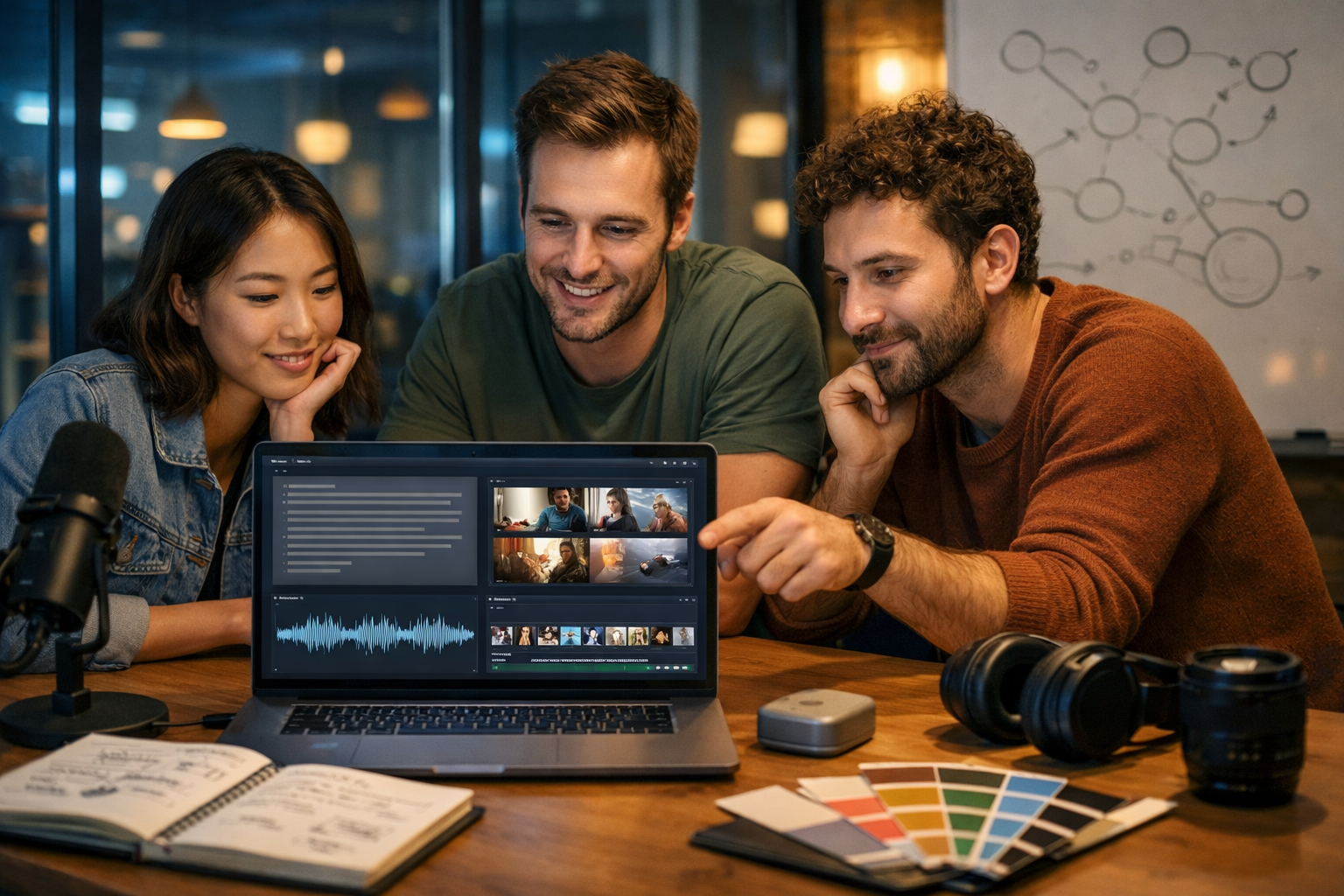
Generative AI is the technology behind tools that can write, design, speak, and edit video from a simple prompt. In 2026 it has moved from “cool demo” to day-to-day business infrastructure—powering marketing content, product visuals, training videos, and voice-overs at speeds and costs that were impossible a few years ago.
What is generative AI (in plain English)?
Generative AI is a type of artificial intelligence that creates new content—such as text, images, audio, or video—by learning patterns from large amounts of existing data. Instead of only classifying or predicting (for example, “is this email spam?”), it generates (for example, “write a customer-friendly follow-up email in a helpful tone”).
In practice, generative AI systems don’t “copy and paste” from a database. They learn statistical relationships between pieces of information and then produce outputs that are likely to fit your request. That’s why you can ask for a product description in British English, in a luxury tone, for a specific audience, and get something coherent—even if those exact sentences never existed before.
Generative AI vs traditional AI
Traditional (discriminative) AI focuses on recognising or deciding. Generative AI focuses on creating. Here’s the simplest distinction:
- Traditional AI: “Given these features, what category is it?” (e.g., fraud vs not fraud)
- Generative AI: “Given this prompt, create a plausible output.” (e.g., a fraud-prevention policy draft)
In 2026, most real-world systems blend both: a generative model creates content, and additional models (or rules) evaluate it for safety, quality, policy compliance, and brand consistency.
How does generative AI work in 2026? A step-by-step view
While different modalities (text, images, audio, video) use different techniques, they share a common pattern: learn representations of data, then sample from those representations to produce new content. Below is a practical, non-mathematical overview of the core building blocks used in 2026.
1) Training: learning patterns from vast datasets
Generative AI models are trained on large datasets (web pages, books, code, images, audio, video, and licensed collections). Training means adjusting billions of parameters so the model becomes good at predicting the next piece of information—next word, next pixel pattern, next audio sample, or next video frame—given what came before.
This training phase is expensive and usually done by model providers. Most businesses don’t train from scratch; they use existing foundation models and adapt them to their needs with prompting, fine-tuning, or retrieval methods (explained below).
2) Tokens, embeddings, and “meaning”
For text models, the input is split into tokens (chunks of characters/words). Each token is converted into a numerical representation. For images, the model represents visual features; for audio, it represents sound patterns; for video, it represents changes over time.
A key idea is embeddings: vectors (lists of numbers) that capture relationships. Similar concepts tend to be close together in this vector space—so “invoice” is closer to “payment terms” than to “banana”. In 2026, embeddings are also central for search, recommendations, and retrieval-augmented generation.
3) Transformers: the engine behind most text-first models
Most modern text generation relies on transformer architectures. Their standout feature is attention, which helps the model weigh which earlier tokens matter most when generating the next one. That’s how models can maintain context, follow instructions, and keep a consistent tone across a longer piece of writing.
By 2026, transformers are not just for text: they influence multimodal systems that can reason across text, images, audio, and video.
4) Diffusion and flow-based methods: common for images (and increasingly video)
Many image generators use diffusion-style methods. At a high level, diffusion learns how to remove noise from an image step-by-step until a clear image emerges that matches your prompt. For video, similar ideas apply, but the system must also keep motion consistent from frame to frame (so faces don’t “morph” unexpectedly and branding stays stable).
In 2026, video generation has improved significantly, with better temporal consistency and more controllable outputs (camera moves, scene continuity, and object identity). It still benefits from clear direction and iterative refinement.
5) Decoding: how the model chooses what to generate
Once the model has learned patterns, it generates by sampling from probabilities. For text, it predicts the likelihood of the next token and selects one based on a decoding strategy. In 2026, most tools balance creativity with reliability using settings like:
- Temperature: higher = more varied/creative; lower = more conservative
- Top-p / nucleus sampling: limits choices to the most likely tokens adding up to a probability threshold
- System and style constraints: “write in a friendly tone”, “use UK spelling”, “avoid medical claims”
For images/video, the model iteratively updates pixels/latents to match the prompt and any constraints (style references, aspect ratio, composition guidance).
What’s new in generative AI in 2026?
The fundamentals are similar to 2023–2025, but the practical experience is different. In 2026, the big advances are less about “can it generate?” and more about “can we trust and control what it generates?”
Multimodal generation is mainstream
Teams expect one workflow across text, image, audio, and video—so a single campaign brief can produce a blog post, ad creatives, a voice-over, and a short explainer reel. Platforms like our AI content tools support this “prompt once, create everywhere” approach, which is especially helpful for small teams doing more with fewer people.
Better controllability and consistency
A major 2026 expectation is consistency: recurring characters in video, stable product appearance in images, and a brand voice that doesn’t drift between assets. Modern systems use improved conditioning (stronger guidance from your instructions and references) and better internal representations to keep outputs coherent.
Retrieval-augmented generation (RAG) is the default for factual work
Generative models can still “hallucinate”—produce plausible-sounding but incorrect details—especially on niche facts, figures, or rapidly changing topics. RAG reduces this risk by pulling relevant information from trusted sources (your docs, knowledge base, product sheets) and feeding it into the model during generation.
Even when you don’t implement a full RAG system, you can simulate the same discipline by pasting authoritative notes into your prompt and asking the model to stick to them.
Safety, policy, and provenance are business requirements
In 2026, responsible use is not optional—especially for regulated industries, political content, medical claims, or anything involving personal data. Many organisations apply layered controls: content filters, human review, audit logs, and clear disclosure rules for synthetic media.
How generative AI creates different content types
The easiest way to understand generative AI is to see how it behaves across common business outputs.
Text generation: blogs, emails, product descriptions
Text models generate one token at a time, using context from your prompt and conversation history. They excel at structure, tone, summarisation, rewriting, ideation, and first drafts. For best results in 2026, treat text generation like a collaboration:
- Give the model a clear goal, audience, and format.
- Provide constraints: word count, reading level, UK spelling, prohibited claims.
- Feed it facts (features, pricing, policies) to reduce hallucinations.
With Gen AI Last, you can generate blog posts, product descriptions, email campaigns, and social copy quickly—then iterate with revisions rather than starting from a blank page.
Image generation: marketing visuals and product-style shots
Image models translate text prompts (and optionally reference images) into visuals. In 2026, strong image prompts include subject, setting, lighting, lens style, and composition constraints. For marketing, this means you can produce consistent variants for A/B tests: different backgrounds, seasonal styling, or layouts suitable for banners and social feeds.
Audio generation: voice-overs, narration, and background music
Audio generation typically involves text-to-speech (TTS) and music generation. TTS models create natural speech with pacing, emphasis, and tone controls. In 2026, the most valuable feature is “production readiness”: clean audio, fewer artefacts, and the ability to match a brand’s style (e.g., calm and authoritative vs upbeat and youthful).
Video generation: reels, product demos, explainer videos
Video generation combines visual generation with temporal consistency. You can create short-form clips for social or assemble explainer sequences from prompts and assets. A practical workflow is to generate: (1) a script, (2) a storyboard (images), (3) a voice-over, then (4) the final video. That’s why having text, image, audio, and video generation in one platform matters for speed and coherence.
A practical “how it works” example: one prompt, one campaign
Imagine you’re launching a new reusable water bottle and you need a week of content. Here’s how a modern 2026 workflow can look:
- Brief: Define audience (gym-goers), key points (BPA-free, keeps cold 24h), tone (clean, energetic), and compliance (no medical claims).
- Text: Generate a landing page section, 5 social captions, and a short email campaign.
- Images: Create lifestyle visuals (gym bag, office desk, outdoor trail) with consistent colour palette.
- Audio: Produce a 20-second voice-over for a paid ad and a short music bed.
- Video: Create a 15–30 second reel with the voice-over and visuals, then test variants.
Gen AI Last is designed for exactly this multi-asset workflow, without needing separate subscriptions. You can explore view pricing from $10/month to see how it fits a startup or small team budget.
Why generative AI sometimes gets things wrong
Even in 2026, generative AI is not a truth engine. It is a pattern engine. It predicts what output is likely to follow your input based on learned patterns. That means errors usually come from one of these causes:
- Insufficient context: the model guesses missing details.
- Outdated knowledge: the model may not “know” very recent changes.
- Ambiguous prompts: unclear goals lead to generic or misaligned outputs.
- Overconfidence in tone: fluent writing can sound authoritative even when incorrect.
The fix is operational, not magical: provide better inputs, require sources for factual claims, and apply human review where the stakes are high.
How to prompt generative AI effectively in 2026
Good prompting is less about “tricks” and more about clear specification. Use this simple template to get reliable results across text, images, audio, and video.
A prompt framework that works
- Role: “Act as a B2B SaaS copywriter.”
- Goal: “Create a 900-word blog section explaining X.”
- Audience: “UK startup founders with limited time.”
- Inputs: bullet facts, features, differentiators, and any must-include wording.
- Constraints: tone, reading level, formatting, banned claims, and compliance notes.
- Quality checks: “Add a short checklist; avoid jargon; include practical examples.”
When you use Gen AI Last for text, you can iterate quickly: generate a draft, request a tighter version, then ask for variations for email and social—keeping the message consistent across channels.
Example prompt (text)
Prompt: “Write a 600-word explanation of generative AI for small business owners in the UK. Use British spelling, short paragraphs, and include 5 real business use cases. Add a ‘common mistakes’ section and a 6-step implementation checklist.”
Example prompt (image)
Prompt: “Photorealistic wide shot of a marketer in a home office creating a campaign: laptop with text draft, mood board, product mockups, soft natural window light, cool blue accent LEDs, clean modern desk, camera lens and microphone visible, no text.”
Real business use cases for generative AI (beyond “write a blog”)
If you want ROI, focus on repeatable workflows. In 2026, these are proven, practical uses for startups and small teams:
- Content systems: turn one brief into a blog, newsletter, landing page copy, and 10 social posts.
- Product marketing: generate benefit-led product descriptions and image variants for A/B testing.
- Sales enablement: tailored outreach emails and call scripts by industry persona.
- Support: draft help-centre articles and response templates, reviewed by a human.
- Creative production: fast voice-overs and explainer videos for new features or offers.
Gen AI Last is built for this kind of integrated creation: text, image, audio, and video in one place—starting at an accessible cost for lean teams.
Risks, ethics, and compliance: what to watch in 2026
Generative AI can accelerate growth, but it also introduces risks. Manage them with simple guardrails:
- Accuracy: fact-check claims, statistics, and citations—especially in regulated sectors.
- Copyright and brand safety: avoid generating content that imitates identifiable brands or artists.
- Privacy: do not paste sensitive customer data into prompts.
- Disclosure: be transparent where required (e.g., synthetic voice in ads).
- Bias: review outputs for stereotyping and unfair assumptions.
A sensible rule: use generative AI to draft and create variations, but keep humans responsible for final approvals—particularly for legal, medical, financial, or reputational decisions.
A simple implementation checklist for teams
If you’re adopting generative AI in 2026, start small and systemise what works.
- Choose one workflow (e.g., weekly blog + social repurposing) and measure time saved.
- Create a prompt library with role, tone, formatting, and do/don’t rules.
- Build a facts pack (product features, pricing, policies, brand voice) to paste into prompts.
- Define review gates: who checks accuracy, compliance, and brand alignment.
- Standardise outputs: templates for emails, landing pages, ad scripts, and image styles.
- Scale across formats: add images, audio, and video once text is consistent.
To put this into practice quickly, you can start creating for free and test a complete workflow end-to-end: generate the copy, the visuals, the voice-over, and the video assets from a single brief.
FAQ: what is generative AI and how does it work 2026?
Does generative AI “understand” what it writes?
It produces language (or visuals) that matches learned patterns and your instructions. It can appear to understand because it models relationships in data very well, but it does not have human-like comprehension or lived experience. Treat it as a powerful tool, not an authority.
Is generative AI replacing designers, writers, and editors in 2026?
For most organisations, it’s augmenting them. It speeds up drafts, variations, and production, while humans remain essential for strategy, taste, approvals, compliance, and brand direction. Small teams benefit most because they can produce “big team” output without “big team” overhead.
What is the best way to reduce hallucinations?
Provide trusted source material in the prompt, ask the model to only use that material, and verify important facts. For structured documents (policies, specs), use clear bullet inputs and require the output to reference them.
Conclusion: generative AI in 2026 is a workflow advantage
So, what is generative AI and how does it work in 2026? It’s a set of models trained on large datasets to generate new text, images, audio, and video by predicting what should come next—guided by your prompt and constraints. The winning approach is to pair these models with strong inputs, clear review processes, and repeatable content systems.
If you want an affordable way to apply generative AI across your entire content pipeline, explore our AI content tools and view pricing from $10/month to see how a single platform can cover text, visuals, audio, and video for your next campaign.
Ready to Create with Generative AI?
Join thousands of creators using Gen AI Last to generate text, images, audio, and video — all from one platform. Start your 7-day free trial today.
Start Free — Try 7 DaysQuick Links
Create AI content from $10/month
View Plans