What Is Generative AI and How Does It Work 2026?
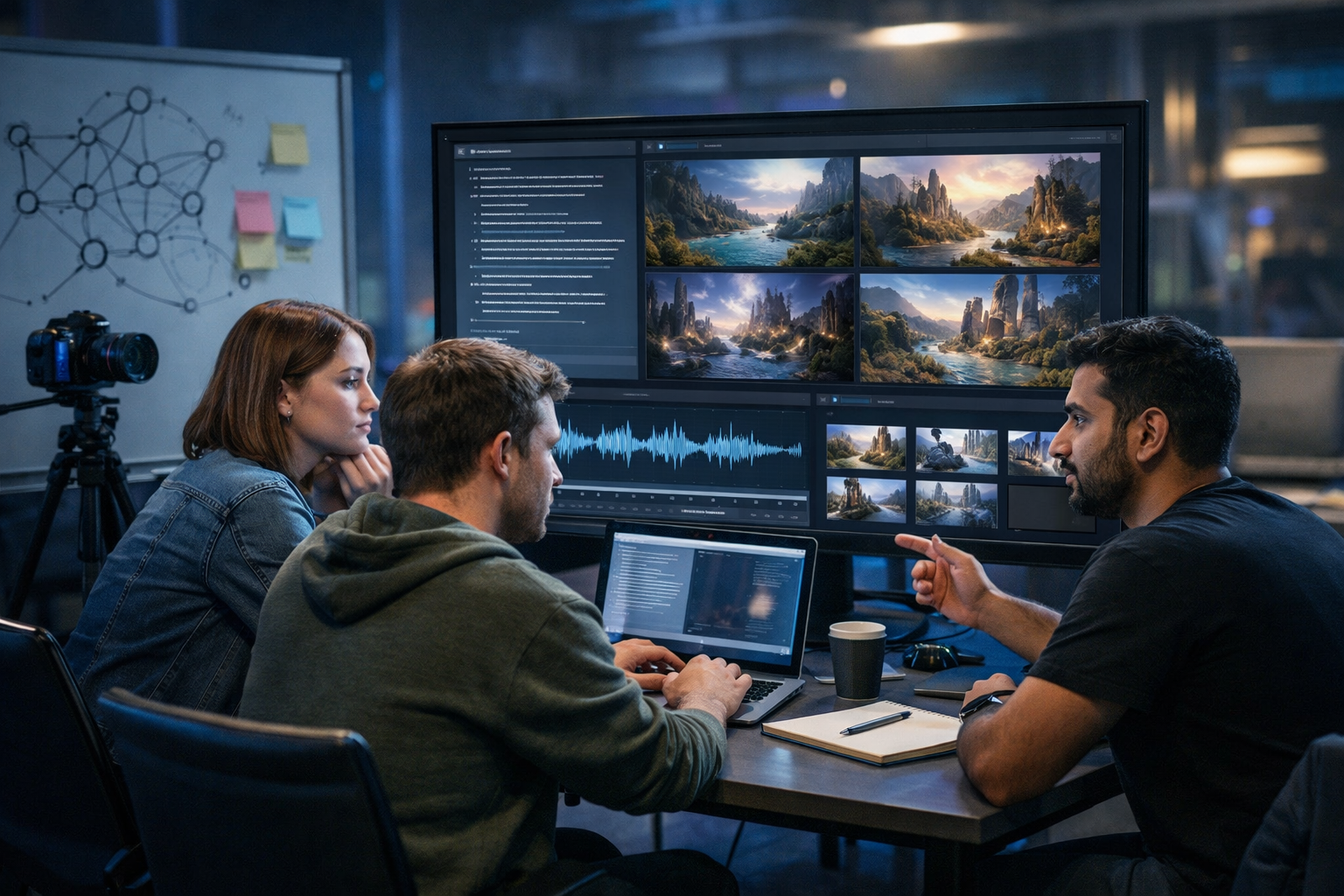
Generative AI is no longer a novelty in 2026—it’s a core production tool for writing, design, video, and audio. But to use it well (and safely), you need to understand what it is, what’s happening under the hood, and why results can be brilliant one moment and wrong the next. This guide explains what generative AI is, how it works in 2026, and how to apply it to real business tasks using an all-in-one platform like Gen AI Last.
What is generative AI in 2026?
Generative AI is a class of artificial intelligence that creates new content—such as text, images, audio, or video—based on patterns learned from large datasets. Instead of simply classifying or predicting a label (for example, “spam” vs “not spam”), it produces original outputs that resemble human-created work.
In 2026, generative AI is typically delivered through “foundation models” that can be adapted for many tasks. The most common types you’ll hear about are:
- Large Language Models (LLMs) for text and reasoning-like tasks (emails, articles, scripts, customer support drafts).
- Diffusion models for images (product photos, ad creatives, banners, social graphics).
- Generative video models for short-form clips, explainers, and product demos.
- Generative audio models for voice-overs, narration, music beds, and podcast elements.
What’s changed by 2026 is not just quality, but workflow integration: teams expect to go from prompt → draft → brand-tuned variations → final assets across multiple formats, quickly and affordably. Platforms such as our AI content tools bring these modes (text, image, audio, video) together so you can build complete campaigns without stitching together five separate subscriptions.
How does generative AI work? The core idea
At a high level, generative AI learns statistical patterns in data. During training, it sees vast numbers of examples (sentences, pictures, sound clips, video frames) and learns relationships between them. During generation, it uses those learned relationships to create something new that is consistent with the prompt and the patterns it has learned.
A practical way to think about it: the model is a “pattern completion engine”. You give it context (your prompt), and it predicts what should come next—words in a sentence, pixels in an image, frames in a video, or samples in an audio track.
Step-by-step: what happens when you enter a prompt?
- Your prompt is encoded into a numerical representation (tokens for text, embeddings for multiple modalities).
- The model predicts the most likely continuation (next token, denoised pixels, next frames, audio samples), guided by the prompt.
- Sampling adds creativity: instead of always choosing the single most likely option, the model samples from high-probability options. Settings like “temperature” (or similar) control how varied outputs become.
- Safety and formatting layers may filter disallowed content or shape the output into a required structure (for example, a product description with bullet points).
- You review and iterate: the prompt, constraints, and examples you provide strongly influence the next version.
How LLMs generate text (2026 explanation)
For text, most 2026 systems are built on transformer-based LLMs. You don’t need the maths, but you do need to understand four concepts that affect output quality and reliability:
1) Tokens and probability
LLMs don’t think in words the way humans do. They break text into tokens (chunks of characters or words). The model predicts the next token based on context. That’s why a prompt that’s vague or contradictory produces inconsistent writing—there’s no stable “next token” path.
2) Attention: using context intelligently
Transformers use a mechanism called attention to weigh which parts of the prompt (and previous text) matter most when generating the next token. In practical terms: if you provide brand voice guidelines, target audience, and examples, the model has more useful signals to attend to.
3) Instruction-following and alignment
By 2026, many models are trained not only on raw text, but also with instruction data and human preference signals to produce more helpful outputs. This is why prompt phrasing matters: a clear instruction plus constraints (tone, length, structure) typically yields better results than an open-ended request.
4) Hallucinations and why they happen
An LLM may produce plausible but incorrect claims, often called hallucinations. This happens because the model is optimised to generate the most likely-looking text, not to guarantee truth. In 2026, models are better at citing sources when tools are connected, but you should still treat outputs as drafts and verify key facts—especially in health, finance, and legal contexts.
Practical example: turning a vague prompt into a reliable brief
Vague: “Write a blog post about generative AI.”
Better: “Write a 1,800-word 2026 explainer for UK small businesses on what generative AI is and how it works. Include sections on LLMs, diffusion, video/audio generation, risks, and a checklist. Tone: clear, practical, non-hype. Add one example each for marketing, product, and customer support.”
With Gen AI Last, this type of structured prompt is ideal for producing first drafts quickly, then generating variations for different channels (blog, email, LinkedIn post, landing page copy) without starting from scratch.
How AI image generation works (diffusion in plain English)
Most modern image generators use diffusion. The simplest explanation: the model learns how to remove noise from images.
- During training, the system takes real images, adds noise, and learns to reconstruct the original.
- During generation, it starts from random noise and progressively “denoises” towards an image that matches your prompt.
In 2026, you’ll also see stronger control features: image-to-image (start from a reference), style control, composition guidance, and consistent character/product rendering. For business use, this is particularly useful for generating marketing visuals, product mock-ups, and campaign variations without organising an entire photoshoot.
If you need one platform to generate copy and matching visuals, our AI content tools let you produce both from the same creative brief, keeping messaging and design aligned.
How generative AI video works in 2026
Video generation is essentially the challenge of creating many coherent images over time. In 2026, video models commonly work by generating short clips from text prompts or from a reference image, then ensuring temporal consistency (so objects don’t flicker or morph unnaturally between frames).
For marketing teams, the most practical outputs are:
- Product demos and feature explainers that can be iterated quickly.
- Social reels with multiple variants (hooks, visuals, pacing) to test performance.
- Storyboard-to-video workflows where the model generates scene options from a script.
A realistic way to use generative video today is to generate assets and rough cuts rapidly, then refine with human judgement: tighten messaging, ensure brand consistency, and validate claims.
How generative AI audio works (voice and music)
Audio generation covers two main business needs: voice (narration, voice-overs) and music (background tracks). Under the hood, models learn patterns in waveforms and/or intermediate representations (like spectrograms) to produce audio that sounds natural and coherent.
In 2026, the quality is high enough for many use cases—especially for:
- Explainer video narration for web and social.
- Podcast intros/outros and short segments.
- Multilingual drafts for localisation testing (with final review).
As with video, the “best practice” is a hybrid workflow: generate quickly, then check pronunciation, pacing, and compliance (especially for regulated industries).
What makes generative AI different in 2026 (vs earlier years)
If you last looked at generative AI in 2023–2024, here’s what feels different in 2026:
- Multimodal creation: the same workflow can produce a blog post, ad images, a short video, and voice-over from one brief.
- Better controllability: more consistent style, stronger adherence to constraints, improved editing capabilities.
- Operational adoption: teams build repeatable processes (templates, checklists, approval steps) rather than ad-hoc prompting.
- Cost expectations: startups and small teams expect strong output without enterprise pricing.
That last point is why Gen AI Last is positioned the way it is: all core modes (text, image, video, audio) are available from one subscription—view pricing from $10/month—so smaller teams can produce complete content systems, not just isolated pieces.
Where generative AI helps most: real business use cases
Generative AI is most valuable where you need high volume, high variation, or rapid iteration. Here are practical 2026-ready use cases:
Marketing teams
- Blog drafts, landing page sections, and SEO-friendly FAQs.
- Ad creative variants (headlines + visuals) for paid social testing.
- Short video scripts and matching voice-overs for reels.
E-commerce and product
- Product descriptions tailored to different audiences (features vs benefits, beginner vs expert).
- Lifestyle imagery and promotional banners for campaigns.
- Explainer clips highlighting key differentiators.
Customer support and success
- First-draft responses to common queries (with human review).
- Knowledge base article drafts and troubleshooting steps.
- Onboarding scripts and narrated walkthrough videos.
Limitations and risks you must manage
Generative AI is powerful, but it isn’t magic. In 2026, the biggest risks are operational rather than technical: teams ship content too quickly, fail to verify claims, or ignore rights and privacy.
Accuracy and verification
Treat AI outputs as drafts. Put a simple process in place: fact-check claims, confirm numbers, and ensure product details match your latest offering. If you’re writing anything compliance-related, require human sign-off.
Brand voice drift
Without constraints, outputs can sound generic. Fix this by providing examples of your existing copy, specifying tone, and requesting consistent formatting (for example, short sentences, UK spelling, no hype). Save best-performing prompts as internal templates.
Copyright, likeness, and permissions
Be careful with prompts that imitate living artists, use recognisable faces, or recreate branded designs. Keep your visuals original, and ensure you have the rights to any reference material you upload. For voice, only use voices you’re authorised to use.
Data privacy
Avoid pasting sensitive customer data into any tool unless you’re confident about how that data is handled. For many teams, the safest approach is to anonymise examples and use placeholders.
How to get better results: a 2026 prompting framework
The fastest way to improve generative AI output is to improve your inputs. Use this framework across text, image, video, and audio.
1) Specify the role and audience
Example: “You are a B2B SaaS content strategist writing for UK startup founders.”
2) Provide the objective and constraints
- Length, format, and reading level (for example, “1,800 words, scannable headings, plain English”).
- Must-include points (for example, “define LLMs, diffusion, hallucinations, and business examples”).
- Must-avoid (for example, “no exaggerated claims, no ‘revolutionary’ language”).
3) Add brand voice guidance
Give 3–5 bullets describing your style and include a short writing sample. This reduces generic output dramatically.
4) Ask for multiple options
For marketing, variations are the point. Request 5 headlines, 3 hooks, or 4 ad angles. Then select, refine, and test.
5) Use “critique then rewrite”
A high-performing technique in 2026 is: “First critique the draft for clarity, claims that need evidence, and missing steps. Then rewrite.” This encourages self-correction before you publish.
A simple end-to-end workflow (text → image → video → audio)
If you’re a small team, you want a repeatable pipeline that produces a full content set for one campaign. Here’s a practical approach using an all-in-one toolset:
- Write the core message: generate a blog draft and a short landing page version. Confirm claims and add your product details.
- Create campaign visuals: generate 3–6 images in consistent style (hero banner, social square, ad creative).
- Generate a short video: turn the core message into a 20–40 second reel with a clear hook, 2–3 benefit beats, and a CTA.
- Add audio: produce a voice-over (or narration) and a subtle background track.
- Repurpose: create email and social variants from the same brief to keep messaging consistent.
Gen AI Last is designed for exactly this: one place to generate professional text, images, videos, and audio from straightforward prompts—ideal for startups and small teams that need output without enterprise complexity. If you want to try it, start creating for free.
FAQ: what is generative AI and how does it work 2026?
Is generative AI “learning” from my prompt?
Your prompt guides the output in the moment. Whether it is stored or used for future training depends on the service’s data policies. From a workflow perspective, assume prompts may be logged, and avoid sharing sensitive information unless you have clear assurances.
Why do I get different answers from the same prompt?
Generation often involves randomness (sampling). Many tools also update models over time, so behaviour can shift slightly. To stabilise results, tighten constraints, add examples, and ask for structured output.
Can generative AI replace a human writer or designer?
It can replace parts of the process—first drafts, variations, asset production, and repetitive edits. Human value remains strongest in strategy, judgement, taste, compliance, and knowing what will resonate with a specific audience.
What’s the best way to use generative AI safely in a business?
Use a review process: fact-check, ensure brand alignment, confirm rights/permissions for assets, and keep sensitive data out of prompts. Document your best prompts and keep an approval step for public-facing content.
Key takeaways
- Generative AI creates new content by learning patterns from data; in 2026 it powers text, images, video, and audio workflows.
- LLMs predict tokens; diffusion models denoise into images; video models maintain consistency across frames; audio models generate speech and music patterns.
- Quality depends heavily on prompting, constraints, and iteration—plus human verification for accuracy and compliance.
- Small teams can ship faster by using a single platform for multi-format creation. With Gen AI Last, all features are available from view pricing from $10/month.
If your goal in 2026 is to publish more consistently, test more creative angles, and produce content in multiple formats without ballooning costs, an integrated workflow matters as much as model quality. Explore our AI content tools and build a repeatable system you can actually maintain.
Ready to Create with Generative AI?
Join thousands of creators using Gen AI Last to generate text, images, audio, and video — all from one platform. Start your 7-day free trial today.
Start Free — Try 7 DaysQuick Links
Create AI content from $10/month
View Plans