Where can I generate AI visuals with usage rights for business?
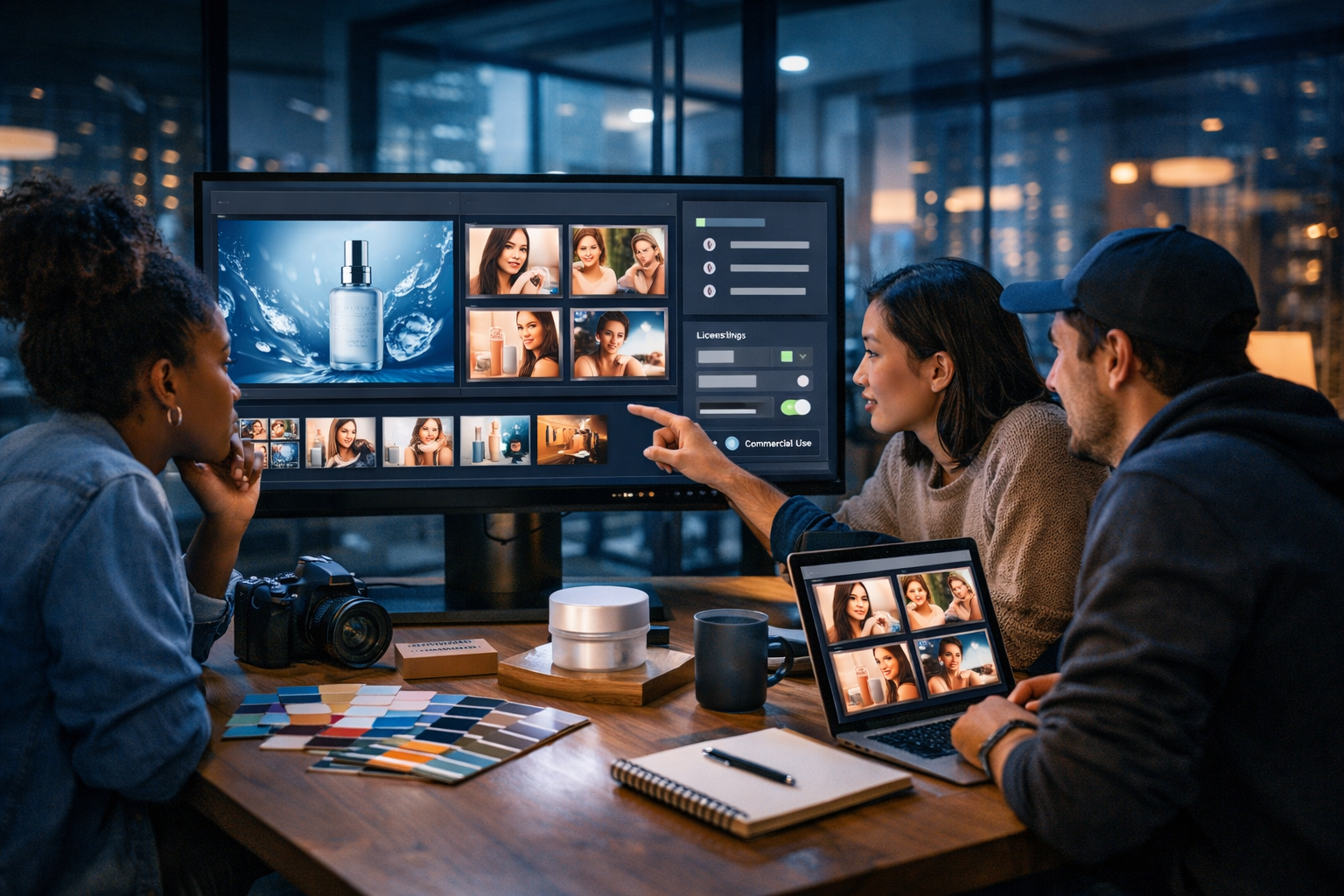
If you’re asking “where can I generate AI visuals with usage rights for business?”, you’re already thinking like a responsible marketer. The best answer isn’t just a list of tools—it’s knowing what “usage rights” actually covers, what to check before publishing, and how to build a repeatable workflow that keeps your business compliant while producing high-performing visuals fast.
What “usage rights for business” really means (and what it doesn’t)
When you generate AI visuals for commercial use, you’re usually dealing with a mix of: (1) the platform’s terms, (2) your prompt and inputs, (3) the content itself (e.g., recognisable brands/people), and (4) the channel where you’ll publish (ads have stricter rules than a blog header).
In practical terms, “usage rights for business” should mean you’re allowed to:
- Use the visual in marketing (ads, landing pages, social posts, email banners).
- Use it commercially on products and packaging (if the terms permit—some tools restrict this).
- Edit, crop, resize, and combine it with other assets.
- Use it across channels without paying per-export royalties (depending on the plan).
What it often doesn’t automatically mean:
- You own exclusive rights (most AI outputs are non-exclusive).
- You can use it to imply endorsement by a real person or brand.
- It’s safe to use if it includes recognisable trademarks, copyrighted characters, or a celebrity likeness.
Where can I generate AI visuals with usage rights for business? Your best options
You generally have three routes, each with pros and trade-offs. The best choice depends on how quickly you need to create, how often you publish, and how strict your industry compliance is.
1) All-in-one AI content platforms with clear commercial terms
For most small businesses, the simplest answer is: use an all-in-one platform that lets you create visuals (and the supporting copy, audio, and video) under a single subscription with clear usage terms.
Gen AI Last is built for exactly this workflow—generating marketing-ready images, videos, audio, and text from straightforward prompts, so you don’t have to stitch together multiple tools (and multiple licences) for every campaign. You can explore our AI content tools to see how the same idea becomes a full creative set: ad copy, hero banners, product visuals, voice-over, and short video variations.
Why this route helps with business usage rights:
- Fewer vendors to track (and fewer conflicting licence terms).
- Consistent export workflow for business assets.
- Easy to create “matched sets” (image + video + voice-over) for the same campaign.
2) Specialist AI image generators (powerful, but licence terms vary)
Specialist image tools can deliver excellent outputs, particularly for advanced styles and control. The catch: commercial rights may depend on the plan, the model, whether you trained a custom model, and how you used reference images.
If you go this route, treat the licence like you would stock photography: read the terms, check restrictions, and document what you used (tool, plan, date, prompt, and any uploaded inputs).
3) Stock libraries with “AI-generated” collections (fast, but not unique)
Some stock sites now offer AI-generated collections. These can be convenient because the licensing is familiar, but you’re likely to sacrifice uniqueness (your competitor may license the same image), and the style may feel generic.
This can still be useful for supporting visuals, blog headers, or placeholder creative while you build a more distinctive brand library with custom AI generation.
The business licence checklist: what to verify before you publish
To confidently use AI visuals in a business context, run this checklist for each campaign. It takes minutes and prevents the most common legal and platform-policy issues.
- Commercial use is explicitly allowed: Confirm the platform grants rights for commercial use under your plan.
- Ownership and exclusivity: Understand whether you “own” the output, and whether others can generate similar visuals.
- Indemnity (if you’re enterprise): Some businesses require contractual protection; most small teams focus on compliance and documentation instead.
- No third-party IP: Avoid logos, brand marks, distinctive packaging, and copyrighted characters.
- No real-person likeness without consent: Don’t generate an identifiable real person (especially for ads) unless you have rights/releases.
- Inputs you uploaded are cleared: If you upload a photo, product image, or brand asset, ensure you have the rights to use it and to create derivatives.
- Channel requirements: Ad platforms may reject misleading, manipulated, or sensitive content even if you have commercial rights.
- Recordkeeping: Save prompts, tool name, plan type, generation date, and final exports for auditability.
Practical examples: prompts that stay brand-safe and business-friendly
The quickest way to create commercially usable AI visuals is to prompt for original, non-infringing concepts: your product category, your own brand colours, a general style, and a realistic setting—without referencing other brands, franchises, or living artists.
Example 1: Social ad creative for a SaaS product
Business-safe prompt idea: “Minimalist 3D illustration of a dashboard interface with abstract charts and widgets, in teal and charcoal colour palette, clean lighting, modern tech aesthetic, no logos, no readable text, 16:9”.
Why it works: it avoids copying any real UI and stays generic enough for ads while still feeling premium.
Example 2: Product hero image for an e-commerce listing
Business-safe prompt idea: “Studio product photo of a matte-black reusable water bottle on a neutral stone surface, soft natural light from the left, shallow depth of field, clean background, no brand marks, 16:9”.
Why it works: it doesn’t include competitor branding, and it’s easy to reuse across a landing page, email header, and social.
Example 3: LinkedIn banner for a consultancy
Business-safe prompt idea: “Photorealistic modern office scene with a consultant presenting to a small team, glass wall, sticky notes, laptop, warm golden hour lighting, professional wardrobe, no logos, no readable text, 16:9”.
Why it works: it conveys a business outcome without relying on identifiable people or protected marks.
How to build a compliant “AI visual” workflow for your business
A repeatable process is what turns AI generation into a reliable business capability (not a one-off experiment). Here’s a practical workflow you can implement this week.
Step 1: Define the usage context before you generate
Write down where the asset will be used: Meta ads, Google Display, website hero, product packaging, app store screenshots, etc. The stricter the context (paid ads, packaging), the more conservative you should be with likenesses, claims, and recognisable elements.
Step 2: Generate visuals and matching copy together
Campaigns perform better when the creative and copy match. With Gen AI Last, you can generate the image set and the supporting text (headlines, primary text, landing page sections, product descriptions) in one place, then iterate quickly. This “single source of truth” reduces the chance that your designer uses a visual that contradicts your written claims.
If you want a fast starting point, start creating for free and generate a small set: 3 hero images, 6 social variations, and 1 banner.
Step 3: Run an IP and brand-safety review
Before publishing, check for:
- Accidental logos on clothing, devices, shop signs, packaging, or UI icons.
- Famous character silhouettes or distinctive, recognisable designs.
- Faces that look like real celebrities or public figures.
- Misleading “before/after” implications in regulated niches (finance, health, weight loss).
Step 4: Export variants for each channel
Business usage isn’t only about rights—it’s about practicality. Export multiple crops (16:9 for web/video, 1:1 for feeds, 9:16 for stories/reels). This avoids last-minute edits that might introduce errors or force you to re-generate under time pressure.
Step 5: Keep a lightweight “generation record”
Save a simple record in your project folder or Notion/Drive:
- Tool/platform used
- Plan tier at the time
- Prompt + negative prompt (if used)
- Any uploaded reference assets (and proof you own/cleared them)
- Final exported files and where they’re used
This is invaluable if an ad platform questions your creative, or if a client asks for proof of rights clearance.
Don’t stop at images: business visuals now include video and motion
When people ask where they can generate AI visuals with usage rights for business, they often mean images—but modern marketing visuals include motion design, reels, explainers, and product demos.
Gen AI Last includes AI video generation so you can transform a campaign idea into:
- Short social reels (9:16) from the same visual concept
- Product demo videos for landing pages
- Explainer-style clips for top-of-funnel ads
You can also add AI audio (voice-overs, narration, background music) so your visuals become fully formed marketing assets without outsourcing every step.
Cost matters: how to get commercial-ready visuals without agency budgets
For startups and small teams, licensing and production costs can quietly balloon—especially if you’re paying separately for image generation, video tools, voice-over, and copywriting software.
Gen AI Last keeps it straightforward: one subscription includes full access to text, image, audio, and video generation. If you’re comparing options, view pricing from $10/month and map it against your current tool stack. Consolidating tools also simplifies compliance, because you’re managing fewer sets of terms and fewer exports spread across platforms.
Common pitfalls when using AI visuals commercially (and how to avoid them)
Most problems come from avoidable mistakes. Here are the ones we see most often in real business workflows.
Using prompts that reference brands, characters, or artists
Even if a tool technically generates an image, it doesn’t mean it’s wise to use commercially. Keep prompts descriptive (materials, lighting, composition, era) rather than referential (“make it like [brand/film/artist]”).
Accidental trademarks in the background
AI images often sneak in pseudo-logos or lookalike marks on clothing and signage. Zoom in before you publish—especially for paid ads and product packaging.
Assuming “royalty-free” means “risk-free”
Royalty-free typically describes payment structure, not legal risk. Your real risk is IP, likeness, misleading claims, and channel policy violations. Use the checklist above and keep documentation.
Skipping human review
AI is fast, but your brand reputation is slower to rebuild. Always do a quick human review for: factual alignment, sensitive content, and anything that could be interpreted as deceptive.
Quick decision guide: choosing the right place to generate business-safe AI visuals
If you want a simple way to decide “where can I generate AI visuals with usage rights for business?”, use this guide:
- You need speed + multi-format campaigns: choose an all-in-one platform so you can generate images, video, audio, and copy in one workflow.
- You need highly specific art direction: consider a specialist generator, but be strict about licensing, training data, and input rights.
- You need something safe and immediate (not unique): stock libraries can work, but expect less differentiation.
FAQs: AI visuals and commercial usage rights
Can I use AI-generated images in ads and on my website?
Usually yes if your platform’s terms allow commercial use, but you still need to avoid trademarks, copyrighted characters, and identifiable real people without consent. Ad platforms may also reject certain categories or misleading creatives.
Do I own AI-generated visuals?
It depends on the platform terms. Many tools grant you broad usage rights, but not exclusivity. Treat it like a licence and keep records of your plan and generation date.
What if I upload a product photo as a reference?
Only upload assets you own or have permission to use, and be careful when generating derivatives that could incorporate third-party IP (for example, branded packaging elements from a supplier).
Create business-ready AI visuals (and everything that goes with them)
The safest, fastest way to answer “where can I generate AI visuals with usage rights for business?” is to pick a platform designed for real marketing workflows, then apply a consistent rights-and-safety checklist every time you publish. With Gen AI Last, you can generate the visuals, write the copy, produce video variants, and add voice-overs or music under one affordable subscription—built for startups and small teams that need results without complexity.
Explore our AI content tools or view pricing from $10/month to see how quickly you can go from a prompt to a complete campaign.
Ready to Create with Generative AI?
Join thousands of creators using Gen AI Last to generate text, images, audio, and video — all from one platform. Start your 7-day free trial today.
Start Free — Try 7 DaysQuick Links
Create AI content from $10/month
View Plans