Where can I generate AI visuals with usage rights for business?
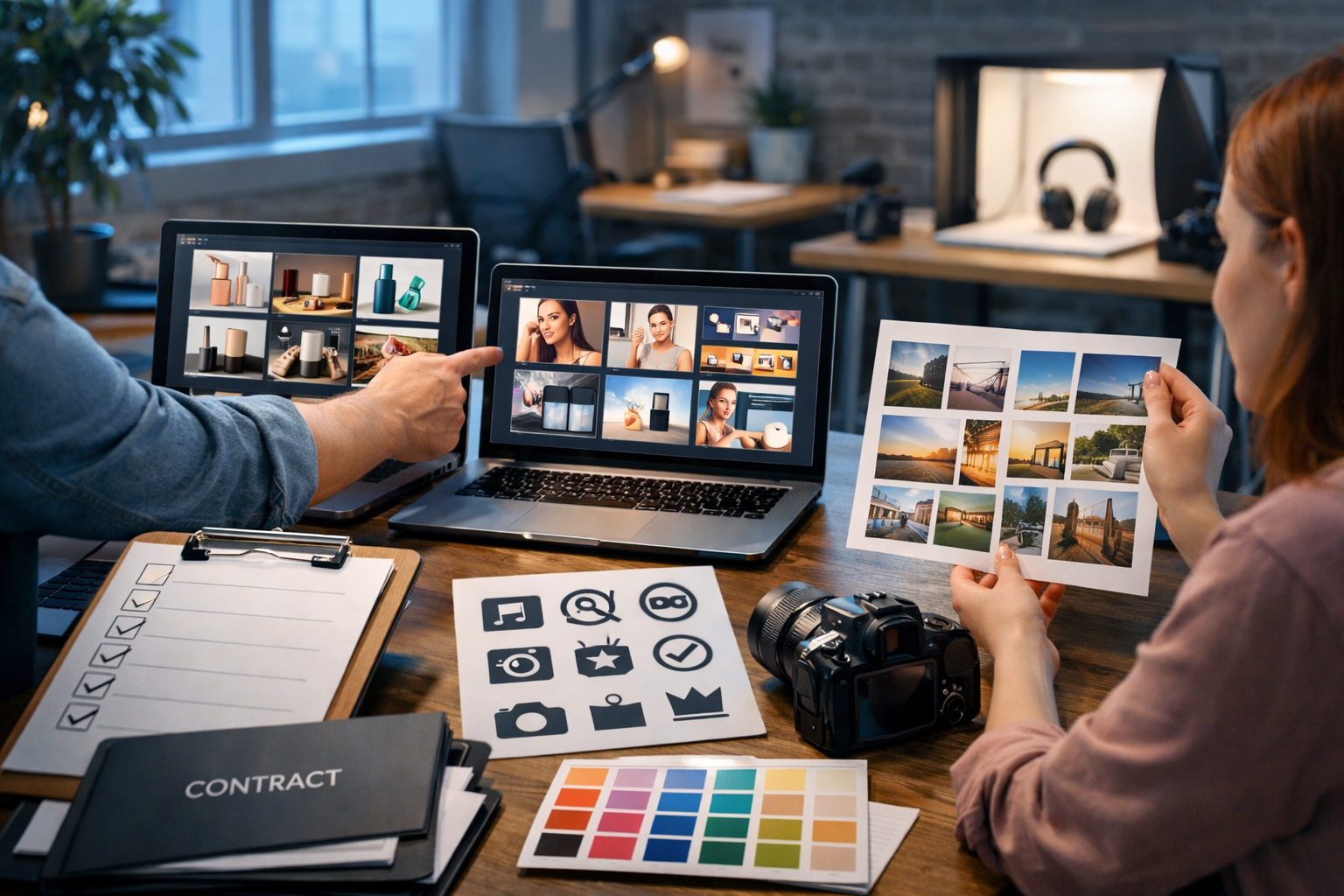
If you’re asking “where can I generate AI visuals with usage rights for business?”, you’re already thinking like a responsible marketer. The best answer isn’t just a tool name—it’s a checklist: you need a platform whose terms allow commercial use, a workflow that documents how assets were made, and practical guardrails that reduce IP and brand risks. This guide shows you exactly what to look for and how to produce business-ready visuals fast.
What “usage rights for business” actually means for AI visuals
“Usage rights” is a catch-all phrase, but in practice you need clarity on three areas: (1) whether you’re allowed to use the images commercially, (2) what restrictions apply (for example, prohibited content or reselling), and (3) who is responsible if the output causes a dispute.
Most reputable AI platforms allow commercial use on paid plans, but the details vary. Some allow marketing usage but restrict using outputs as stock assets. Others require you to avoid certain prompts (such as mimicking a specific artist’s style), or place limits on trademarks, celebrity likeness, and copyrighted characters.
Common licensing terms you’ll see (and what they mean)
- Commercial use permitted: you can use outputs in ads, websites, packaging, decks, and client work (subject to other rules).
- Ownership / assignment language: the provider may say you own outputs, or that you receive a broad licence to use them. Both can be workable if the licence is clear and perpetual.
- No illegal / harmful content: standard compliance clauses that also protect your brand.
- No infringement: you must not prompt for content that clearly copies protected IP (logos, characters, brand names, etc.).
- Indemnity limitations: many platforms do not indemnify you. That means your workflow and prompt discipline matter.
Where can you generate AI visuals with usage rights for business?
You can generate business-usable AI visuals on platforms that (a) explicitly allow commercial use in their terms, and (b) provide predictable, repeatable creation workflows for marketing teams. In practical terms, you want an all-in-one platform that supports image generation plus the surrounding content your campaign needs: copy, video and voice-overs.
Gen AI Last is designed for exactly this: generate professional marketing visuals from simple prompts, then immediately produce supporting text (ad copy, product descriptions, landing page sections), video creatives (reels, demos, explainers), and audio (voice-overs, narration, background music) under one account. For teams watching costs, all features are available from $10/month, which is particularly useful for startups and small businesses that need predictable budgeting. Explore our AI content tools to see the full set of generators.
Why “all-in-one” matters for commercial usage
Commercial usage isn’t only about the image. Real campaigns involve multiple assets, versions, and channels—each with its own requirements. When your workflow spans different tools, it becomes harder to maintain consistent prompts, track what was generated where, and keep brand guidelines aligned. A single platform reduces fragmentation: you can keep prompts and versions organised, maintain consistent brand tone in copy, and spin up compliant variations quickly.
The business-safe checklist: what to verify before you generate
Before you commit to any AI visual generator for business, verify these points. This is the fastest way to avoid expensive rework (or, worse, a takedown request after your campaign launches).
1) Commercial use permission (explicit, not implied)
Look for terms that clearly state you may use outputs commercially. If the wording is vague, assume it may not cover client work, paid advertising, or packaging.
2) Restrictions on IP: logos, characters, and “in the style of”
Even when commercial use is allowed, platforms usually prohibit generating trademarked logos (e.g., sports brands) or copyrighted characters. Many also restrict prompts like “in the style of [living artist]”. For business purposes, the safest approach is to prompt for outcomes using descriptive design language (lighting, composition, era, colour palette) rather than naming protected brands or artists.
3) Likeness and privacy rules
If your visuals include people, be careful with celebrity likeness, public figures, and private individuals. For product marketing, it’s often safer to use non-identifiable models, silhouettes, hands-only scenes, or fully synthetic characters that don’t resemble a real person.
4) Your input materials (uploads) must be cleared
If you upload brand assets, product photos, or customer images, ensure you have the rights to use them for AI generation. If a platform offers image-to-image or editing workflows, your upload permissions matter as much as the output licence.
5) Document your workflow (lightweight but consistent)
For most small teams, “documentation” can be simple: keep the prompt, generation date, and where you used the asset (ad set, email header, landing page hero). This gives you an audit trail if questions arise later.
How to generate business-ready AI visuals (step-by-step)
Here’s a practical workflow you can apply immediately—especially if you’re producing visuals for ads, product pages, social media, or presentations.
- Define the usage context: Paid ads need high clarity and immediate readability; landing pages need clean negative space; social needs bold composition for small screens.
- Write a brand-safe prompt: Describe scene, lighting, lens, composition and mood. Avoid brand names, logos, and protected characters.
- Generate variations: Create 4–8 options quickly, then shortlist based on brand fit and clarity.
- Run an IP sanity check: Look for accidental logo-like marks, recognisable characters, or close resemblance to a competitor’s distinctive packaging.
- Create channel versions: Resize or regenerate for banner, square, portrait. Maintain consistent palette and product framing.
- Pair with compliant copy: Produce headlines, descriptions, and CTA text that matches your claims and avoids unsubstantiated promises.
Gen AI Last makes this workflow faster because you can move from visual generation to supporting copy, video and voice-overs without switching tools. If you’re building a full campaign, that saves time and keeps creative direction consistent across formats.
Prompt examples you can use (commercial-friendly)
Below are prompt patterns that tend to produce business-appropriate visuals without leaning on risky IP references. Adapt the product, setting, and palette to your brand guidelines.
Example 1: Product hero image for an e-commerce page
Prompt: “Photorealistic studio product shot of a minimalist stainless-steel water bottle on a matte stone surface, soft natural window light from the left, shallow depth of field, subtle condensation droplets, neutral background with plenty of negative space, 50mm lens look, high detail, premium feel, no text, no logos, 16:9.”
Why it’s business-safe: No brand references, no celebrity likeness, and the output is a generic product-style scene suitable for marketing.
Example 2: Social ad creative for a SaaS offer
Prompt: “Modern home office desk scene with a laptop showing abstract analytics charts (non-branded), clean UI shapes, cool blue tech lighting, a notebook and pen, coffee mug, soft background blur, minimal composition with empty space on the right for future text overlay, photorealistic, no words, no logos, 1:1 square crop.”
Tip: Generate a few versions with different lighting (cool blue vs warm) to match different campaign moods.
Example 3: Banner image for a service business
Prompt: “Professional team meeting in a modern agency conference room, diverse group collaborating, sticky notes and wireframes on a wall (no readable text), warm golden hour light through large windows, candid documentary photography style, high realism, wide 16:9, no logos.”
Why it works: It communicates “real business” without using specific brands or copyrighted materials.
How to reduce legal and brand risk (without slowing down)
You don’t need a legal team to be sensible—you need repeatable rules. Use the safeguards below as standard operating procedure.
Avoid these high-risk prompt patterns
- “Make a logo like [famous brand]” (trademark risk).
- “In the style of [living artist]” (policy and rights risk).
- “A character that looks like [copyrighted character]” (copyright risk).
- Using competitor product names or distinctive packaging cues.
- Using real people’s names (likeness and privacy risk), unless you have explicit permission.
Prefer these low-risk alternatives
- Describe visual style with neutral terms: “minimalist”, “high-key lighting”, “cinematic depth of field”, “editorial photo”.
- Use mood-board language: “earthy palette”, “pastel gradients”, “industrial textures”.
- Specify composition: “negative space on the right”, “subject centred”, “top-down flat lay”.
- If you need a human element, use “non-identifiable model”, “hands holding product”, “silhouette”, or “back-of-head angle”.
Turning visuals into a complete campaign with Gen AI Last
A single image rarely ships alone. Once you have your visual direction, you typically need copy, variants, and sometimes motion assets. Gen AI Last is built for this end-to-end workflow:
- AI Image Generation: Create marketing visuals, product photos, social graphics and banners from prompts.
- AI Text Generation: Produce blog posts, product descriptions, email campaigns and social captions that match the visual concept.
- AI Video Generation: Convert a static creative concept into short marketing videos, product demos, reels or explainer-style clips.
- AI Audio Generation: Add voice-overs for ads, narration for explainers, podcast-style audio segments, or background music beds.
This is especially helpful for small teams because pricing is straightforward: all features are available across plans, starting at $10/month. You can view pricing from $10/month and scale up only when your output volume grows.
Practical example: launching a new product page in a day
Let’s say you’re launching a new skincare product and need compliant visuals quickly:
- Generate product-style visuals: clean studio shots, bathroom shelf lifestyle scenes, close-up texture backgrounds (no brand lookalikes).
- Create page copy: benefit-led description, ingredients summary (avoid medical claims), FAQs and meta description.
- Create social variants: square and portrait crops; alternative lighting for A/B testing.
- Create a short reel: a 10–15 second product teaser video using the same aesthetic.
- Add voice-over: a simple narration for the teaser, aligned with compliant claims and your tone of voice.
FAQs: AI visuals and commercial usage rights
Can I use AI-generated visuals in paid ads?
Usually yes, if the platform’s terms explicitly allow commercial use and your content complies with both the AI platform rules and the ad network’s policies. Keep an eye out for restricted categories (financial claims, health claims, before/after imagery) and avoid misleading visuals.
Do I “own” the AI images I generate?
It depends on the platform’s terms. Some state you own outputs; others grant you a broad licence to use them commercially. For most business use cases, what matters is clear, written permission for commercial usage, including client work if you’re an agency.
Is it safe to generate images that look like a competitor?
That’s a poor idea. Even if the image is “new”, copying distinctive trade dress (a recognisable packaging design, signature pattern, or brand cues) can create legal and reputational risk. Use your own brand guidelines and original design language.
What should I store for compliance?
At minimum: prompt text, date generated, tool used, and where you deployed the asset. If you used any uploads (product photos, brand assets), store proof you have rights to use those inputs.
A quick decision framework (so you choose the right tool)
When evaluating where you can generate AI visuals with usage rights for business, ask these three questions:
- Rights: Does the provider clearly permit commercial use for your exact use case (ads, client work, packaging, resale)?
- Risk controls: Are there policies and practical constraints that discourage generating protected IP or unsafe content?
- Workflow: Can you generate the full campaign (visuals + copy + video + audio) without tool sprawl?
Get started: create business-ready visuals without the tool chaos
If your goal is to generate marketing visuals efficiently while keeping an eye on usage rights and brand safety, use a platform that supports a complete workflow. Gen AI Last helps you generate images for campaigns and then immediately build the surrounding content—blogs, product copy, emails, videos and voice-overs—under one affordable subscription.
You can start creating for free, then move to a plan when you’re ready to scale. If you want to see what’s included before signing up, visit our AI content tools and map your next campaign end-to-end.
Reminder: This article provides practical guidance, not legal advice. If you’re producing high-stakes assets (major packaging runs, national campaigns, regulated industries), consider a professional legal review of your specific usage.
Ready to Create with Generative AI?
Join thousands of creators using Gen AI Last to generate text, images, audio, and video — all from one platform. Start your 7-day free trial today.
Start Free — Try 7 DaysQuick Links
Create AI content from $10/month
View Plans