Where can I generate AI visuals with usage rights for business?
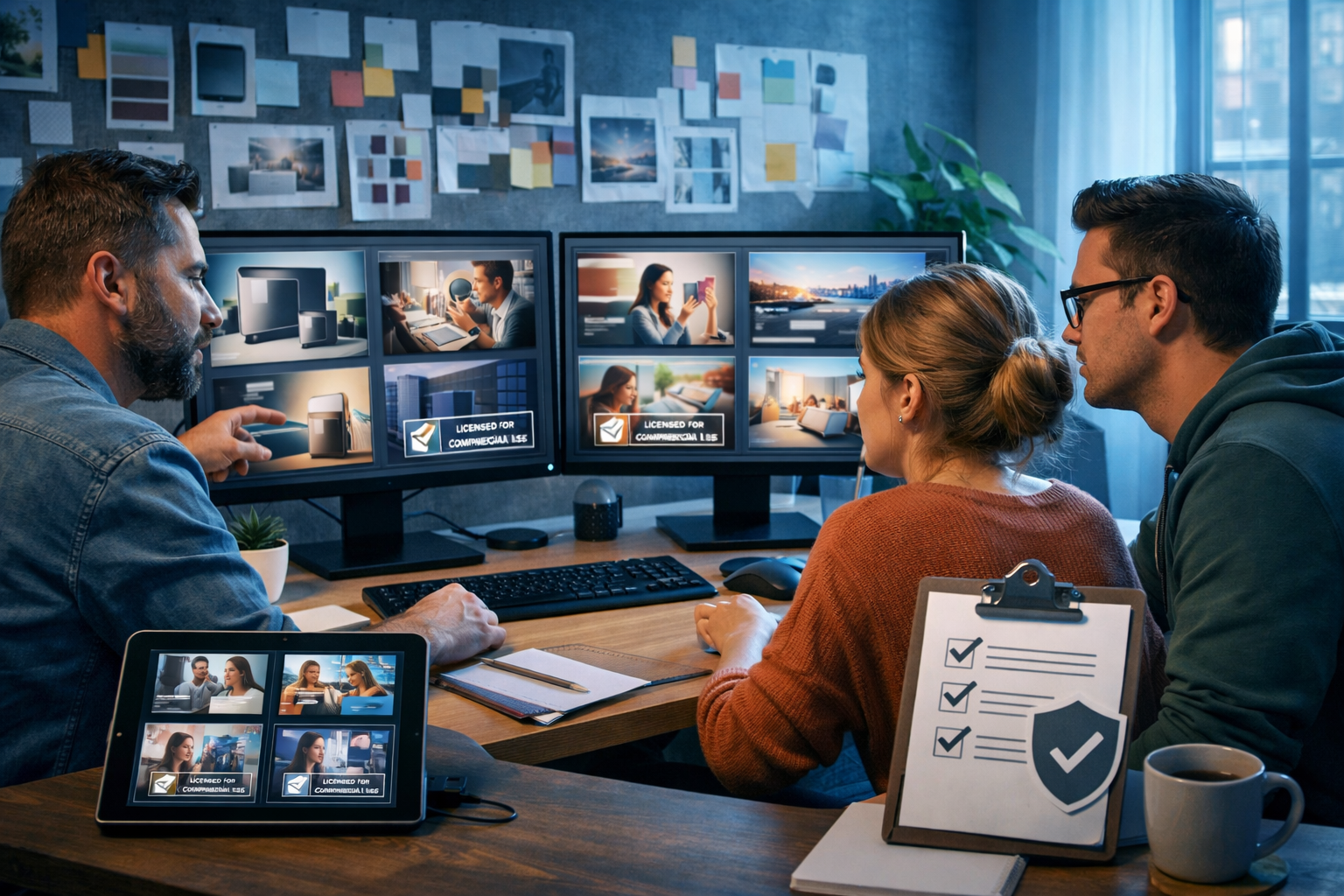
If you’re asking “where can I generate AI visuals with usage rights for business?”, you’re already thinking like a responsible marketer. The real challenge isn’t just creating attractive images and graphics—it’s ensuring you can legally and confidently use them in ads, websites, packaging, client work and social campaigns. This guide explains what “usage rights” actually means in practice, what to check before you publish, and how to build a repeatable workflow for commercial-ready AI visuals.
What “usage rights for business” really means
When people say “usage rights”, they usually mean commercial use: permission to use the output to promote or sell products or services, including in paid advertising. But business usage rights can include several different layers, and it’s worth being precise so you’re not caught out later.
- Commercial licence: the tool’s terms explicitly allow business use of generated images (ads, websites, packaging, social posts, client deliverables).
- Ownership / assignment: whether you own the output, or you merely have a licence to use it.
- Exclusivity: whether other users can generate similar images (most AI outputs are non-exclusive).
- Indemnity / protection: whether the provider offers any legal support if a third party claims infringement (many tools do not, especially at low cost tiers).
- Restrictions: limitations like “no trademarks”, “no sensitive content”, “no using outputs to train competing models”, or “no using for certain regulated industries”.
In short: “usage rights for business” is not just a checkbox—it’s a combination of terms, provenance, and how you use the visuals in the real world.
Where can you generate AI visuals with usage rights for business?
You typically have three practical options. The best choice depends on your risk tolerance, budget, and how “brand-critical” the visuals are (for example, a hero image on your homepage vs. a quick internal slide deck).
1) All-in-one AI platforms with commercial-friendly terms
For startups and small teams, an all-in-one platform is often the most efficient route: you create visuals, write the supporting copy, generate voice-over and even produce short marketing videos—all under one set of terms and one subscription.
Gen AI Last is built for exactly this: a single place to create marketing visuals, product images, social graphics and banners—plus the text, audio and video assets you’ll need to publish a complete campaign. You can explore our AI content tools and build a workflow that covers everything from concept to creative execution.
Why this approach helps with “usage rights for business” in day-to-day work:
- Consistency: fewer tools means fewer conflicting terms to track.
- Speed: generate multiple image options and matching copy quickly for A/B tests.
- Integrated production: turn an image concept into a short video or ad creative without switching platforms.
If budget matters, Gen AI Last includes text, image, audio and video generation from $10/month. You can view pricing from $10/month and choose a plan that fits a lean marketing team.
2) Design tools with built-in generative features
Many design suites now include AI image generation or AI-assisted editing. These can work well if your team already lives in a particular design ecosystem and you need tight layout controls.
However, you still need to read the terms carefully: built-in AI features may have separate conditions from the design tool itself, and some features may have geographic or account-tier limitations. For businesses, the key is not “does it generate?” but “can we use this output in paid marketing and client work without restrictions we can’t meet?”
3) Stock libraries and hybrid workflows (AI + stock)
For the lowest legal ambiguity, some teams use stock imagery (with a clear licence) and then use AI to create supporting visuals: backgrounds, abstract textures, concept imagery, seasonal variations, or “non-identifiable” scenes. This can be a safe path for regulated industries or high-visibility campaigns.
The trade-off is speed and uniqueness: stock is fast, but it can look generic. AI is unique, but you must manage brand safety, likeness and trademark risks. A hybrid approach often provides the best balance.
A practical checklist: how to evaluate AI image usage rights
Before you commit to any tool, run through this checklist. It’s written for busy founders and marketers—not lawyers—so you can identify red flags quickly.
- Commercial use is explicitly permitted. Look for clear language allowing business and promotional use, including paid ads.
- Rights to output are clear. Do you own the output, or is it licensed? Either can work, but it must be unambiguous.
- Client work is allowed (if you’re an agency). Some tools restrict resale or client deliverables on certain tiers.
- Training/data usage is transparent. Understand whether your prompts or outputs may be used to train models and whether you can opt out (important for confidential product launches).
- No “gotcha” restrictions. Watch for clauses that ban use in certain industries, restrict volumes, or prohibit specific marketing contexts.
- Content policies align with your brand. If you operate in finance, health or children’s products, you need predictable moderation and brand safety rules.
- Record-keeping is feasible. Can you store prompts, versions and timestamps? This helps if a platform or advertiser requests provenance.
If you can’t answer at least the first three confidently, don’t use the tool for customer-facing work.
Common business risks (and how to avoid them)
Even with “commercial usage allowed”, you can still create visuals that cause problems. The biggest issues tend to be avoidable with a few habits.
Accidental trademarks and branded lookalikes
AI can unintentionally produce shapes, colourways or partial logos that resemble real brands—especially if you ask for “in the style of” a well-known company. Avoid prompts that reference trademarked brands, and review outputs at 100% zoom before publishing.
- Do: “minimalist sports shoe on white background, studio lighting, generic branding”.
- Don’t: “Nike-style shoe with swoosh”.
Recognisable people and likeness rights
If a generated image looks like a real person (even unintentionally), you can run into likeness and publicity rights issues. For business use, it’s usually safer to:
- Use non-identifiable models (back-of-head, hands, silhouettes).
- Use stylised illustration for “people” scenes.
- If you need real faces, consider using licensed stock portraits or photographed team members with signed releases.
“In the style of” prompts
Prompting for the style of a living artist can create reputational and legal risk, even if the platform technically allows it. A safer alternative is to describe the style using neutral visual language (lighting, colour palette, era, medium, composition) rather than a named person.
A simple workflow to create commercial-ready AI visuals
Here’s a practical end-to-end process you can use for landing pages, ads, product launches and social campaigns. It’s designed for small teams that need speed without sacrificing governance.
Step 1: Define the business use case (and the risk level)
Write one sentence: Where will this visual be used? Examples: “Meta ads for a paid campaign”, “homepage hero banner”, “client pitch deck”, “Amazon listing images”. The higher the visibility and the more money behind it, the more rigorous you should be.
Step 2: Build prompts that avoid rights pitfalls
Use prompts that specify composition and brand tone rather than referencing existing brands, characters or artists. For business visuals, include:
- Subject: product, scene or concept.
- Setting: studio, home office, outdoor, retail shelf.
- Lighting: softbox, golden hour, cool tech light.
- Camera framing: wide 16:9 banner, close-up, top-down.
- Brand palette: “teal and charcoal accents” (avoid brand names).
Example prompt (social ad background): “Photorealistic modern desk setup with laptop, coffee cup, soft natural window light, neutral beige and charcoal palette, shallow depth of field, plenty of negative space on the left for ad copy, 16:9 wide.”
Step 3: Generate variations and select the safest option
Generate multiple options and choose the one with the fewest potential issues: no strange pseudo-logos, no recognisable faces, no suspicious product shapes. This is where an all-in-one platform saves time—create variations, then immediately generate matching headlines and captions alongside the chosen creative using our AI content tools.
Step 4: Run a quick “commercial readiness” review
Make this a 3-minute team habit:
- Zoom in: check corners, clothing, packaging and signage for accidental marks.
- Check for faces: does anyone look like a real person?
- Check claims: if the visual implies performance (e.g., “before/after”), confirm your copy is compliant.
Step 5: Publish as a complete asset set (image + copy + audio/video)
Businesses rarely need “just an image”. You often need a banner, a square crop, a story format, plus the copy and possibly a voice-over for a reel. With Gen AI Last you can generate:
- AI images: marketing visuals, product photos, social graphics, banners.
- AI text: ad headlines, landing page sections, email campaigns.
- AI audio: voice-overs, narration, background music.
- AI video: short promos, product demos, social reels and explainers.
This reduces tool sprawl and helps you keep a consistent brand voice across channels.
Examples: business visuals you can generate (and how to brief them)
Below are common commercial scenarios with prompt patterns that tend to work well. Adjust the product details and brand palette to match your business.
Example 1: SaaS landing page hero image
Goal: convey productivity and trust without using brand names or real UI from competitors.
- Prompt pattern: “Modern office scene, abstract dashboard on screen, generic charts, clean minimal style, soft natural lighting, 16:9 wide, negative space for headline.”
- Usage tip: keep screens generic; add your real product screenshot separately if you have rights to it (you do).
Example 2: E-commerce product backdrop and lifestyle shot
Goal: create on-brand scenes for ads and listings without copying a competitor’s packaging or design language.
- Prompt pattern: “Photorealistic studio product photo setup, neutral seamless paper background, softbox lighting, premium shadows, no labels, no logos, 16:9 and 1:1 variants.”
- Usage tip: avoid generating branded packaging; instead, generate clean scenes and composite your approved product packshots if needed.
Example 3: Social ad creative (multiple variants for testing)
Goal: produce 5–10 visual angles quickly (colour, setting, composition) and pair each with matching copy.
- Prompt pattern: “Dynamic abstract background, brand palette accents, subtle gradient, modern texture, lots of empty space for text overlay, 4K, 1:1 and 9:16.”
- Workflow tip: generate the image variants, then use AI text generation for 10 headline options and 5 primary text options per variant to run structured A/B tests.
How Gen AI Last supports business-ready visual creation
Gen AI Last is designed to help small teams produce professional creative assets without stitching together multiple subscriptions. From a single prompt, you can move from concept to campaign-ready output:
- Generate AI visuals: create marketing images, banners and social graphics to match your brand tone.
- Generate supporting copy: turn the same concept into landing page text, product descriptions and email sequences.
- Add audio and video: produce voice-overs and short videos for ads and reels, maintaining consistent messaging.
If you want to test it first, you can start creating for free and then scale up when you’re ready. For many businesses, the key advantage is predictable costs: all features are available from $10/month, which you can confirm on view pricing from $10/month.
FAQ: quick answers to common “usage rights” questions
Can I use AI-generated visuals in paid ads?
Usually yes if the platform permits commercial use, but you must also comply with the ad platform’s policies (for example, restrictions around misleading claims, sensitive attributes, and political content). Always review your final creative for trademarks, likeness and prohibited content.
Do I need to credit the AI tool?
Many tools do not require attribution for commercial use, but requirements vary. Even when attribution isn’t required, keep internal records of what tool you used and when you generated the asset.
Are AI visuals copyright-safe?
There’s no universal guarantee. “Commercial use allowed” doesn’t automatically mean “risk-free”. The safest approach is to avoid brand names, avoid “in the style of” living artists, avoid recognisable real people, and run a consistent review process before publishing.
What if I’m generating visuals for clients?
Check that your tool’s terms allow client deliverables and commercial work. Then add a simple clause in your client agreement explaining that some assets may be AI-generated, and how usage rights are handled. Agencies should also store prompts and versions as part of project documentation.
Conclusion: choosing the right place to generate AI visuals for business use
The best answer to “where can I generate AI visuals with usage rights for business?” is: use a platform that clearly permits commercial use, keeps terms straightforward, and helps you create complete campaigns—not just standalone images. Then back it up with a practical review checklist that avoids trademarks, recognisable faces and “style-of” prompts.
If you want an affordable, all-in-one option that supports images, text, audio and video in one place, explore our AI content tools and build your first set of commercial-ready creatives. When you’re ready to scale output for marketing, you can view pricing from $10/month or start creating for free.
Ready to Create with Generative AI?
Join thousands of creators using Gen AI Last to generate text, images, audio, and video — all from one platform. Start your 7-day free trial today.
Start Free — Try 7 DaysQuick Links
Create AI content from $10/month
View Plans