Where can I generate AI visuals with usage rights for business?
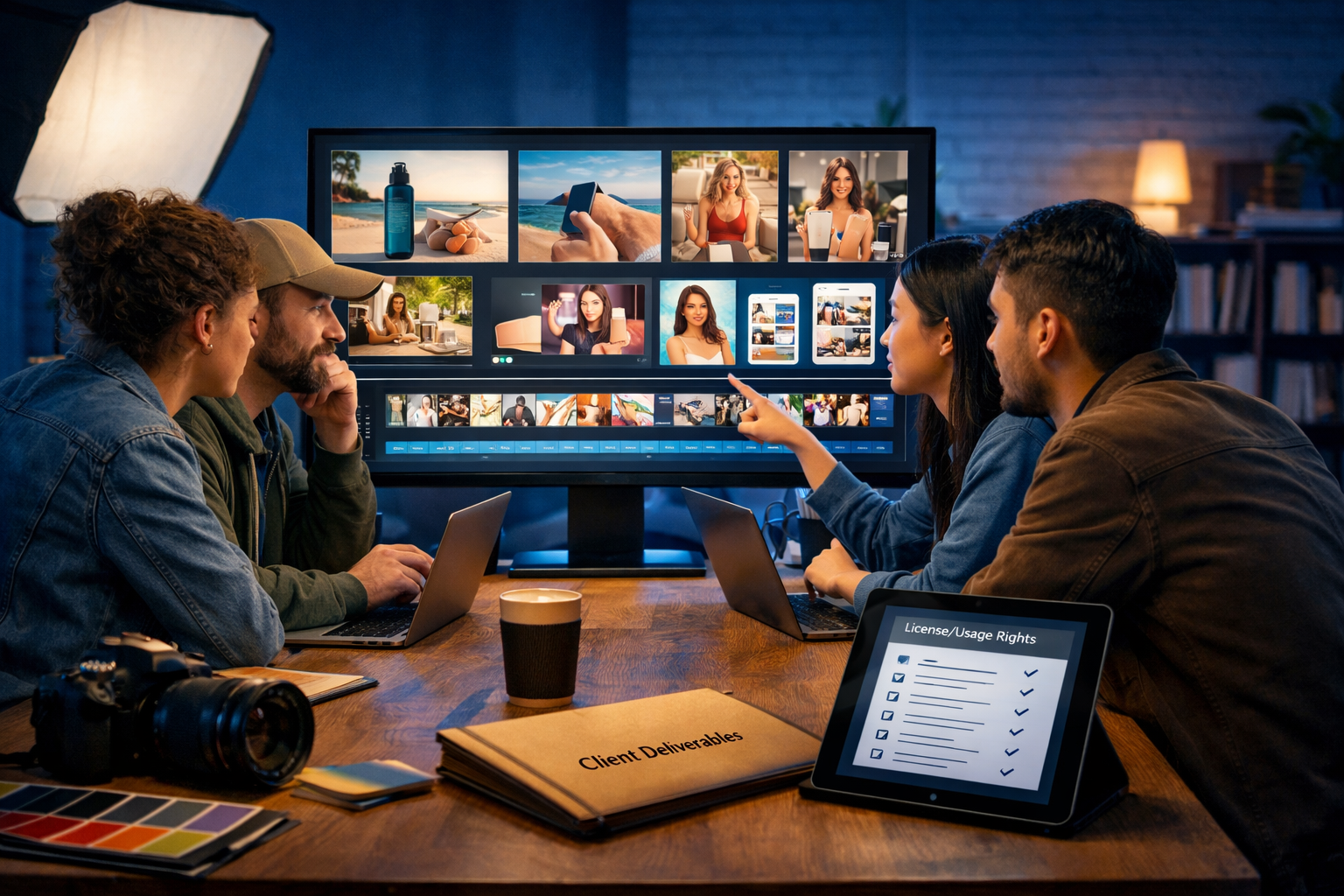
If you’re asking “where can I generate AI visuals with usage rights for business?”, you’re already thinking like a professional. The best answer isn’t just a tool name—it’s a checklist: you need clear commercial terms, predictable outputs, and a workflow that lets you document what you made and why you’re allowed to use it.
What “usage rights for business” actually means (and what it doesn’t)
When people say they want “usage rights”, they usually mean commercial use: the ability to use visuals in marketing, websites, packaging, ads, client work, and monetised content without breaching a platform’s rules. In practice, business usage rights typically hinge on three areas:
- The tool’s licence terms: Does the provider allow commercial use? Are there restrictions on resale, print runs, trademarks, or sensitive categories?
- Your inputs: Are you uploading customer photos, brand assets, or copyrighted images? Your rights to inputs matter.
- Output risk: Even if “commercial use” is allowed, you still need to avoid infringing content (e.g., famous characters, brand logos, lookalike products, or identifiable people without consent).
Also note what usage rights doesn’t automatically mean: it rarely guarantees you can trademark the image, claim exclusive ownership, or use it in regulated contexts without additional checks. AI outputs can be legally and ethically complex, so treat them like any other creative asset: licence + compliance + good judgement.
Where can you generate AI visuals with business usage rights?
You can generate AI visuals with usage rights for business in three main places. The best option depends on how much control, speed, and documentation you need.
1) All-in-one platforms built for marketing workflows
If your goal is consistent business content—ads, banners, social graphics, product shots, and short promo videos—an all-in-one platform is often the most practical route. You want a single account, a predictable subscription, and the ability to generate supporting copy, voice-overs, and video from the same creative direction.
Gen AI Last is designed for exactly this: you can generate professional images and also create matching text, video, and audio from simple prompts—useful when you’re producing full campaigns rather than isolated images. If you want to explore the toolkit, see our AI content tools and how they fit together in a marketing workflow.
2) Specialist image-only generators with commercial terms
Some providers focus primarily on image generation and offer commercial usage in their terms. This can be suitable if you only need still imagery and you already have other tools for copy, video editing, and voice.
The trade-off is often fragmentation: you generate images in one place, write captions elsewhere, build motion assets in another tool, and end up duplicating prompts and brand guidance across multiple subscriptions.
3) Enterprise platforms with custom indemnities
If you’re a larger organisation with strict legal requirements, you may prefer enterprise solutions with custom contracts, content filters, audit trails, and (sometimes) indemnity terms. These can be robust but are often costly and slower to adopt. For many startups and small teams, this level of procurement is unnecessary—provided you follow a strong compliance checklist.
A practical checklist: how to verify “commercial use” before you generate
Before you commit any AI-generated visual to a client deliverable or ad campaign, run through the following checks. This is the fastest way to reduce risk and avoid rework.
- Read the provider’s licence terms (not just a FAQ). Confirm commercial use is allowed on your plan. Look for exclusions like NFTs, resale of unmodified outputs, or content categories.
- Check whether attribution is required. Many business users prefer tools that do not require public attribution in ads or on packaging.
- Confirm your rights to the inputs. If you upload a customer photo, brand mascot, or competitor image, you may create legal issues regardless of the generator’s licence.
- Avoid trademarked or recognisable brand elements. Do not prompt for “in the style of Nike” or include logos, packaging, or specific product designs that could cause confusion.
- Avoid identifiable people unless you have consent. For commercial ads, treat AI “lookalikes” as high risk—especially for public figures.
- Document the prompt and date. Keep a simple log (project name, prompt, iteration notes). It’s helpful for client transparency and internal review.
- Run a quick “confusion test”. Ask: could a normal viewer think this image is endorsed by a brand, depicts a real person, or copies a known character? If yes, revise.
What to generate for business: visuals that typically work well
Business-safe visual generation is easiest when you focus on assets that don’t need real people or recognisable IP. Here are reliable categories that often perform well in marketing and have lower rights risk when you keep them generic and original:
- Product lifestyle scenes using non-branded props (e.g., a skincare bottle mock-up on marble, a coffee bag on a wooden counter).
- Abstract backgrounds for banners, landing pages, and presentation slides.
- Conceptual illustrations for blog headers (e.g., cybersecurity, finance, SaaS onboarding).
- Social media creative variations (different colours, angles, compositions) to A/B test performance.
- Short marketing videos built from a consistent visual theme, combined with AI voice-over and background music.
How to create business-ready visuals with Gen AI Last (end-to-end workflow)
If your real need is “generate AI visuals with usage rights for business and ship campaigns quickly”, an integrated workflow saves time. Gen AI Last brings text, image, video, and audio together so your campaign assets stay consistent across channels.
Step 1: Define the commercial brief (so your visuals stay compliant)
Write a short brief before prompting. Include: product category, audience, usage channel (Meta ads, website hero, Amazon listing), and a “do not include” list (logos, celebrity likeness, trademarked characters). This prevents accidental infringement and reduces revisions.
Example brief: “Generate original lifestyle imagery for a generic ceramic travel mug. Target: remote workers. Channel: Instagram ads. Do not include any logos, brand names, recognisable app interfaces, or celebrity faces.”
Step 2: Generate image concepts (multiple options fast)
In Gen AI Last’s AI Image Generation, start with 5–10 concepts rather than trying to perfect one prompt. Select two winning directions, then iterate.
- Prompt for safe originality: specify environment, lighting, camera lens feel, colour palette, and composition—avoid referencing living artists or brand styles.
- Build a “brand look”: reuse a consistent palette and mood (e.g., warm natural light + clean minimal props) across all images.
Example prompt (image): “Photorealistic product lifestyle shot of a plain ceramic travel mug on a tidy home office desk, soft natural morning light, neutral beige and slate palette, shallow depth of field, minimal props (notebook, pen, plant), no logos, no text, 16:9 wide.”
Step 3: Turn the visual direction into campaign copy
Once you have a visual direction, use AI Text Generation to produce the supporting assets: ad headlines, primary text, landing page sections, and email follow-ups—aligned with the same tone.
This is where all-in-one matters: the image and the copy should tell the same story (same benefit, same audience pain point, same CTA). If you want everything in one place, explore our AI content tools.
Step 4: Create short videos from the same campaign theme
For many businesses, still images are only half the battle—Reels, Shorts, and TikTok-style creatives often outperform static posts. With Gen AI Last’s AI Video Generation, you can produce short marketing videos, product demos, and explainer videos based on the same concept you used for images.
- Create 2–3 variants (different hooks in the first 2 seconds).
- Keep visuals generic and brand-safe: avoid interfaces or packaging that resembles competitors.
- Export in formats suited to your channels (wide for YouTube, vertical for Reels/Shorts where available).
Step 5: Add voice-over and background audio (without licensing headaches)
Audio is where many teams lose time—finding royalty-free music, recording clean voice, and syncing it all. Gen AI Last’s AI Audio Generation can create voice-overs, narration, and background music to match your visuals and script, helping you move faster while keeping the asset chain in one platform.
Example (voice-over script): “Meet the mug that keeps up with remote work—lightweight, durable, and ready for your next deep-focus session. Grab yours today.”
Common pitfalls when generating AI visuals for commercial use
Even when a tool allows commercial use, these mistakes can create business risk:
- Accidental logos and brand marks: AI sometimes invents near-logo shapes. Zoom in and review before publishing.
- “In the style of” prompts: This can increase the chance of imitation claims. Use descriptive art direction instead (lighting, palette, composition).
- Lookalike people: Avoid prompts that generate a recognisable celebrity vibe. For ads, use either clearly fictional characters or obtain proper releases for real models.
- False product claims: Visuals that imply certifications, medical effects, or capabilities you don’t have can breach ad policies.
- Inconsistent brand identity: Generating one-off images without a style guide leads to a messy feed and weaker conversion.
A simple “business-safe” prompting framework (copy/paste)
Use this framework to generate original visuals while reducing rights-related risk:
- Subject: what is the product or concept?
- Setting: where is it (home office, studio, café, warehouse)?
- Lighting: soft natural, golden hour, cool tech, neon accents.
- Camera/composition: wide 16:9, close-up, shallow depth of field, rule of thirds.
- Brand palette: 2–4 colours to keep consistent.
- Negatives: no logos, no text, no watermarks, no trademarks, no celebrity likeness.
Example prompt: “Photorealistic 16:9 wide hero image of a generic eco-friendly cleaning spray bottle on a kitchen counter, soft natural daylight, clean minimal styling, mint green and white palette, subtle bokeh background, no logos, no labels, no text, no watermark, no recognisable brands.”
How to choose the right plan (cost matters for small teams)
If you’re a startup or small team, costs can spiral quickly when you pay separately for copywriting tools, image generators, video tools, and voice-over subscriptions. Gen AI Last includes full access to text, image, audio, and video generation starting from $10/month—a practical way to keep content production predictable.
To compare options, view pricing from $10/month. If you want to test a workflow first, start creating for free and build a small set of business-safe assets (one image concept, one short video, one voice-over, and three ad captions).
FAQ: generating AI visuals with usage rights for business
Can I use AI-generated visuals in paid ads?
Usually yes, if the provider’s terms allow commercial use and your content complies with advertising policies (no misleading claims, no prohibited categories, no trademark confusion). Always review the final creative for accidental logos or brand-like elements.
Can I sell AI-generated images to clients?
It depends on the tool’s licence restrictions and how you’re delivering the work (standalone asset sale vs part of a broader service). If you’re producing marketing campaigns, keep your prompts, iterations, and delivery notes so you can show provenance and intent.
Do I automatically “own” AI visuals?
Ownership and copyright can vary by jurisdiction and specific circumstances. For business purposes, focus on what you can use legally (licence + compliance), and avoid high-risk content (trademarks, famous characters, identifiable people) unless you have permissions.
What’s the safest type of AI visual for commercial use?
Original, non-branded product lifestyle scenes, abstract backgrounds, and conceptual imagery tend to be safer than anything involving known IP, celebrity likenesses, or replicating a specific artist’s style.
Conclusion: the best place is the one that combines rights clarity with a campaign workflow
So, where can you generate AI visuals with usage rights for business? Choose a platform that clearly supports commercial use, fits your workflow, and helps you produce complete campaigns—not just one-off images. Gen AI Last is built for that end-to-end process: generate visuals, write the copy, create the video version, and add voice-over and music in one place—without stacking multiple subscriptions.
If you want a practical next step, start creating for free, generate three brand-safe image concepts with the prompting framework above, and turn the best one into a short video ad with matching captions.
Ready to Create with Generative AI?
Join thousands of creators using Gen AI Last to generate text, images, audio, and video — all from one platform. Start your 7-day free trial today.
Start Free — Try 7 DaysQuick Links
Create AI content from $10/month
View Plans